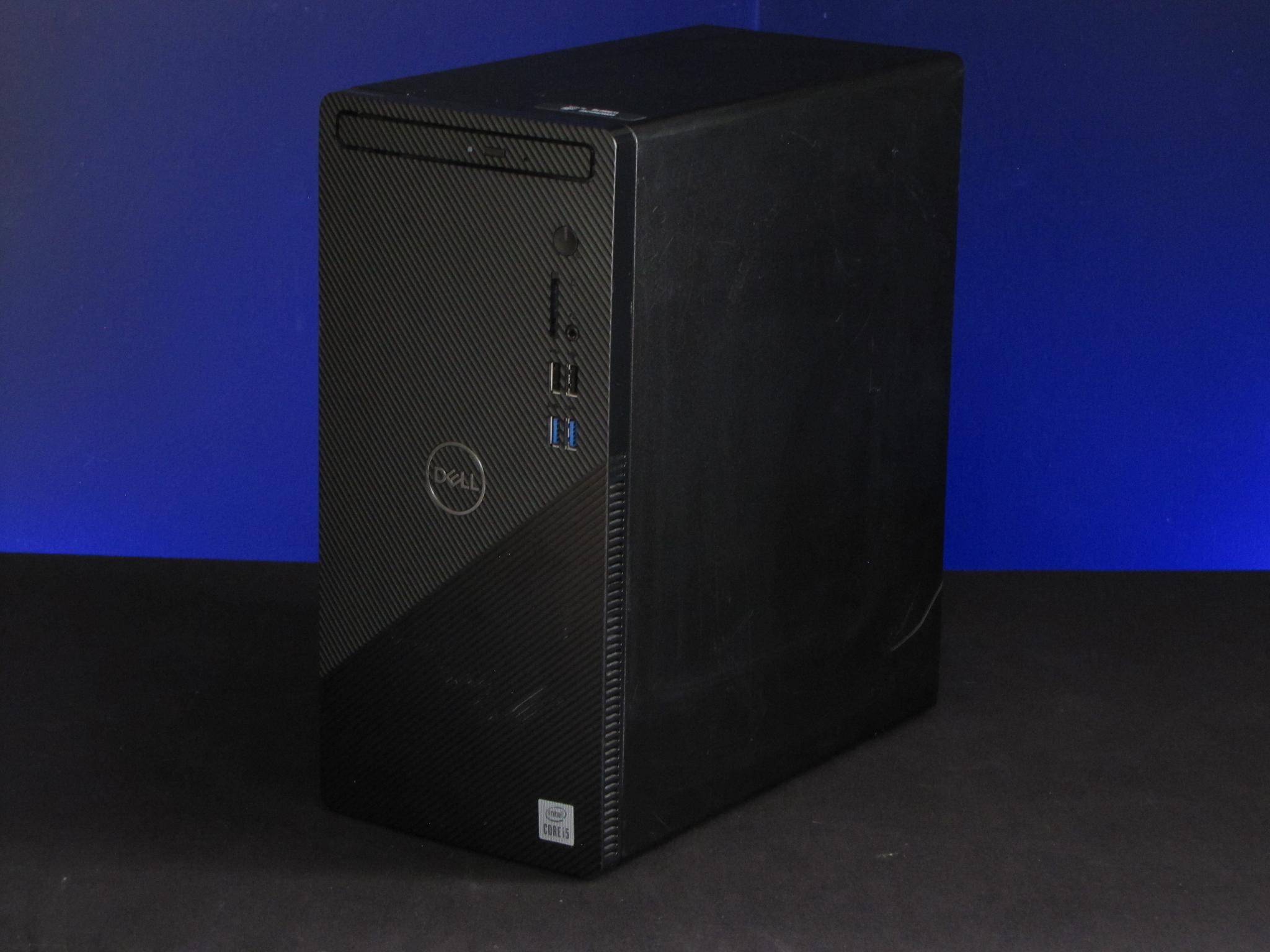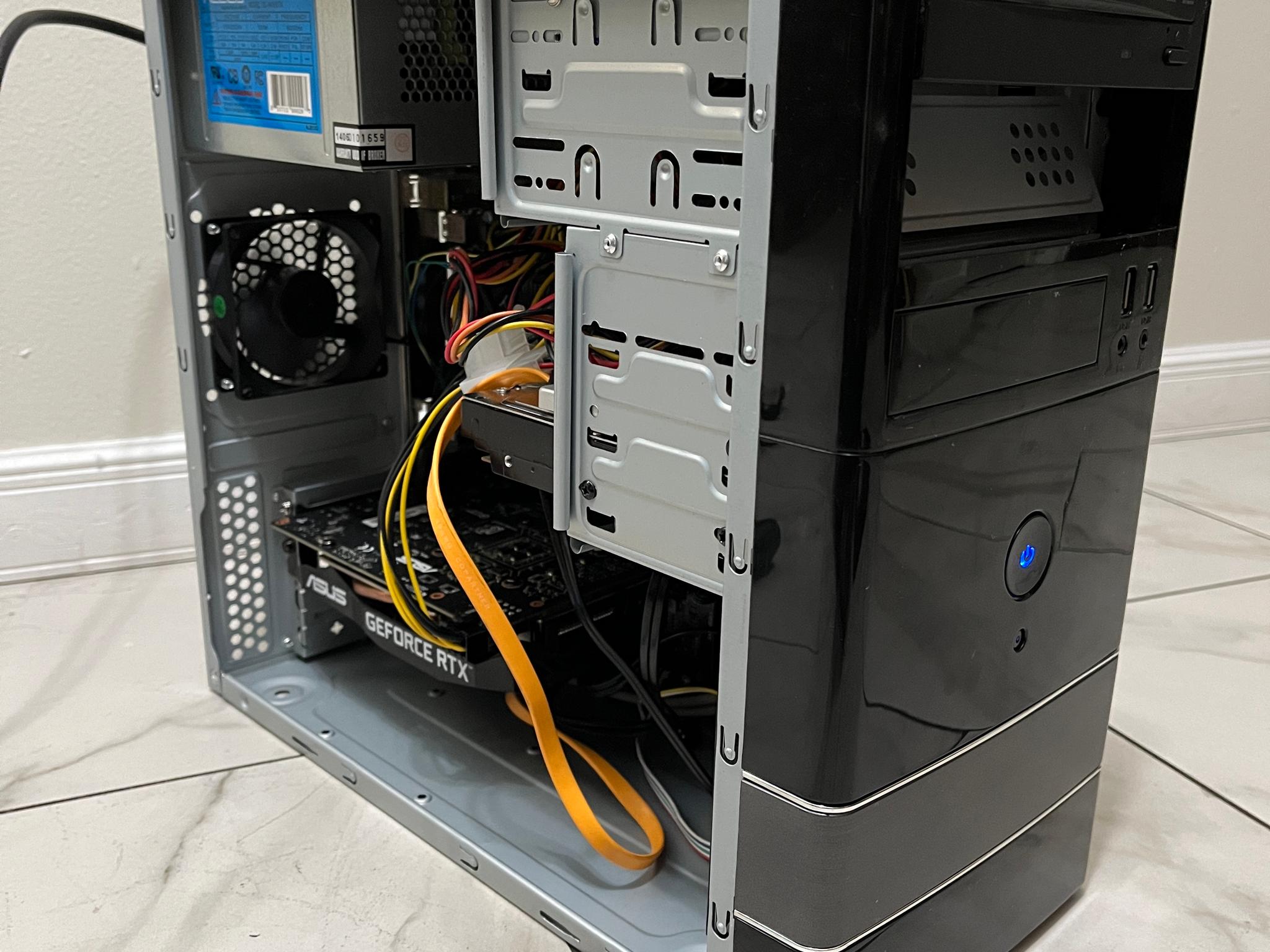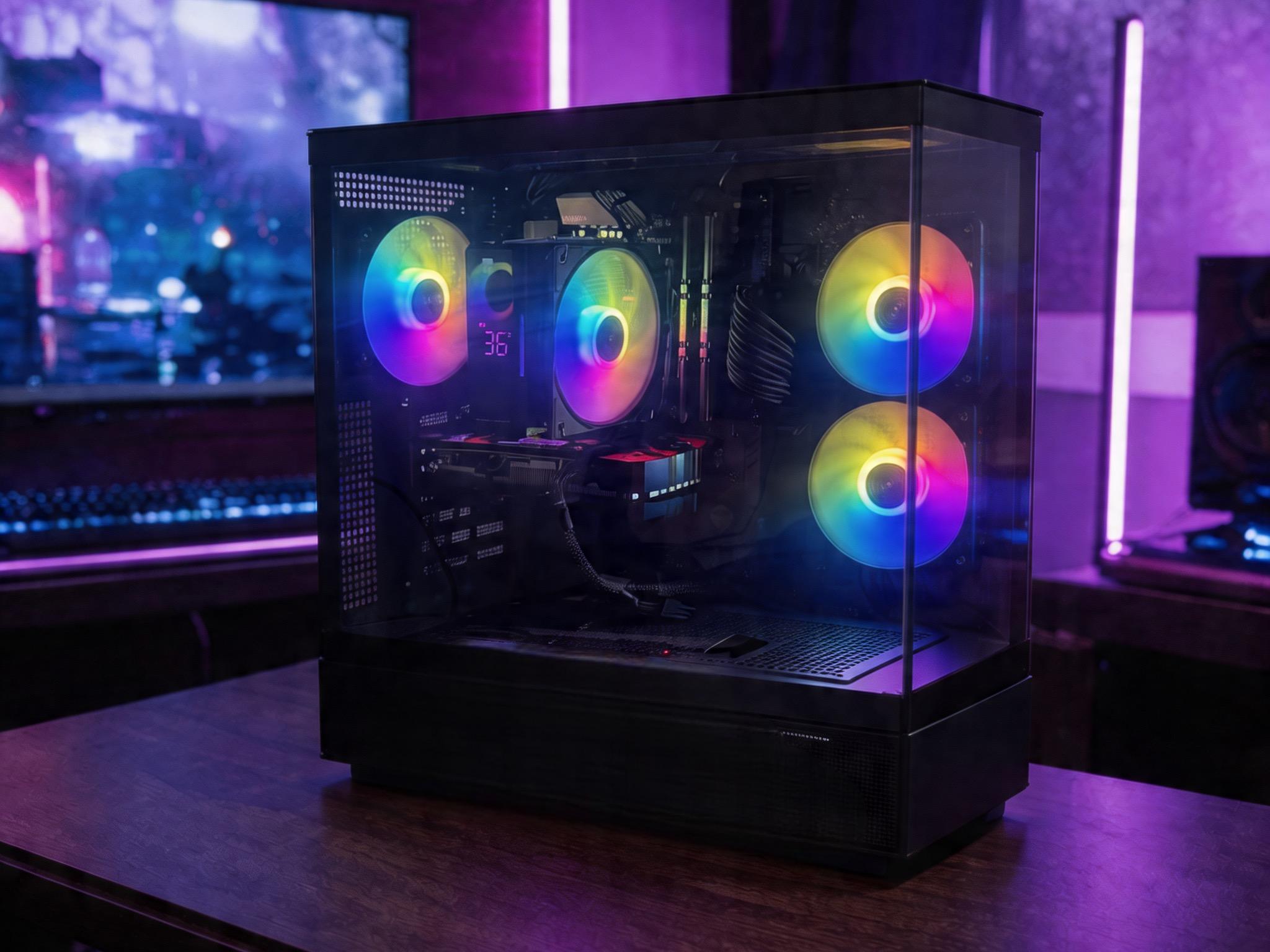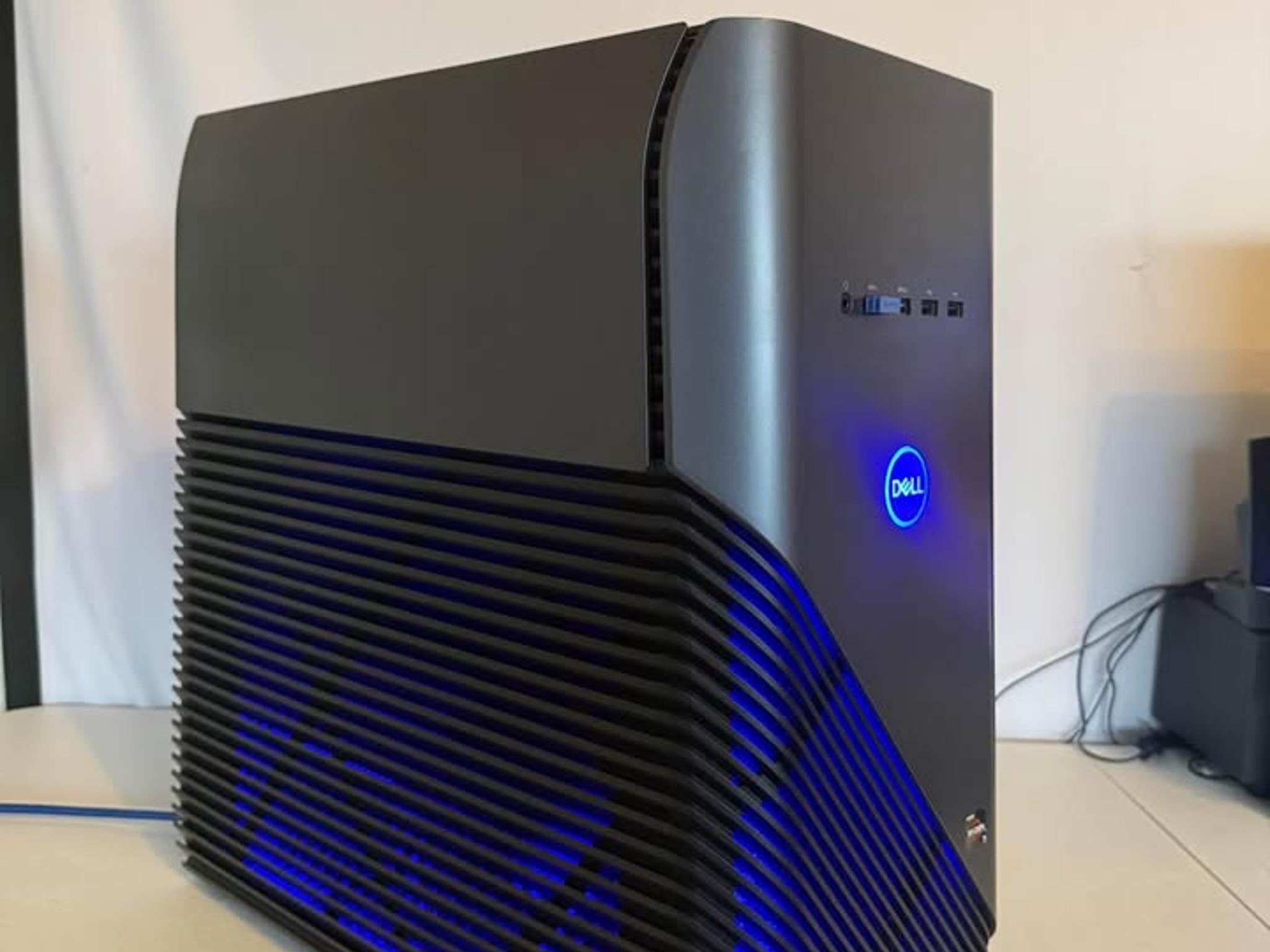
Gaming PC iBUYPOWER Trace 4 with a Ryzen 5 6 cores and 12 threads 3600 RX 5500 XT (4GB VRAM
SAVE 19%
$450.00Was $550.00(-19%)
These scores summarize real-world gaming performance and value based on this PC's components and price.
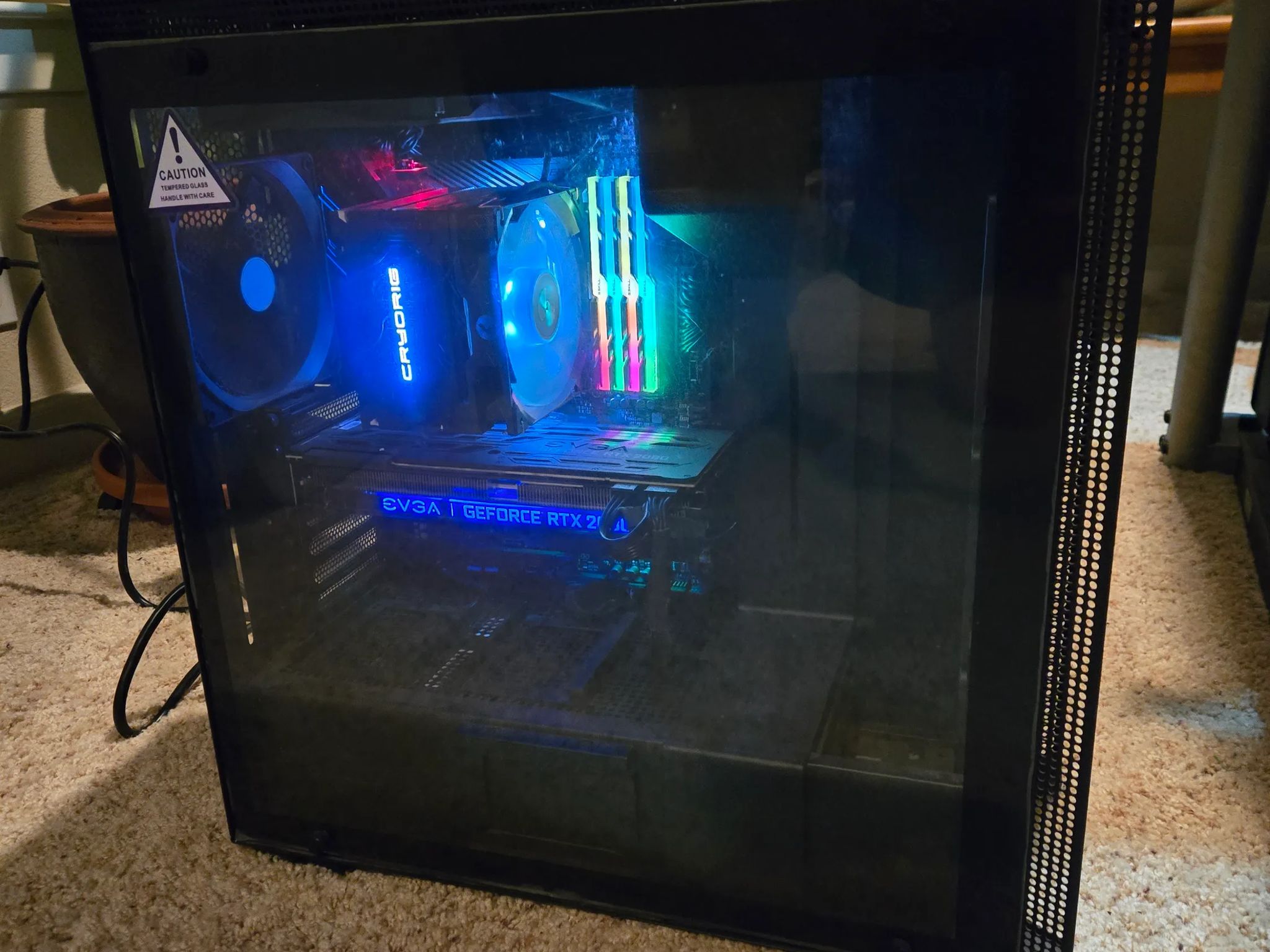
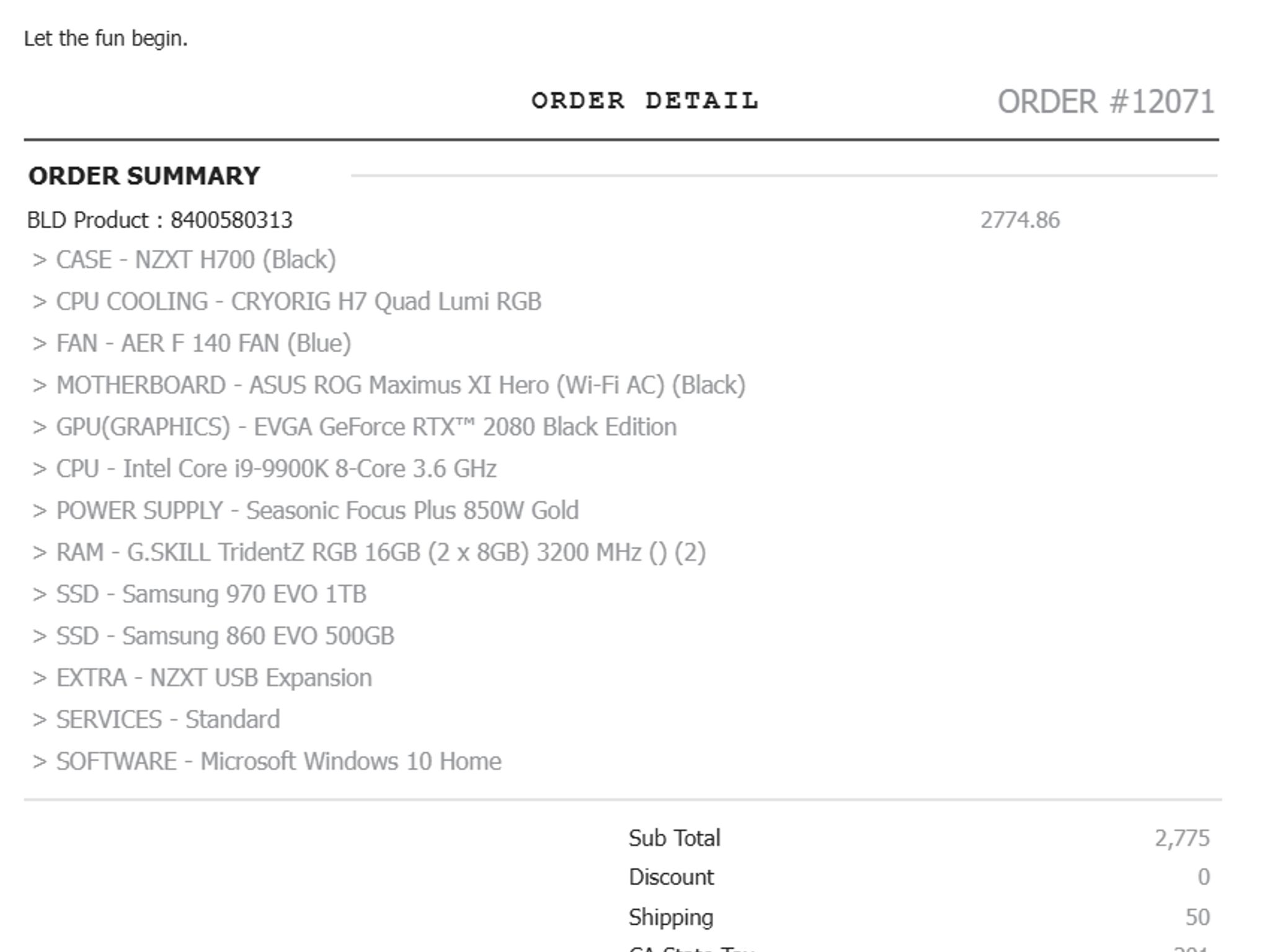
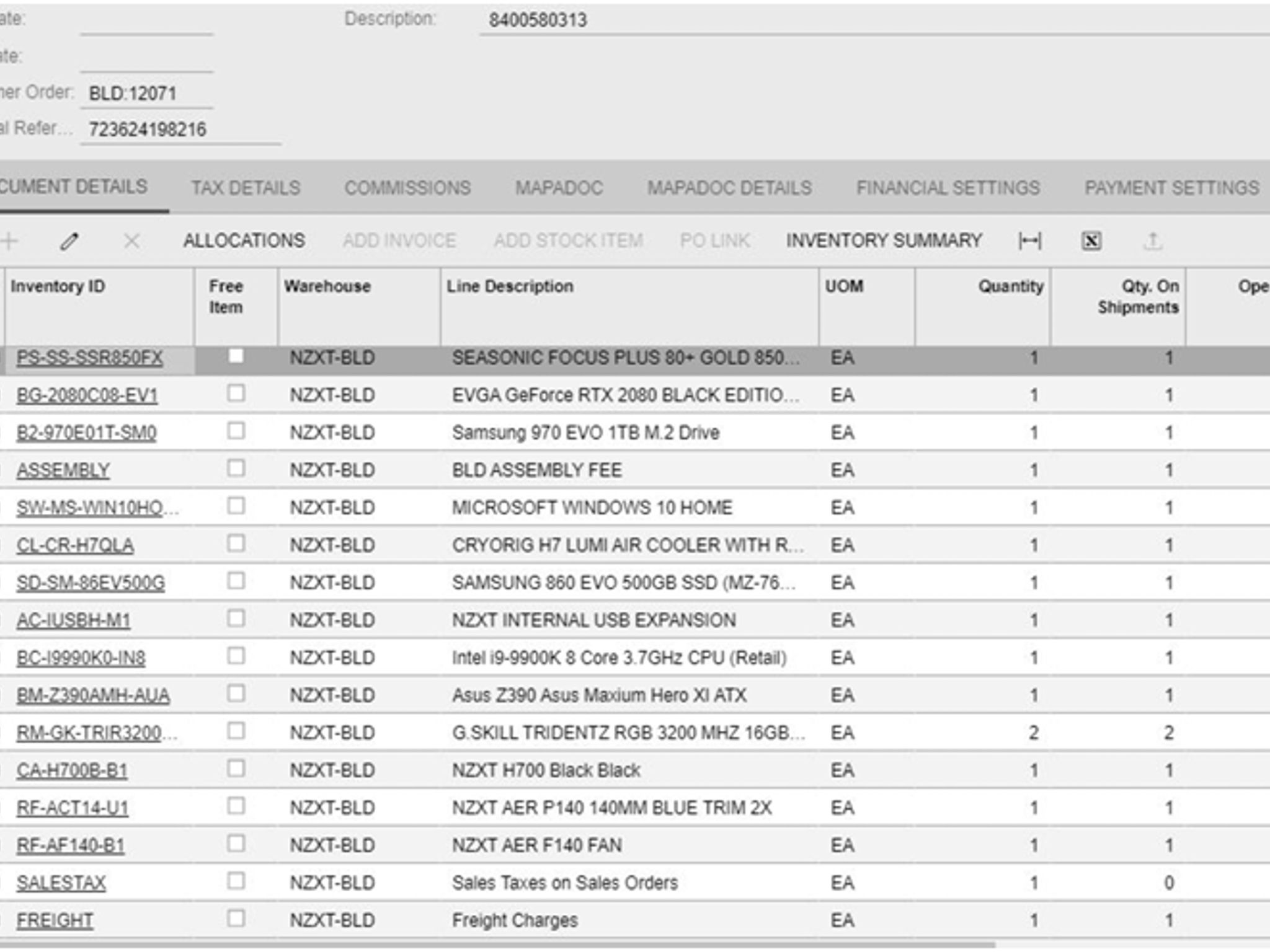
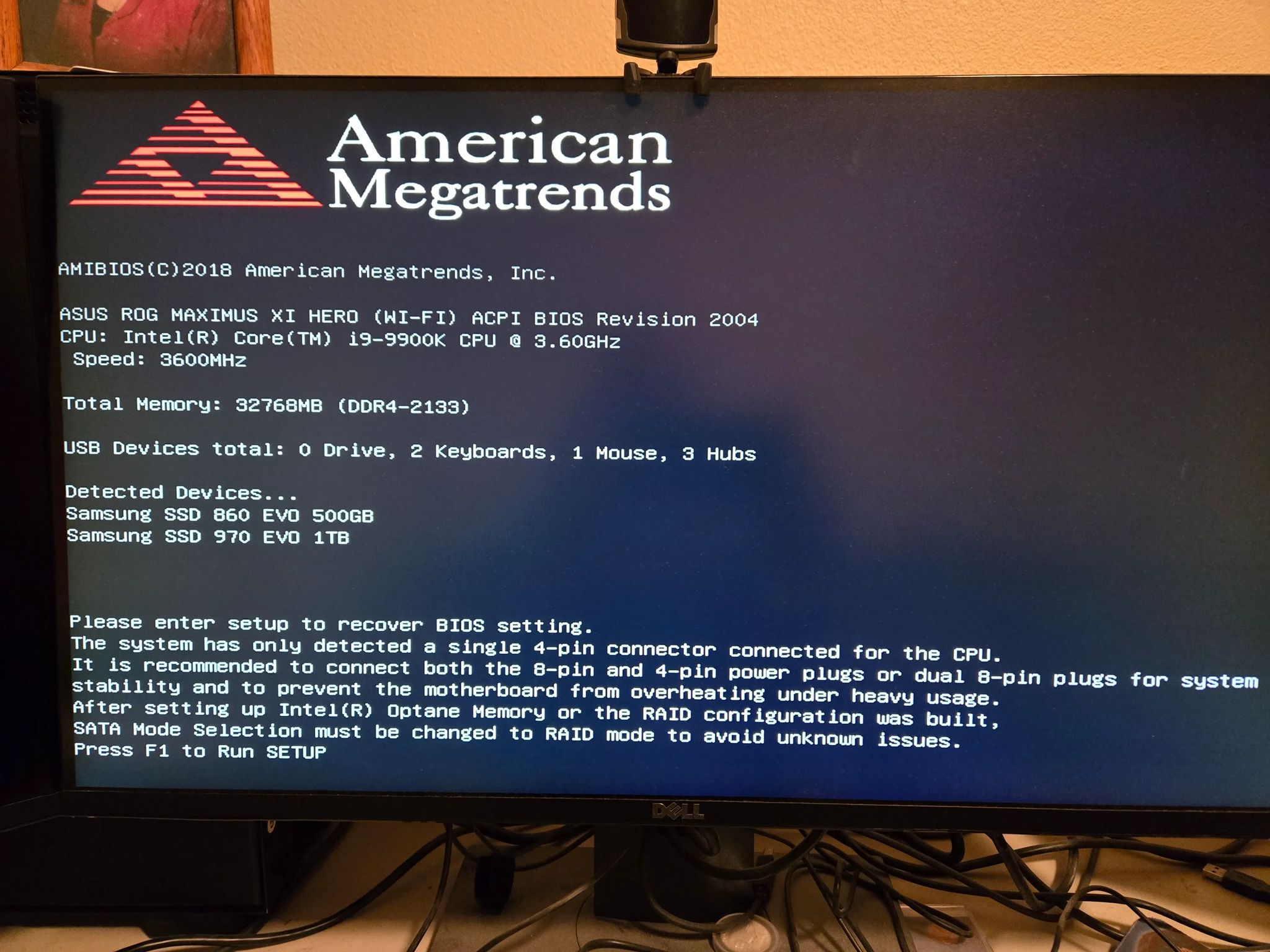
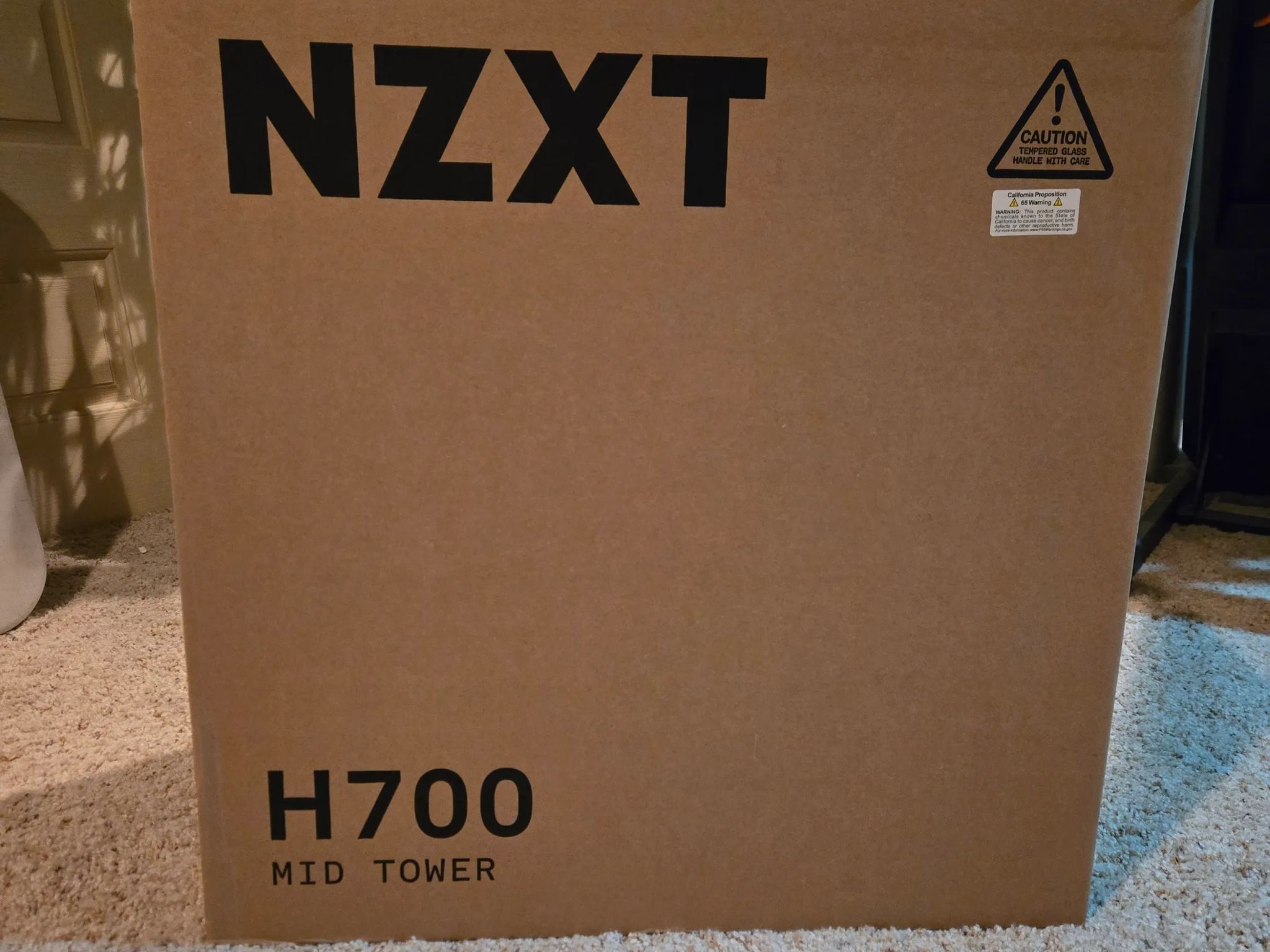
Please see attached images that list system components as I want you to know exactly what you're buying. Very light use on weekends. System has been on a UPS since day one April 2021. When powering on system it powers off and, on several times, and displays the message that I've attached. To bypass the message, I press F1, F7, F10 then enter then it continues to boot and works well. I called NZXT support and was told this message was nothing to be concerned about. System will ship in its original box.
Detailed power on procedure: Push the power on button. It turns on. It turns off. It turns on and displays the entire attached message. To bypass the message, I press F1, F7, F10 and Enter. It turns off. It turns on. It turns off. It turns on and briefly displays the attached message ending on "...under heavy usage." and continues to the normal desktop screen. I play MSFS 2020, and it performs wonderfully. Again, I called NZXT customer support, and they said this was normal.
SAVE 19%
Please see attached images that list system components as I want you to know exactly what you're buying. Very light use on weekends. System has been on a UPS since day one April 2021. When powering on system it powers off and, on several times, and displays the message that I've attached. To bypass the message, I press F1, F7, F10 then enter then it continues to boot and works well. I called NZXT support and was told this message was nothing to be concerned about. System will ship in its original box.
Detailed power on procedure: Push the power on button. It turns on. It turns off. It turns on and displays the entire attached message. To bypass the message, I press F1, F7, F10 and Enter. It turns off. It turns on. It turns off. It turns on and briefly displays the attached message ending on "...under heavy usage." and continues to the normal desktop screen. I play MSFS 2020, and it performs wonderfully. Again, I called NZXT customer support, and they said this was normal.
SAVE 19%
These scores summarize real-world gaming performance and value based on this PC's components and price.