Go live while you play.
Streaming lives on the GPU encoder. A modern NVIDIA card streams and records while you play, no second PC required. Tell us your setup and we'll show you the hardware that fits, with every order covered by buyer protection.
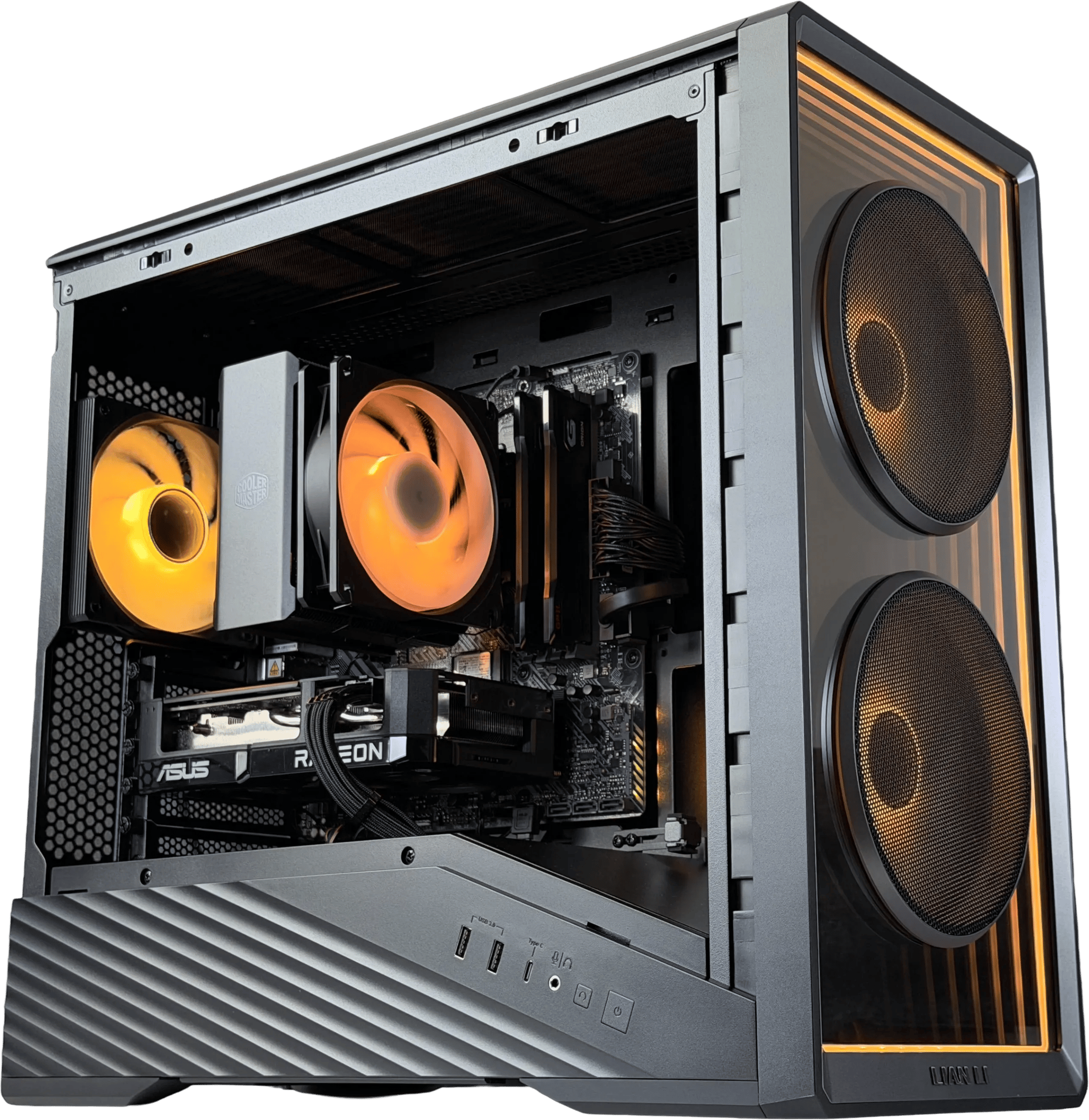
Choose your streaming setup
Streaming system
Turnkey verified-seller rigs: 12GB+ NVIDIA, 32GB+ RAM, and an 8-core+ CPU for game-and-stream headroom.
Streaming card
A 12GB+ NVIDIA card with NVENC streams and records at 1080p/1440p while you play, typically keeping encoding overhead low.
Complete systems, ready to stream
See allHow do you go live?
Your stream setup determines which specs matter most.
Game + stream
Game and stream at once: the NVENC encoder handles the broadcast, keeping the encoding load off your game.
Live production
Multi-source scenes in OBS, overlays, and instant replay with headroom to spare.
Record + repurpose
Record locally at high bitrate while you play, then edit the VOD the same day.
Always-on setup
Headroom for a webcam, capture card, and background apps with cores to spare.
A good stream needs headroom
Encoder
A strong GPU encoder helps your stream look good without taking performance away from your game.
GPU
Your GPU handles the game, visual quality, and often your encoding workload too.
CPU
More CPU headroom helps with OBS, browser sources, chat, cameras, and multitasking.
System RAM
32GB gives you room for games, stream tools, Discord, browser tabs, and background apps.
Cards for streaming
See allMemory upgrades
See allFast storage
See allStreaming PC questions
What streamers ask before buying a build on Jawa.
What specs matter for a streaming PC?
A modern hardware encoder does the heavy lifting. NVENC on NVIDIA RTX cards is the best-supported in OBS and typically keeps encoding overhead low. Size VRAM to the games and resolution you play (plenty of capable streaming cards have 8GB, and 12GB+ buys headroom), and pair it with an 8-core+ CPU and 32GB+ of RAM for multi-source scenes and background apps.
Can one PC game and stream at the same time?
Yes. NVENC offloads encoding to a dedicated block on the GPU, so a single modern NVIDIA rig can game and stream at once, typically with low encoding overhead. More cores and RAM help when you add a capture card, webcam, and overlays.
Do I need a dual-PC streaming setup?
Usually not anymore. NVENC on RTX 20-series and newer typically encodes with a barely noticeable hit to game performance, so one good PC does both. A second PC only earns its keep for heavy multi-camera productions, or if your gaming GPU is much older.
Is it safe to buy a streaming PC on Jawa?
Every Jawa order includes buyer protection: your payment is held until you confirm the item arrived as described. Complete-system picks on this page come from verified sellers. Check each seller’s public ratings and reviews, where available. How buyer protection works
Build it with people who've done it before
Get advice and support from our community of expert PC builders
Join the Discord