Make more.
Wait less.
Editing, rendering, and export each lean on a different part of your PC. Tell us what you make, and we'll show you the hardware that fits, with every order covered by buyer protection.
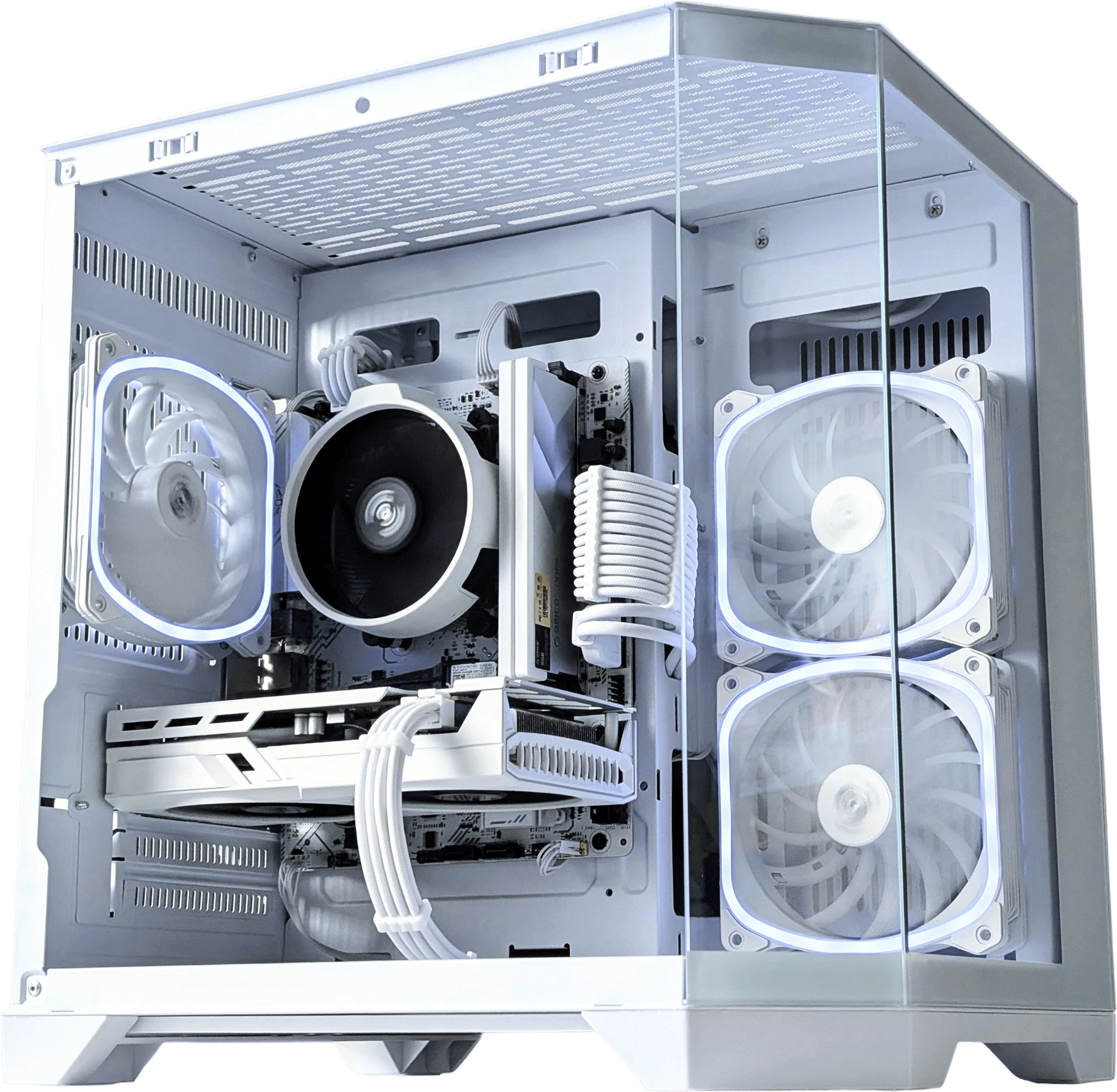
Choose your creator setup
Starter
1080p/1440p editing, photo work, and streaming. A 12GB+ NVIDIA card handles timelines and encode with room to spare.
Pro edit + render
4K editing, color grading, and GPU rendering. 16GB+ VRAM with 64GB RAM keeps effect-heavy timelines and big scenes responsive.
Production
Maxed-out verified-seller rigs: 24GB+ VRAM, 64GB+ RAM, 12-core+ CPUs for the heaviest grading and rendering.
Complete systems, ready to run
See allChoosing the right GPU
Different creative tools lean on different hardware. Choose your workflow first.
| Your work | What it leans on | What to buy | ||
|---|---|---|---|---|
Video editingPremiere, Resolve, CapCut | VRAM for 4K/8K timelines and effect caches, plus GPU decode for smooth scrubbing | 16GB+ VRAM NVIDIA, 64GB RAM, 8-core+ CPU. Think RTX 4070 Ti Super or 4080 Super, or a 3090/4090 for 4K | Shop Builds → | Shop GPUs → |
3D renderingBlender, Octane, Cinema 4D | CUDA/OptiX cores. Render time scales almost directly with the GPU | 16GB+ VRAM NVIDIA, 64GB RAM, 8-core+ CPU. More VRAM fits larger scenes, and a 3090/4090 handles the heaviest renders | Shop Builds → | Shop GPUs → |
Photo editingLightroom, Photoshop | CPU and system RAM for big RAW libraries and layered files | NVIDIA 8GB+ card, 32GB RAM, 6-core+ CPU. An RTX 3060 12GB or 4060 Ti and up | Shop Builds → | Shop GPUs → |
Export & delivery | CPU cores, plus the GPU encoder (NVENC) for fast hardware exports | 8-core+ CPU, NVIDIA 8GB+ card for NVENC, 32GB RAM. An RTX 4060 and up | Shop Builds → | Shop GPUs → |
Whatever you make: a fast 1–2TB NVMe for scratch and project files does more for your day than most spec-sheet extras.
Cards for editing & rendering
See all16GB value picks
See allNVIDIA cards for creators
See allThe best creator PC removes bottlenecks
GPU memory
More VRAM helps with 4K timelines, GPU effects, color work, 3D scenes, and rendering.
CPU cores
Your CPU matters for exports, encoding, simulation, and multi-app workflows.
System RAM
32GB is a strong baseline. Move to 64GB or more for large projects and layered files.
Fast storage
Fast SSD storage keeps footage, scratch files, project assets, and exports moving.
Memory upgrades
See allFast storage
See allCreator PC questions
What creators ask before buying a build on Jawa.
What specs matter for a video editing PC?
For most creative apps, GPU VRAM and CPU cores matter most. 16GB of VRAM is comfortable for 1080p/1440p editing and color work, and 24GB+ helps with 4K/8K timelines, heavy effects, and GPU rendering in Blender or Resolve. Pair it with a many-core CPU and 32GB+ of system RAM.
Can a gaming PC be used for content creation?
Yes. The same NVIDIA cards that are great for gaming (strong CUDA and OptiX cores) are excellent for editing and 3D rendering. The difference for creators is leaning toward more VRAM and more CPU cores than a pure gaming build needs.
Is it safe to buy a creator PC on Jawa?
Every Jawa order includes buyer protection: your payment is held until you confirm the item arrived as described. Complete-system picks on this page come from verified sellers, so you can buy a high-value creator rig with confidence. Check each seller’s public ratings and reviews, where available. How buyer protection works
Build it with people who've done it before
Get advice and support from our community of expert PC builders
Join the Discord