Run AI on hardware you control
Keep your data local, and free yourself from rate limits.
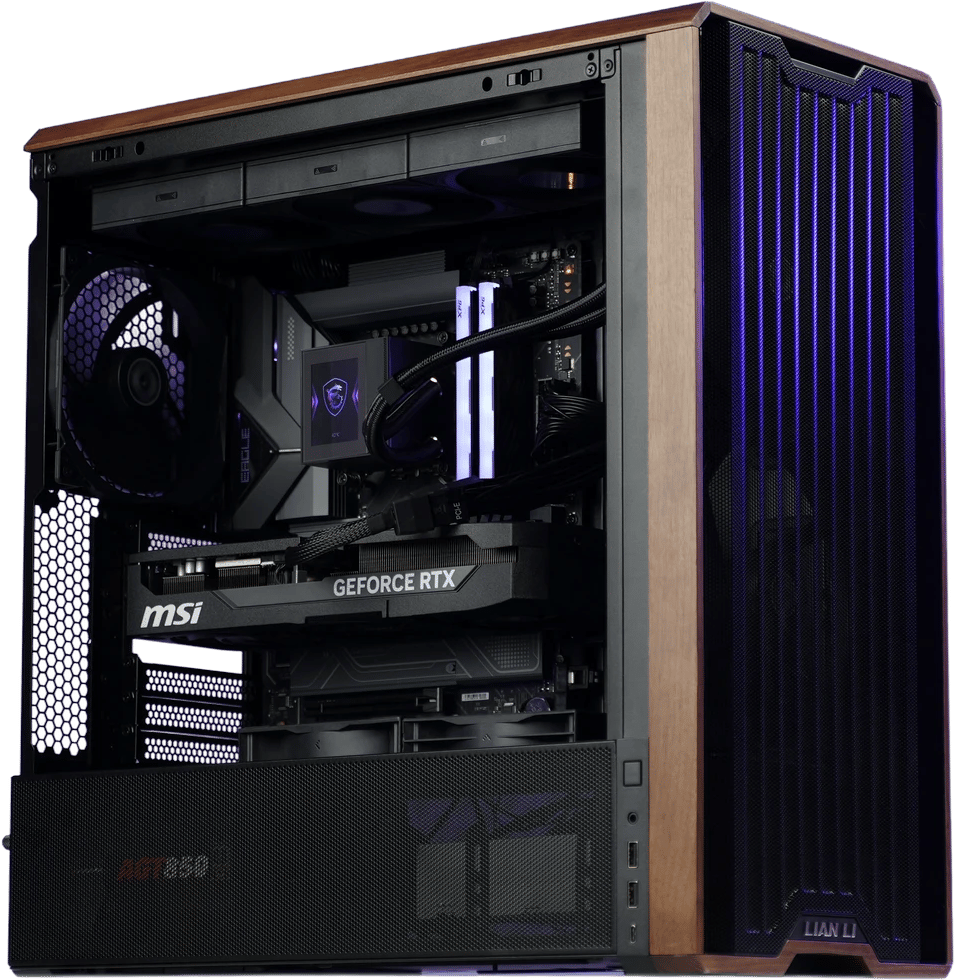
Choose your local AI setup
Starter
The cheapest way into local AI. Enough VRAM to keep 20–30B models fully in memory instead of spilling into system RAM.
- GPU
- AMD Radeon AI PRO R9700 32GB
20–30B models fully in memory. Ollama, LM Studio, vLLM and ROCm-accelerated PyTorch.
Enthusiast
The sweet spot. 30B-class models fully resident, long context windows, and headroom for multi-model workflows.
- GPU
- AMD Radeon AI PRO R9700 32GB
30B-class models fully resident, long context windows, multi-model workflows. Ollama, LM Studio, vLLM and ROCm-accelerated PyTorch.
Power
96GB of VRAM on a single card. 70B+ models entirely in memory, no multi-GPU complexity, no tensor splitting.
- GPU
- NVIDIA RTX PRO 6000 Blackwell 96GB
70B+ models entirely in memory, no multi-GPU tensor splitting. PyTorch, TensorFlow, vLLM, Ollama and LM Studio.
Why run AI locally?
The honest tradeoff: the biggest cloud models are still smarter on the hardest problems, and API pricing is cheap right now.
Local wins on privacy, control, and always-on use. And it all runs on a few hundred watts at your desk, about what a gaming session draws, with no data center or cooling water involved. Plenty of people run both.
Privacy
Your prompts, files, and notes never leave your computer. Nothing is logged or sent anywhere.
No downtime
Your local system won't go down with the cloud.
No rate limits
No 'you've hit your limit, try again later.' No surprise price changes. The model is always available because it's on your desk.
Total control
Tinker, swap models, automate things, leave it running overnight. It's your machine, so do what you like with it.
What are you trying to run?
Choose the job first. The right hardware follows.
Coding agents
Write and review code with agents that never leave your machine.
Media generation
Generate images, video, and audio content without rate limits.
Smart document search
Securely search local documents with natural language.
Transcription
Transcribe and summarize meetings safely and securely.
Hybrid workflows
Run routine tasks locally and use cloud tools when they make more sense.
Cards that run the big models
See allWhy buy with Jawa?
Local AI hardware is confusing. We make the recommendations easier to understand, and we work with PC builders who know the hardware firsthand.
Real builders, real expertise
Jawa connects you with custom builders, hardware sellers, and enthusiasts, not a generic electronics catalog.
Know who you're buying from
Seller ratings, reviews, sales history, and profiles help you buy from people with a proven track record.
Buyer protection included
Purchases on Jawa are backed by Jawa's buyer protections, so you have support if a system doesn't arrive as described.
Build it with people who've done it before
Get advice and support from our community of expert PC builders
Join the Discord