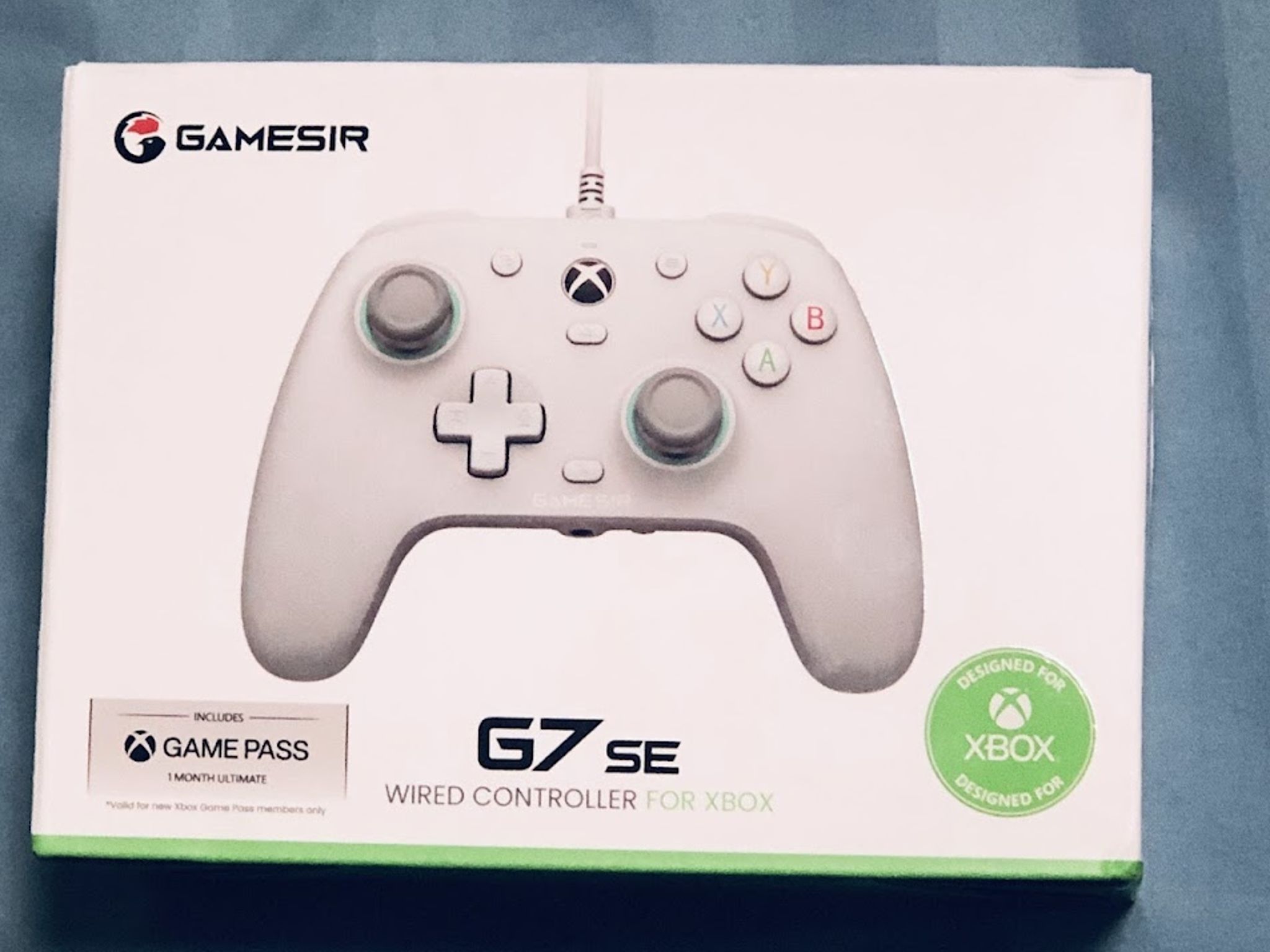
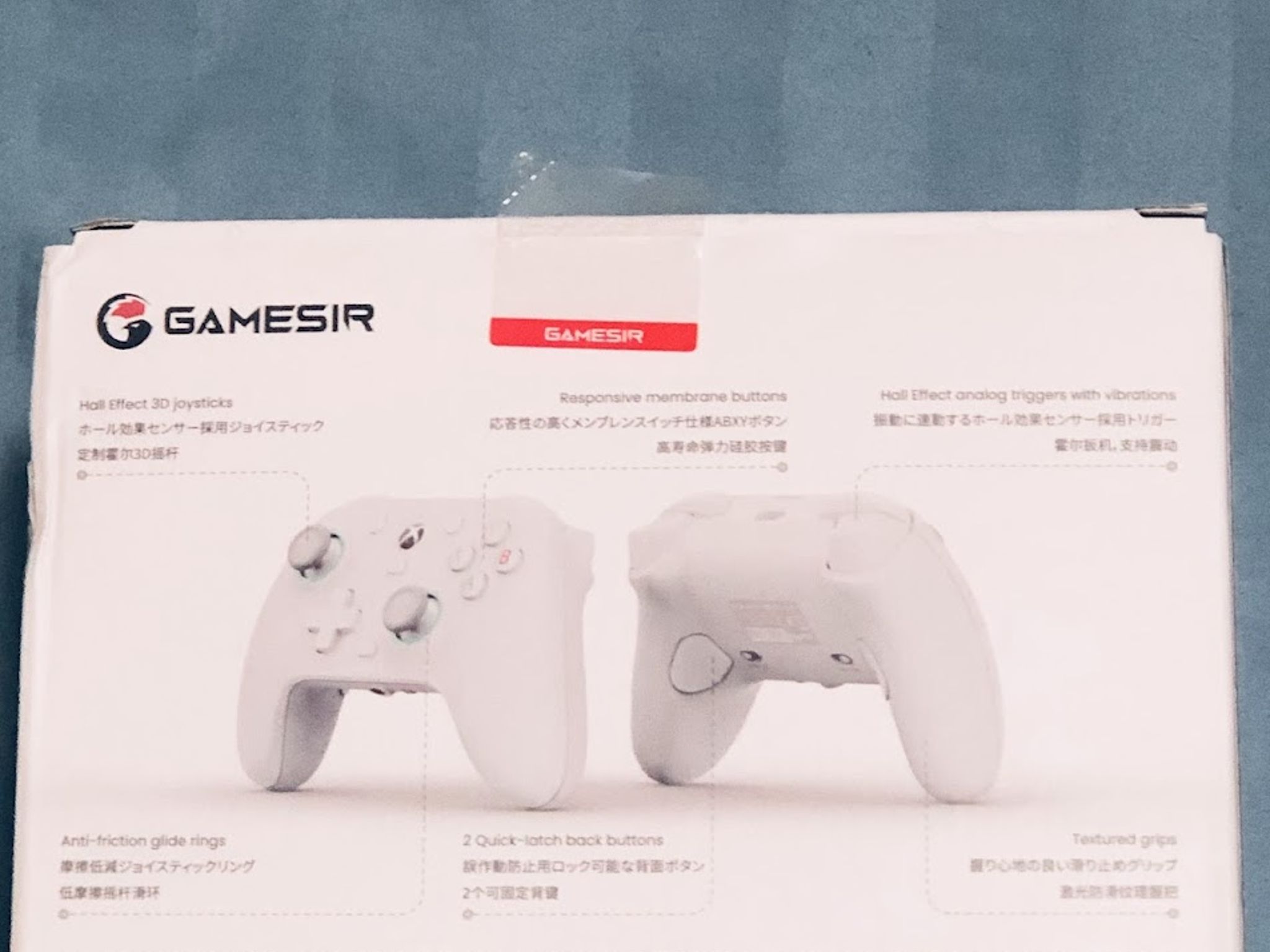
GameSirGameSir G7 SE Xbox Controller (With 1 Month Game Pass Ultimate)


Overview & Specs
- Condition
- New Open Box
Description from Seller
For more info about this controller, go to the official website link: https://www.gamesir.hk/products/gamesir-g7-se?srsltid=AfmBOop4wlM2X45qusRPwjBL_SYr1UgnSqaFBVIYWPwYST0KUMOc3gFx
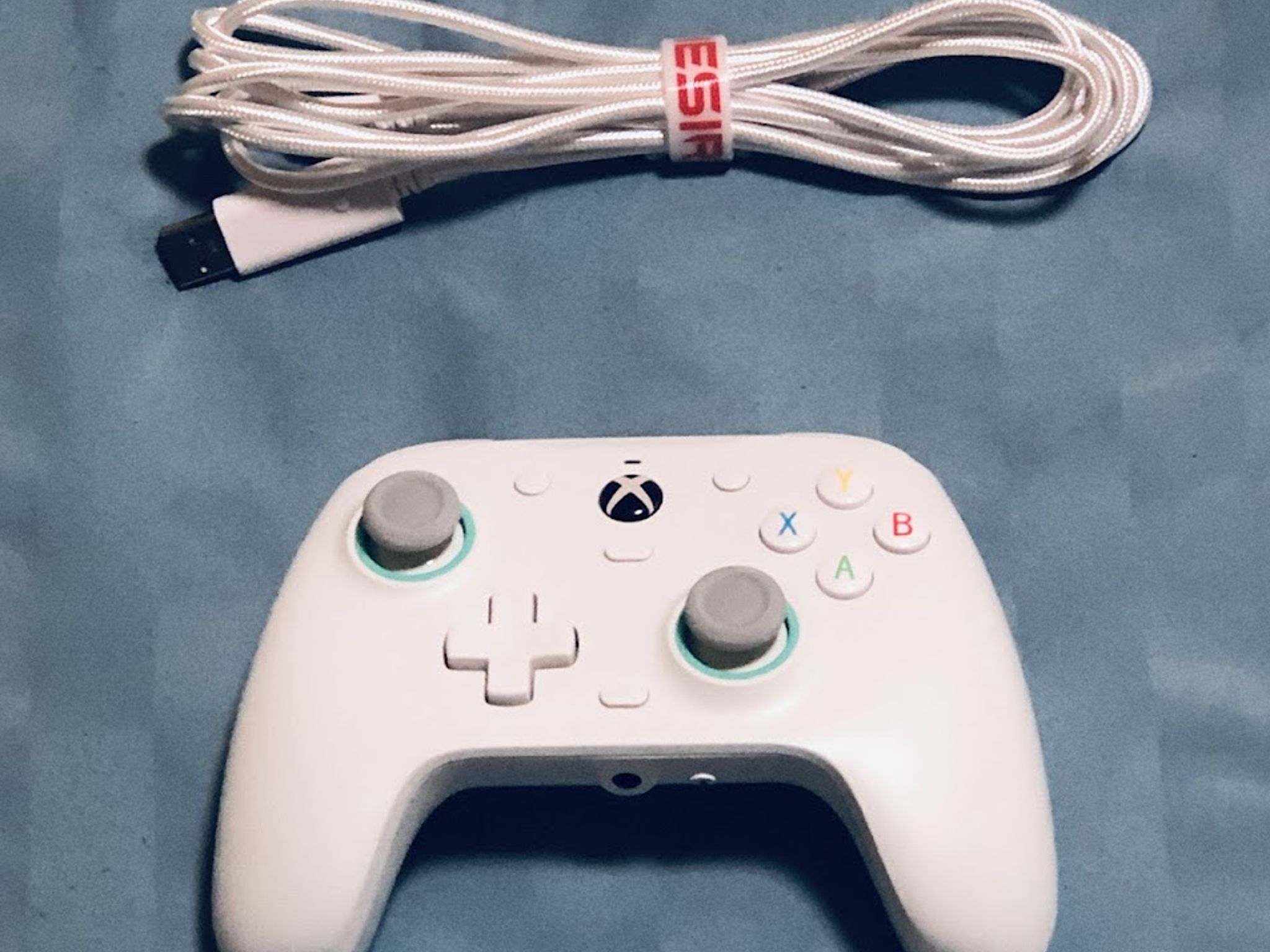
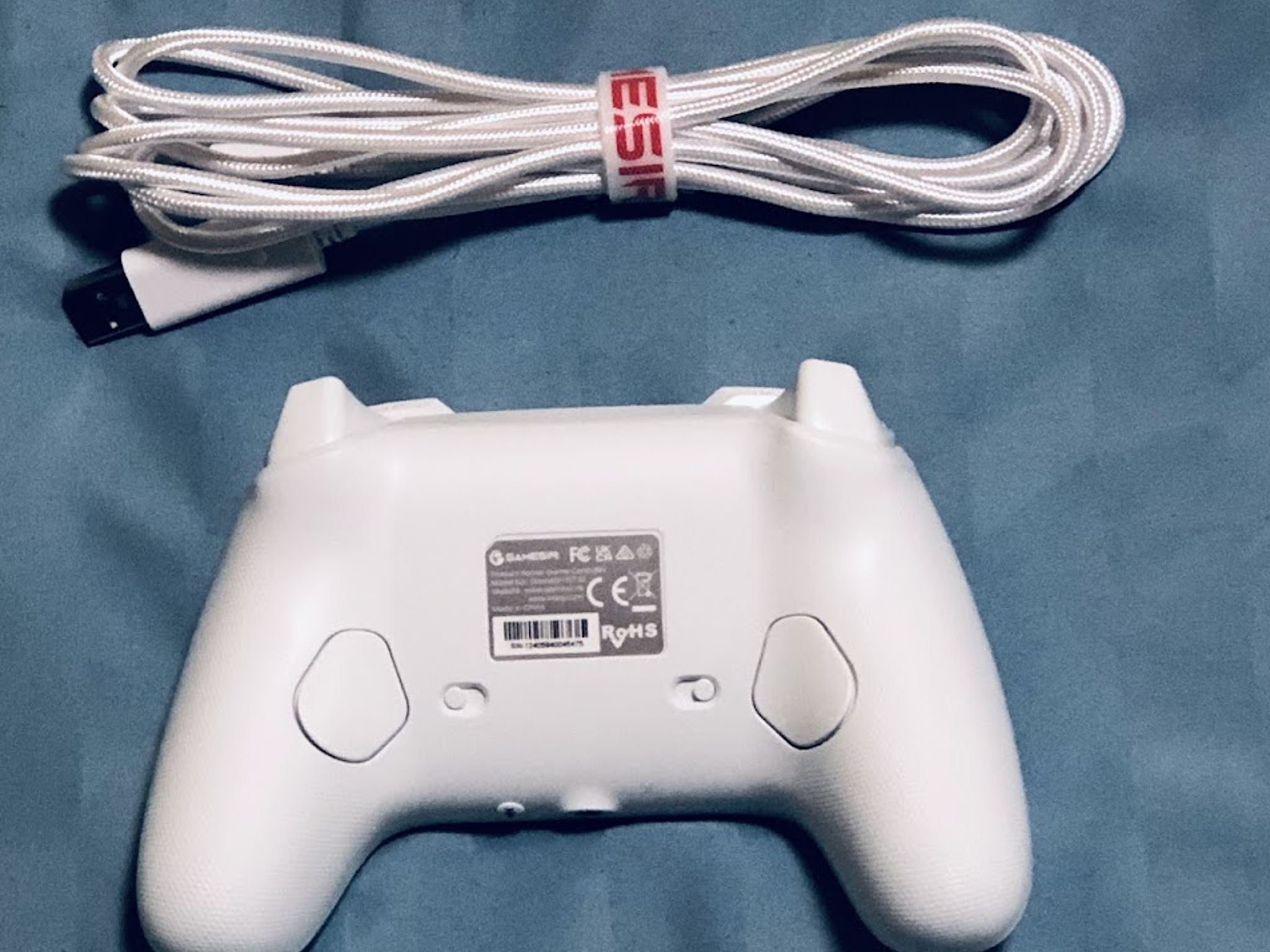
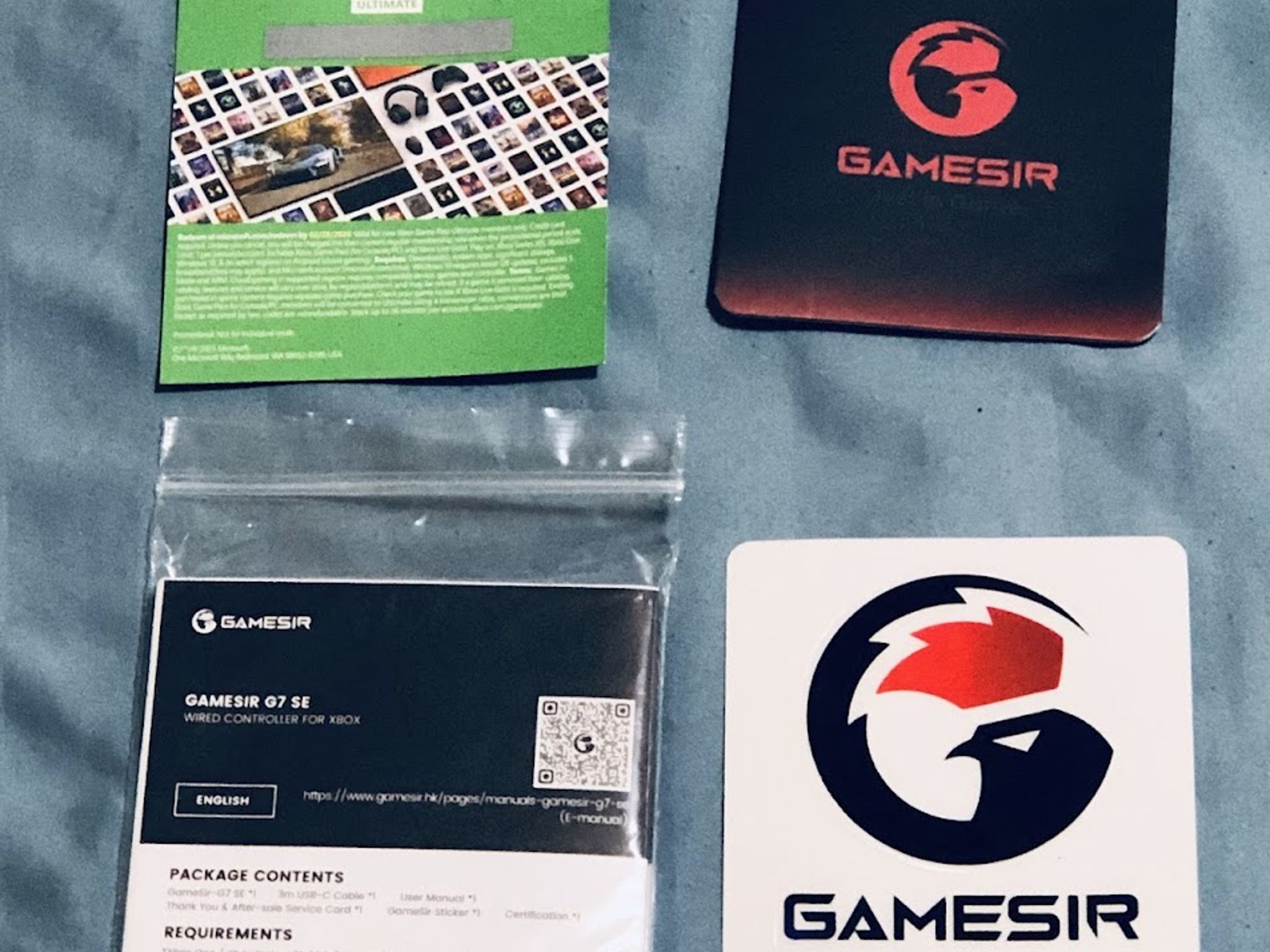
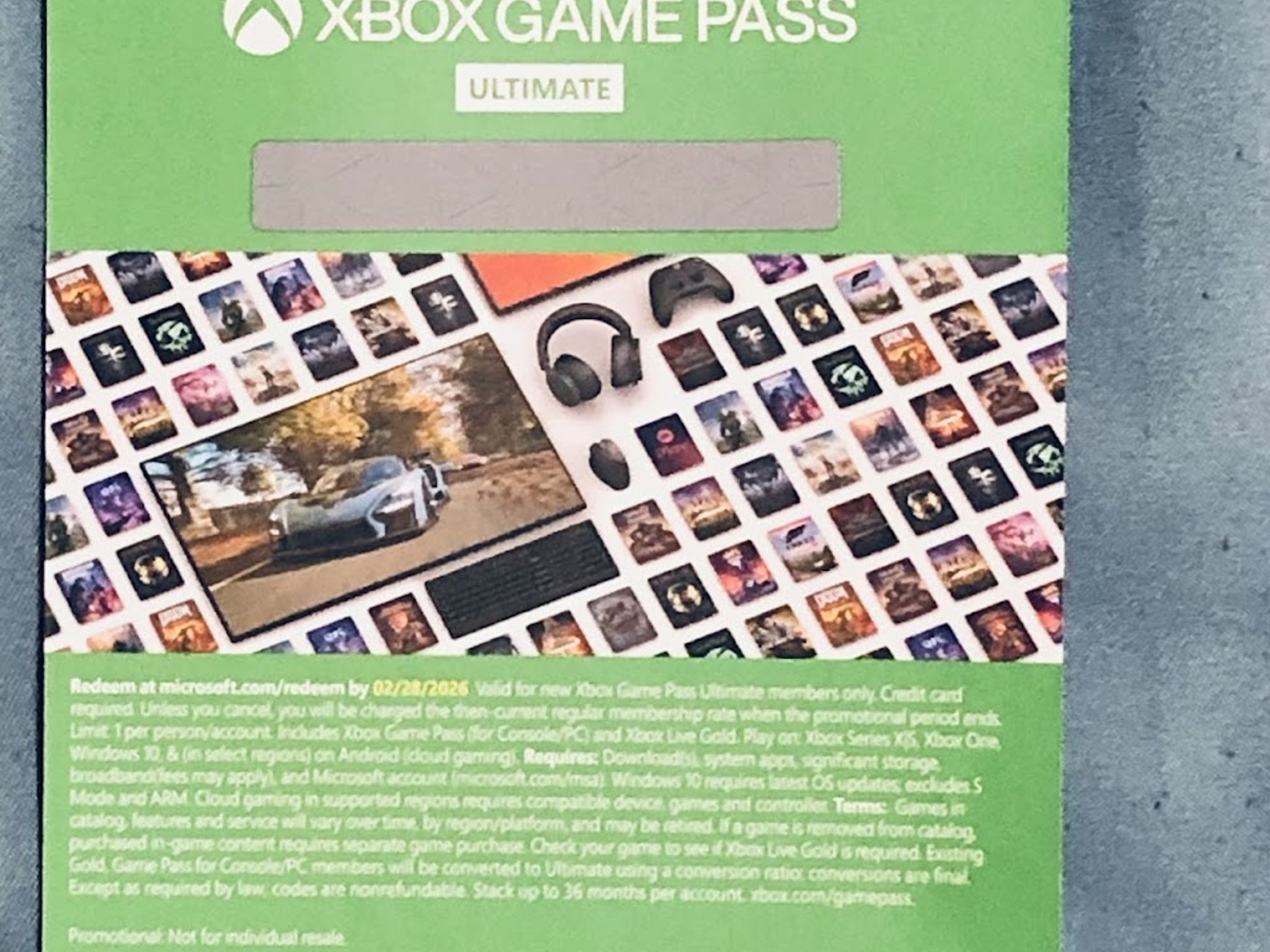
Yeah, so I my old GameSir G7 SE controller is having some stick drift issues, so I messaged customer service and they sent me a replacement controller. When I plugged the new one in, it has the same issues. Then I realize that it only happens when it's set to the 1000 HZ report polling rate. When I dialed it back to 500 HZ, the stick drift is entirely gone. I tested this on my 1st controller and it helped got rid of the stick drift. I guess it's because the 1000 HZ polling rate is still in experimental beta. Having two controllers is kind of overkill for me at the moment since I barely have people come over to play multiplayer games with me and I play mostly single player. If I do have guests, I got extra wireless official 1st party Xbox controllers and a wireless adapter to connect them all to my PC just in case, so a second wired controller is unnecessary. Between the 2 GameSir controllers I got, I'm sticking with my old one since it's still in excellent condition for almost a year now and I think the newer controller would have more value. Another reason is a minor nitpick, but the newer controller doesn't automatically turn on when I plugged it into both my PC and Xbox, I have to press the home button for it to work while the old one just do it automatically. I needed some extra money at the moment, so that's why I made this decision to resell it. The new controller is still in excellent condition and I already tested it out on some games I usually play so I can verify that it works. The new controller is updated with the latest firmware and I've reset it back to the default profile with 500 HZ polling rate. If it doesn't default however, the only changes I made is setting the back buttons to the left stick and right stick buttons whenever I click them. If you want to change them, just download the GameSir app and do whatever you please. Just a warning, don't set the polling rate to 1000 HZ unless you want some minor stick drift and you have press the home button to turn it on whenever you plug it in to either your PC or Xbox home console. As for the 1 month of Game Pass Ultimate that came with the new controller, I did consider using the offer but I still got a lot on my backlog so I didn't use it. In turn, I'm giving this away as part of a bundle for a good deal and don't worry, I didn't scratch or reveal the code so it's still covered and unused. Also, here's a couple of free stickers that came with the new controller as well
Specifications
Specifications
- Brand
- Other
- Model Name
- Other Gamepad
Similar listings


Shipping & Returns
Estimated arrival
Overview & Specs
- Condition
- New Open Box
Description from Seller
For more info about this controller, go to the official website link: https://www.gamesir.hk/products/gamesir-g7-se?srsltid=AfmBOop4wlM2X45qusRPwjBL_SYr1UgnSqaFBVIYWPwYST0KUMOc3gFx
Yeah, so I my old GameSir G7 SE controller is having some stick drift issues, so I messaged customer service and they sent me a replacement controller. When I plugged the new one in, it has the same issues. Then I realize that it only happens when it's set to the 1000 HZ report polling rate. When I dialed it back to 500 HZ, the stick drift is entirely gone. I tested this on my 1st controller and it helped got rid of the stick drift. I guess it's because the 1000 HZ polling rate is still in experimental beta. Having two controllers is kind of overkill for me at the moment since I barely have people come over to play multiplayer games with me and I play mostly single player. If I do have guests, I got extra wireless official 1st party Xbox controllers and a wireless adapter to connect them all to my PC just in case, so a second wired controller is unnecessary. Between the 2 GameSir controllers I got, I'm sticking with my old one since it's still in excellent condition for almost a year now and I think the newer controller would have more value. Another reason is a minor nitpick, but the newer controller doesn't automatically turn on when I plugged it into both my PC and Xbox, I have to press the home button for it to work while the old one just do it automatically. I needed some extra money at the moment, so that's why I made this decision to resell it. The new controller is still in excellent condition and I already tested it out on some games I usually play so I can verify that it works. The new controller is updated with the latest firmware and I've reset it back to the default profile with 500 HZ polling rate. If it doesn't default however, the only changes I made is setting the back buttons to the left stick and right stick buttons whenever I click them. If you want to change them, just download the GameSir app and do whatever you please. Just a warning, don't set the polling rate to 1000 HZ unless you want some minor stick drift and you have press the home button to turn it on whenever you plug it in to either your PC or Xbox home console. As for the 1 month of Game Pass Ultimate that came with the new controller, I did consider using the offer but I still got a lot on my backlog so I didn't use it. In turn, I'm giving this away as part of a bundle for a good deal and don't worry, I didn't scratch or reveal the code so it's still covered and unused. Also, here's a couple of free stickers that came with the new controller as well
Specifications
Specifications
- Brand
- Other
- Model Name
- Other Gamepad