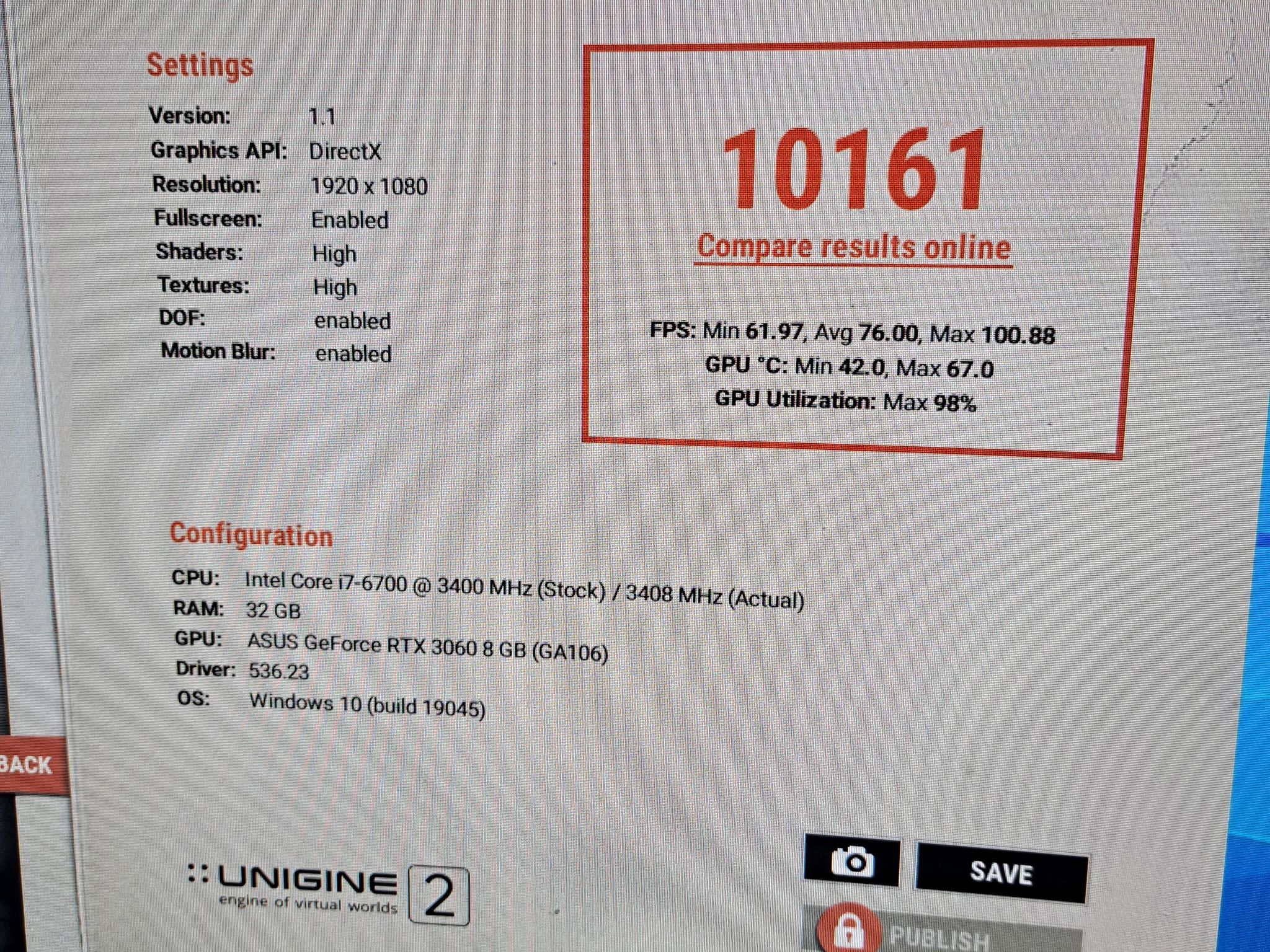
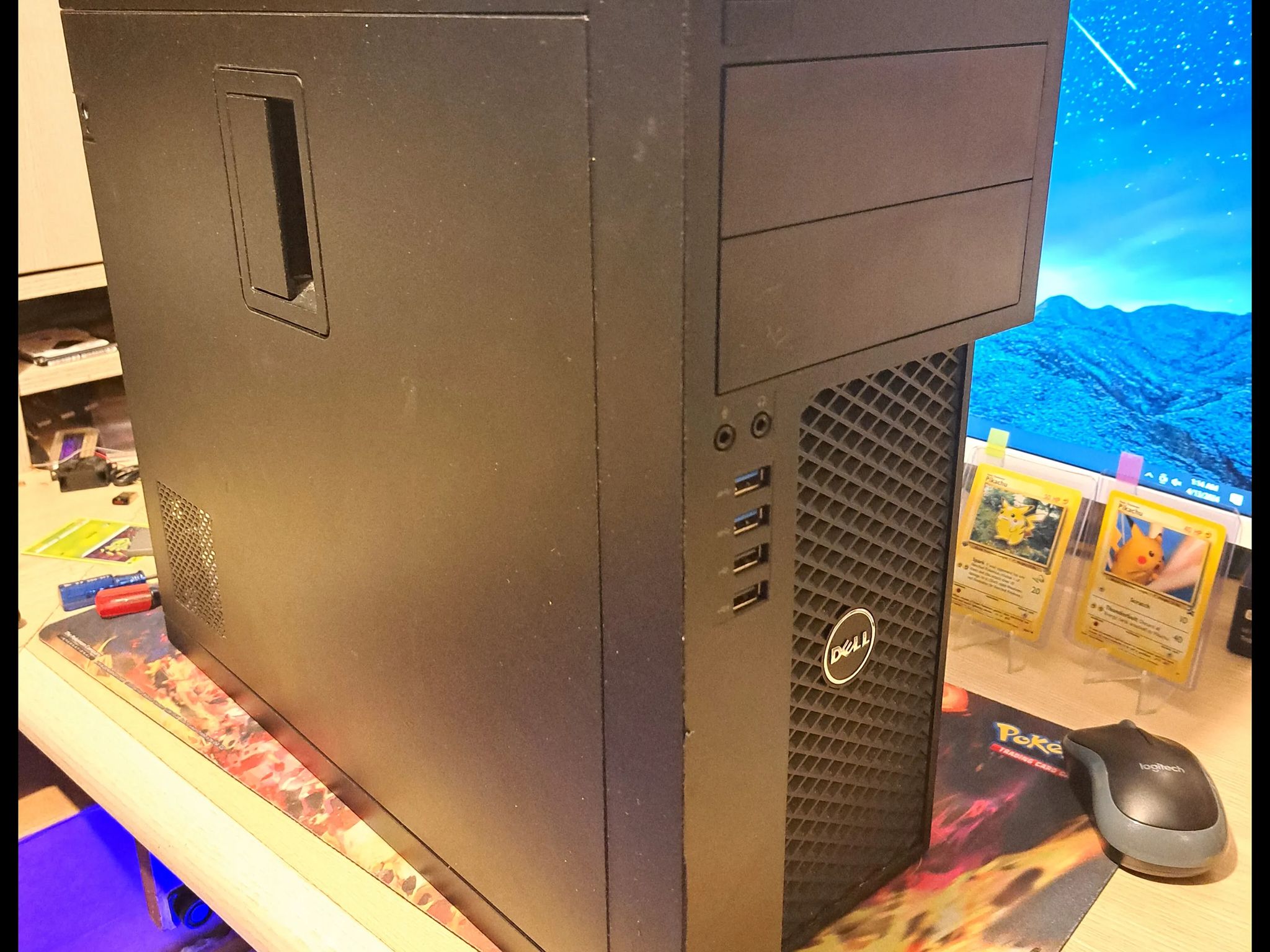
"Sleeper" Gaming PC- Dell Precision 3620: I7-6700 3.4 GHz, RTX 3060 8GB, 32GB RAM, 3TB+ Storage


Overview & Specs
- Condition
- Used, Good
- Usage
- 1 year
Description from Seller
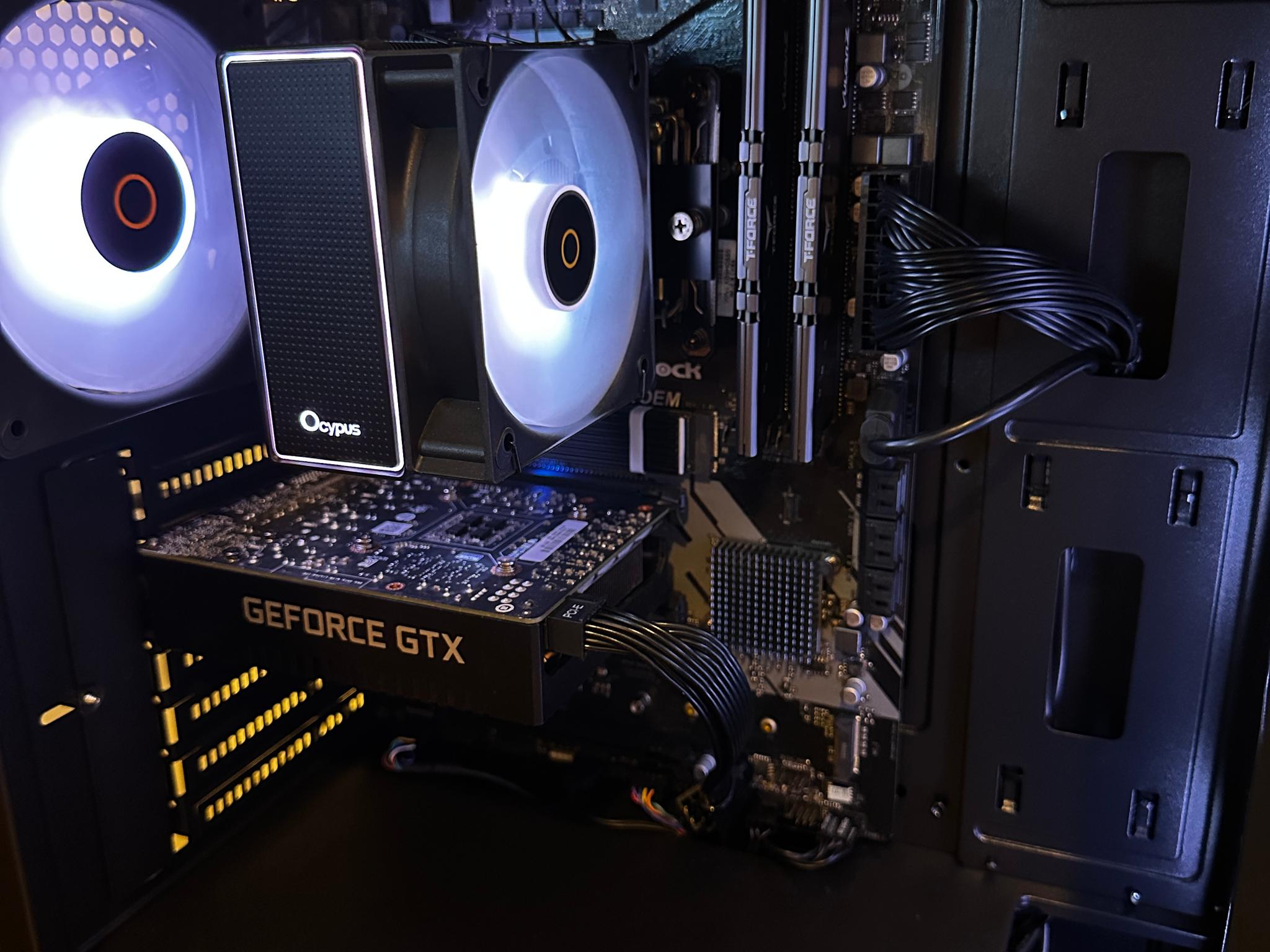
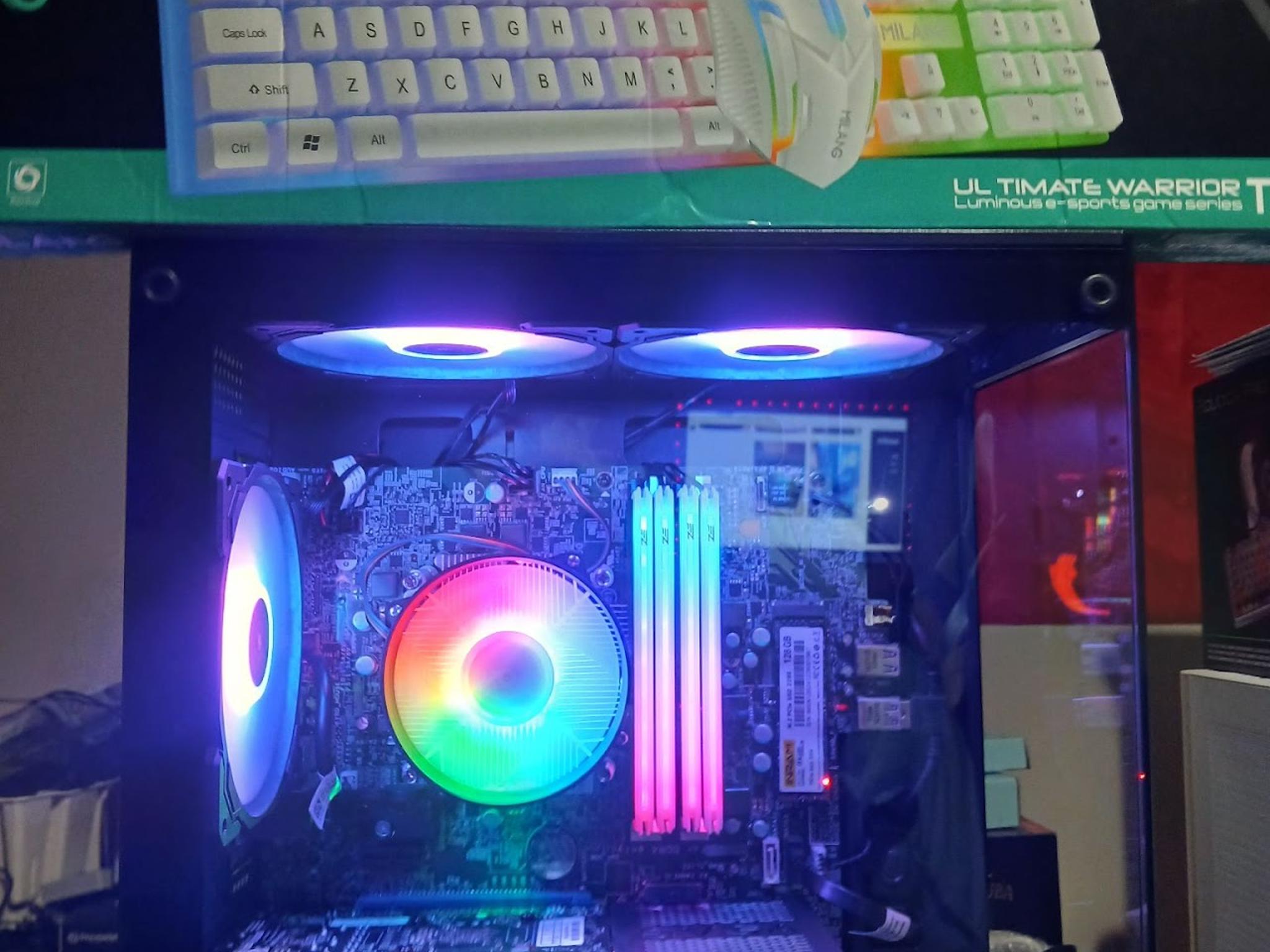
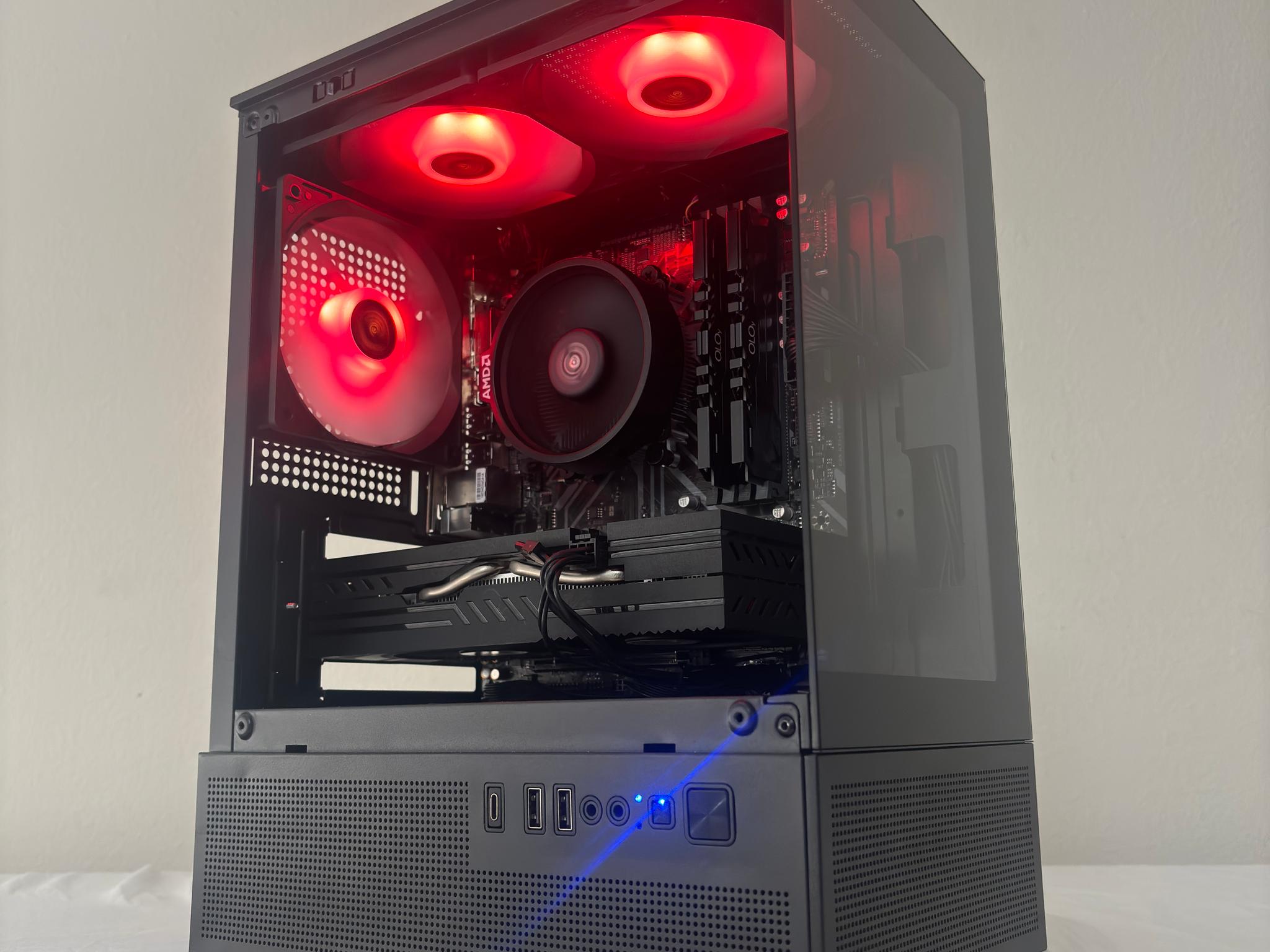
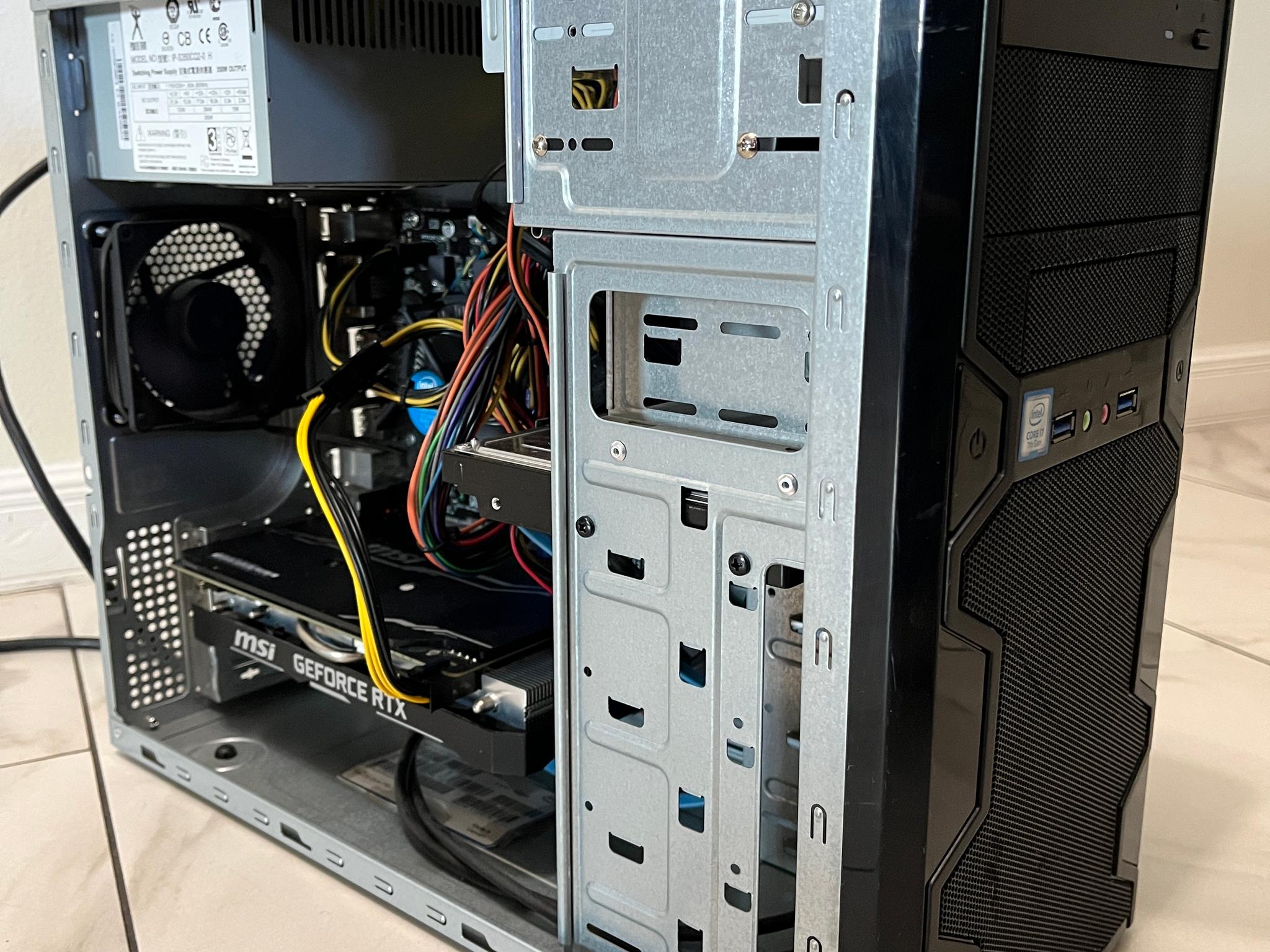
If you are looking for a low-cost machine that will still pump out some impressive performance on pretty much all of the latest games and still has plenty of room for further upgrades, congratulations! You have found it!
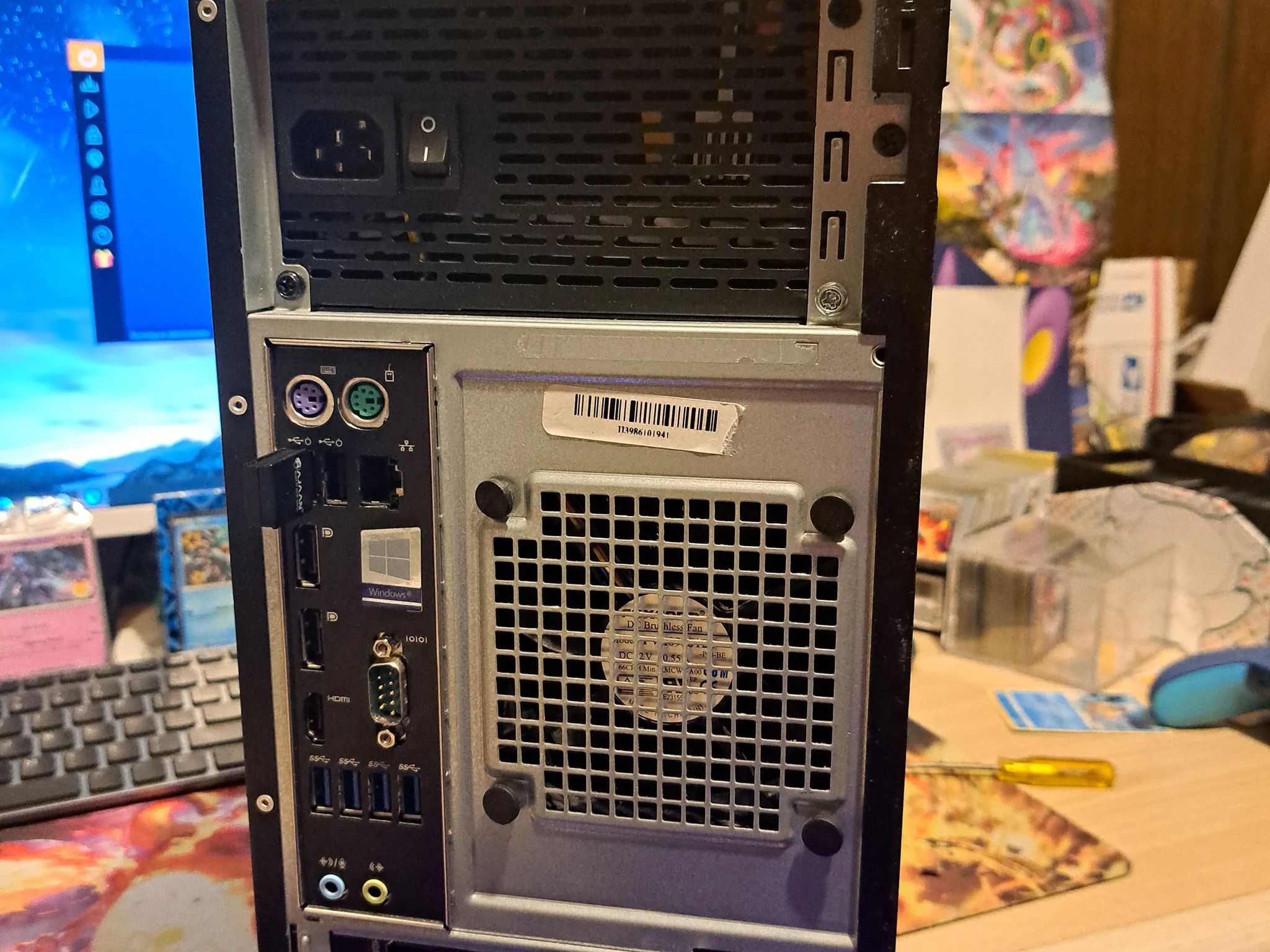
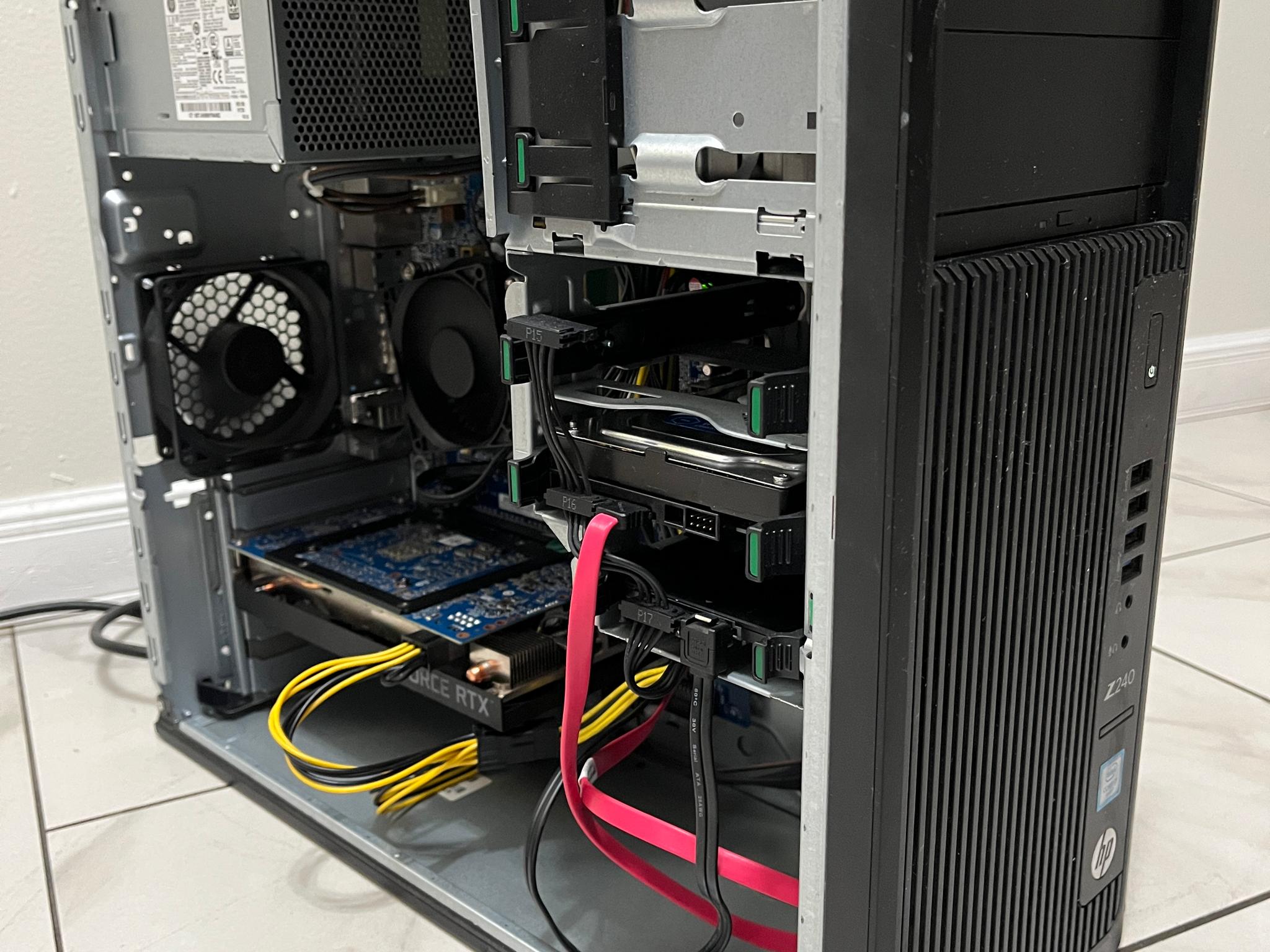
With the foundation being the Dell Precision 3620 Mini Tower (An "office" style computer that has become legendary among PC gamers with its seemingly effortless and low cost upgrade potential) with the Xeon I7-6700 3.4 GHz Quad Core CPU, 4 DIMM slots, an M.2 Port, PCIE x16 slot, along with a myriad of other perks that are typically not included with most other "budget" build base PCs such as the Optiplex; we were already off to a great start with countless possibilities for this build.
Specs:
-
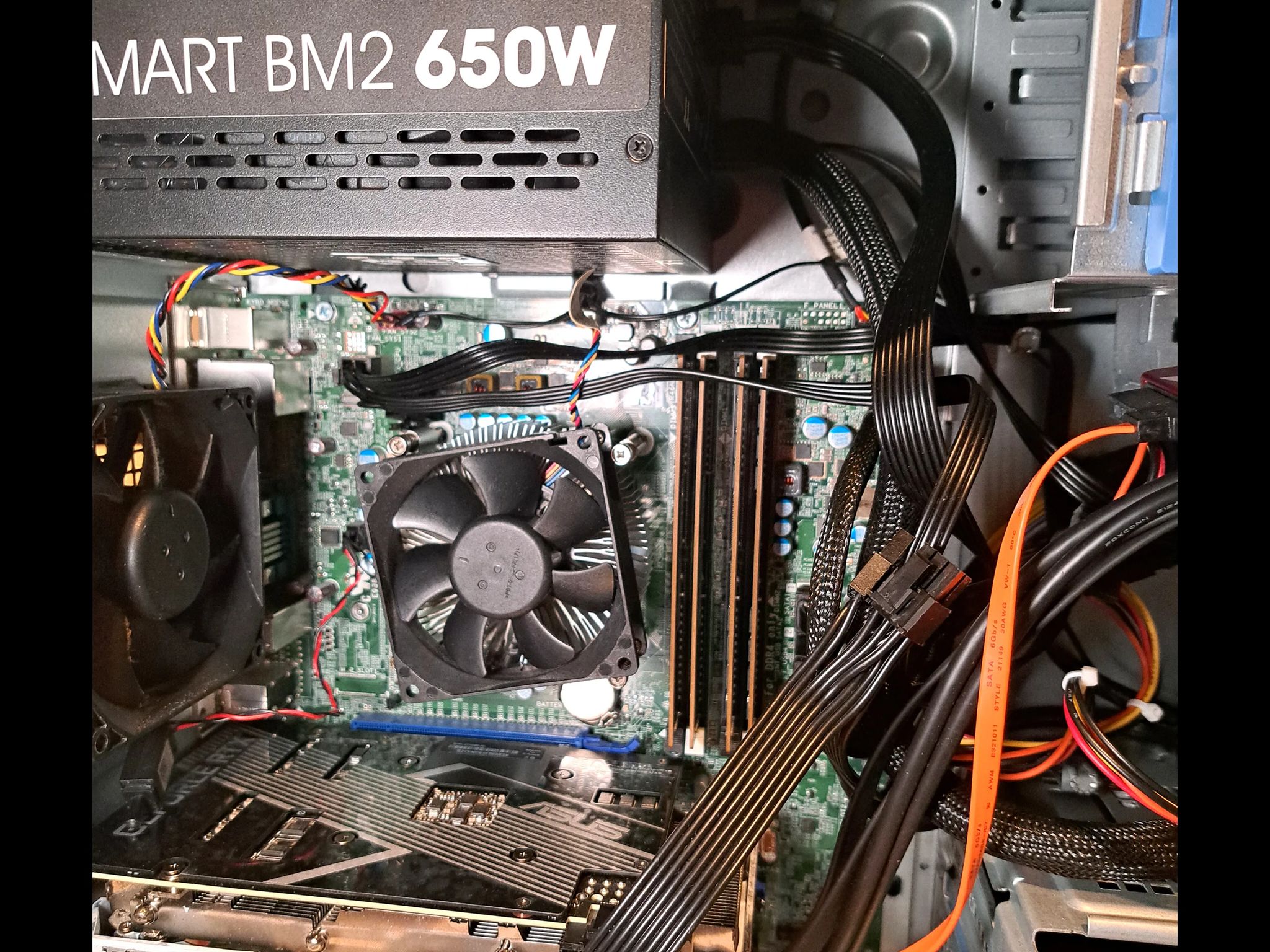
PSU: Thermaltake BM2 650 80 Plus Bronze (Semi Modular)
-
CPU: Intel Xeon I7-6700 3.4 GHz 4 Core
-
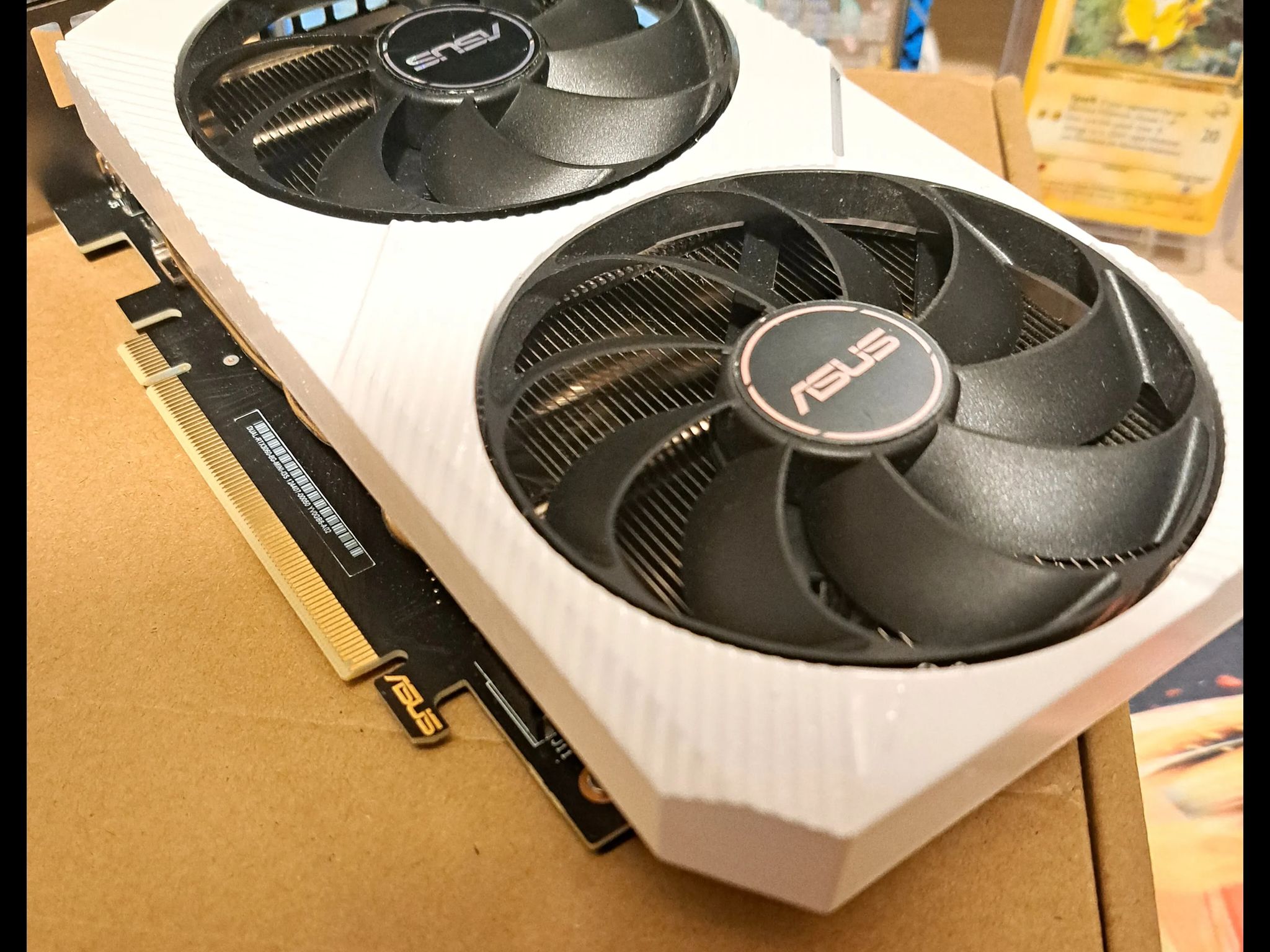
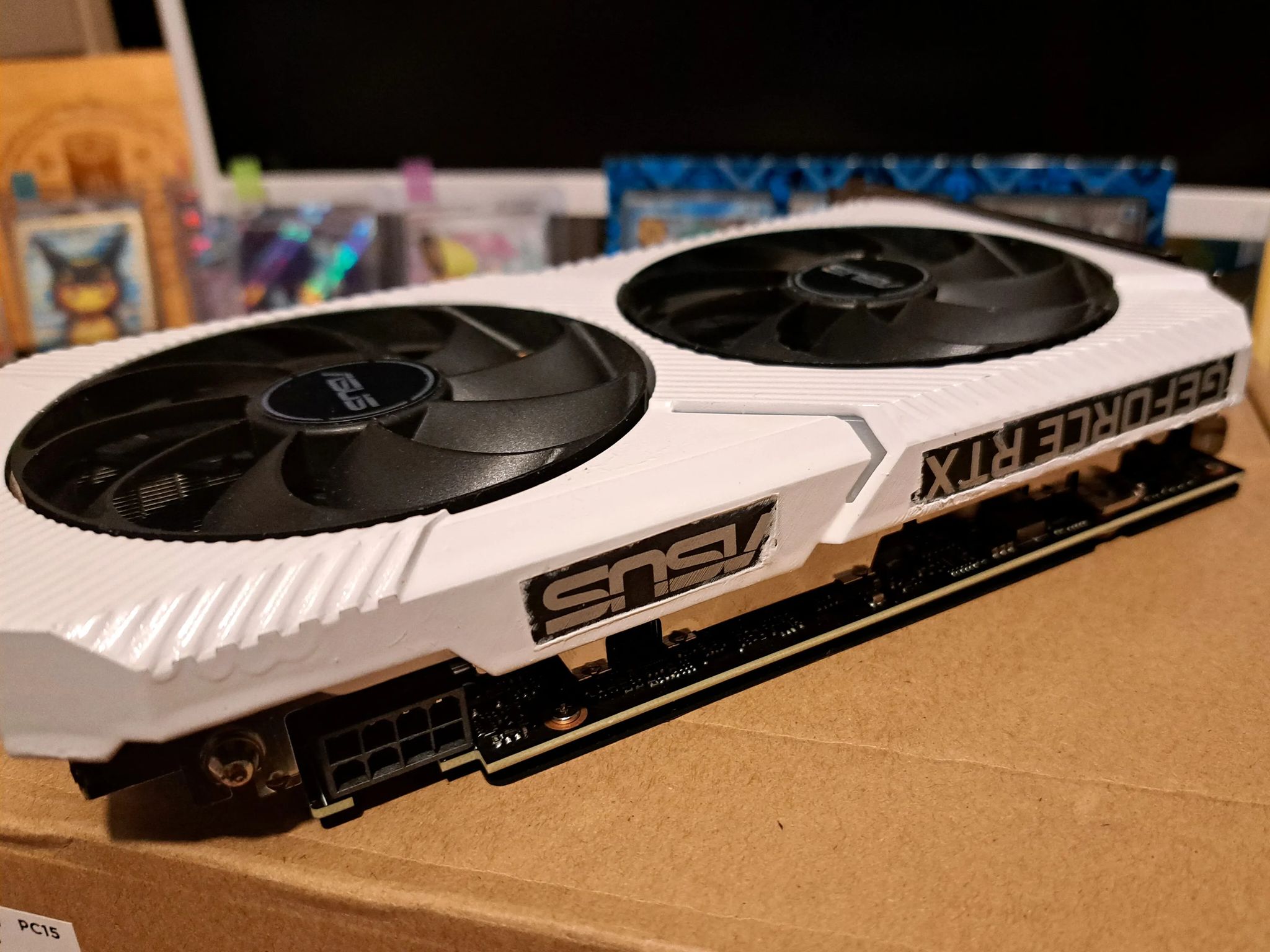
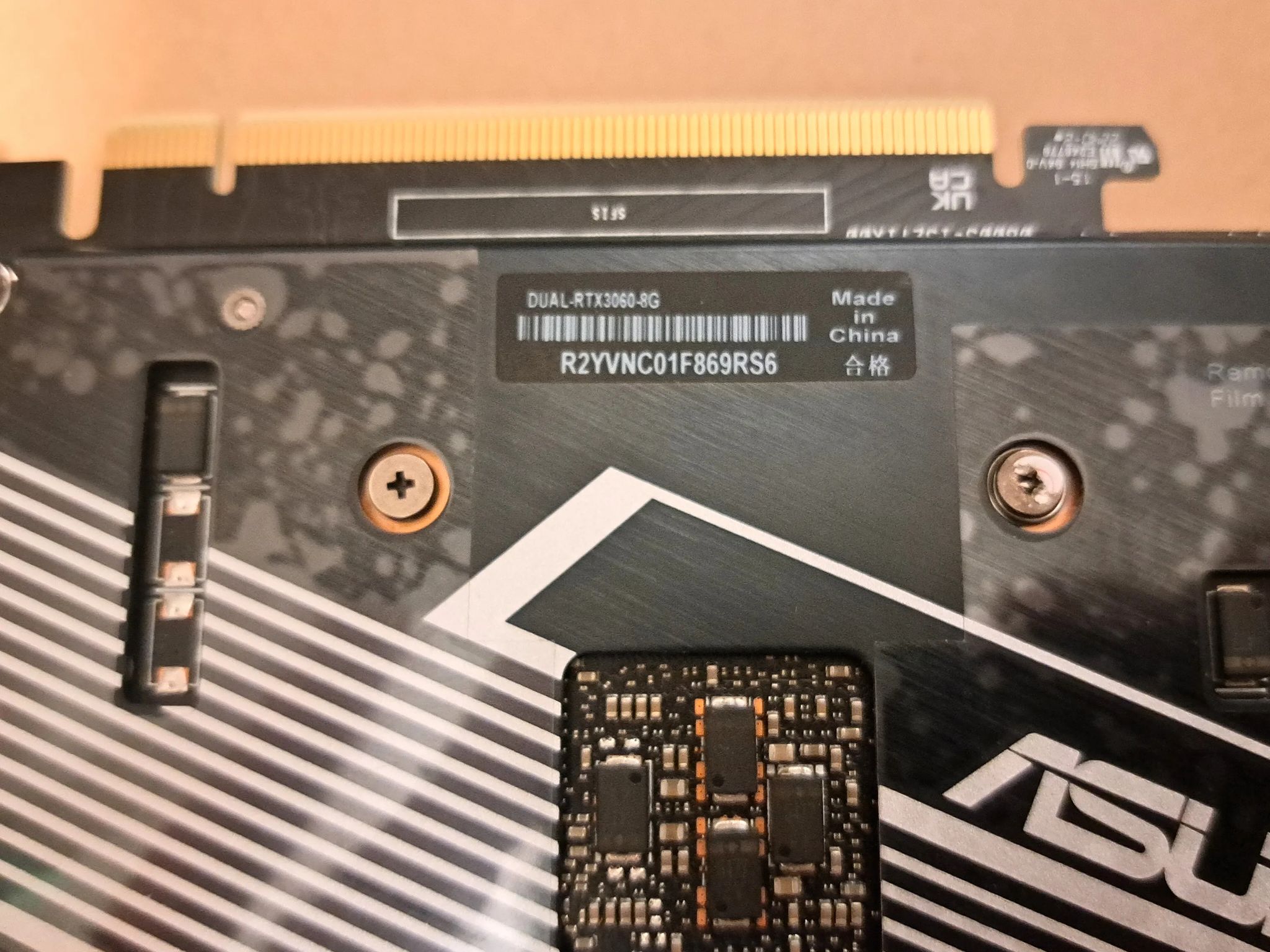
GPU: ASUS DUAL GEFORCE RTX 3060 8GB GDDR6 (Custom Painted White)
-
RAM: 32GB DDR4 2133 mHz
-
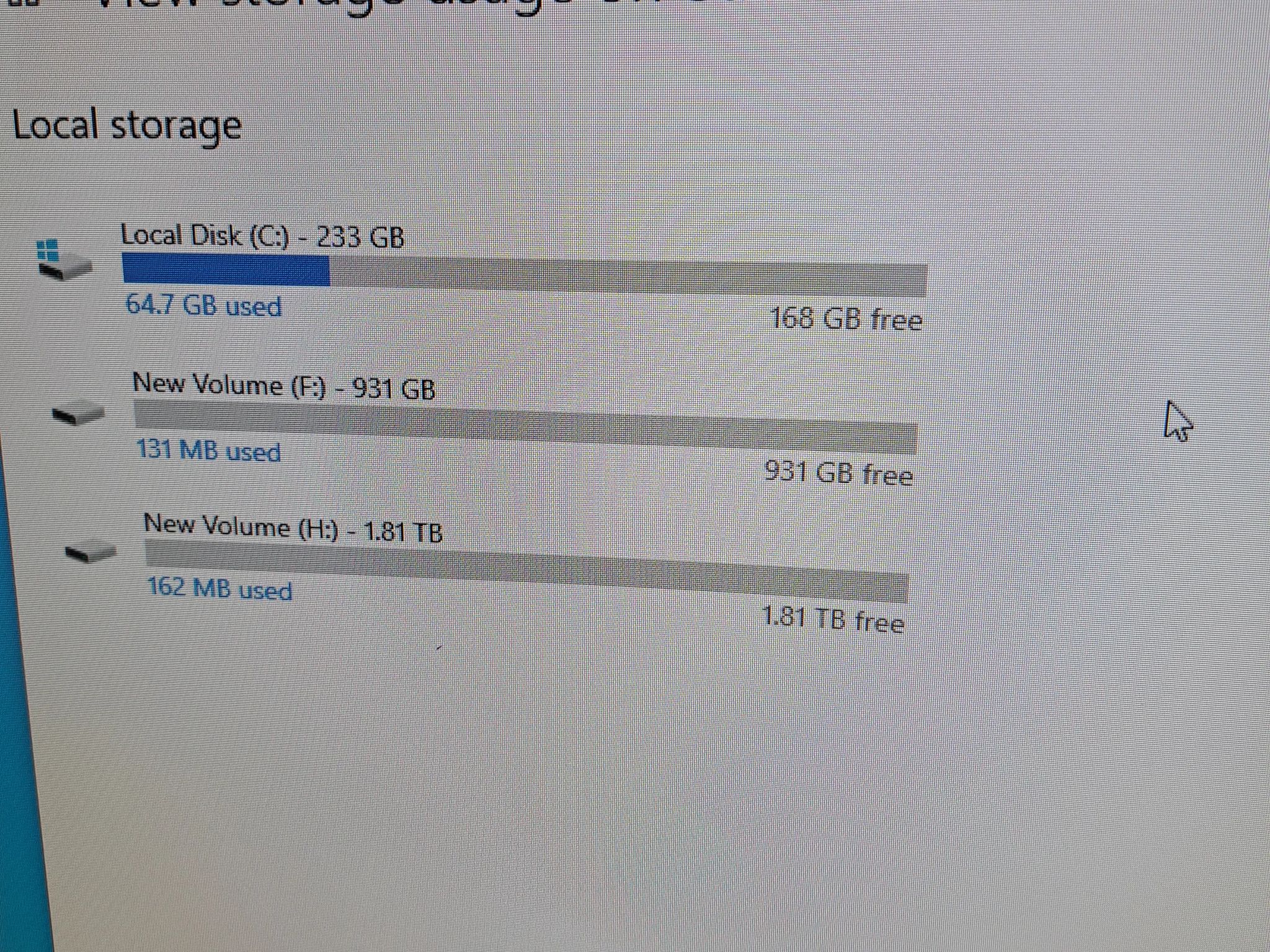
Storage: 256GB NVME SSD; 1TB 2.5" SSD; 2TB 3.5" HDD
While this little guy is already a force to be reckoned with, there are still many further upgrades that can be made to it to increase it's performance and appearance even further!
Upon Bootup, this PC does trigger an "ALERT" which says that their is an issue with the "Front I/O Cable". Yet, every single port operates without issue. This includes the two USB 3.0 ports which also have the Thunderbolt option. Despite attempting every method of troubleshooting this "Alert", it still persists. All you have to do when the message appears is press F1 and it will boot normally. This "Front I/O Failure" message can be bypassed permanently by either moving the build to an aftermarket case and buying the adapter that is made specifically for this issue (usually can be found for roughly $15-20 on Ebay/ Amazon) or by disconnecting the cable in question and placing a jumper on two pins.
However, for the buyer that is in search of a budget build that will be an overachiever in the price to performance department, this PC is going to be difficult to defeat!
Specifications
CPU:Intel Other Core i7
- Brand
- Intel
- Series
- Core i7
- Model
- Other Core i7
- Socket
- Other Intel Socket
- Core count
- 4 cores
CPU Cooler:Air
- Type
- Air
- Socket
- Other
GPU:Asus NVIDIA GeForce RTX 3060 8GB
- Chipset
- NVIDIA
- Brand
- Asus
- Series
- GeForce RTX 3060 8GB
- Memory
- 8GB
Memory:32GB DDR4
- Capacity
- 32GB
- Type
- DDR4
- Form Factor
- DIMM (Desktop)
Internal Storage:2TB NVMe SSD
- Capacity
- 2TB
- Interface
- NVMe SSD
- Form Factor
- M.2
Motherboard:Other with Ethernet and Wi-Fi
- Form Factor
- Other
- Networking
- Ethernet and Wi-Fi
Case:Other
- Brand
- Other
- Color
- Black
Power Supply:650W
- Wattage
- 650W
- Form Factor
- ATX
Similar listings
Ryzen 5 2600x + RX 580 Budget Gaming PC | 16GB RAM | WIFI | Win 11 Pro Activated | 500GB SSD
SAVE 10%
$500.00Was $550.00(-10%)


Shipping & Returns
Estimated arrival
Overview & Specs
- Condition
- Used, Good
- Usage
- 1 year
Description from Seller
If you are looking for a low-cost machine that will still pump out some impressive performance on pretty much all of the latest games and still has plenty of room for further upgrades, congratulations! You have found it!
With the foundation being the Dell Precision 3620 Mini Tower (An "office" style computer that has become legendary among PC gamers with its seemingly effortless and low cost upgrade potential) with the Xeon I7-6700 3.4 GHz Quad Core CPU, 4 DIMM slots, an M.2 Port, PCIE x16 slot, along with a myriad of other perks that are typically not included with most other "budget" build base PCs such as the Optiplex; we were already off to a great start with countless possibilities for this build.
Specs:
-
PSU: Thermaltake BM2 650 80 Plus Bronze (Semi Modular)
-
CPU: Intel Xeon I7-6700 3.4 GHz 4 Core
-
GPU: ASUS DUAL GEFORCE RTX 3060 8GB GDDR6 (Custom Painted White)
-
RAM: 32GB DDR4 2133 mHz
-
Storage: 256GB NVME SSD; 1TB 2.5" SSD; 2TB 3.5" HDD
While this little guy is already a force to be reckoned with, there are still many further upgrades that can be made to it to increase it's performance and appearance even further!
Upon Bootup, this PC does trigger an "ALERT" which says that their is an issue with the "Front I/O Cable". Yet, every single port operates without issue. This includes the two USB 3.0 ports which also have the Thunderbolt option. Despite attempting every method of troubleshooting this "Alert", it still persists. All you have to do when the message appears is press F1 and it will boot normally. This "Front I/O Failure" message can be bypassed permanently by either moving the build to an aftermarket case and buying the adapter that is made specifically for this issue (usually can be found for roughly $15-20 on Ebay/ Amazon) or by disconnecting the cable in question and placing a jumper on two pins.
However, for the buyer that is in search of a budget build that will be an overachiever in the price to performance department, this PC is going to be difficult to defeat!
Specifications
CPU:Intel Other Core i7
- Brand
- Intel
- Series
- Core i7
- Model
- Other Core i7
- Socket
- Other Intel Socket
- Core count
- 4 cores
CPU Cooler:Air
- Type
- Air
- Socket
- Other
GPU:Asus NVIDIA GeForce RTX 3060 8GB
- Chipset
- NVIDIA
- Brand
- Asus
- Series
- GeForce RTX 3060 8GB
- Memory
- 8GB
Memory:32GB DDR4
- Capacity
- 32GB
- Type
- DDR4
- Form Factor
- DIMM (Desktop)
Internal Storage:2TB NVMe SSD
- Capacity
- 2TB
- Interface
- NVMe SSD
- Form Factor
- M.2
Motherboard:Other with Ethernet and Wi-Fi
- Form Factor
- Other
- Networking
- Ethernet and Wi-Fi
Case:Other
- Brand
- Other
- Color
- Black
Power Supply:650W
- Wattage
- 650W
- Form Factor
- ATX
Similar listings
Ryzen 5 2600x + RX 580 Budget Gaming PC | 16GB RAM | WIFI | Win 11 Pro Activated | 500GB SSD
SAVE 10%
$500.00Was $550.00(-10%)