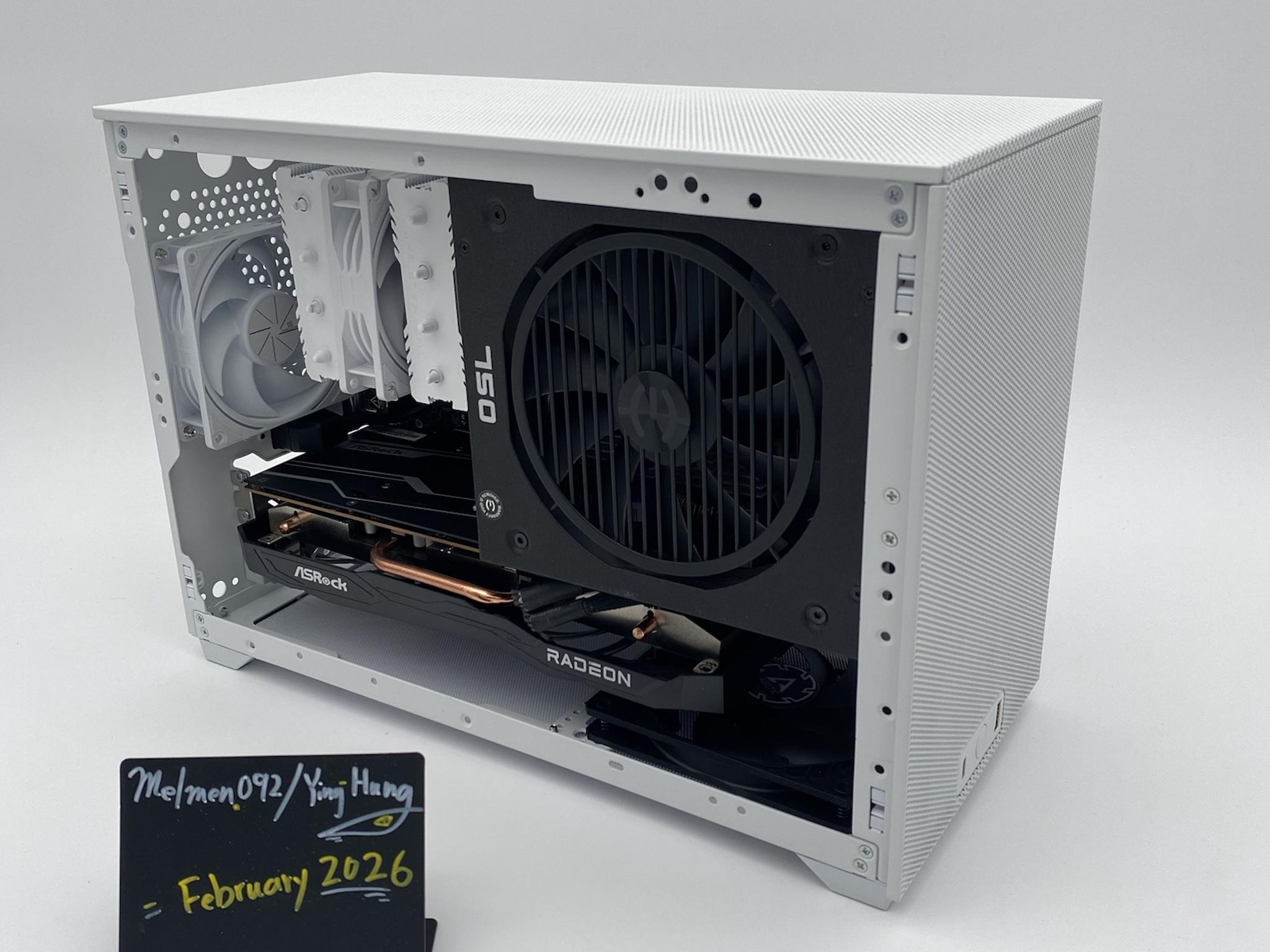
"Light Core" | i5-12400F | 6600XT | Crucial DDR4 16GB | Crucial 1TB Storage
SAVE 36%
$970.00Was $1493.00(-36%)
These scores summarize real-world gaming performance and value based on this PC's components and price.
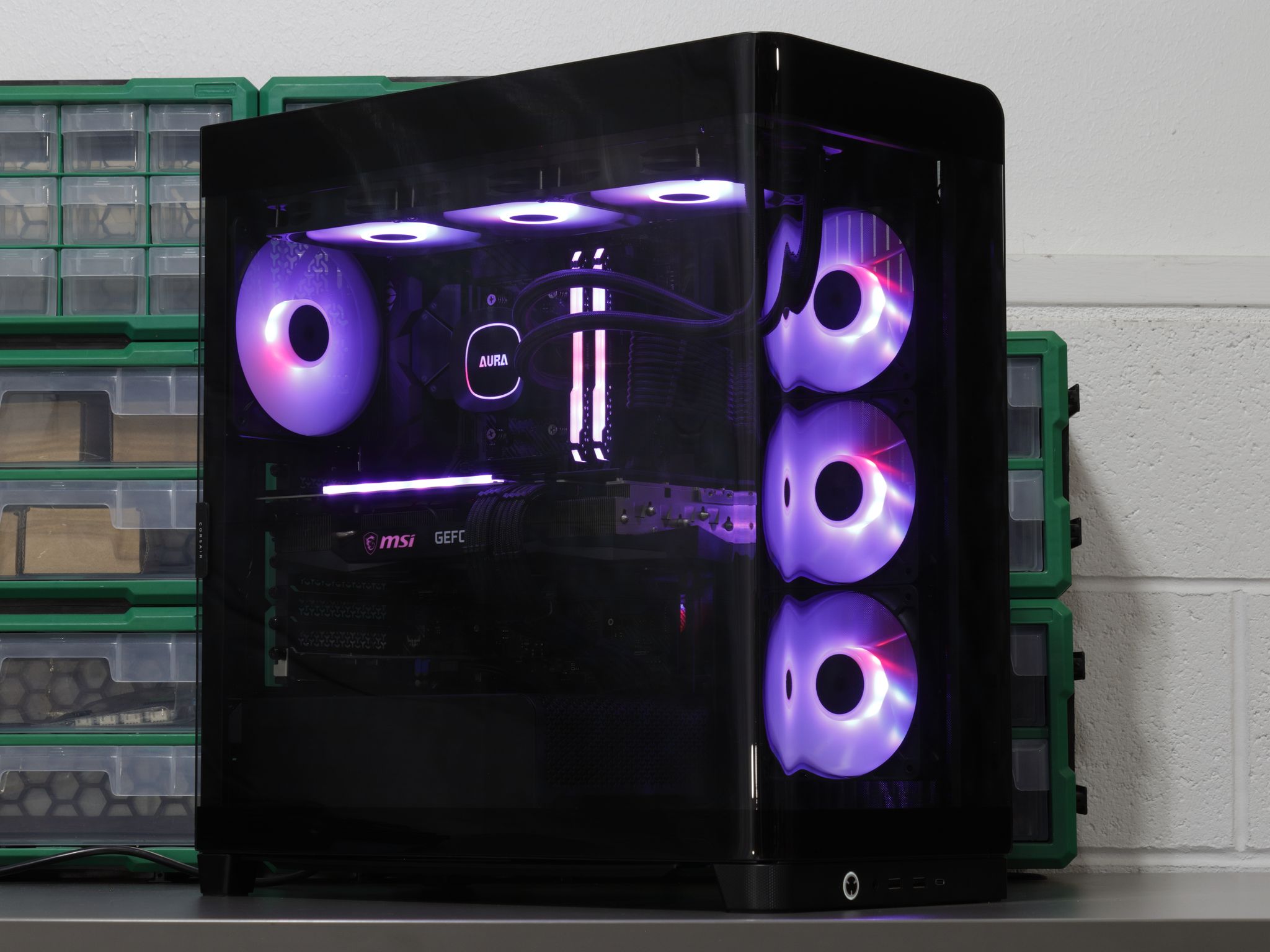
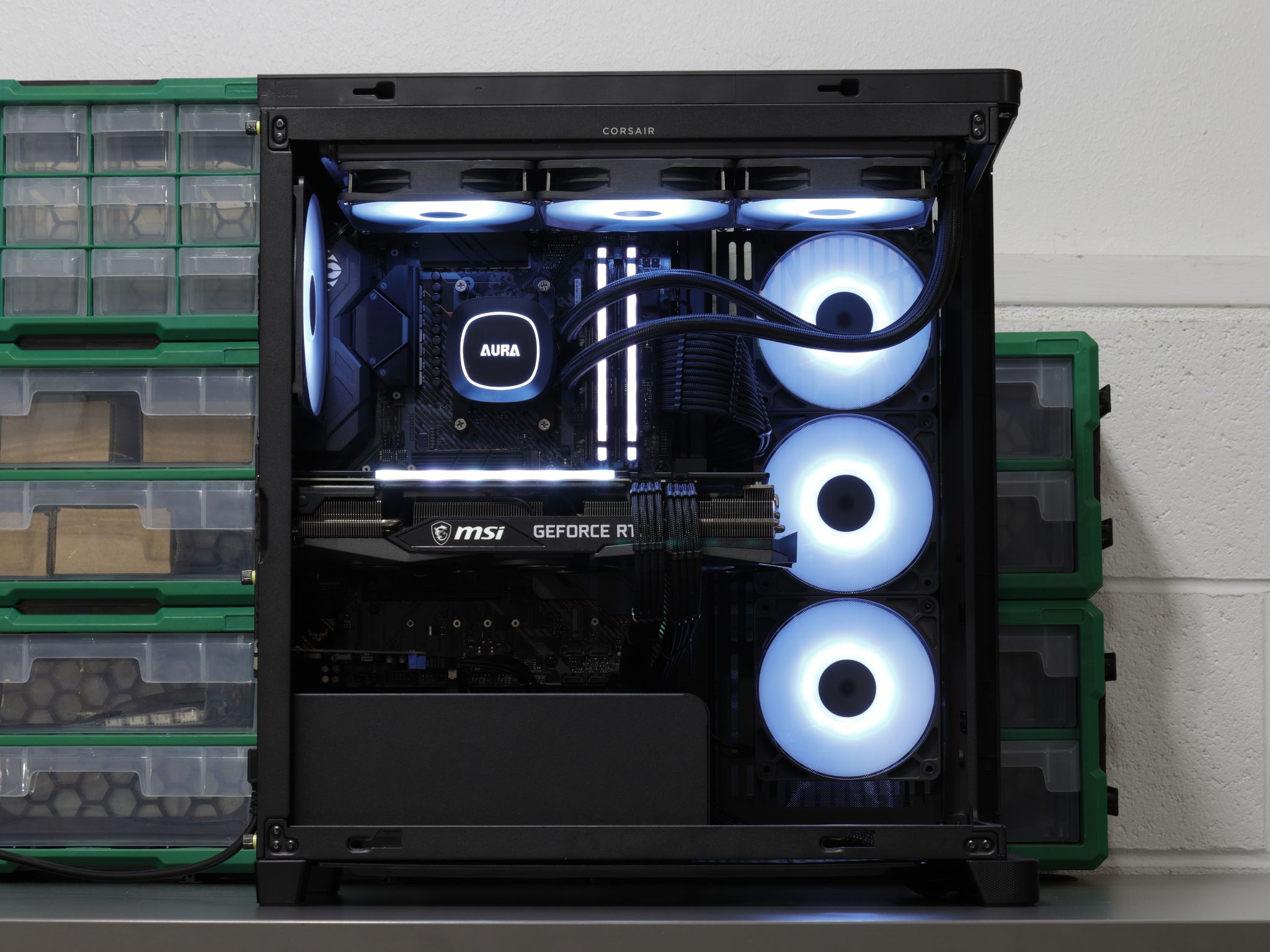
Looking for a build that looks as premium as it feels? The Corsair FRAME 4500X wraps the system in a thick piece of glass, and behind it sits a Ryzen 7 5800X and RTX 3070 that'll crush 1080p gaming. The 5800X may be a bit overkill here, but that headroom keeps you ahead of CPU requirements in newer releases while letting the 3070 push itself to the fullest in older titles and competitive shooters.
The X570 chipset brings PCIe 4.0 across the board¹, and the ASRock PRO-750G sits at B+ on the SPL PSU Tier List with a native 12V-2x6 cable rated for 450W. That combo gives you the freedom to drop in a newer GPU down the line without overhauling anything else.
PBO is enabled and a custom fan profile is set, so the system can push when it needs to and stay quiet at idle. The Gaming X Trio is probably the quietest 3070 I've come across. With PBO on, the 5800X will pull over 170W before throttling at 90°C, but gaming won't get anywhere near that. If you'd rather keep things cooler, disabling PBO returns the CPU to its default 105W power profile.
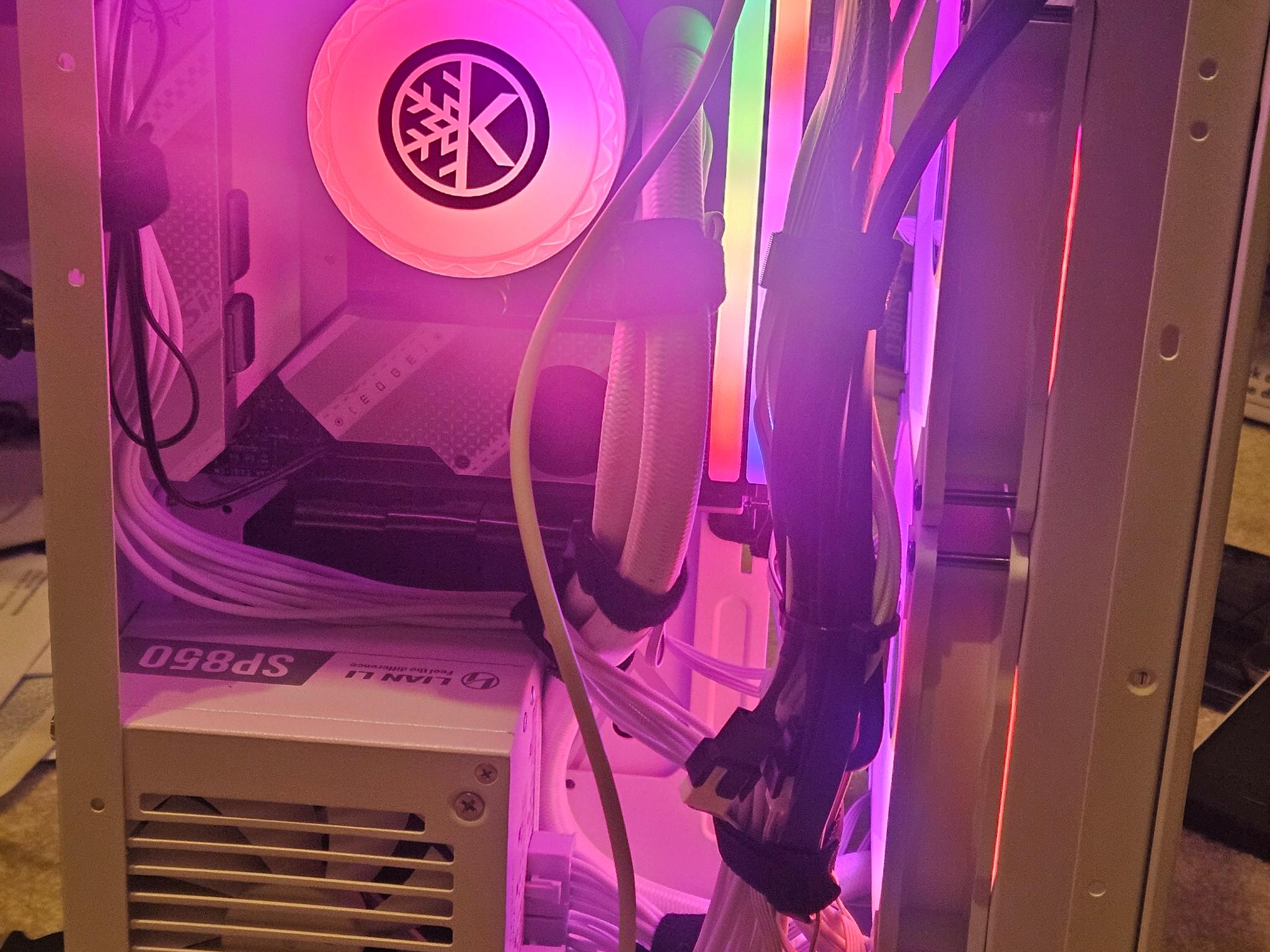
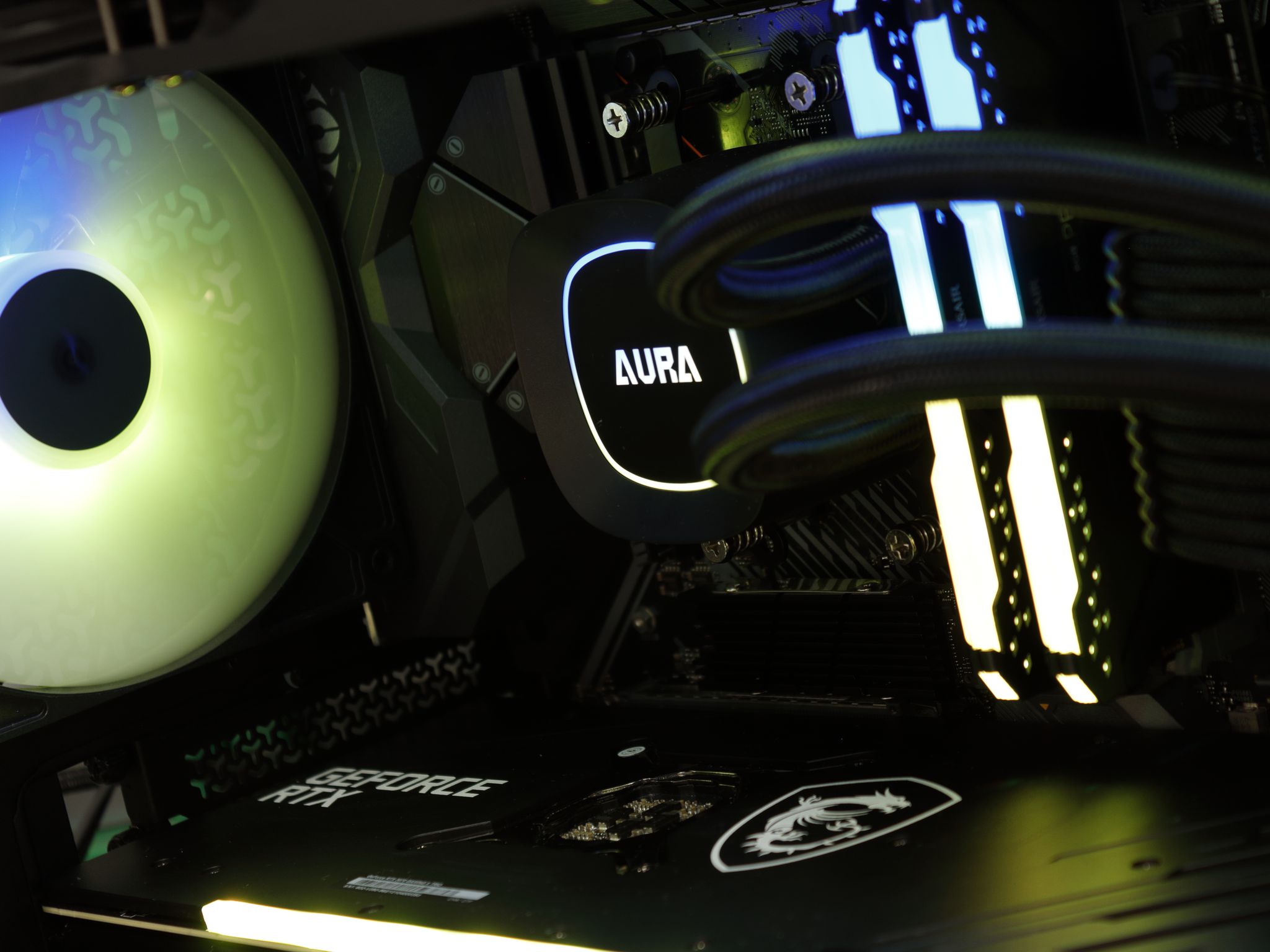
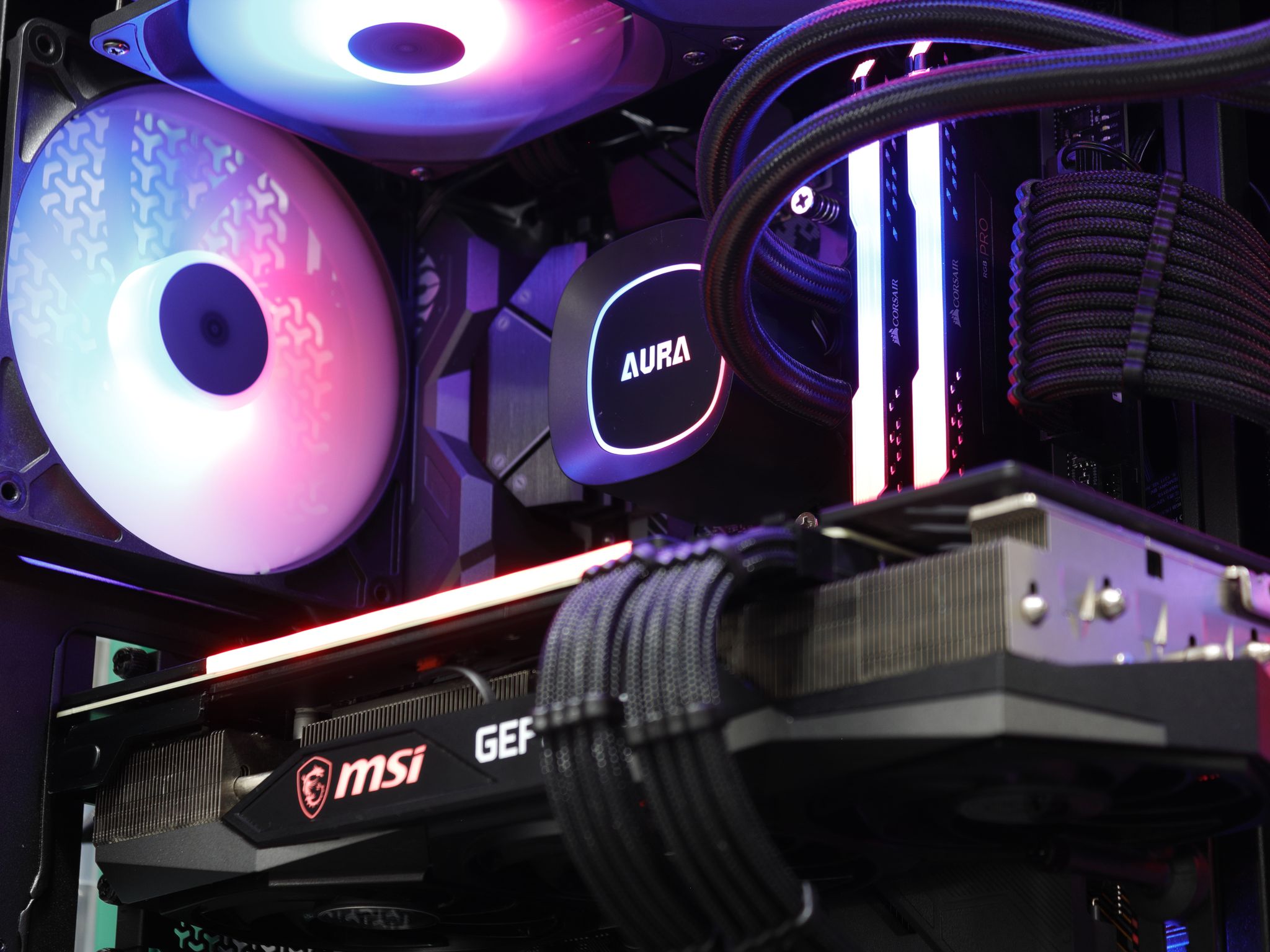
RGB is handled 100% through OpenRGB, covering the RAM, AIO, case fans, and GPU². Since its 1.0 update, I've found it more compatible with components than ever. The UI still won't win any beauty contests, but after a little tinkering, it's worth it to skip the ads and resource hogging that come with most RGB software.
Specs:
This system comes with a fresh Windows 11 Home installation (other than preinstalled apps⁶) and will require initial setup on first boot.
¹Some PCIe 5.0 GPUs running at x8 can face bandwidth constraints on PCIe 3.0 boards. PCIe 4.0 eliminates this concern.
²The GPU's RGB bar animates at a low frame rate due to software limitations. Colors and effects still apply, just not as smoothly as the rest of the system.
³The RAM wasn't stable at its rated 3200MHz, so it's been downclocked to 2666MHz CL16 for stability.
⁴Drive health verified via CrystalDiskInfo: 100% health, 26TB read, 3TB written (rated for 600TBW endurance), 4,500 power-on hours.
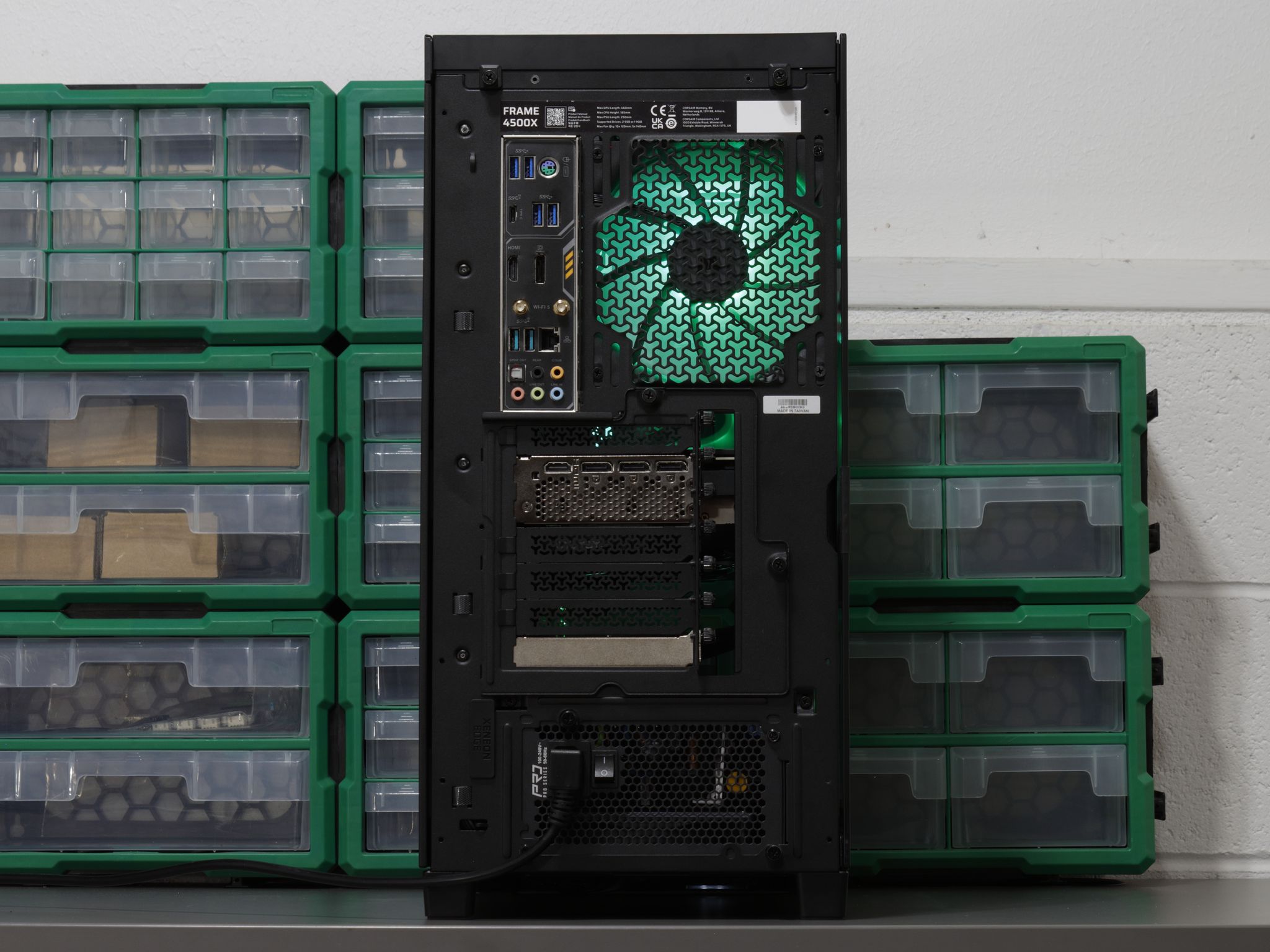
⁵For some reason ASUS really hates internal USB-C headers on their AM4 boards, ive added a USB 3.0 Adapter + USB 3.0 > USB-C header adapter to solve this issue. You have the USB 3.0 header on the motherboard available for use.
⁶Preinstalled apps include NVIDIA App, OpenRGB, Steam, and Samsung Magician.
SAVE 36%

These scores summarize real-world gaming performance and value based on this PC's components and price.
Looking for a build that looks as premium as it feels? The Corsair FRAME 4500X wraps the system in a thick piece of glass, and behind it sits a Ryzen 7 5800X and RTX 3070 that'll crush 1080p gaming. The 5800X may be a bit overkill here, but that headroom keeps you ahead of CPU requirements in newer releases while letting the 3070 push itself to the fullest in older titles and competitive shooters.
The X570 chipset brings PCIe 4.0 across the board¹, and the ASRock PRO-750G sits at B+ on the SPL PSU Tier List with a native 12V-2x6 cable rated for 450W. That combo gives you the freedom to drop in a newer GPU down the line without overhauling anything else.
PBO is enabled and a custom fan profile is set, so the system can push when it needs to and stay quiet at idle. The Gaming X Trio is probably the quietest 3070 I've come across. With PBO on, the 5800X will pull over 170W before throttling at 90°C, but gaming won't get anywhere near that. If you'd rather keep things cooler, disabling PBO returns the CPU to its default 105W power profile.
RGB is handled 100% through OpenRGB, covering the RAM, AIO, case fans, and GPU². Since its 1.0 update, I've found it more compatible with components than ever. The UI still won't win any beauty contests, but after a little tinkering, it's worth it to skip the ads and resource hogging that come with most RGB software.
Specs:
This system comes with a fresh Windows 11 Home installation (other than preinstalled apps⁶) and will require initial setup on first boot.
¹Some PCIe 5.0 GPUs running at x8 can face bandwidth constraints on PCIe 3.0 boards. PCIe 4.0 eliminates this concern.
²The GPU's RGB bar animates at a low frame rate due to software limitations. Colors and effects still apply, just not as smoothly as the rest of the system.
³The RAM wasn't stable at its rated 3200MHz, so it's been downclocked to 2666MHz CL16 for stability.
⁴Drive health verified via CrystalDiskInfo: 100% health, 26TB read, 3TB written (rated for 600TBW endurance), 4,500 power-on hours.
⁵For some reason ASUS really hates internal USB-C headers on their AM4 boards, ive added a USB 3.0 Adapter + USB 3.0 > USB-C header adapter to solve this issue. You have the USB 3.0 header on the motherboard available for use.
⁶Preinstalled apps include NVIDIA App, OpenRGB, Steam, and Samsung Magician.
SAVE 36%