
Overview & Specs
- Condition
- Used, Good
- Usage
- 4 years
Description from Seller
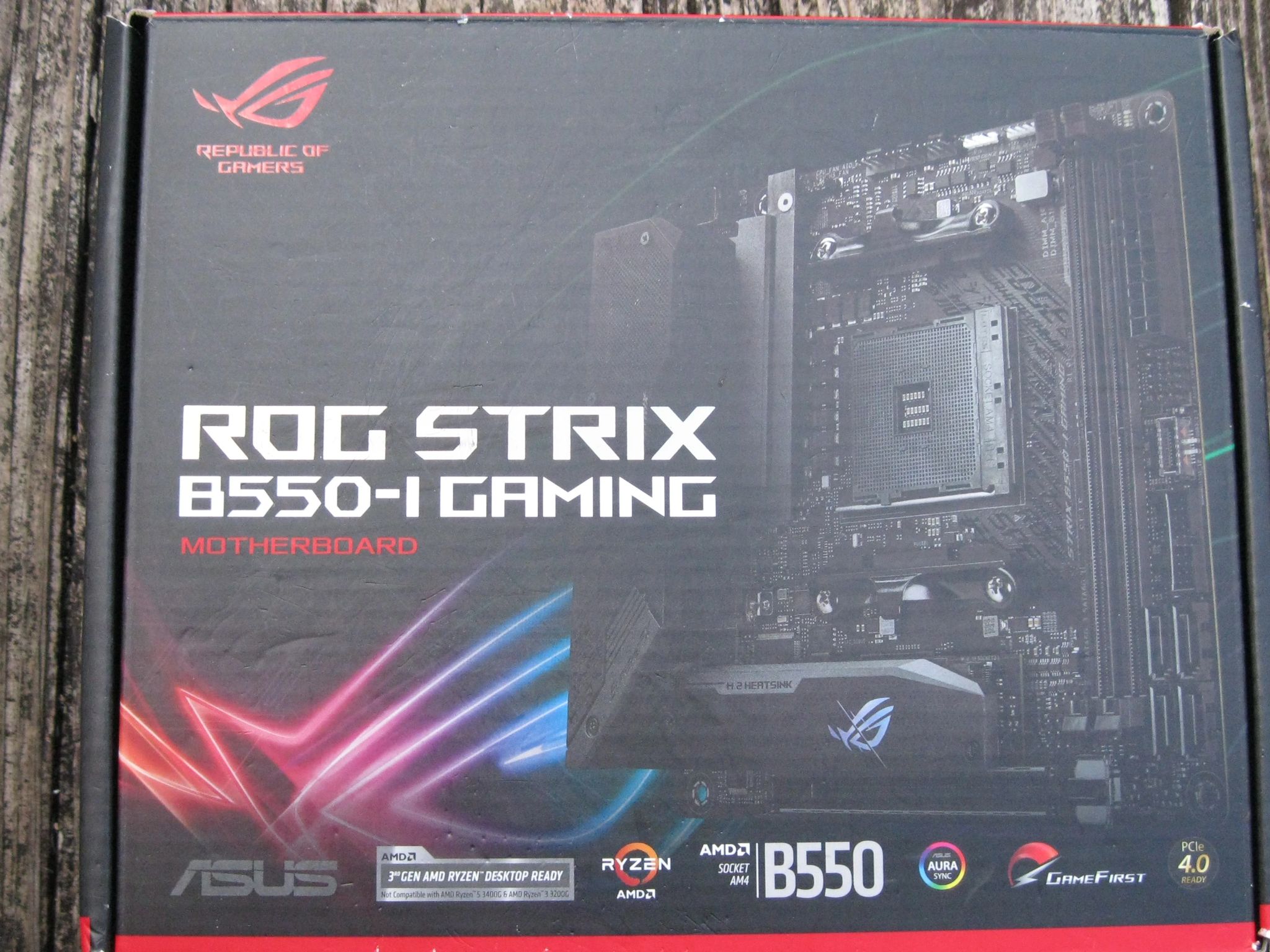
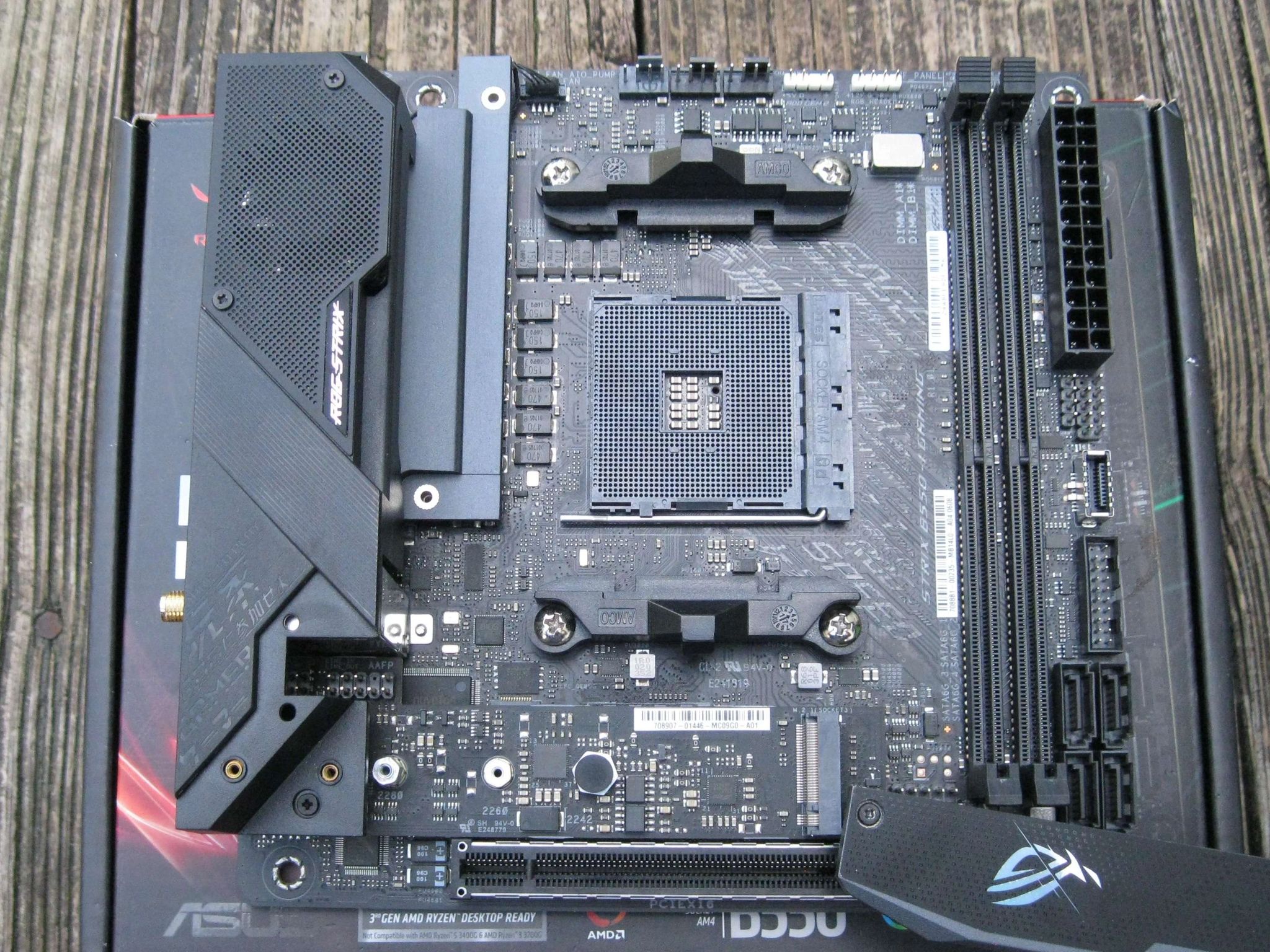
Asus ROG STRIX B550-I GAMING
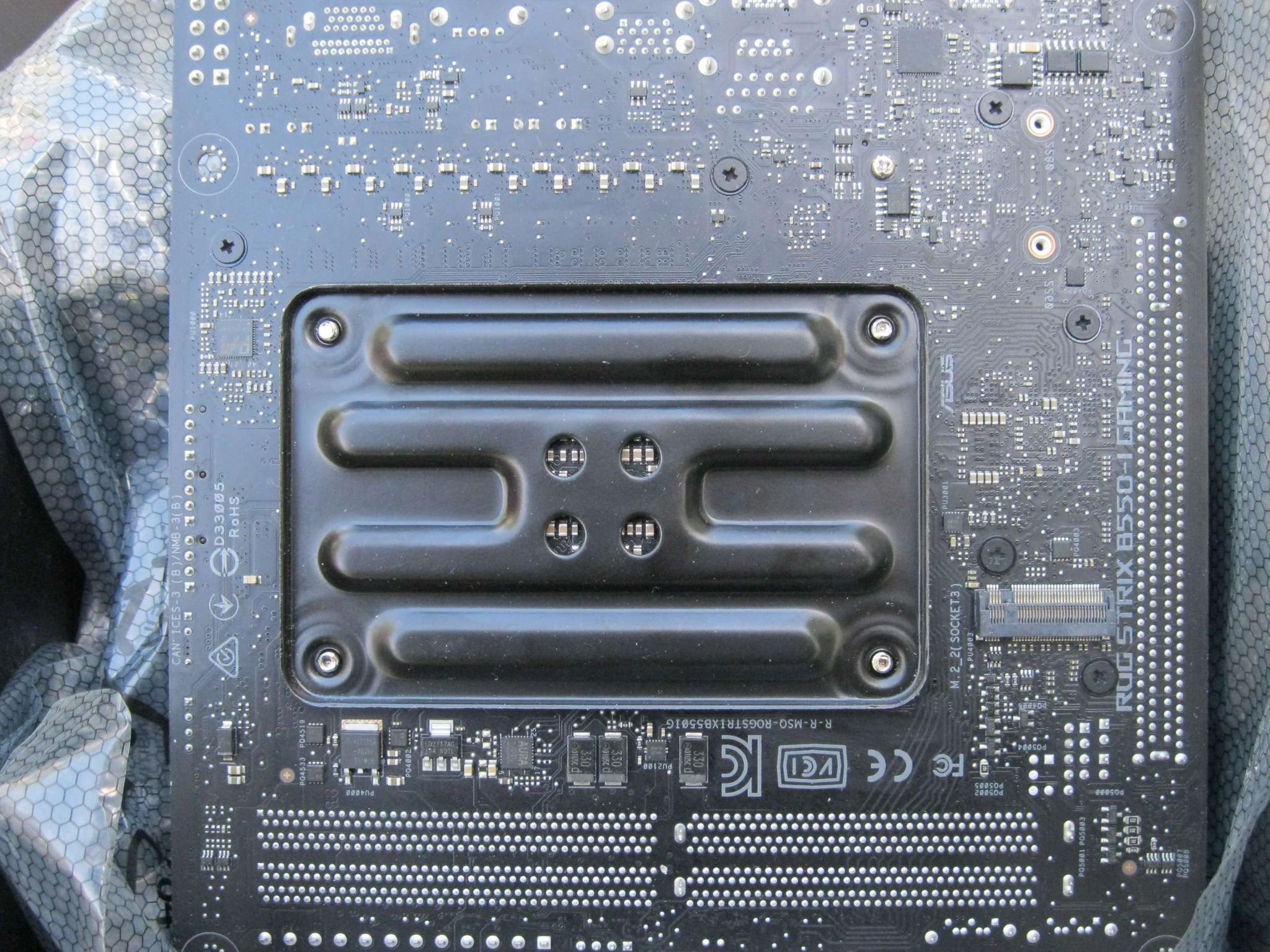
Parted from a retired system.
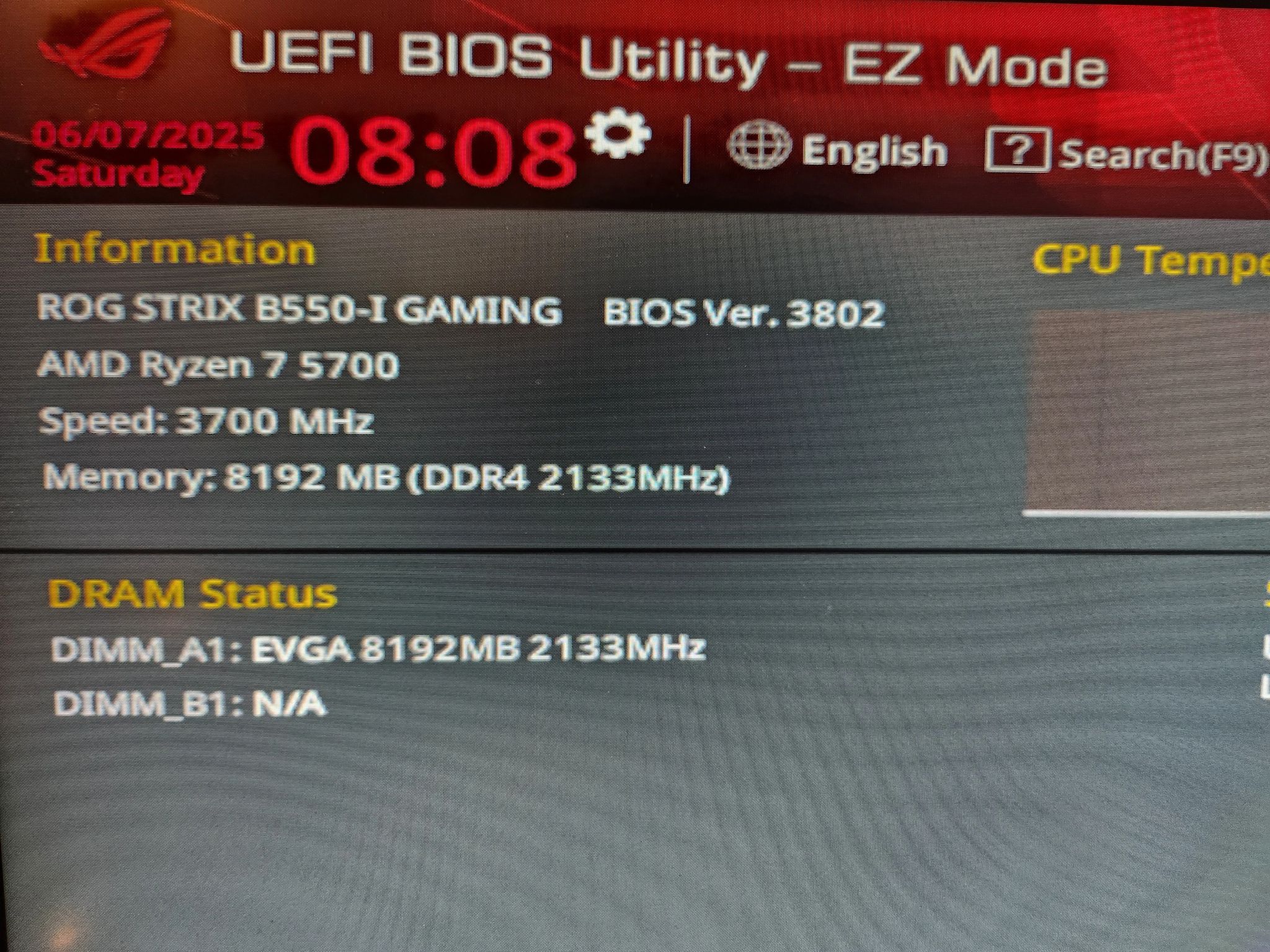
BIOS updated to latest version 3802 (build date January 14, 2025). Compatible with the latest Ryzen 5000 series CPUs. See below for link to the full list.
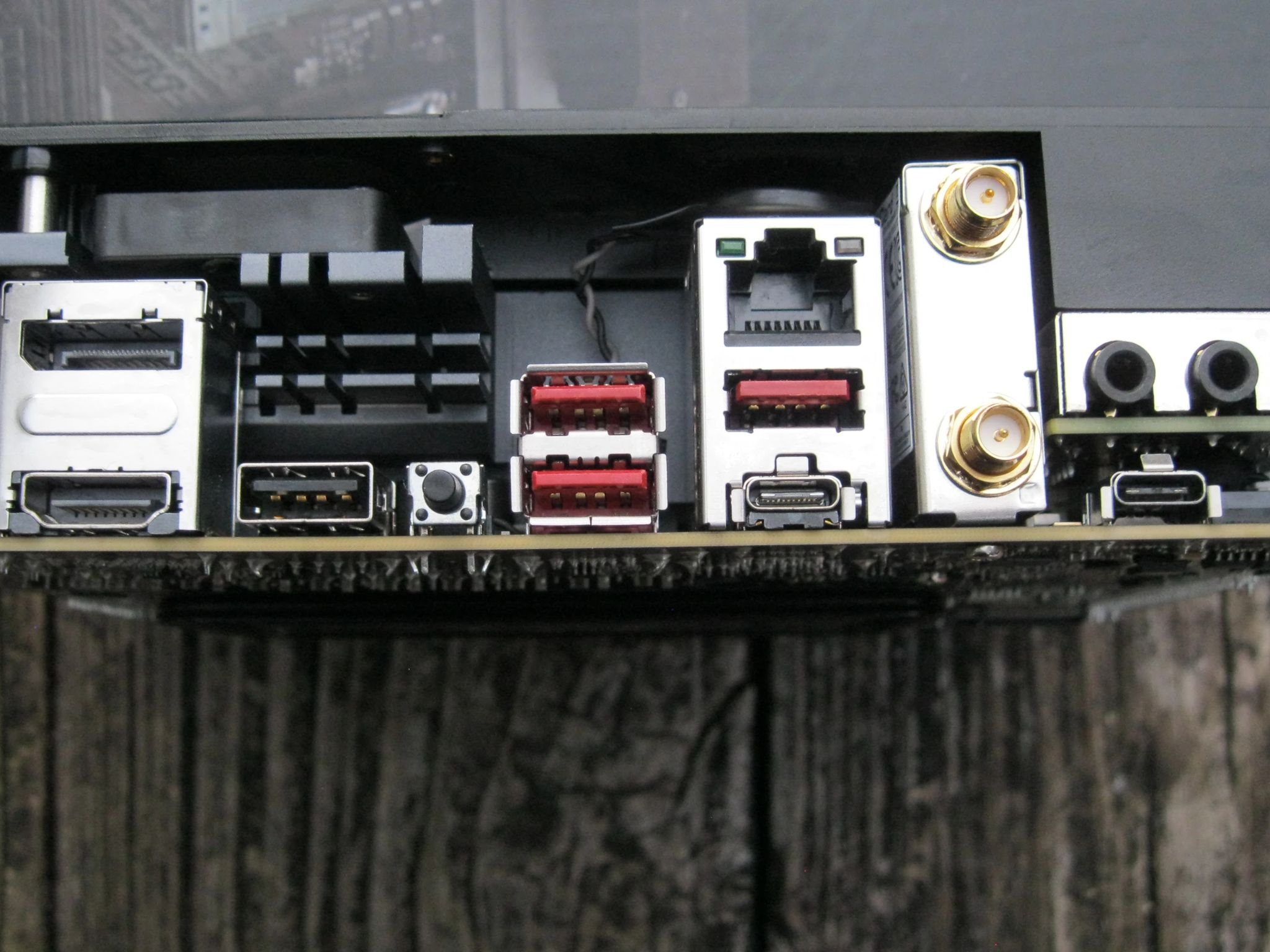
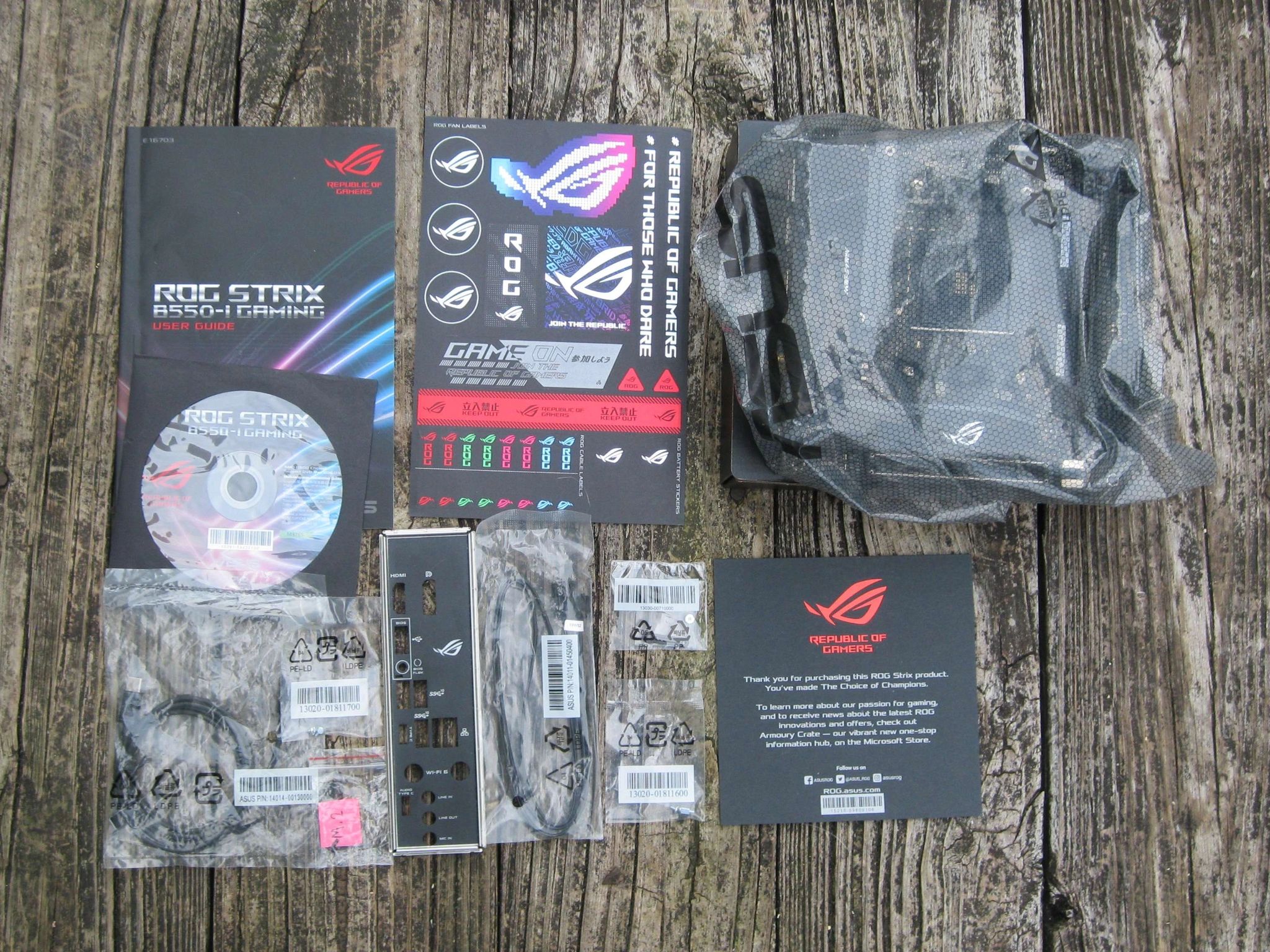
Comes in original box with rear I/O shield, most accessories and documentation (see photos). Motherboard only!
IMPORTANT
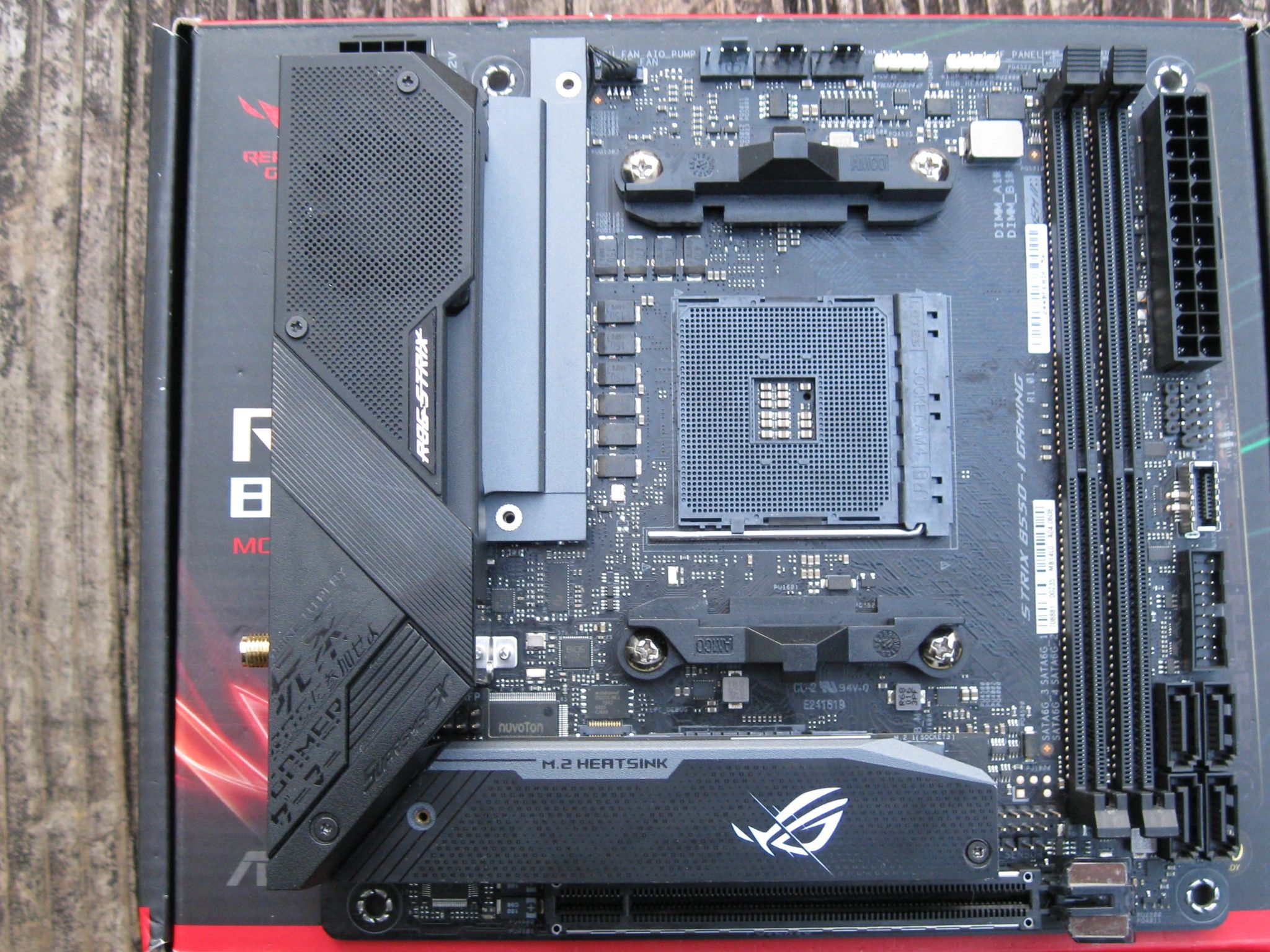
- You'll need to provide your own M.2 thermal pad.
- The screw on the right side of the M.2 heatsink is stripped while the screw on the left side has a worn down head. The left side screw will be placed in a separate bag marked as "M.2" for ease of accessibility. You can also use it to find a replacement screw.
- To access the M.2 slot on the front of the motherboard, you'll have to gently lift the heatsink upwards and swivel it away from the motherboard. To put it back into place, swivel it towards the motherboard back into position. It should stay in place.
Manufacturer part number: 90MB14L0-M0AAY0
Product page: https://rog.asus.com/motherboards/rog-strix/rog-strix-b550-i-gaming-model/
Full technical specifications: https://rog.asus.com/us/motherboards/rog-strix/rog-strix-b550-i-gaming-model/spec/
CPU support list, please confirm your CPU is compatible: https://rog.asus.com/motherboards/rog-strix/rog-strix-b550-i-gaming-model/helpdesk_cpu/
Specifications
Specifications
- Brand
- Asus
- Form Factor
- Mini-ITX
- CPU Brand
- AMD
- CPU Socket
- AM4
- Networking
- Ethernet and Wi-Fi
Similar listings
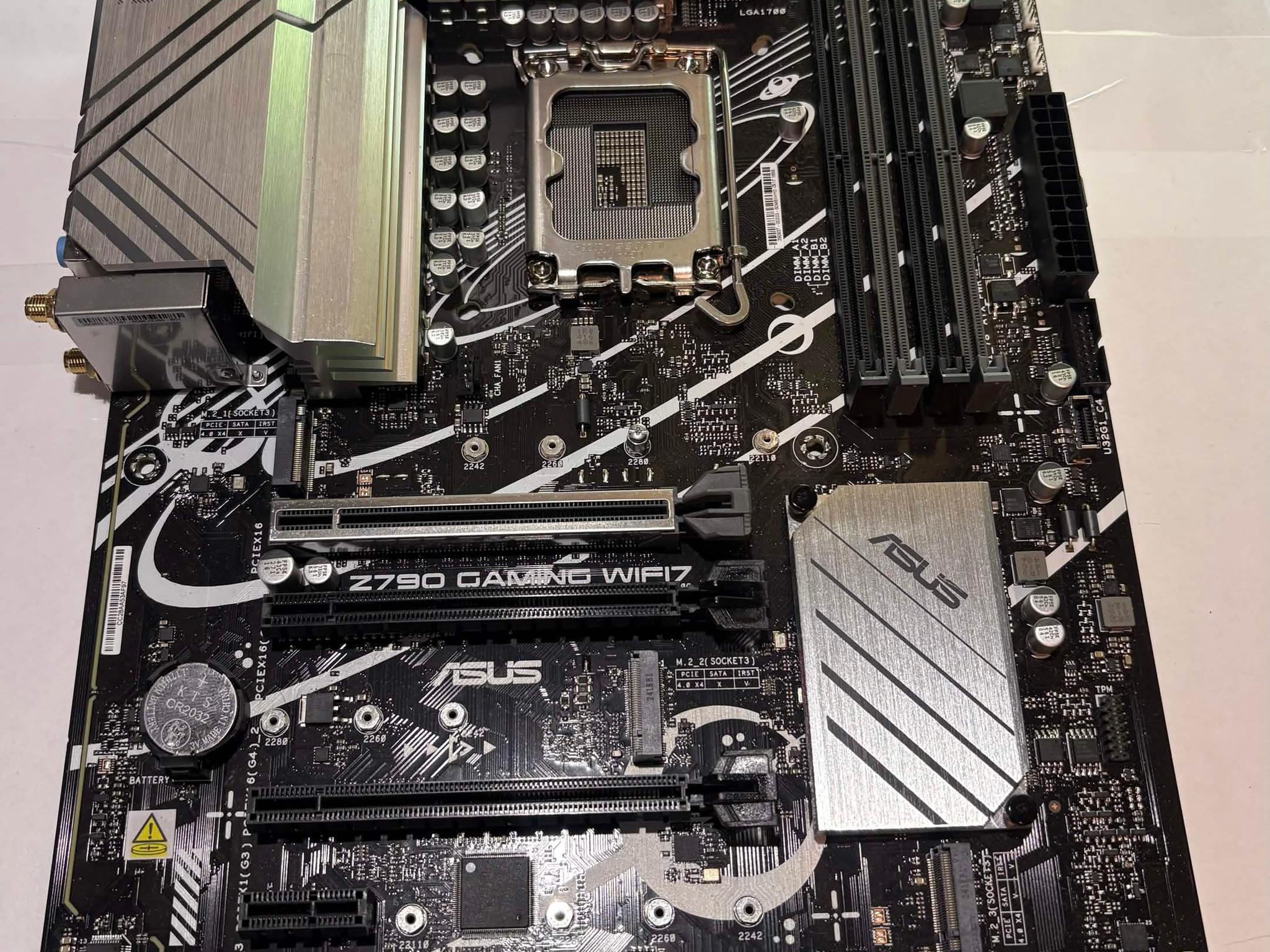
ASUS Prime Z790-P WiFi LGA1700 ATX Motherboard | DDR5 | PCIe 5.0 | Intel 12th/13th/14th Gen
SAVE 20%
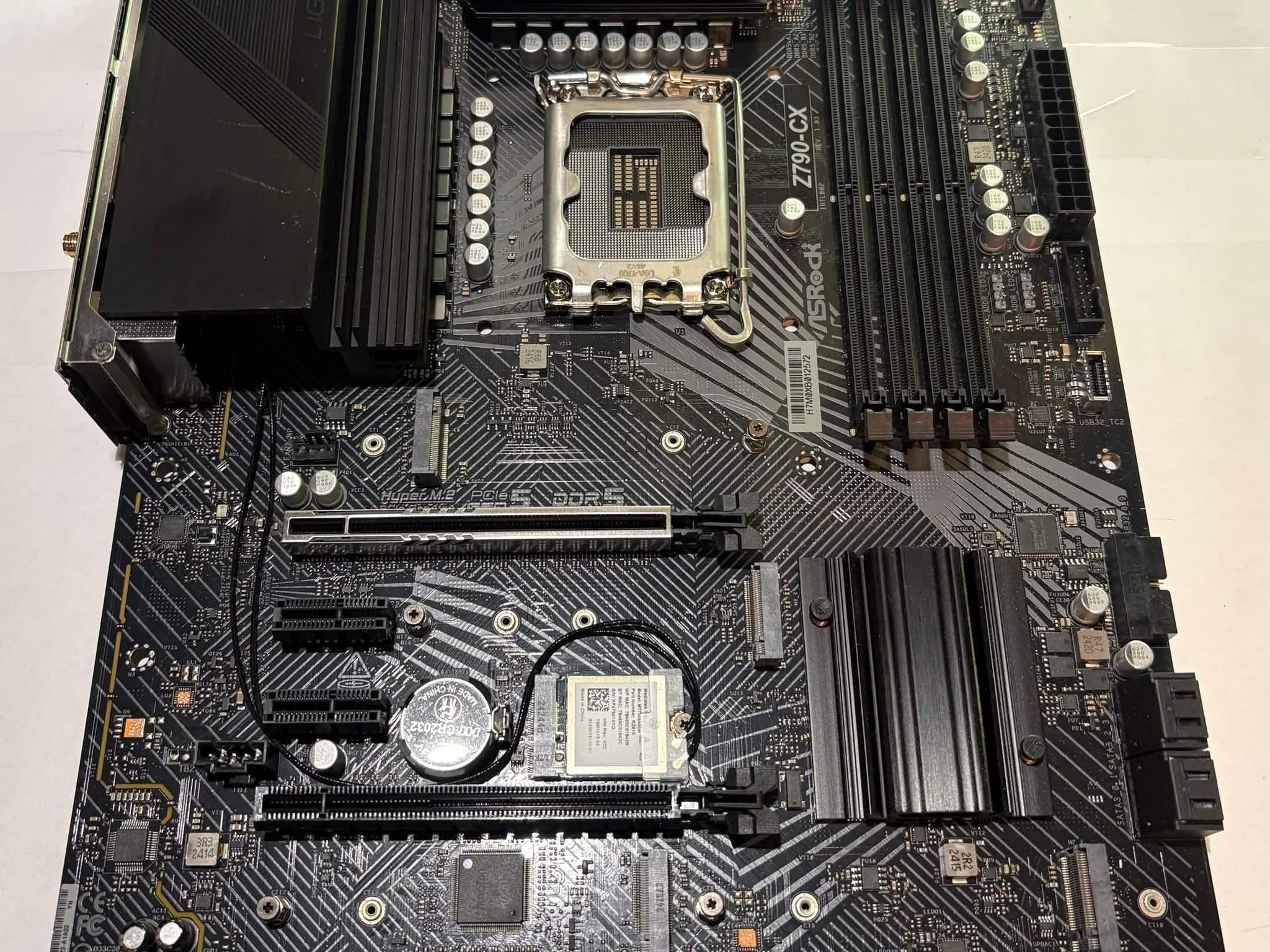
$120.00Was $150.00(-20%)ASRock Z790 CX LGA1700 ATX Motherboard | DDR5 | Intel 12th/13th/14th Gen | WiFi
SAVE 20%
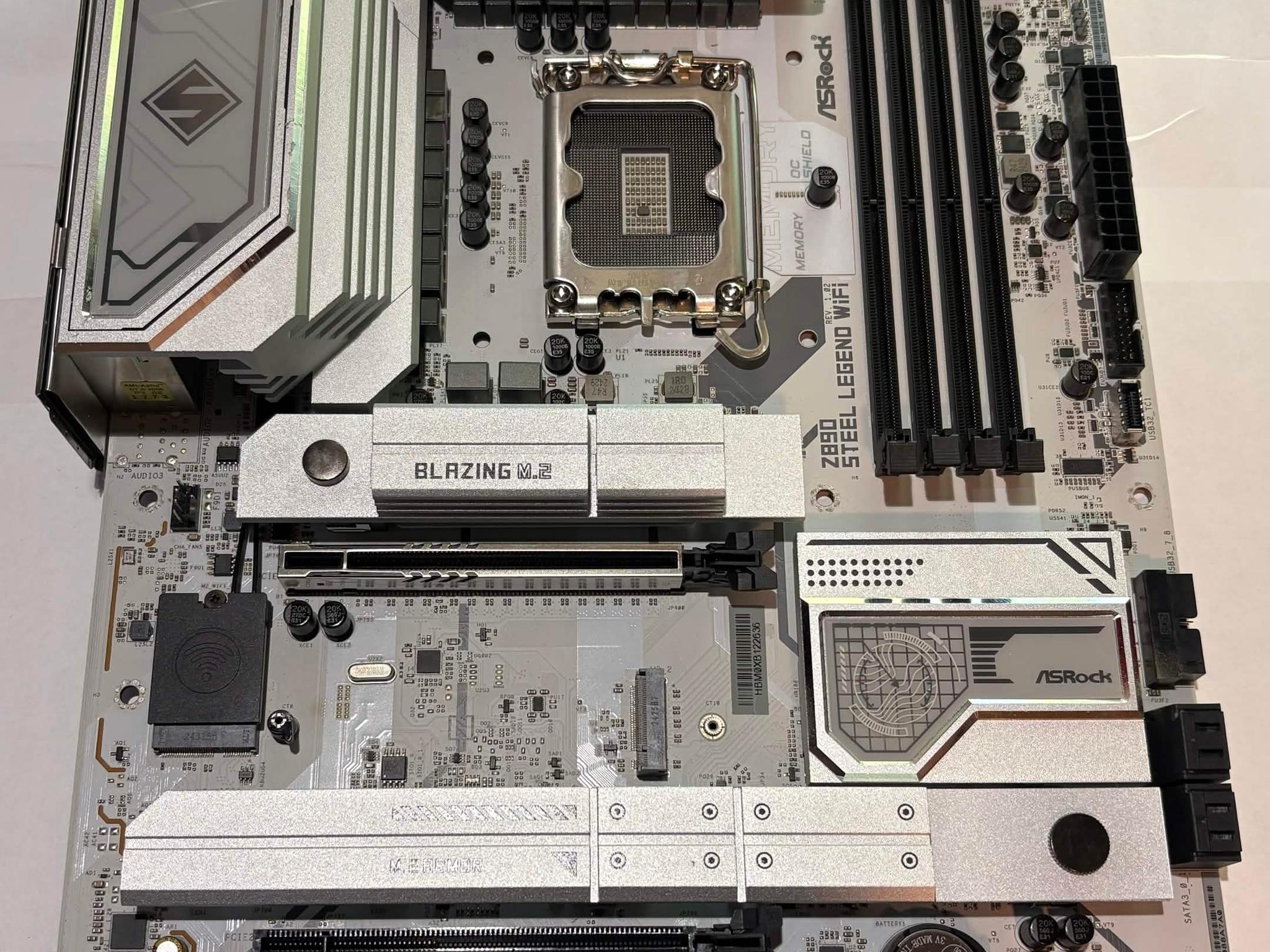
$120.00Was $150.00(-20%)ASRock Z890 Steel Legend WiFi LGA1851 DDR5 ATX Motherboard | Intel Core Ultra | PCIe 5.0
SAVE 20%
$120.00Was $150.00(-20%)

Shipping & Returns
Estimated arrival

Asus ROG STRIX B550-I GAMING | Mini ITX AM4 Motherboard

Overview & Specs
- Condition
- Used, Good
- Usage
- 4 years
Description from Seller
Asus ROG STRIX B550-I GAMING
Parted from a retired system.
BIOS updated to latest version 3802 (build date January 14, 2025). Compatible with the latest Ryzen 5000 series CPUs. See below for link to the full list.
Comes in original box with rear I/O shield, most accessories and documentation (see photos). Motherboard only!
IMPORTANT
- You'll need to provide your own M.2 thermal pad.
- The screw on the right side of the M.2 heatsink is stripped while the screw on the left side has a worn down head. The left side screw will be placed in a separate bag marked as "M.2" for ease of accessibility. You can also use it to find a replacement screw.
- To access the M.2 slot on the front of the motherboard, you'll have to gently lift the heatsink upwards and swivel it away from the motherboard. To put it back into place, swivel it towards the motherboard back into position. It should stay in place.
Manufacturer part number: 90MB14L0-M0AAY0
Product page: https://rog.asus.com/motherboards/rog-strix/rog-strix-b550-i-gaming-model/
Full technical specifications: https://rog.asus.com/us/motherboards/rog-strix/rog-strix-b550-i-gaming-model/spec/
CPU support list, please confirm your CPU is compatible: https://rog.asus.com/motherboards/rog-strix/rog-strix-b550-i-gaming-model/helpdesk_cpu/
Specifications
Specifications
- Brand
- Asus
- Form Factor
- Mini-ITX
- CPU Brand
- AMD
- CPU Socket
- AM4
- Networking
- Ethernet and Wi-Fi
Similar listings
ASUS Prime Z790-P WiFi LGA1700 ATX Motherboard | DDR5 | PCIe 5.0 | Intel 12th/13th/14th Gen
SAVE 20%
$120.00Was $150.00(-20%)ASRock Z790 CX LGA1700 ATX Motherboard | DDR5 | Intel 12th/13th/14th Gen | WiFi
SAVE 20%
$120.00Was $150.00(-20%)ASRock Z890 Steel Legend WiFi LGA1851 DDR5 ATX Motherboard | Intel Core Ultra | PCIe 5.0
SAVE 20%
$120.00Was $150.00(-20%)