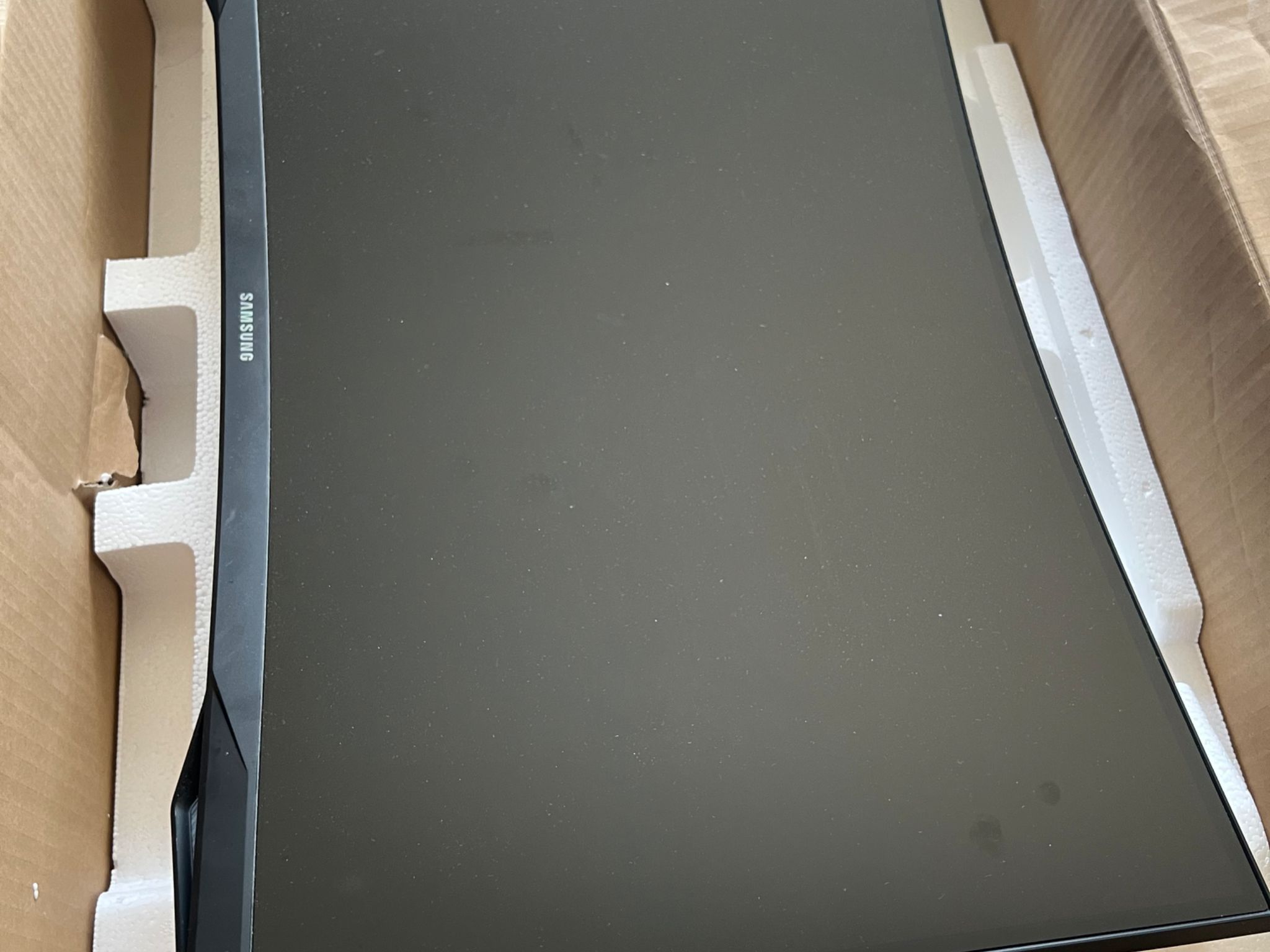
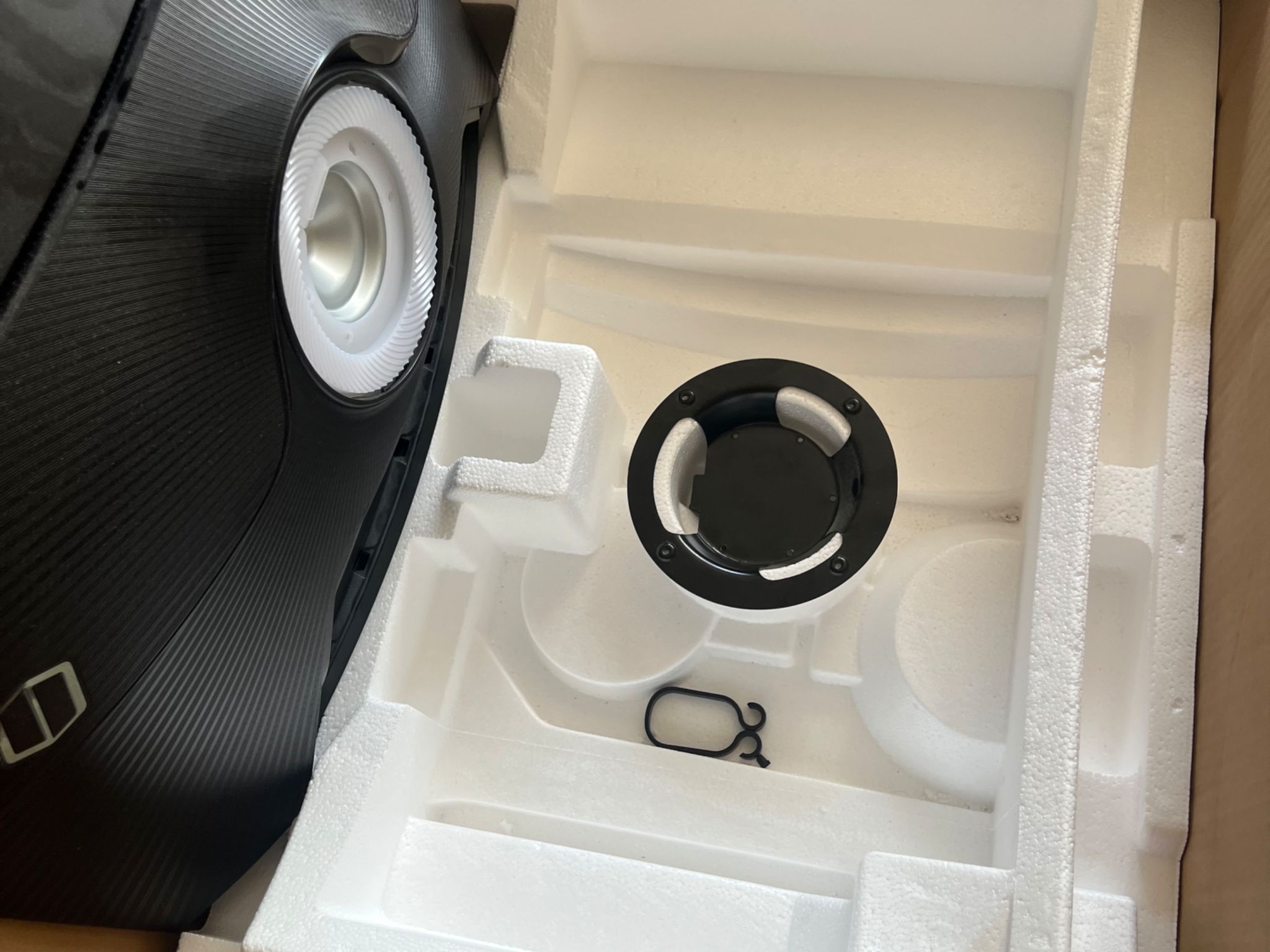
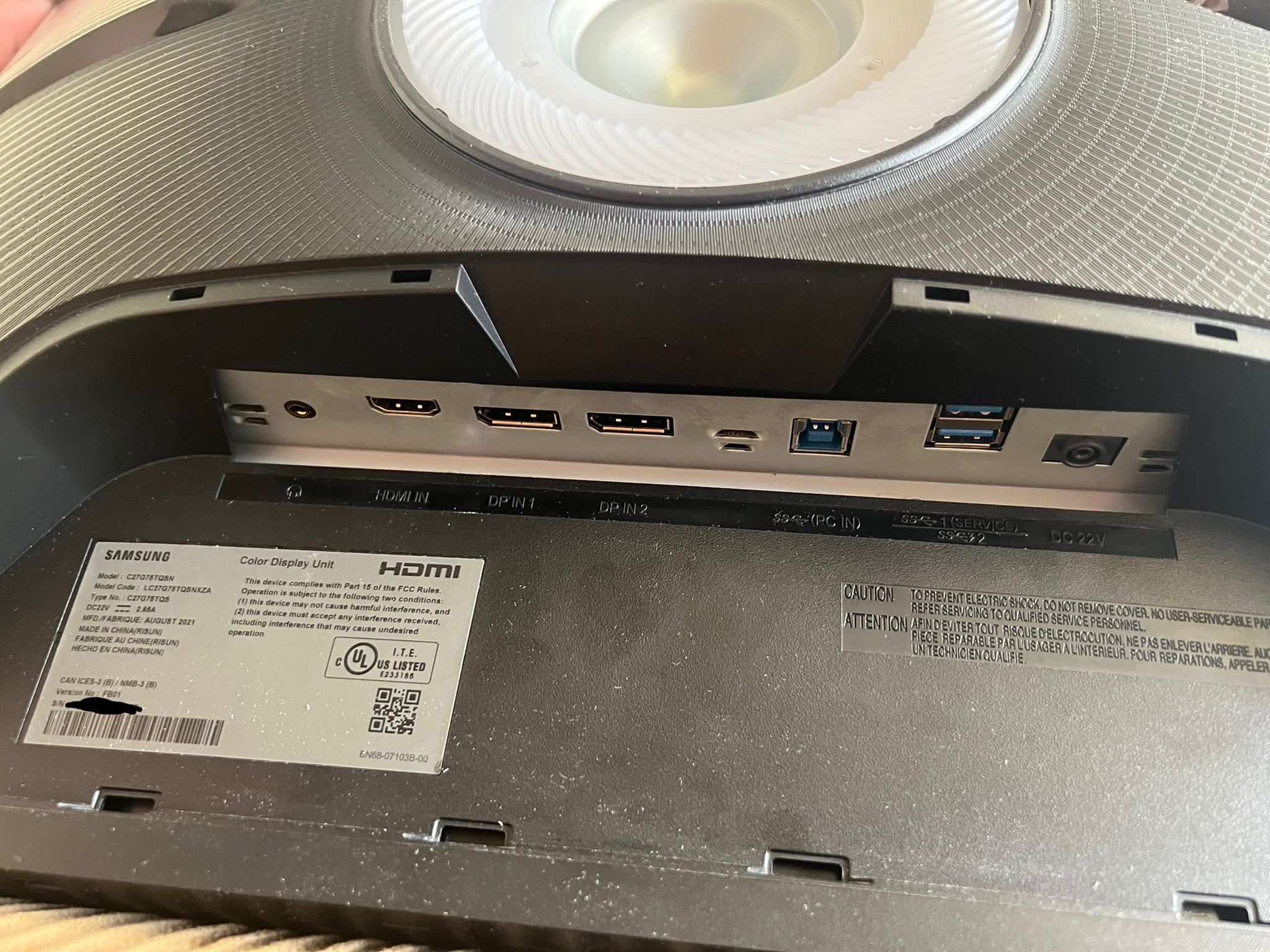
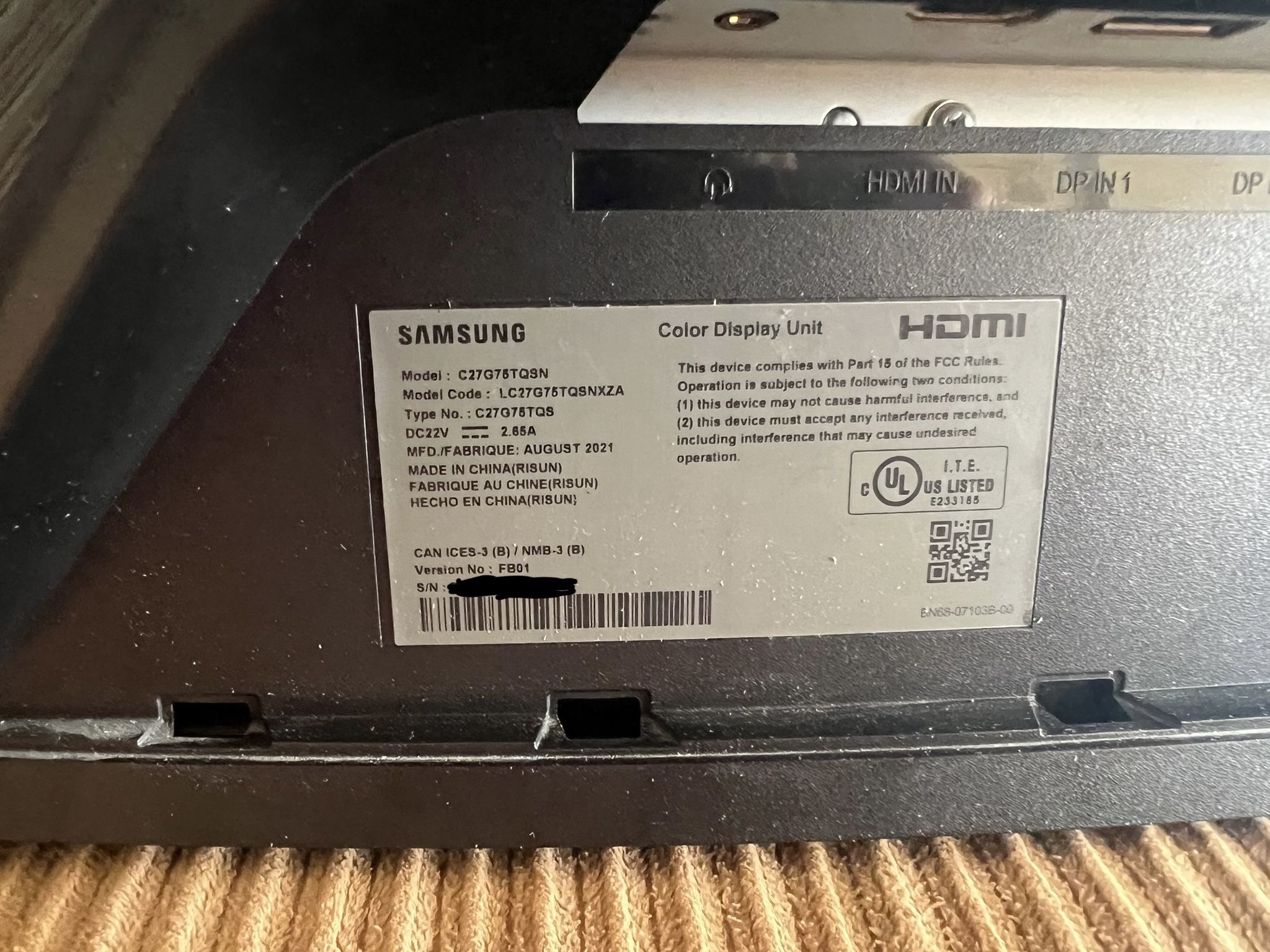
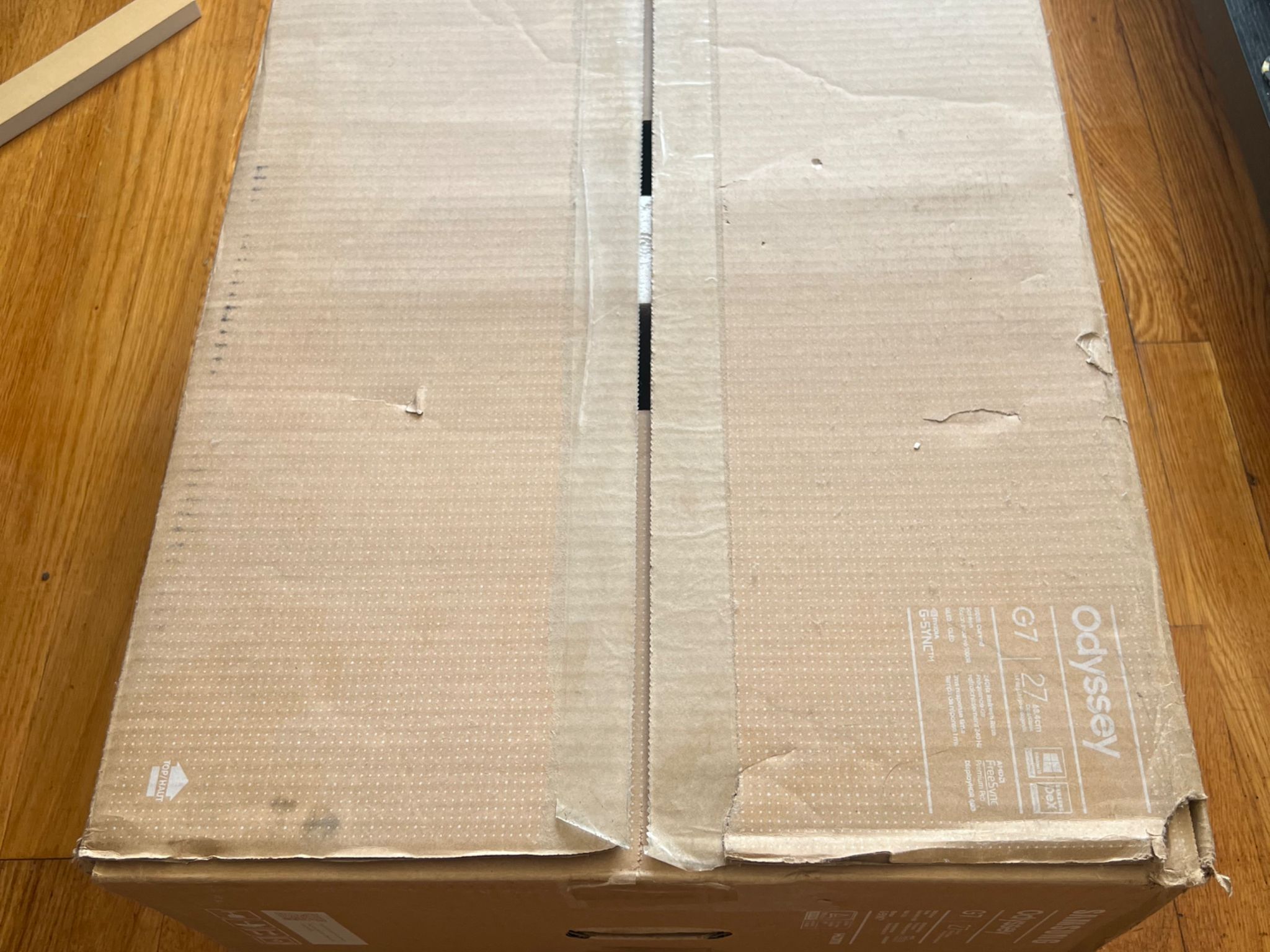
Samsung Odyssey G7 (2021) 27” 1440p 240Hz IPS Q-LED monitor


Overview & Specs
- Condition
- Used, Like New
- Usage
- 4 years
Description from Seller
This monitor has been amazing for me since I got it. I’m upgrading to QD-OLED so I don’t need this baby anymore, and I want to find a good home for it. I haven’t had any of the Samsung weirdness, the only thing is that if it’s in 240Hz mode, it won’t pick up the display output until windows starts properly. So if you’re going into the BIOS settings you should put it in 60Hz mode (I definitely didn’t spend a week troubleshooting that only to figure it out accidentally…)
Additional Specs:
- VESA HDR 600 Certified
- G-SYNC Compatible
- AMD FreeSync Premium Pro
- QLED Panel
- 1ms response time
Great for Games:
- 1440p is still the best balance of sharpness and performance requirements IMO. You should be able to push high frames with a decent GPU, so you can take advantage of the high refresh rate
- 240Hz makes motion so smooth, I’m totally spoiled on any “standard” refresh rate screen
- VESA HDR 600 Certification makes colors pop in games that have HDR settings, which is most these days
Okay for Movies/Streaming:
- IPS panel means blacks aren’t the best
- 240Hz puts the backlight in overdrive, so you lose a good amount of contrast. I usually put it to 120Hz for the best picture quality when watching anything I care about
- Almost nothing will let you stream in 1440p, so you’ll usually have to watch in 1080p, unless you can for it to show 4K
- HDR 600 means you can enable HDR on a streaming box, PC support for HDR viewing isn’t great
Specifications
Specifications
- Brand
- Samsung
- Panel Type
- IPS
- Screen Size
- 27" - 32"
- Aspect Ratio
- 16:9
- Refresh Rate
- 240 Hz
- Resolution
- 2560 x 1440 (1440p 16:9)
- Form Factor
- Standard
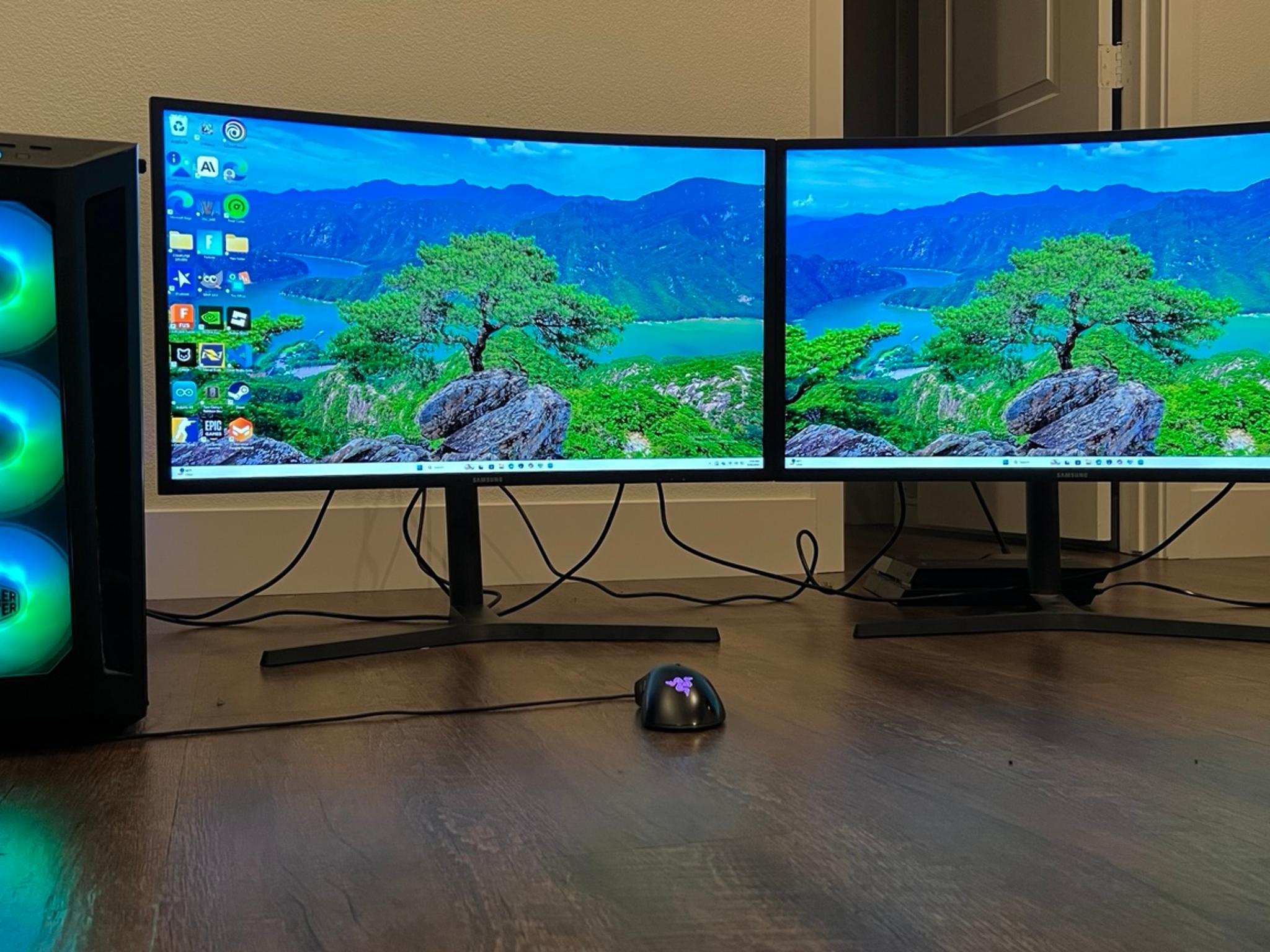
- Curved
- yes
- Touchscreen
- No
- VESA Mountable
- 100 x 100
Similar listings


Shipping & Returns
Estimated arrival
Overview & Specs
- Condition
- Used, Like New
- Usage
- 4 years
Description from Seller
This monitor has been amazing for me since I got it. I’m upgrading to QD-OLED so I don’t need this baby anymore, and I want to find a good home for it. I haven’t had any of the Samsung weirdness, the only thing is that if it’s in 240Hz mode, it won’t pick up the display output until windows starts properly. So if you’re going into the BIOS settings you should put it in 60Hz mode (I definitely didn’t spend a week troubleshooting that only to figure it out accidentally…)
Additional Specs:
- VESA HDR 600 Certified
- G-SYNC Compatible
- AMD FreeSync Premium Pro
- QLED Panel
- 1ms response time
Great for Games:
- 1440p is still the best balance of sharpness and performance requirements IMO. You should be able to push high frames with a decent GPU, so you can take advantage of the high refresh rate
- 240Hz makes motion so smooth, I’m totally spoiled on any “standard” refresh rate screen
- VESA HDR 600 Certification makes colors pop in games that have HDR settings, which is most these days
Okay for Movies/Streaming:
- IPS panel means blacks aren’t the best
- 240Hz puts the backlight in overdrive, so you lose a good amount of contrast. I usually put it to 120Hz for the best picture quality when watching anything I care about
- Almost nothing will let you stream in 1440p, so you’ll usually have to watch in 1080p, unless you can for it to show 4K
- HDR 600 means you can enable HDR on a streaming box, PC support for HDR viewing isn’t great
Specifications
Specifications
- Brand
- Samsung
- Panel Type
- IPS
- Screen Size
- 27" - 32"
- Aspect Ratio
- 16:9
- Refresh Rate
- 240 Hz
- Resolution
- 2560 x 1440 (1440p 16:9)
- Form Factor
- Standard
- Curved
- yes
- Touchscreen
- No
- VESA Mountable
- 100 x 100