AMD Reference 7900XTX(Read Description)


Overview & Specs
- Condition
- As-Is / For Parts
- Usage
- < 1 year
Description from Seller
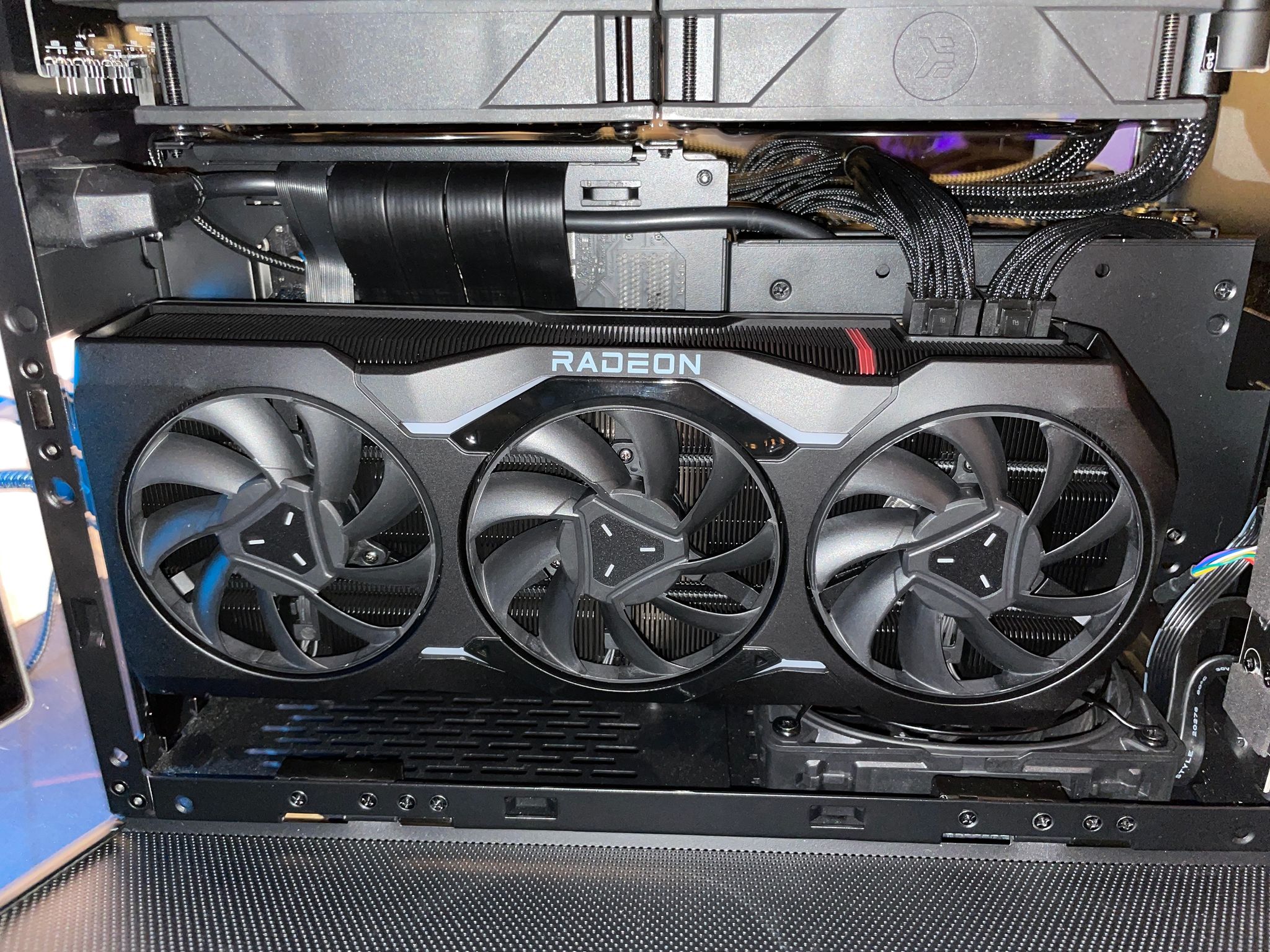
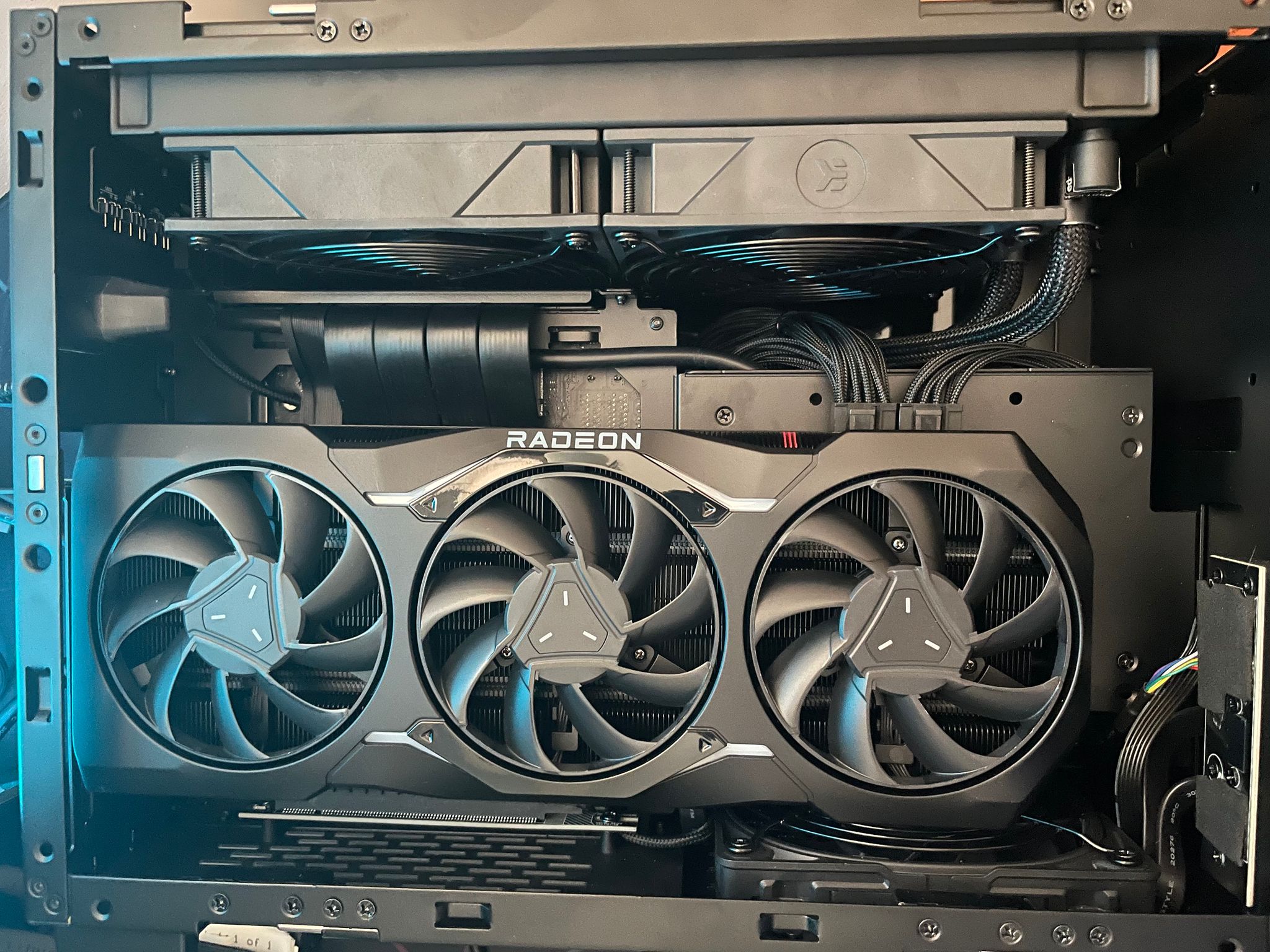
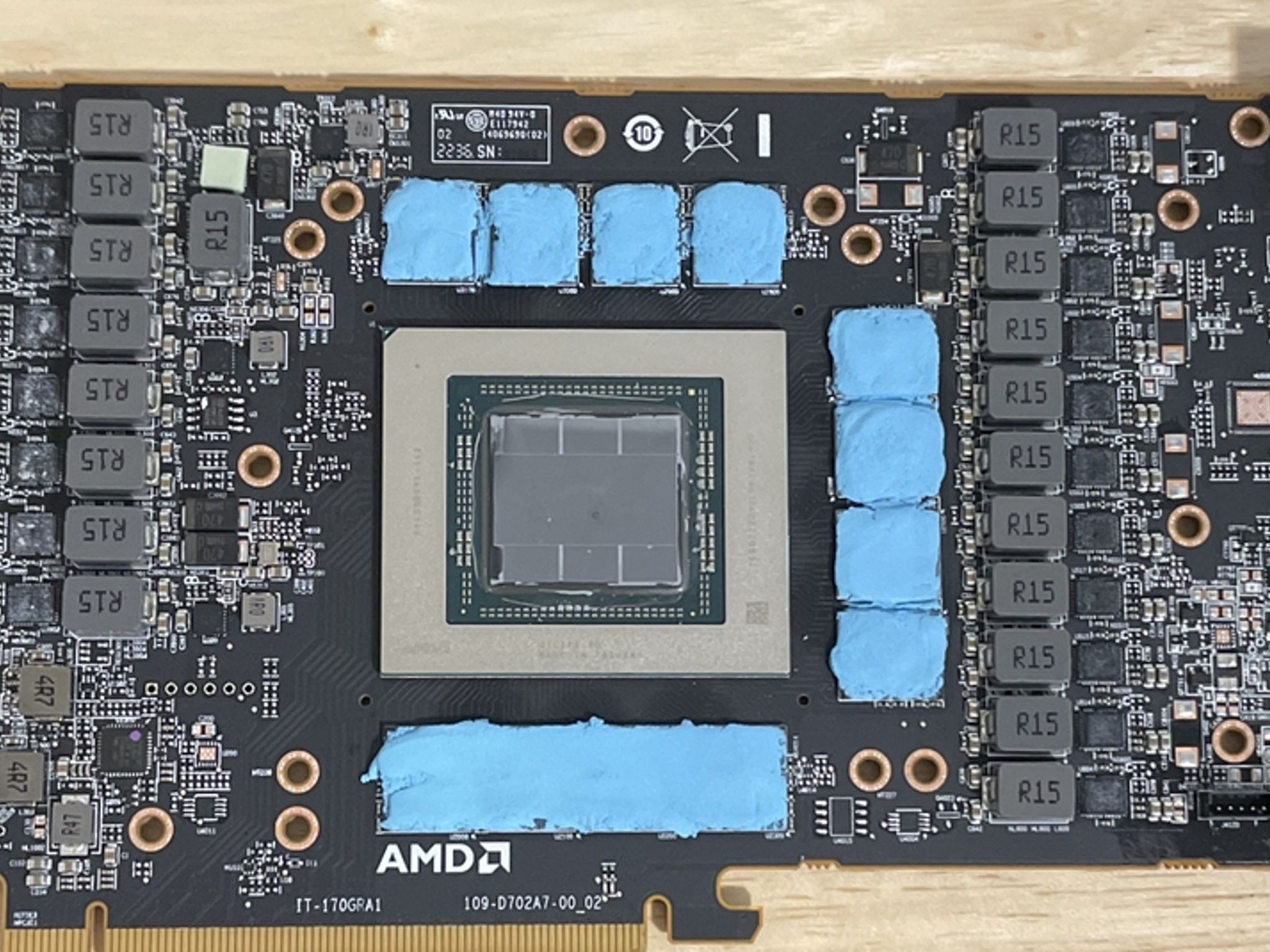
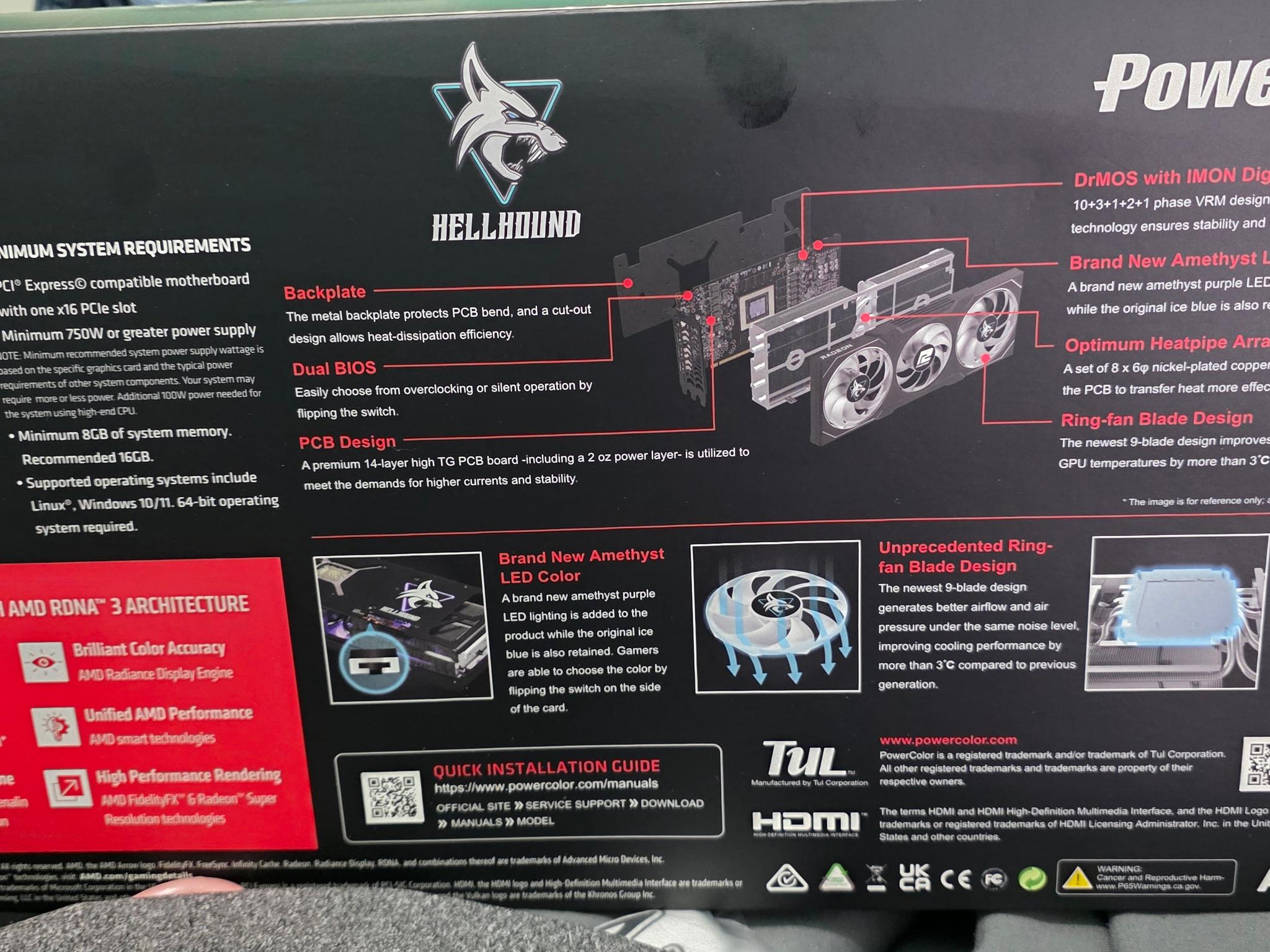
Functional PowerColor Reference 7900XTX W/No Physical Damage
I've marked this fully functional GPU as for parts due to the reference cooler vapor chamber. I've used this GPU in my work pc since 12/24/22. I don't experience 110c thermal throttle issues like others due to how I have tuned this GPU, however your mileage will vary and it is possible to hit the 110c if you don’t take precautions.
I recommend this buy to someone who may want to throw a water block on it, once again it’s only the stock vapor chamber that is “defective” and the GPU itself works fine.
Moving onto a 7900XT instead for the sake of an AIB and not needing the extra horsepower.
Will come with the original box.
GPU has only been ran on native 4K and the below tuning has only been tested on such.
I've personally taken the GPU apart and repasted it.
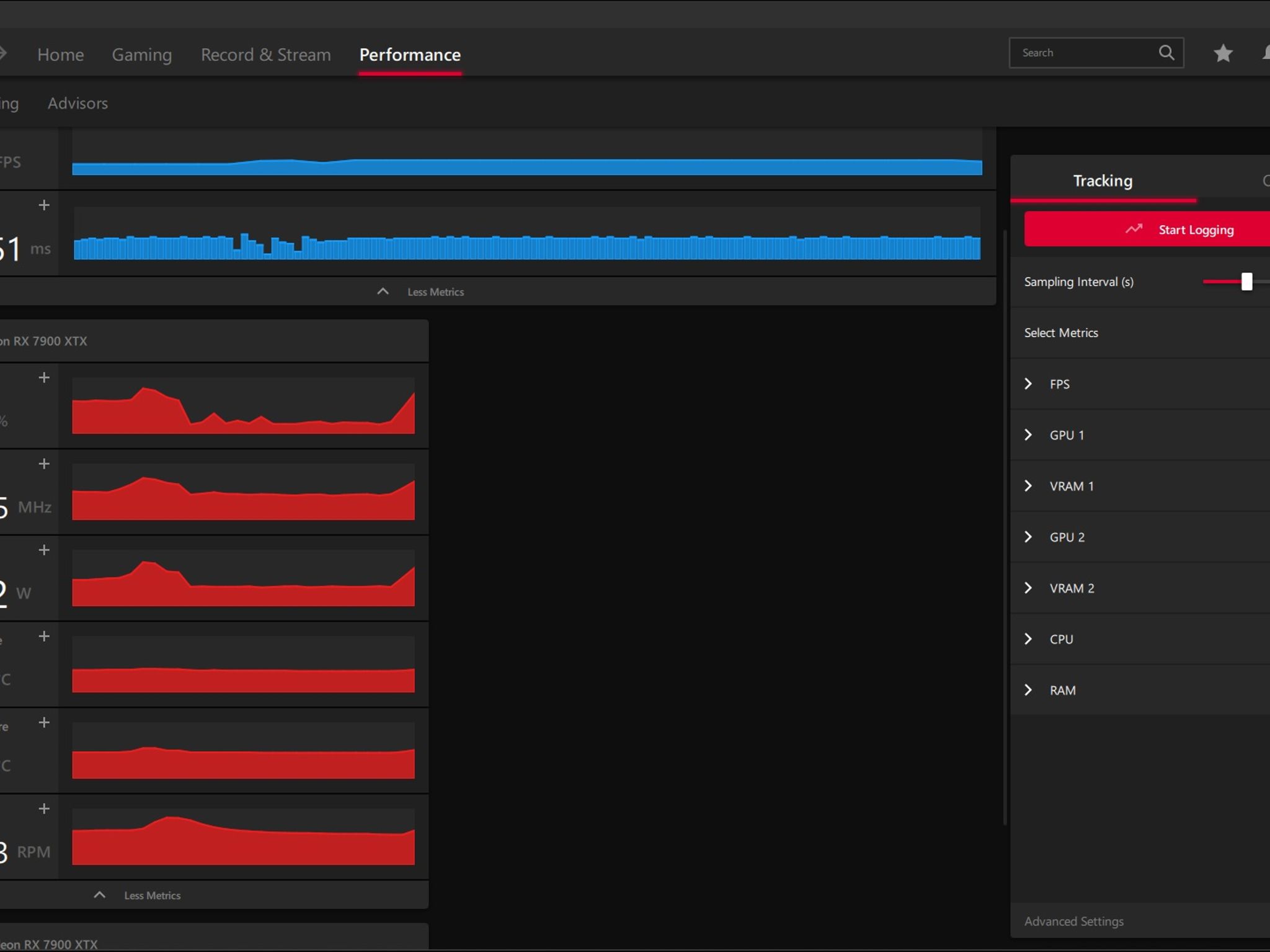
In the Radeon Software the total board power was set to -10%
Undervolted GPU
Custom Fan Curve in Radeon Software
Radeon Chill where lowest FPS was set to 60 and max set to 90
By doing the above tuning the GPU die typically sits at 55c with thermal junction between 65-75c when gaming. Works phenomenal when tuned like so. If you let the GPU just run max, it will likely hit 110c thermal junction.
Got Questions? Let me know in the Official Jawa Discord or through site messaging!
General Disclaimers
-
Store of Stuff(The Seller) offers no warranty on any of the included components/Unit(s).
-
Product Usage is based on original manufacturer production date(s) where applicable.
-
Product condition is determined by Store of Stuff(The Seller) and is subjective, best judgment is always used.
-
No additional accessories/original boxes will be provided unless otherwise stated.
Similar listings


Shipping & Returns
Estimated arrival
Overview & Specs
- Condition
- As-Is / For Parts
- Usage
- < 1 year
Description from Seller
Functional PowerColor Reference 7900XTX W/No Physical Damage
I've marked this fully functional GPU as for parts due to the reference cooler vapor chamber. I've used this GPU in my work pc since 12/24/22. I don't experience 110c thermal throttle issues like others due to how I have tuned this GPU, however your mileage will vary and it is possible to hit the 110c if you don’t take precautions.
I recommend this buy to someone who may want to throw a water block on it, once again it’s only the stock vapor chamber that is “defective” and the GPU itself works fine.
Moving onto a 7900XT instead for the sake of an AIB and not needing the extra horsepower.
Will come with the original box.
GPU has only been ran on native 4K and the below tuning has only been tested on such.
I've personally taken the GPU apart and repasted it.
In the Radeon Software the total board power was set to -10%
Undervolted GPU
Custom Fan Curve in Radeon Software
Radeon Chill where lowest FPS was set to 60 and max set to 90
By doing the above tuning the GPU die typically sits at 55c with thermal junction between 65-75c when gaming. Works phenomenal when tuned like so. If you let the GPU just run max, it will likely hit 110c thermal junction.
Got Questions? Let me know in the Official Jawa Discord or through site messaging!
General Disclaimers
-
Store of Stuff(The Seller) offers no warranty on any of the included components/Unit(s).
-
Product Usage is based on original manufacturer production date(s) where applicable.
-
Product condition is determined by Store of Stuff(The Seller) and is subjective, best judgment is always used.
-
No additional accessories/original boxes will be provided unless otherwise stated.