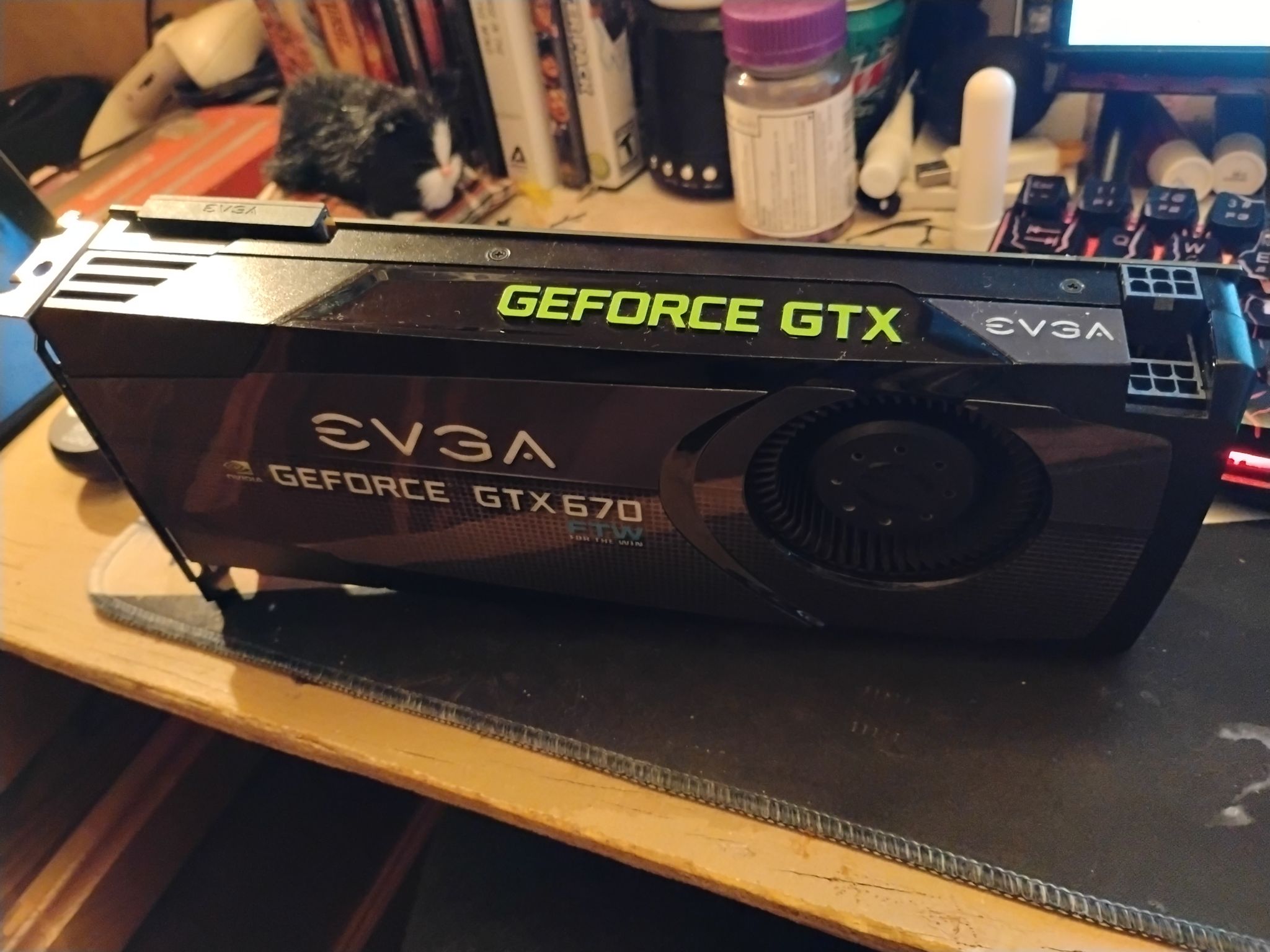
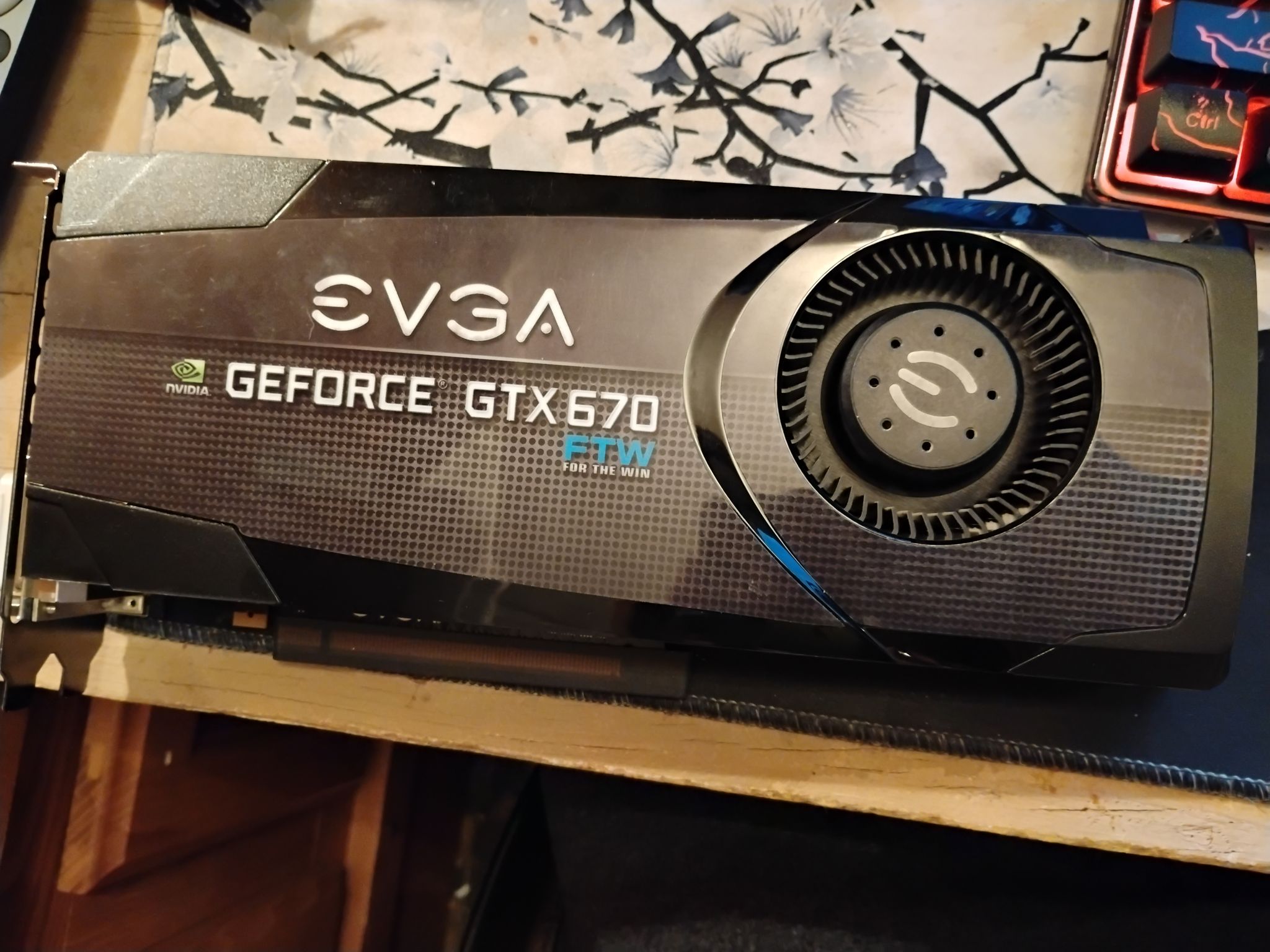
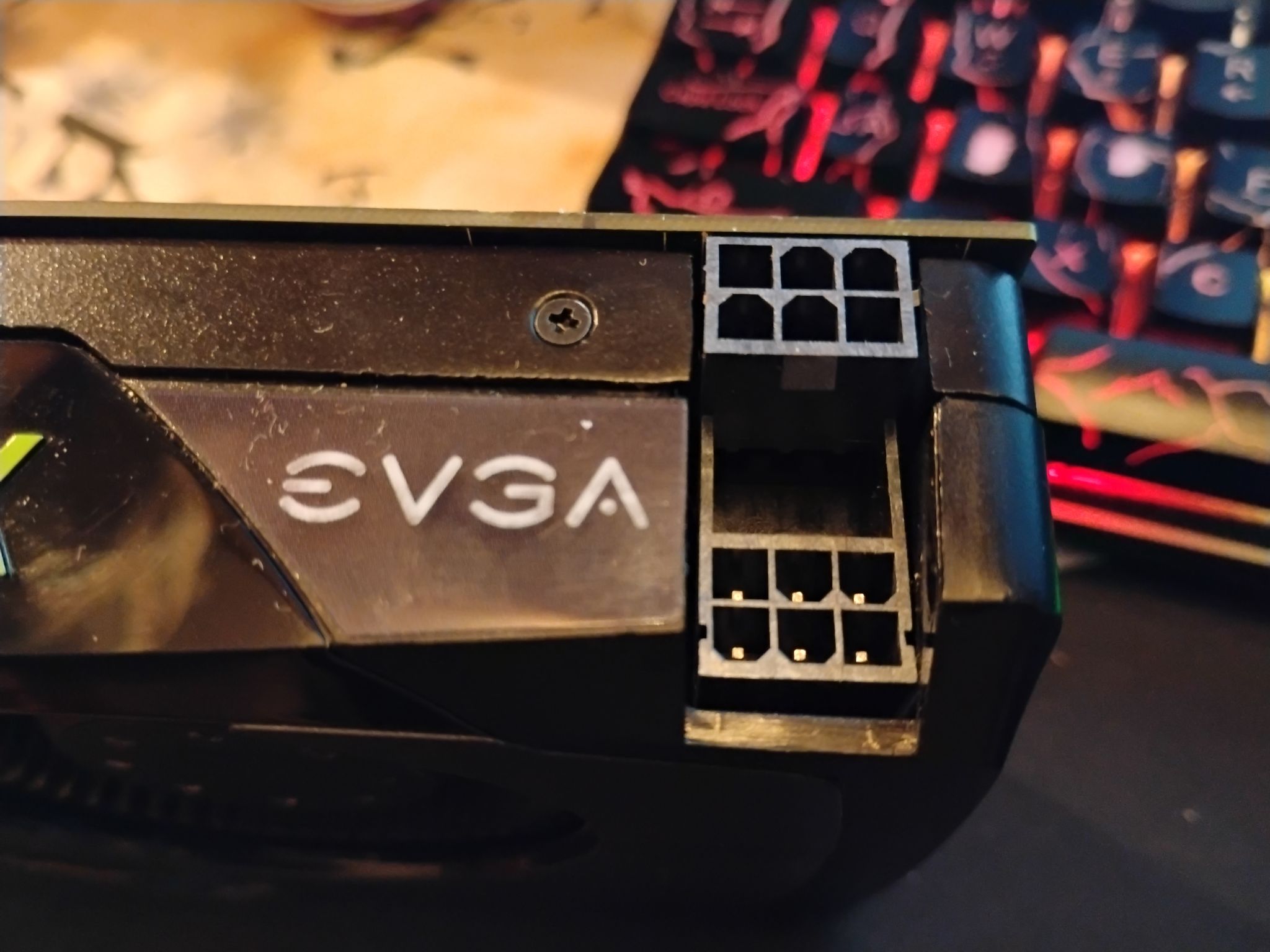
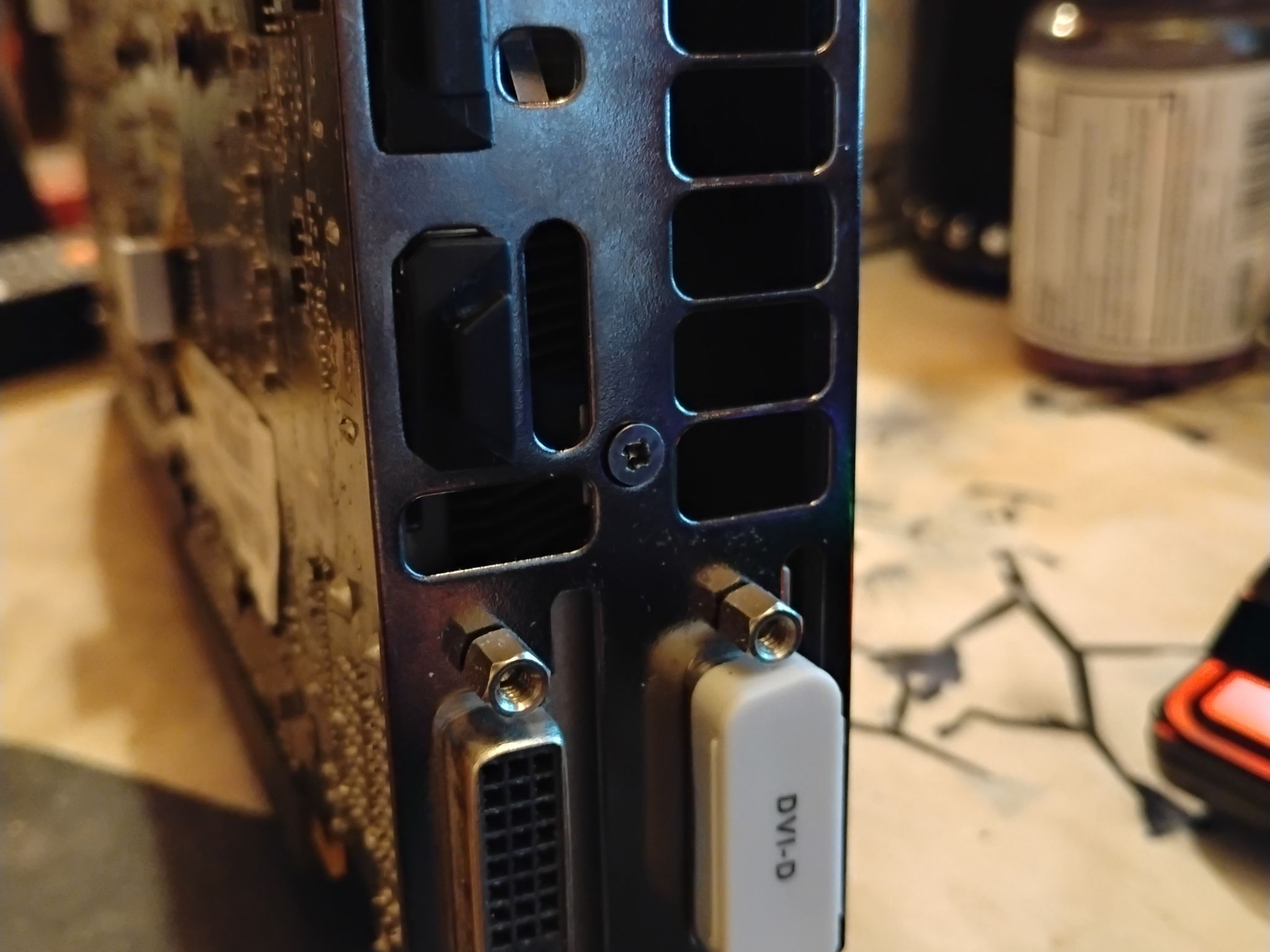
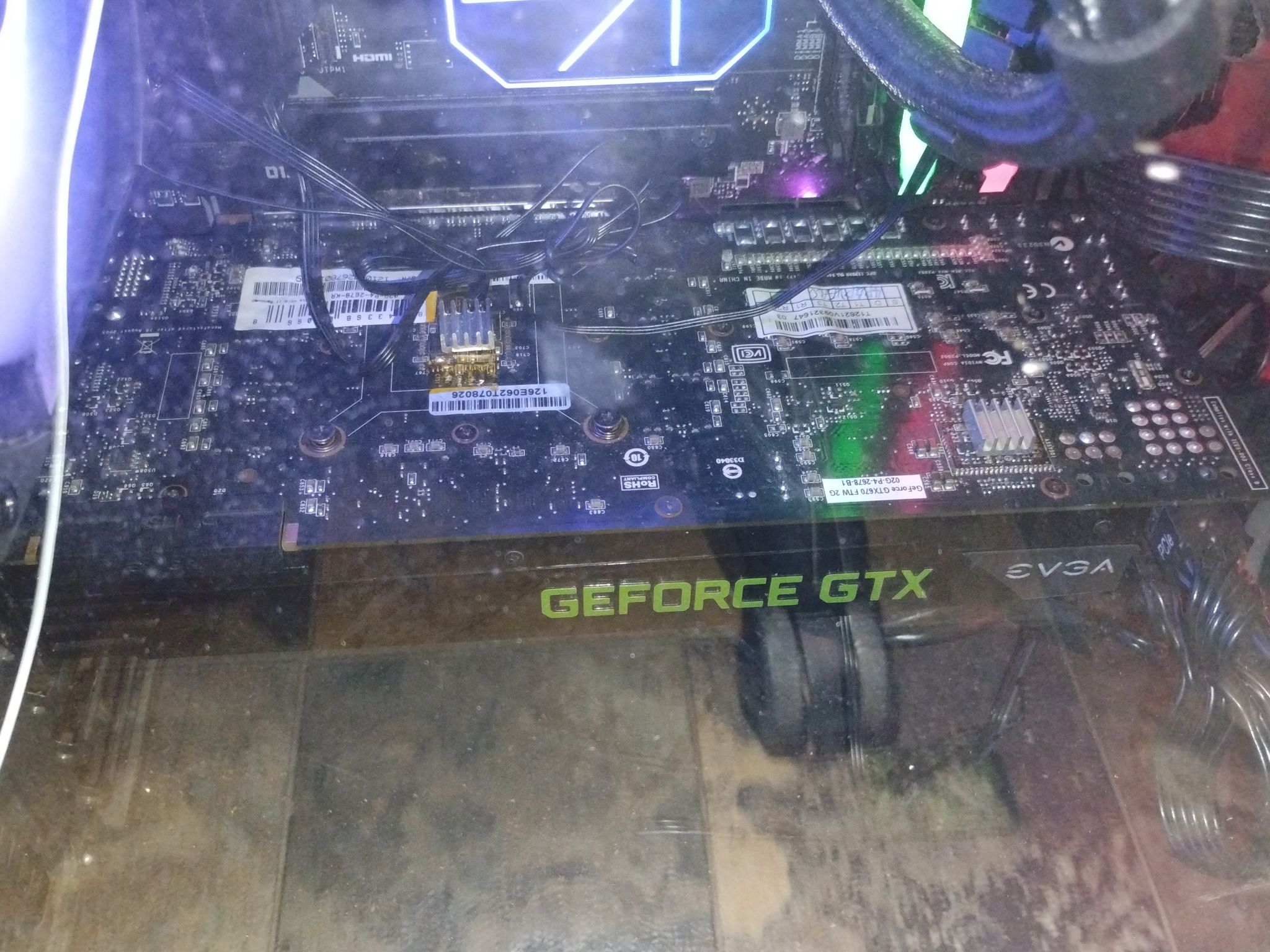
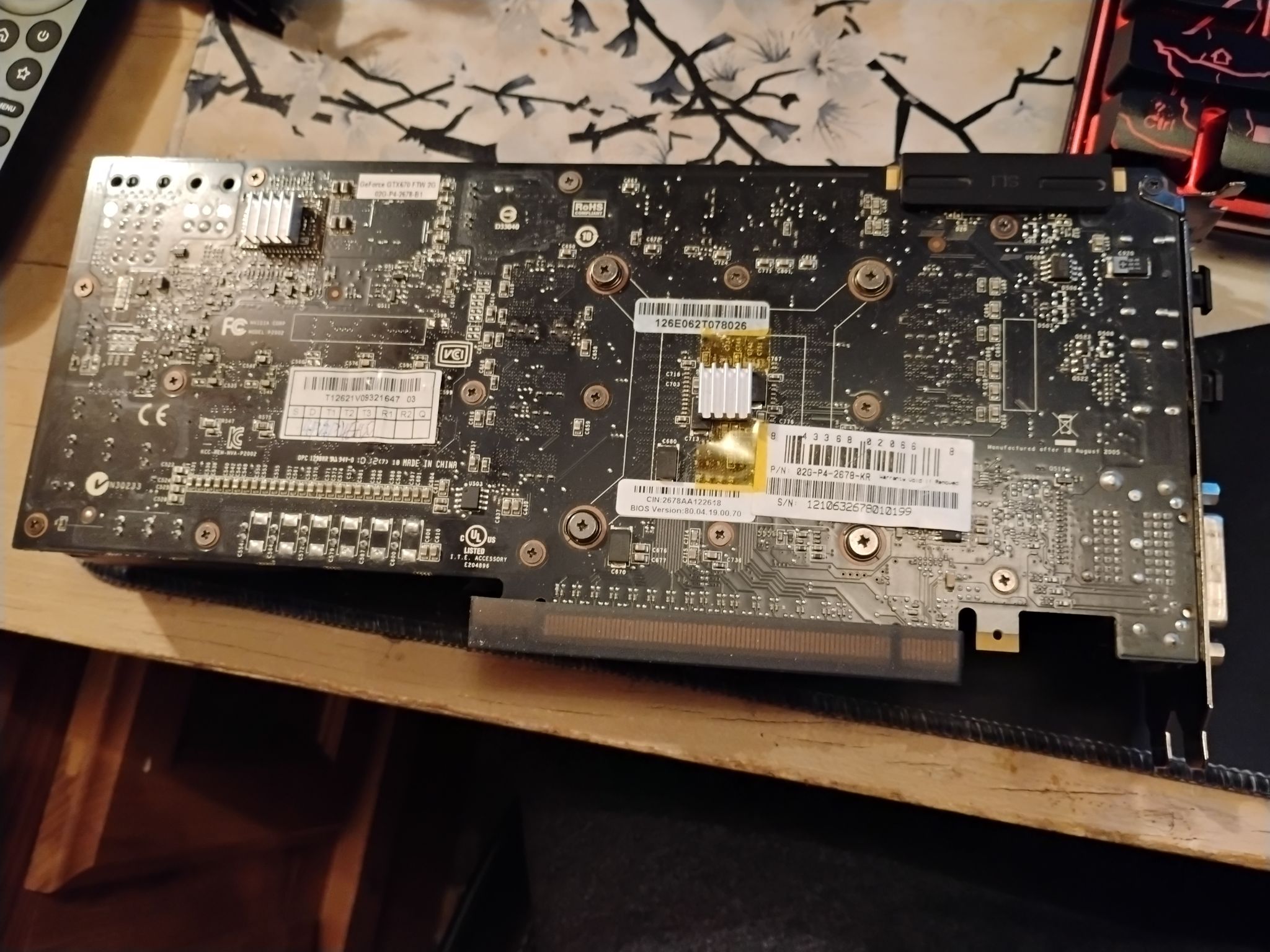
GTX 670 2GB GDDR5 | EVGA GTX 670 FTW


Overview & Specs
- Condition
- Used, Good
- Usage
- 2 years
Description from Seller
I used this GTX 670 for about two years. I bought it for about 30$ back than. I did overclock this card and if you are looking to purchase this I HEAVILY recommend you do too. I'll say why in a sec. I bought a Intel Arc A380 recently to replace this GPU. So that is the reason I am selling it. These are the specs.
Base Clock: 1006 Boost Clock: 1084/1150 Memory Clock: 1552/3104 2GB GDDR5 with 256 Bit Bus Width.
Now the reason I say you overclock is because I did not even touch the voltage, nor do I recommend you do since that is the main culprit behind overclock damage. Yet I still got a sizable increase in performance in most games. Especially since the memory bandwidth can increase drastically. In games like counterstrike 2 that raised my 1% and .1% by a lot. It also made games like The Finals and Arc Raiders actually playable. Use MSI Afterburner. Make sure Adaptive Power is also on. I also already re pasted it. So low temps were possible. I also only saw a 20-30 watt increase. So almost no reason not too. It is free performance like Linus says.
Overclocked Clock Speeds.
Base Clock: 1019 +13 Boost Clock: 1095/1225 +13 Memory Clock: 1702/3404 +300 Power Limit: 117 +17 (Anything higher would crash since the GK104 chip can really only handle 1225 as a max)
These are my overclocked settings for stability and better performance.
Also I don't think the heat sinks helped with temps really but they look cool now at least.
Specifications
NVIDIA
Specifications
- Chipset
- NVIDIA
- Memory
- 2GB
Similar listings


Shipping & Returns
Estimated arrival
Overview & Specs
- Condition
- Used, Good
- Usage
- 2 years
Description from Seller
I used this GTX 670 for about two years. I bought it for about 30$ back than. I did overclock this card and if you are looking to purchase this I HEAVILY recommend you do too. I'll say why in a sec. I bought a Intel Arc A380 recently to replace this GPU. So that is the reason I am selling it. These are the specs.
Base Clock: 1006 Boost Clock: 1084/1150 Memory Clock: 1552/3104 2GB GDDR5 with 256 Bit Bus Width.
Now the reason I say you overclock is because I did not even touch the voltage, nor do I recommend you do since that is the main culprit behind overclock damage. Yet I still got a sizable increase in performance in most games. Especially since the memory bandwidth can increase drastically. In games like counterstrike 2 that raised my 1% and .1% by a lot. It also made games like The Finals and Arc Raiders actually playable. Use MSI Afterburner. Make sure Adaptive Power is also on. I also already re pasted it. So low temps were possible. I also only saw a 20-30 watt increase. So almost no reason not too. It is free performance like Linus says.
Overclocked Clock Speeds.
Base Clock: 1019 +13 Boost Clock: 1095/1225 +13 Memory Clock: 1702/3404 +300 Power Limit: 117 +17 (Anything higher would crash since the GK104 chip can really only handle 1225 as a max)
These are my overclocked settings for stability and better performance.
Also I don't think the heat sinks helped with temps really but they look cool now at least.
Specifications
NVIDIA
Specifications
- Chipset
- NVIDIA
- Memory
- 2GB