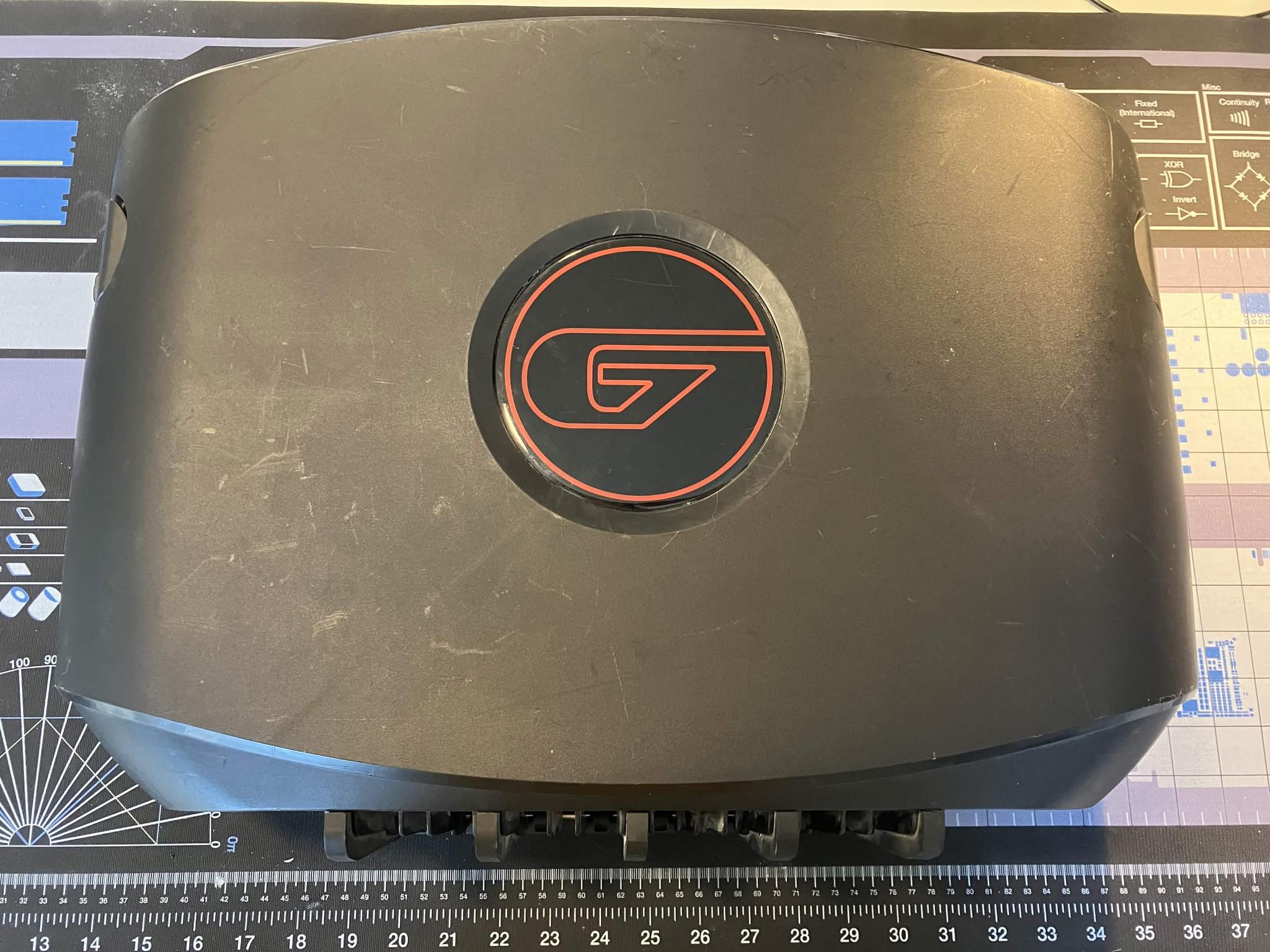
![ASUS ROG Swift PG27AQDM OEM Monitor Stand Base Tripod ONLY [RGB WORKING]](https://www.jawa.gg/images/production-listing-0c44d7e7122f0bb93faa35bf41ec8279/width=2048,height=1536,quality=75,format=auto,fit=cover "ASUS ROG Swift PG27AQDM OEM Monitor Stand Base Tripod ONLY [RGB WORKING]")
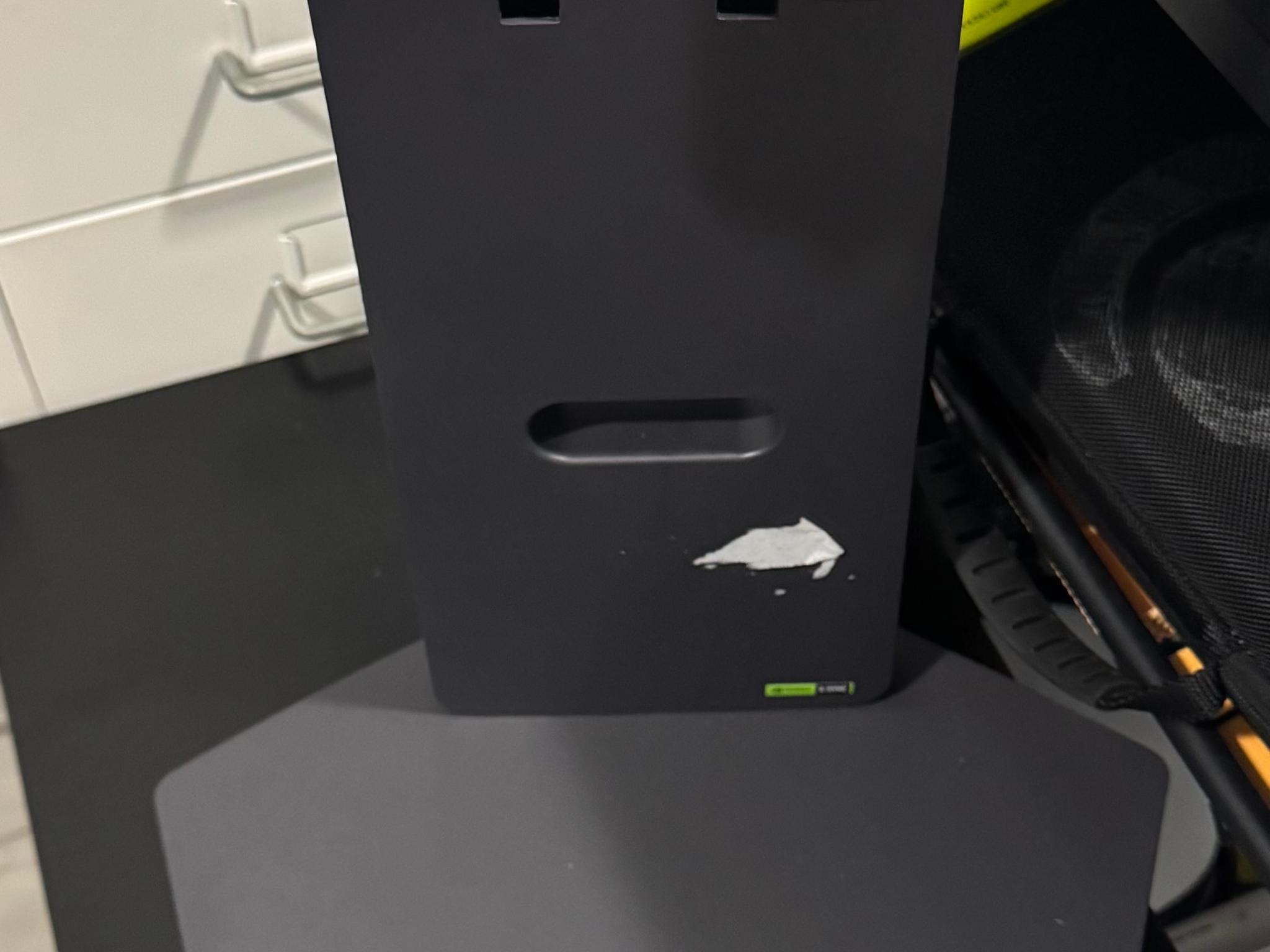
ASUS ROG Swift PG27AQDM OEM Monitor Stand Base Tripod ONLY [RGB WORKING]
SAVE 40%
$60.00Was $99.00(-40%)
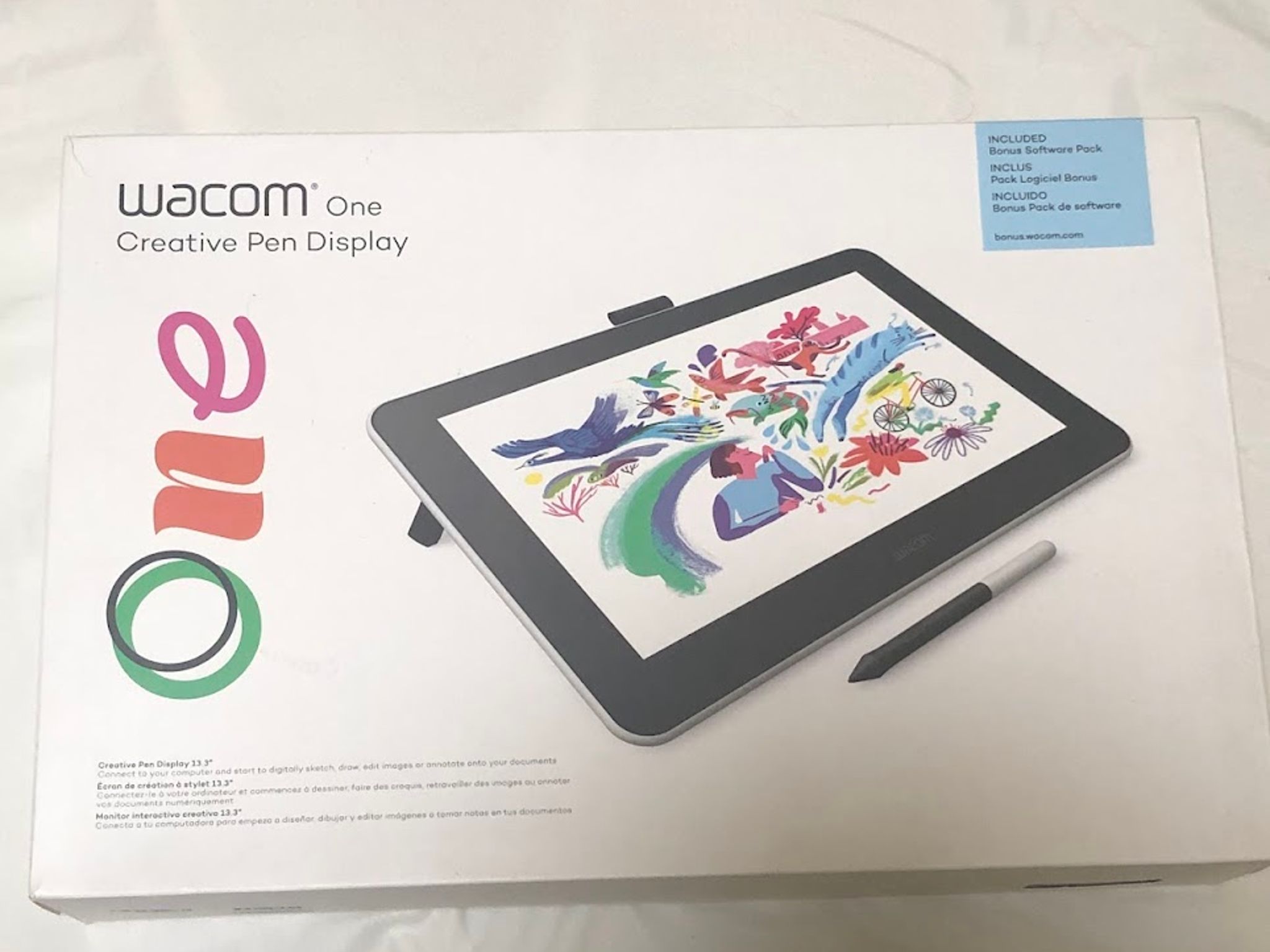
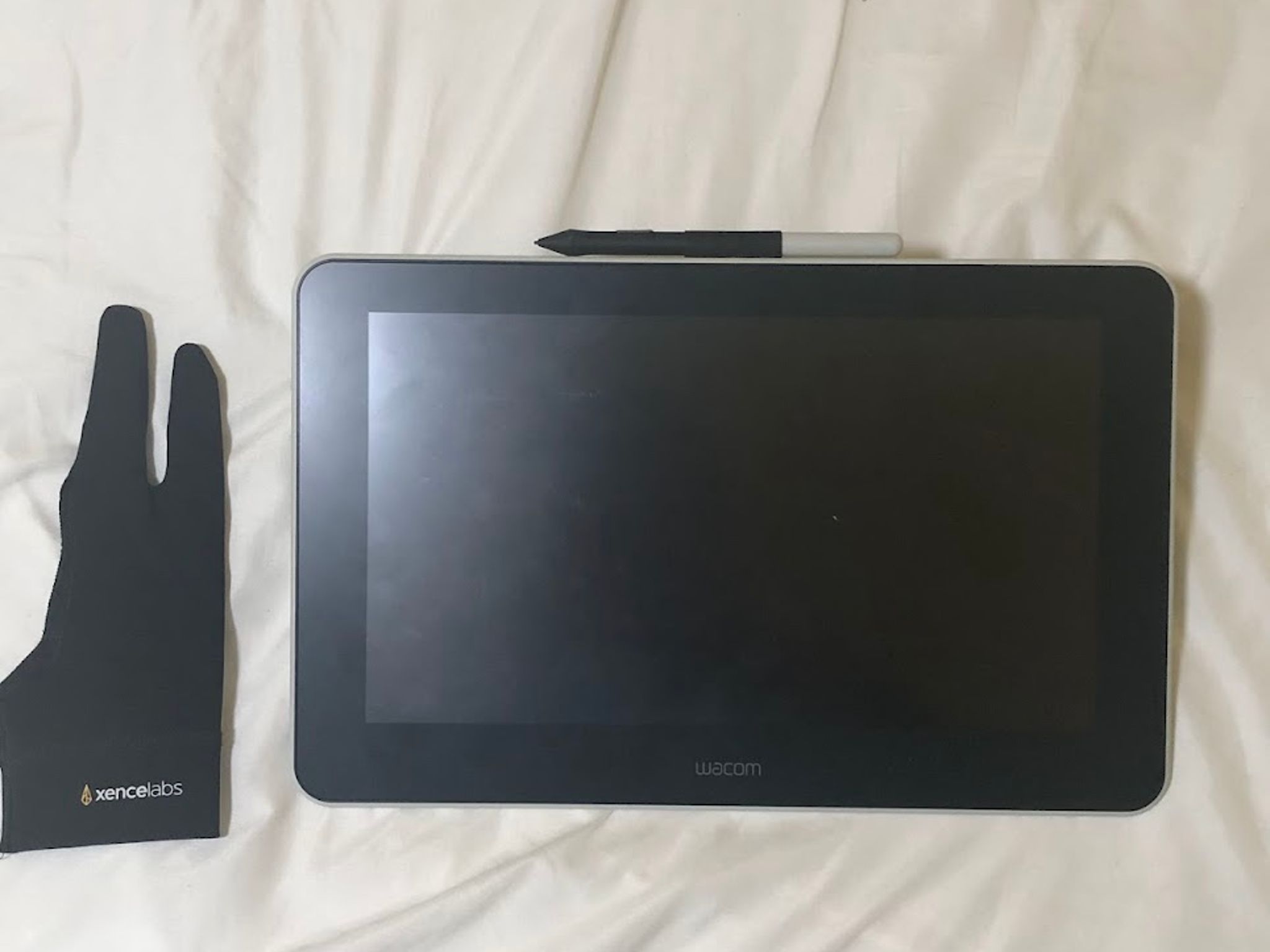
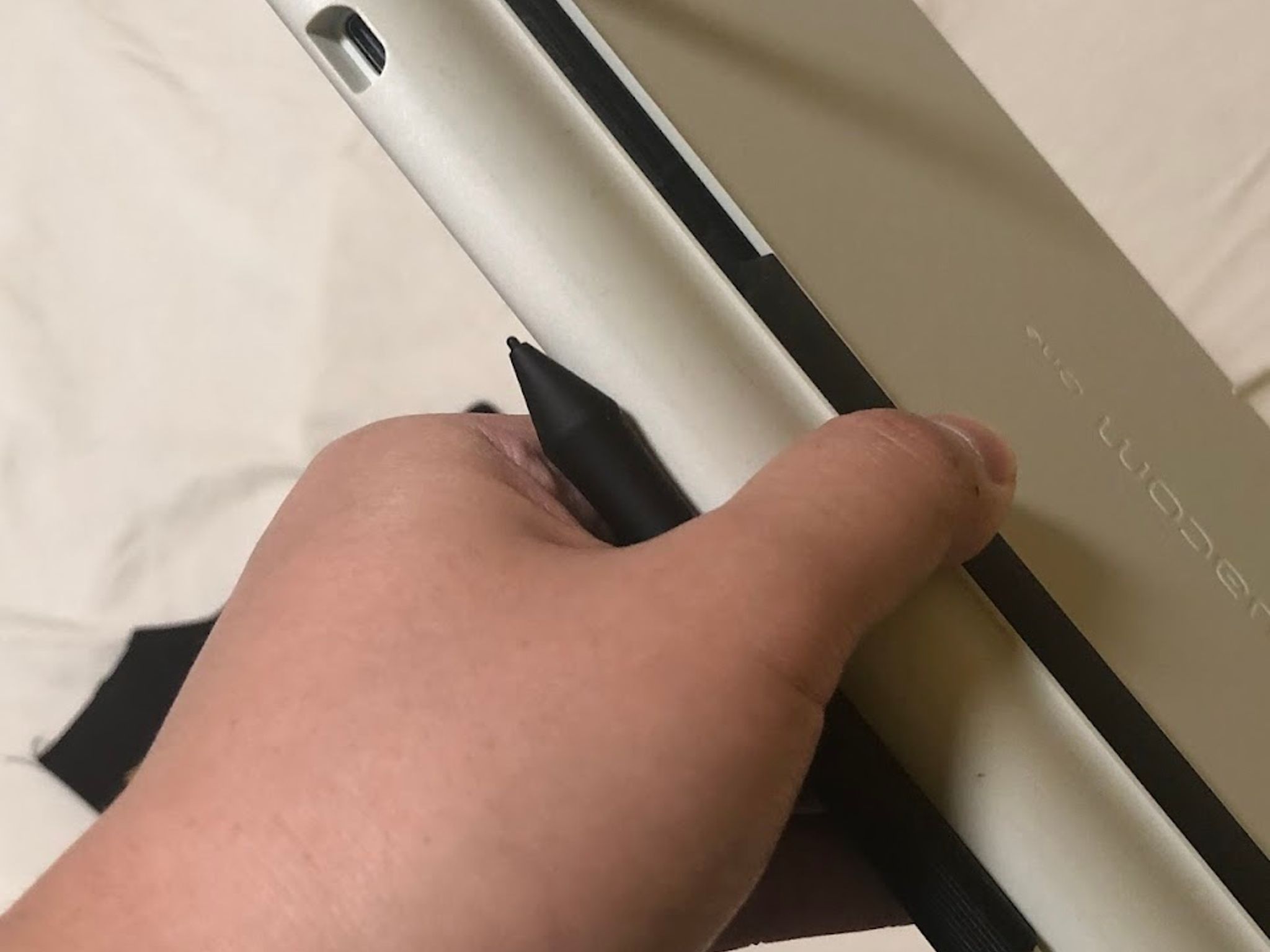
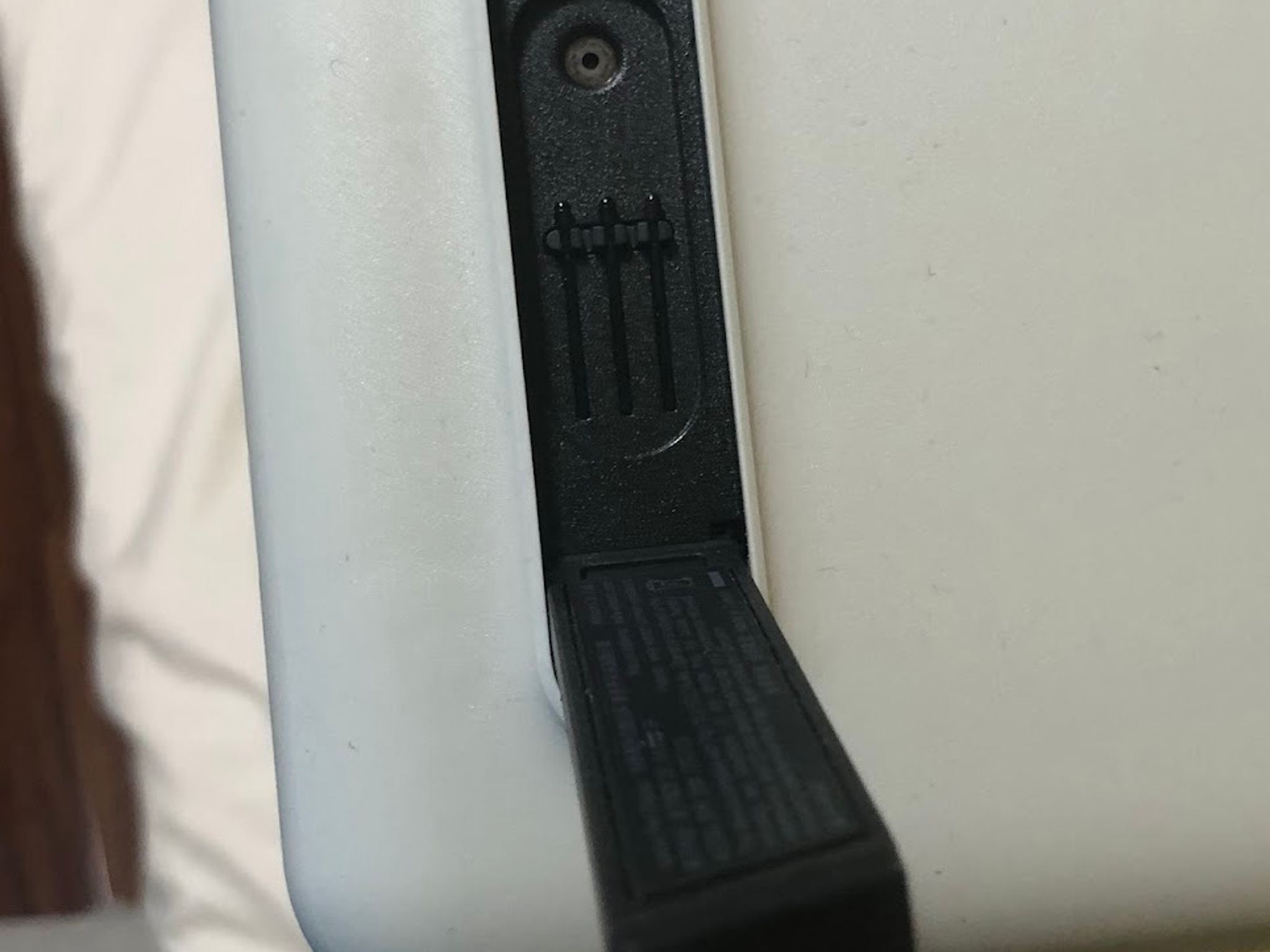
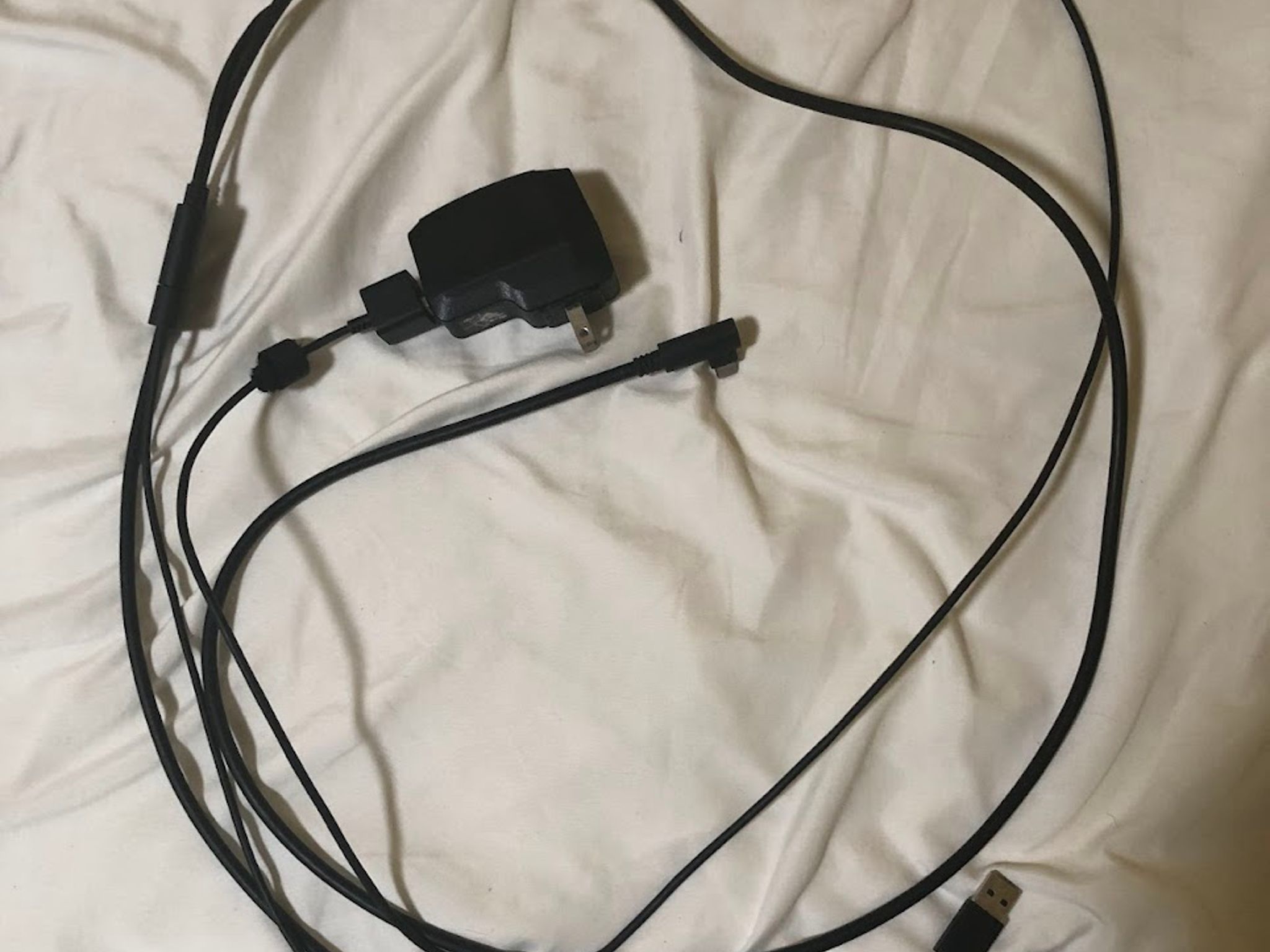
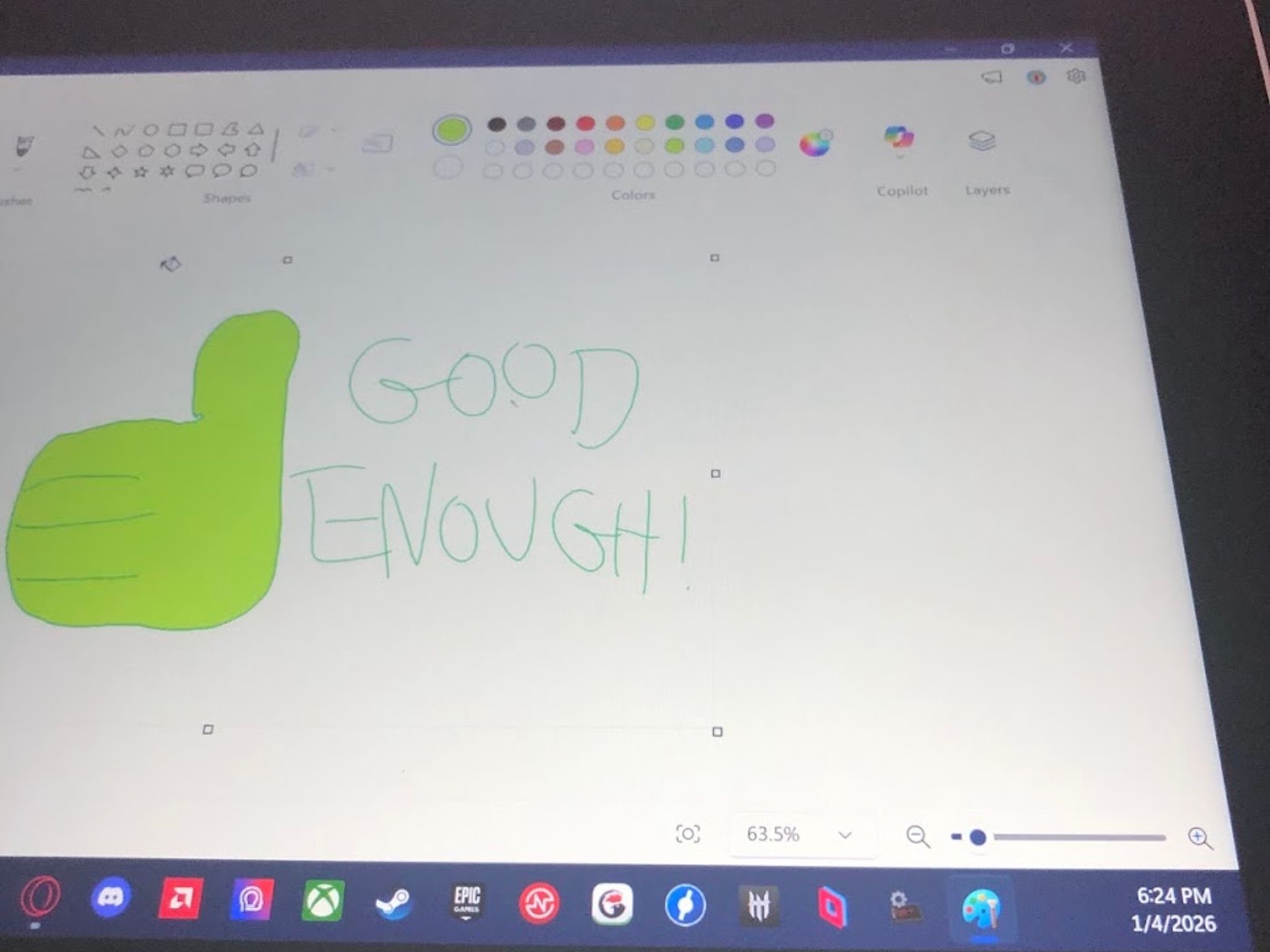
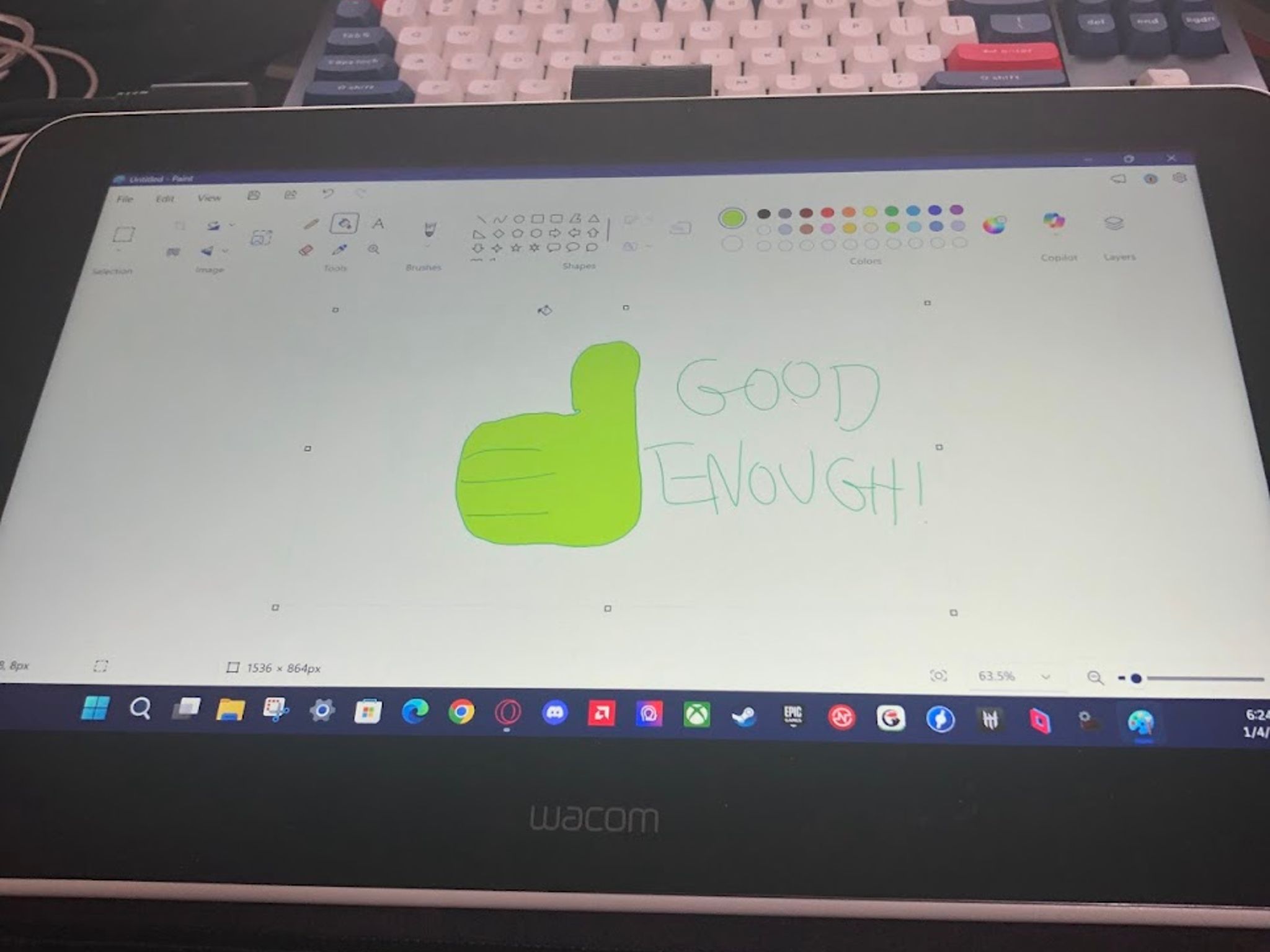
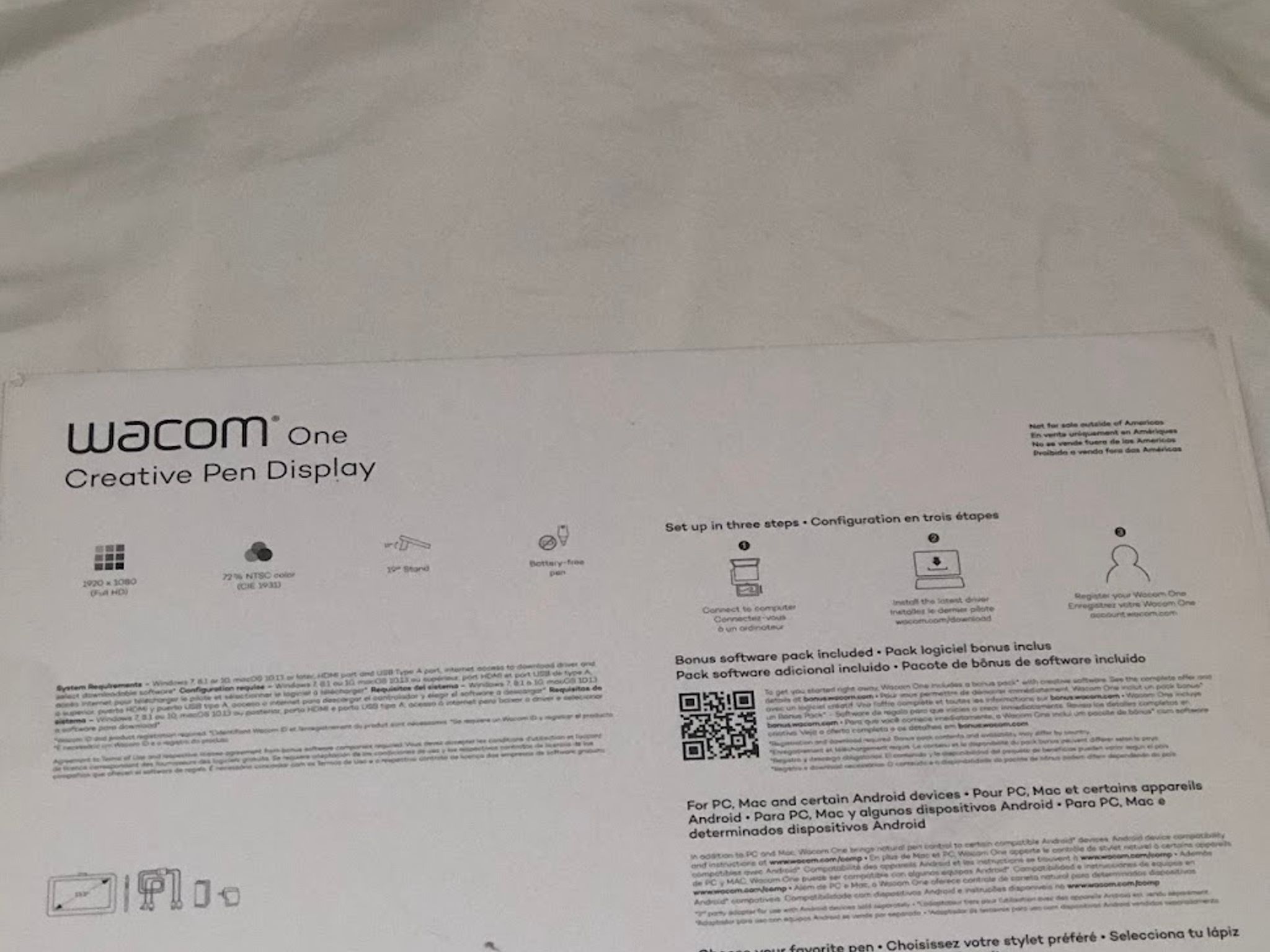
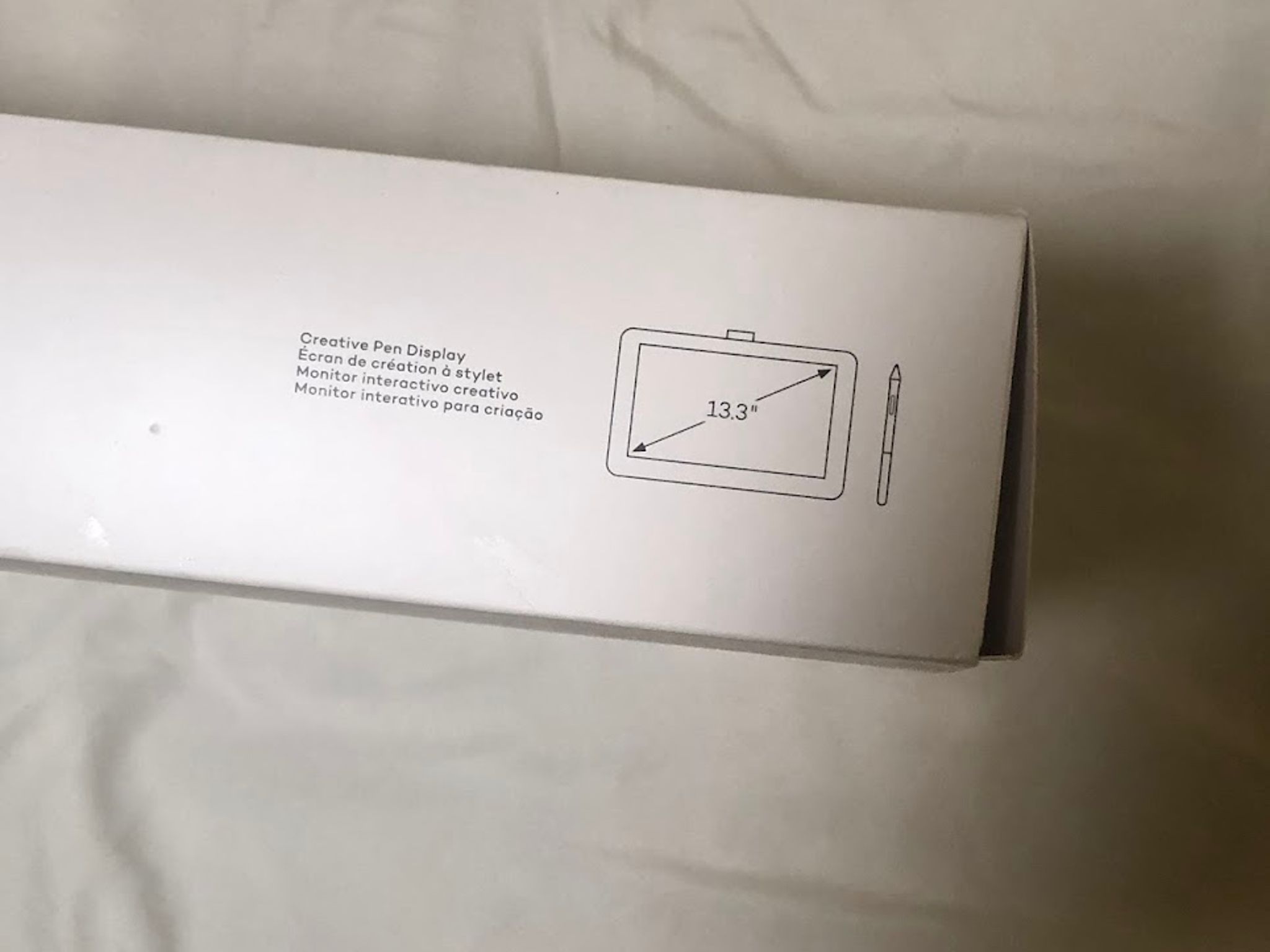
I decided to sell this drawing tablet because I've honestly don't use it that much to draw these days and I need some extra cash. I've been mostly using it for Kahoot and Adobe Animate, but I've been doing fine without it since I'm skilled enough to just draw with my mouse instead. This thing still works as seen in one of the images with a recent date and is updated with the latest drivers from Wacom Center. This isn't the type of touch tablet where you use your fingers to move everything, only the drawing stylus pen bundled can interact with it. Fortunately, there are some spare ballpoint tips just in case something happens and while that never happened to me, it could happen to you if you aren't careful enough. One caveat is that I accidentally dropped something on the tablet and there is a minor scratch on the screen that is hard to get rid of. Otherwise, if you ignore and draw around it, the drawing tablet functions as intended. Do note that this is an older model that I bought around in like 2020 on Amazon. This is not like the newer models where you only just need to connect everything on a single USB-C cable. You're required to have some extra slots for 1 HDMI, 1 USB-A, and 1 power outlet that's wide or long enough to fit the power supply. Don't worry about getting the cables since I still got the original all-in-one converter that includes the USB-C to insert into the tablet. I'm also throwing in a free drawing tablet glove to boost the incense in buying this along with the fact I don't wear it much as well. Feel free to message me if you got questions or want to bargain for a better deal.
The rest of the specs are on this website: https://www.wacom.com/en-us/products/pen-displays/wacom-one-gen1
SAVE 40%
I decided to sell this drawing tablet because I've honestly don't use it that much to draw these days and I need some extra cash. I've been mostly using it for Kahoot and Adobe Animate, but I've been doing fine without it since I'm skilled enough to just draw with my mouse instead. This thing still works as seen in one of the images with a recent date and is updated with the latest drivers from Wacom Center. This isn't the type of touch tablet where you use your fingers to move everything, only the drawing stylus pen bundled can interact with it. Fortunately, there are some spare ballpoint tips just in case something happens and while that never happened to me, it could happen to you if you aren't careful enough. One caveat is that I accidentally dropped something on the tablet and there is a minor scratch on the screen that is hard to get rid of. Otherwise, if you ignore and draw around it, the drawing tablet functions as intended. Do note that this is an older model that I bought around in like 2020 on Amazon. This is not like the newer models where you only just need to connect everything on a single USB-C cable. You're required to have some extra slots for 1 HDMI, 1 USB-A, and 1 power outlet that's wide or long enough to fit the power supply. Don't worry about getting the cables since I still got the original all-in-one converter that includes the USB-C to insert into the tablet. I'm also throwing in a free drawing tablet glove to boost the incense in buying this along with the fact I don't wear it much as well. Feel free to message me if you got questions or want to bargain for a better deal.
The rest of the specs are on this website: https://www.wacom.com/en-us/products/pen-displays/wacom-one-gen1
SAVE 40%