

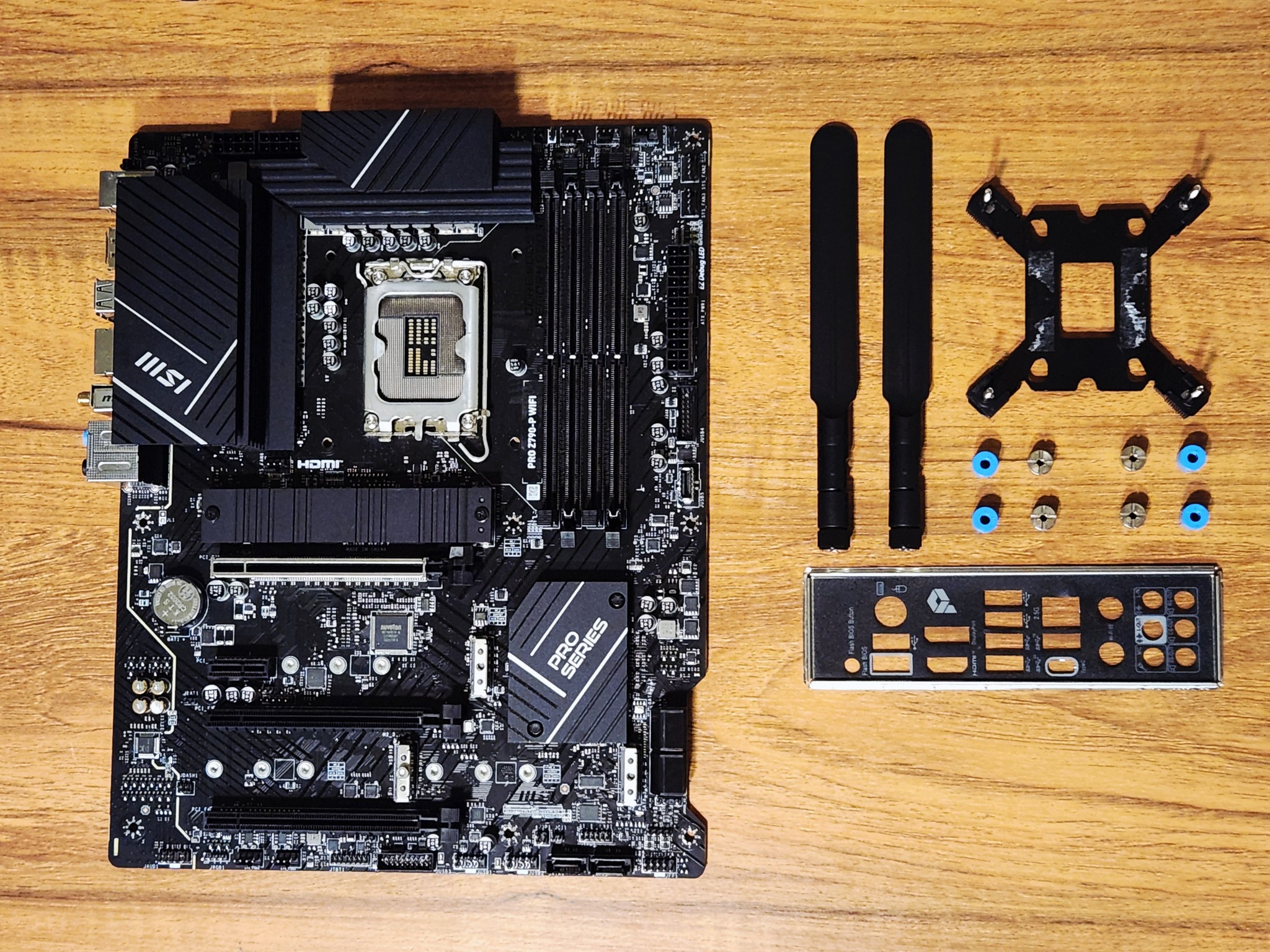
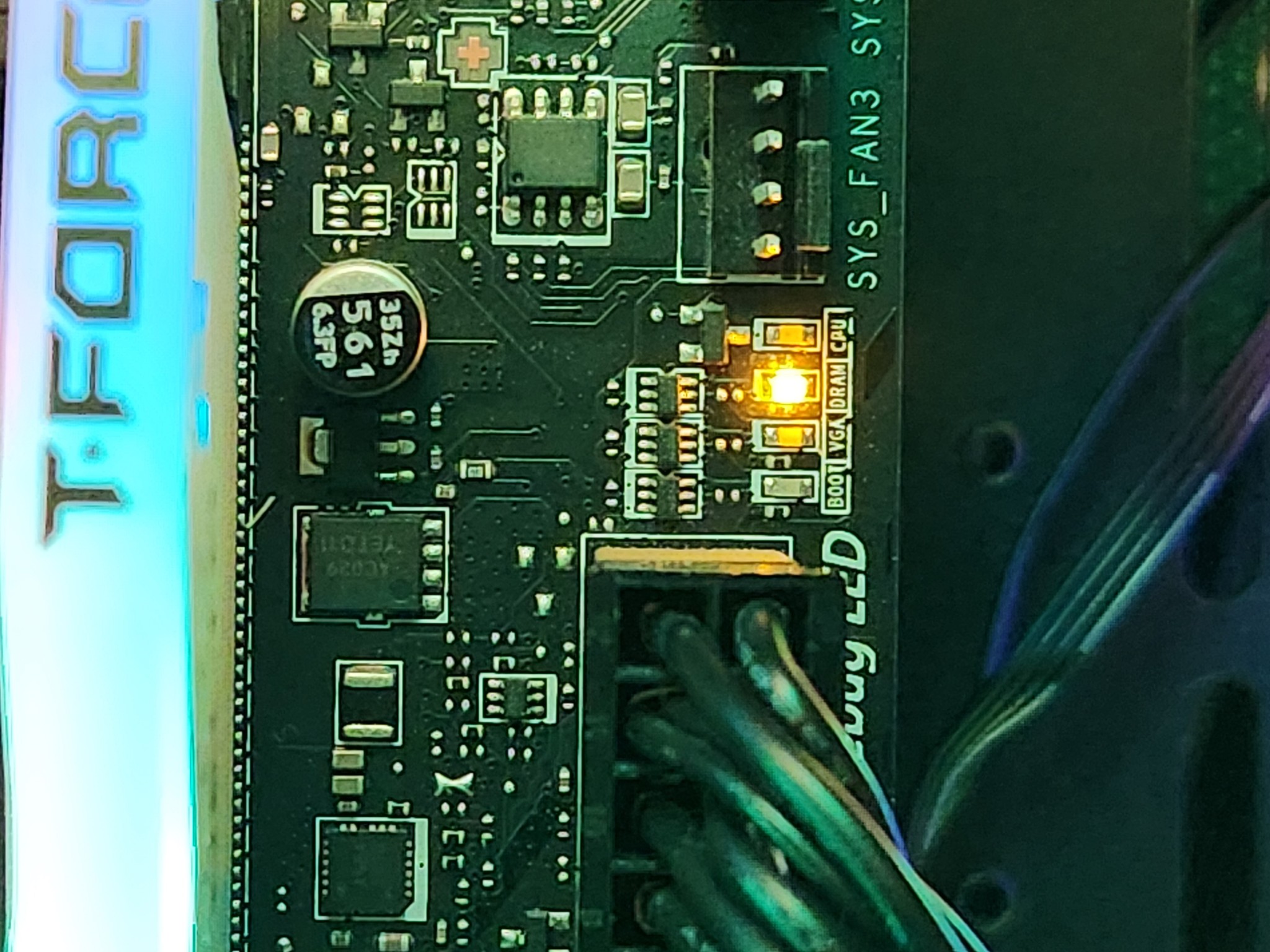
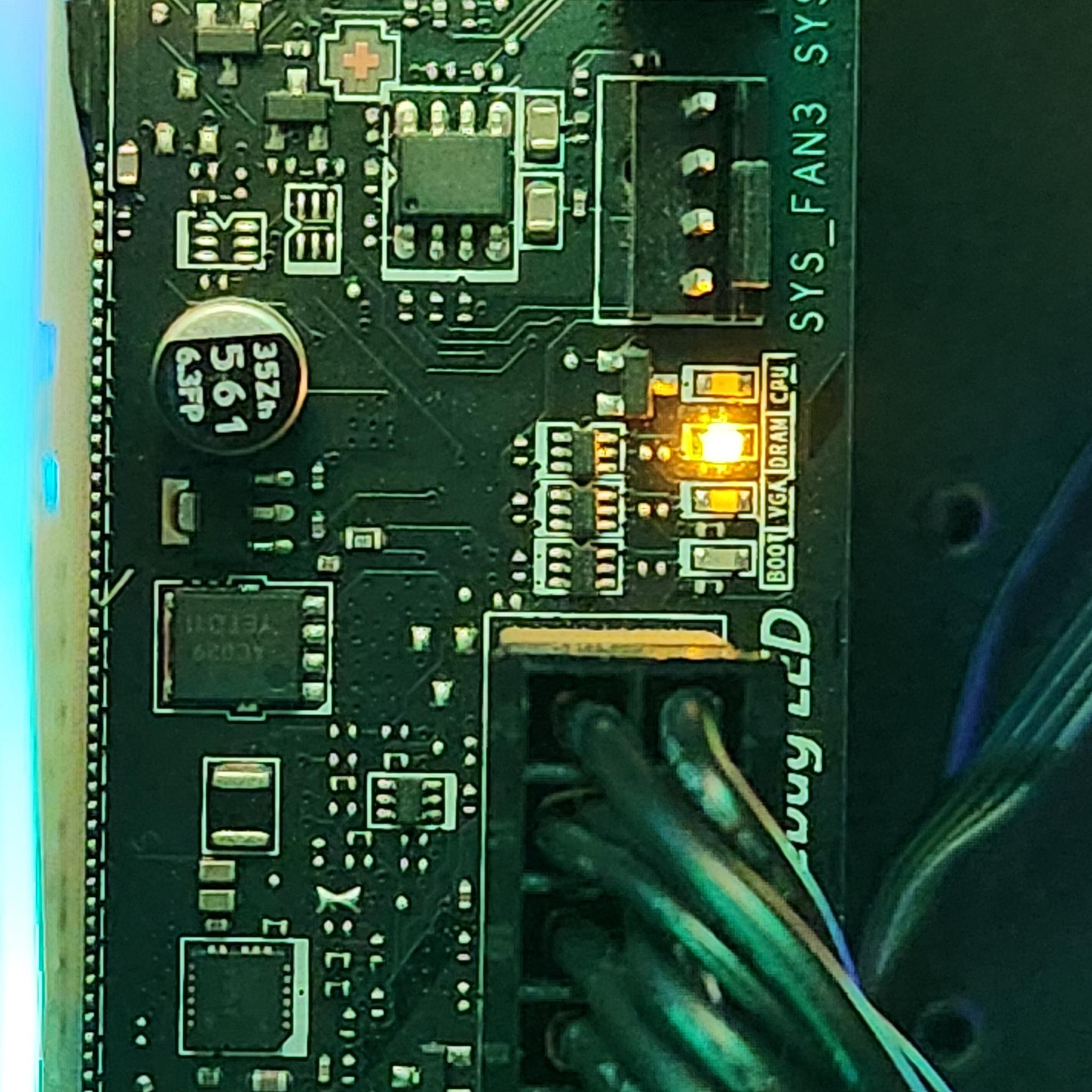
This Z790 motherboard was functional and loaded into Windows just fine when only the B2 slot on the motherboard was used. When using two sticks of RAM in any slot on the motherboard, it does not post at all and gives CPU + DRAM debug LEDs
Troubleshooting We Performed
-
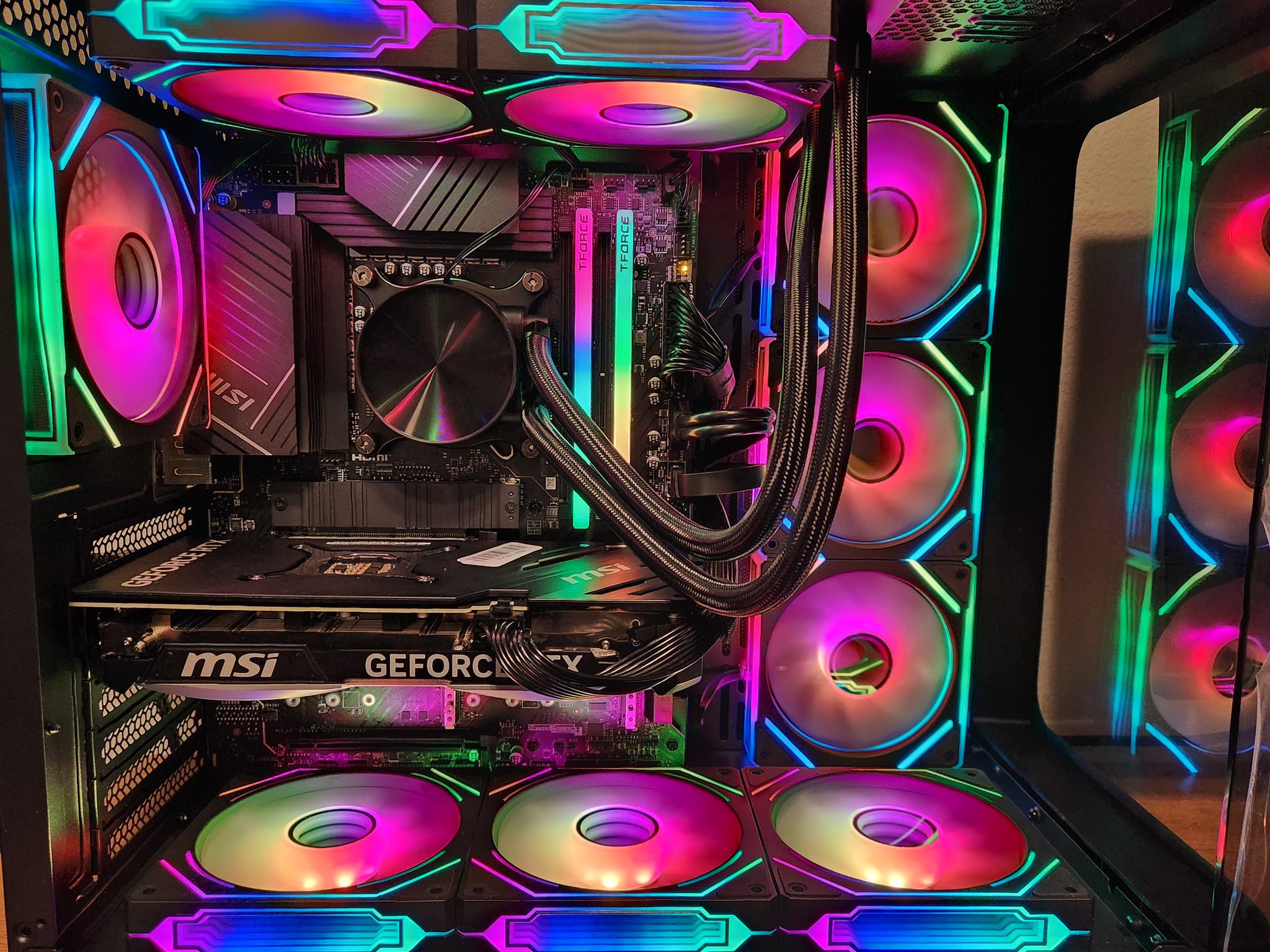
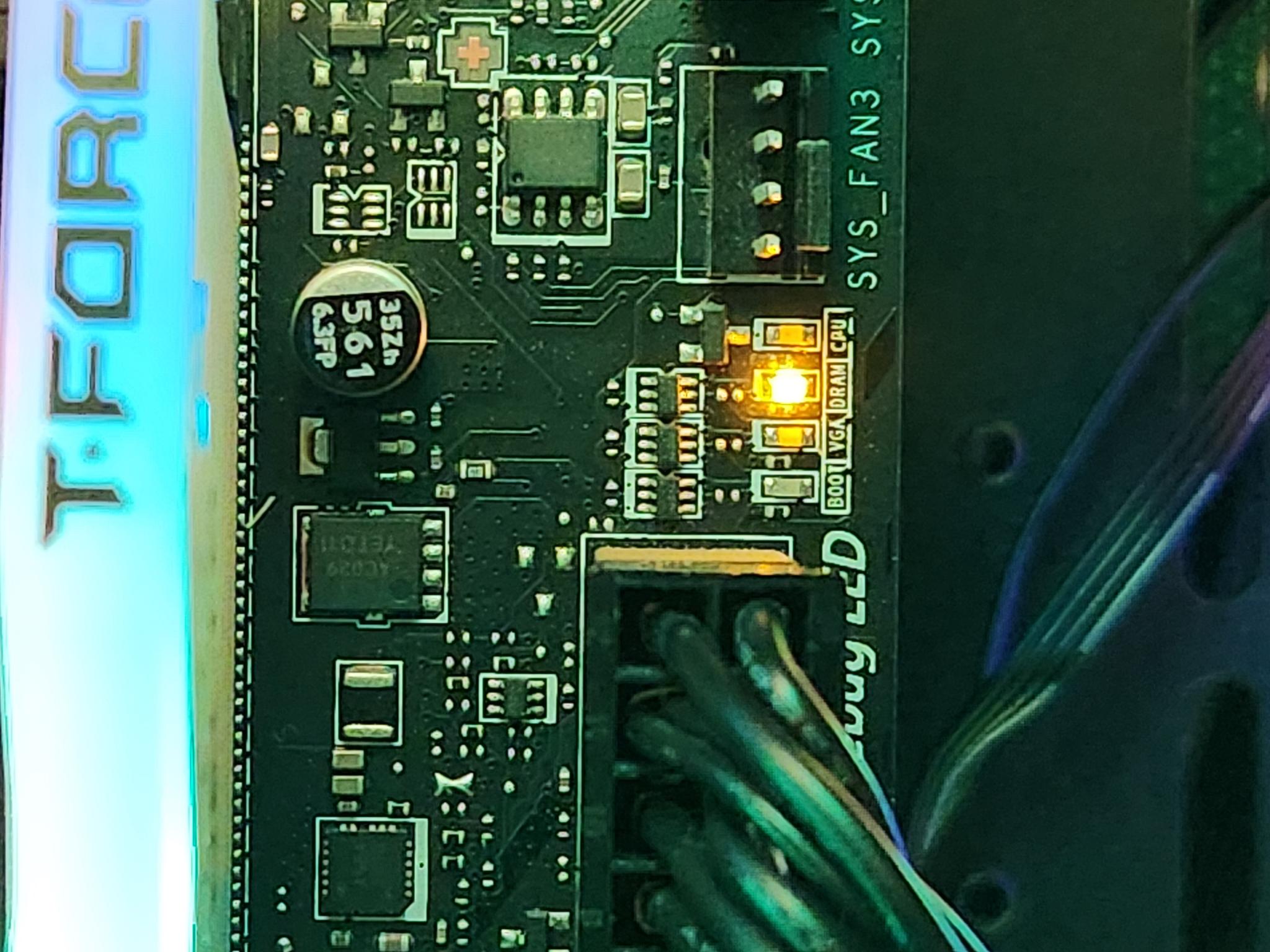
With two sticks of RAM in slots A2 and B2, the PC would not post and gave CPU and DRAM LEDs on the motherboard. The PC would not start and power cycled many times over. Eventually, just the DRAM light would stay on after a few minutes of it cycling.
-
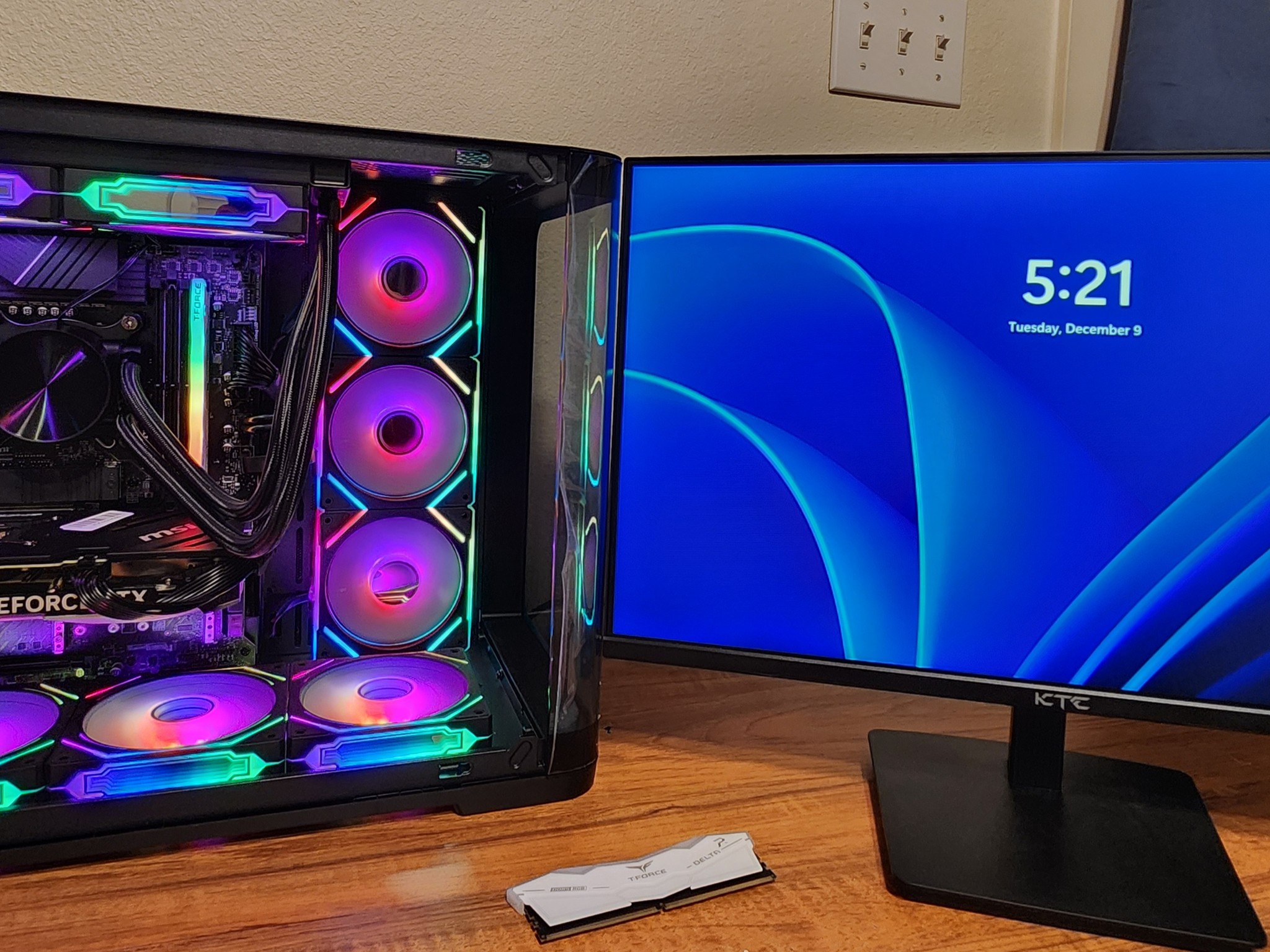
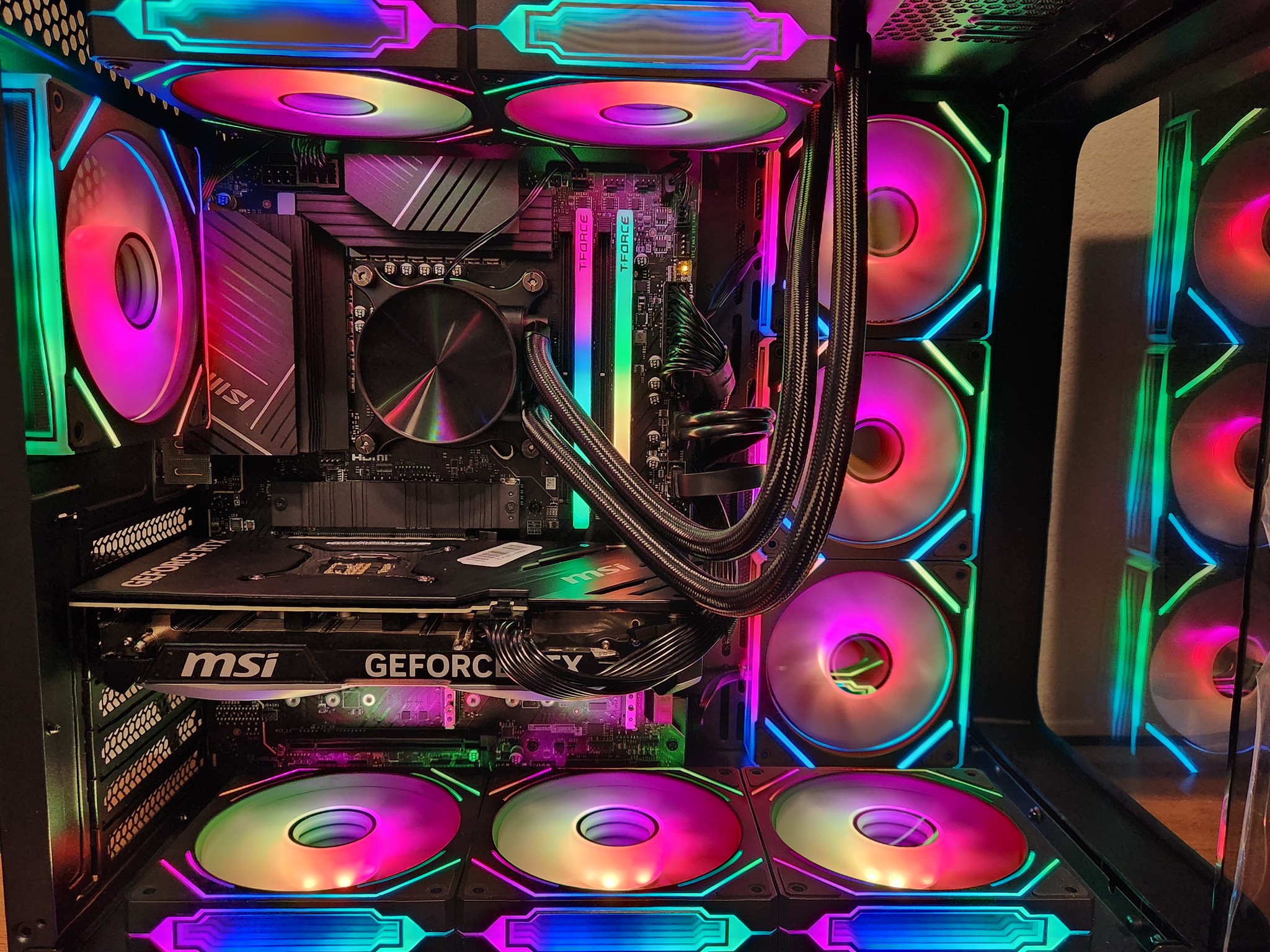
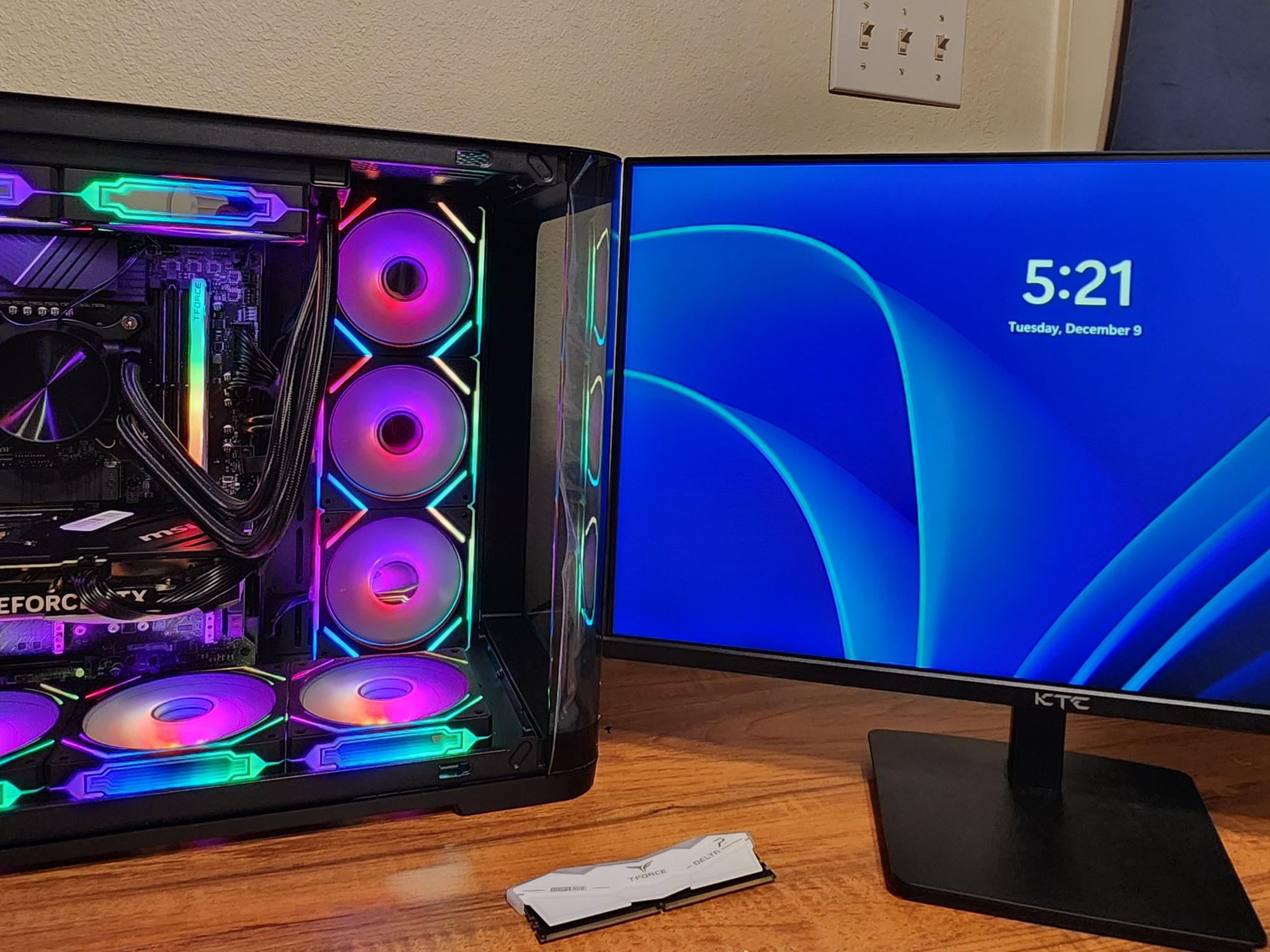
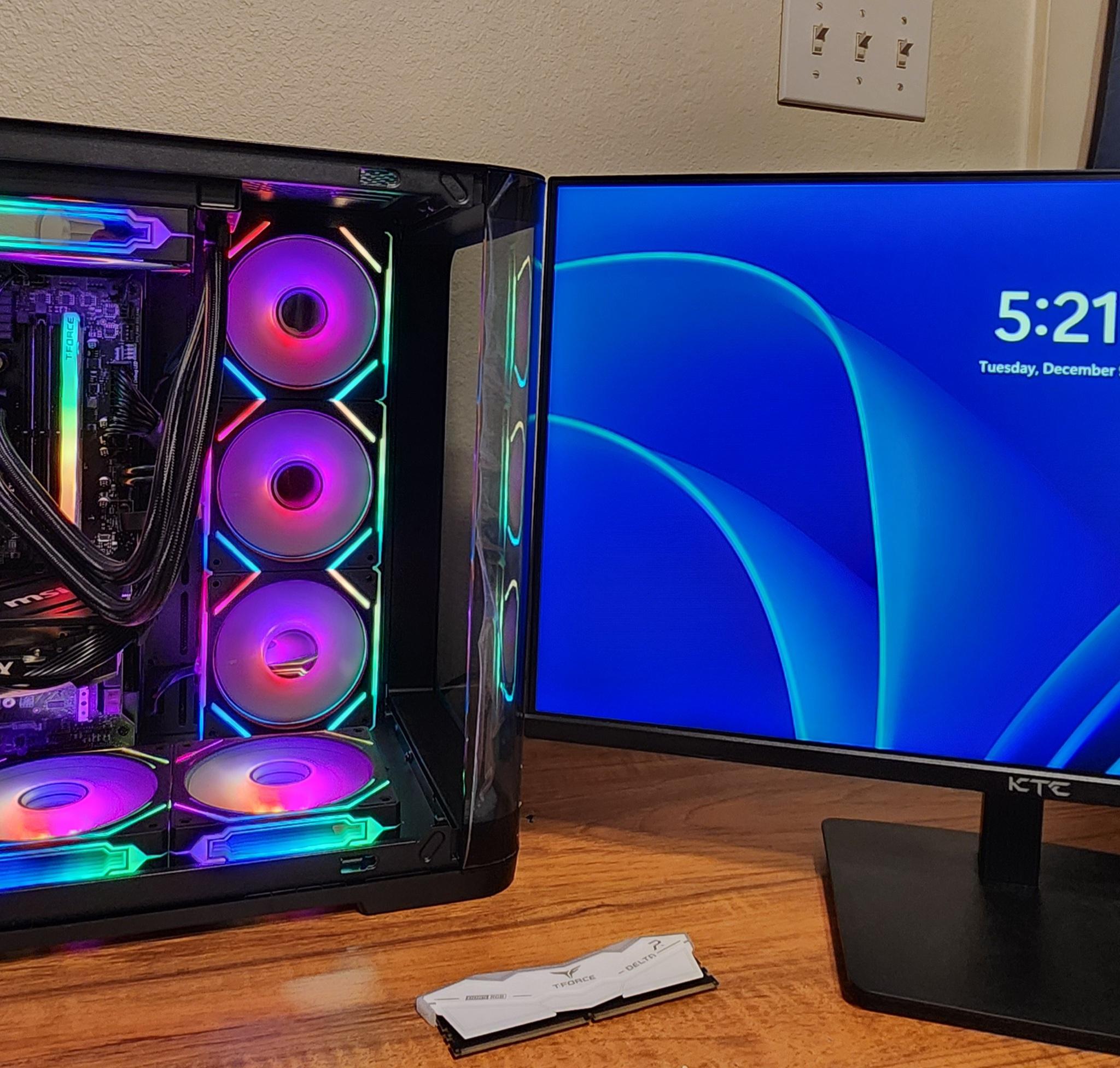
Upon taking out one of the two working sticks of DDR5 RAM and having just one stick placed in the B2 RAM slot, it would quickly load into windows and the CPU was registered in task manager.
-
Only slot B2 worked on the motherboard. No other slots used with one stick of RAM would get past the CPU + DRAM debug lights. Even switching out the RAM sticks between one another did not make a difference.
-
The CPU gets hot with either RAM configuration, so that means that the CPU receives power from the motherboard.
Images Shown
-
2 images show RAM slots A2 and B2 used with a DRAM light shown on the motherboard.
-
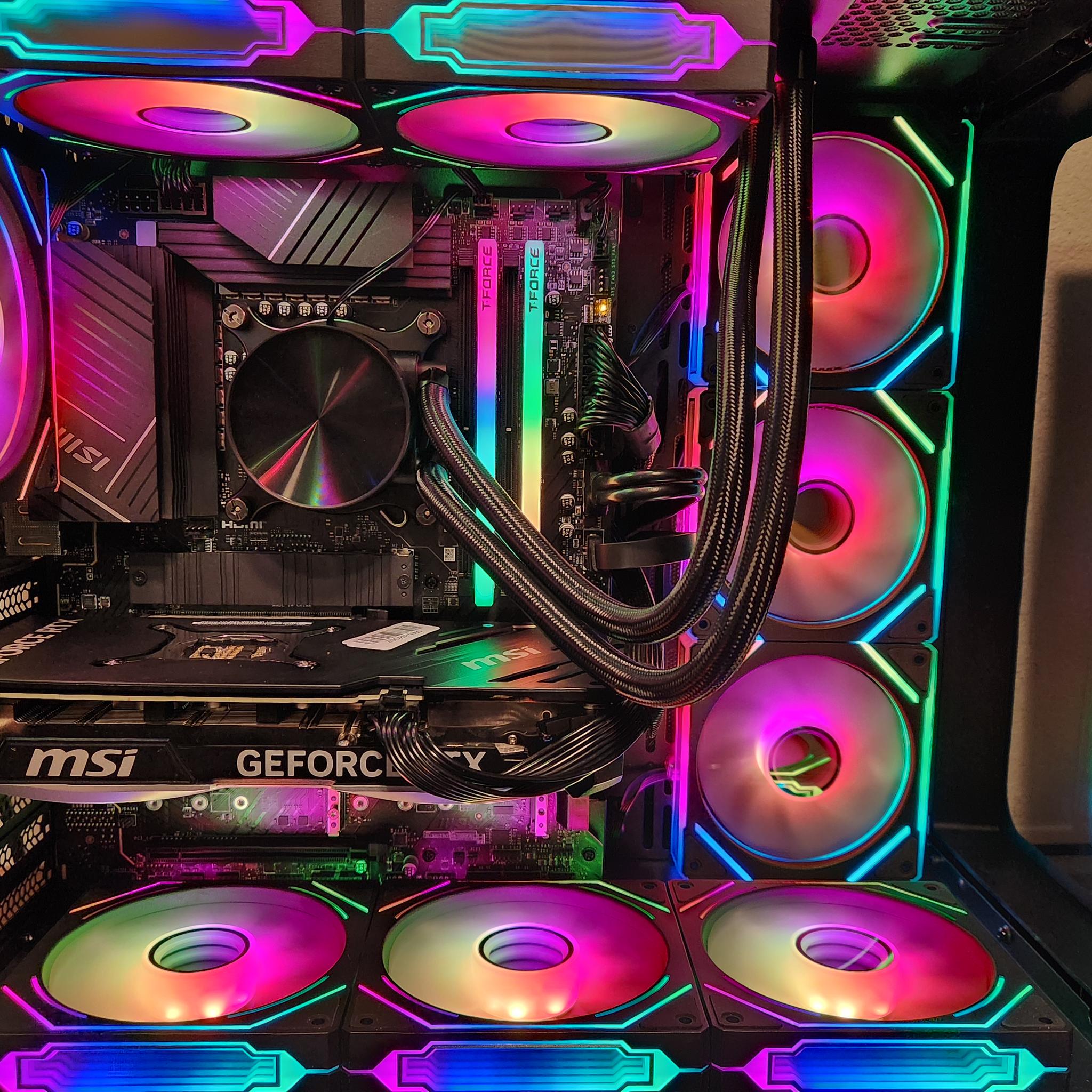
3 images show only RAM slot B2 has a RAM stick installed with the computer showing no debug LEDs and how it successfully loads into windows with the CPU being registered in task manager.
-
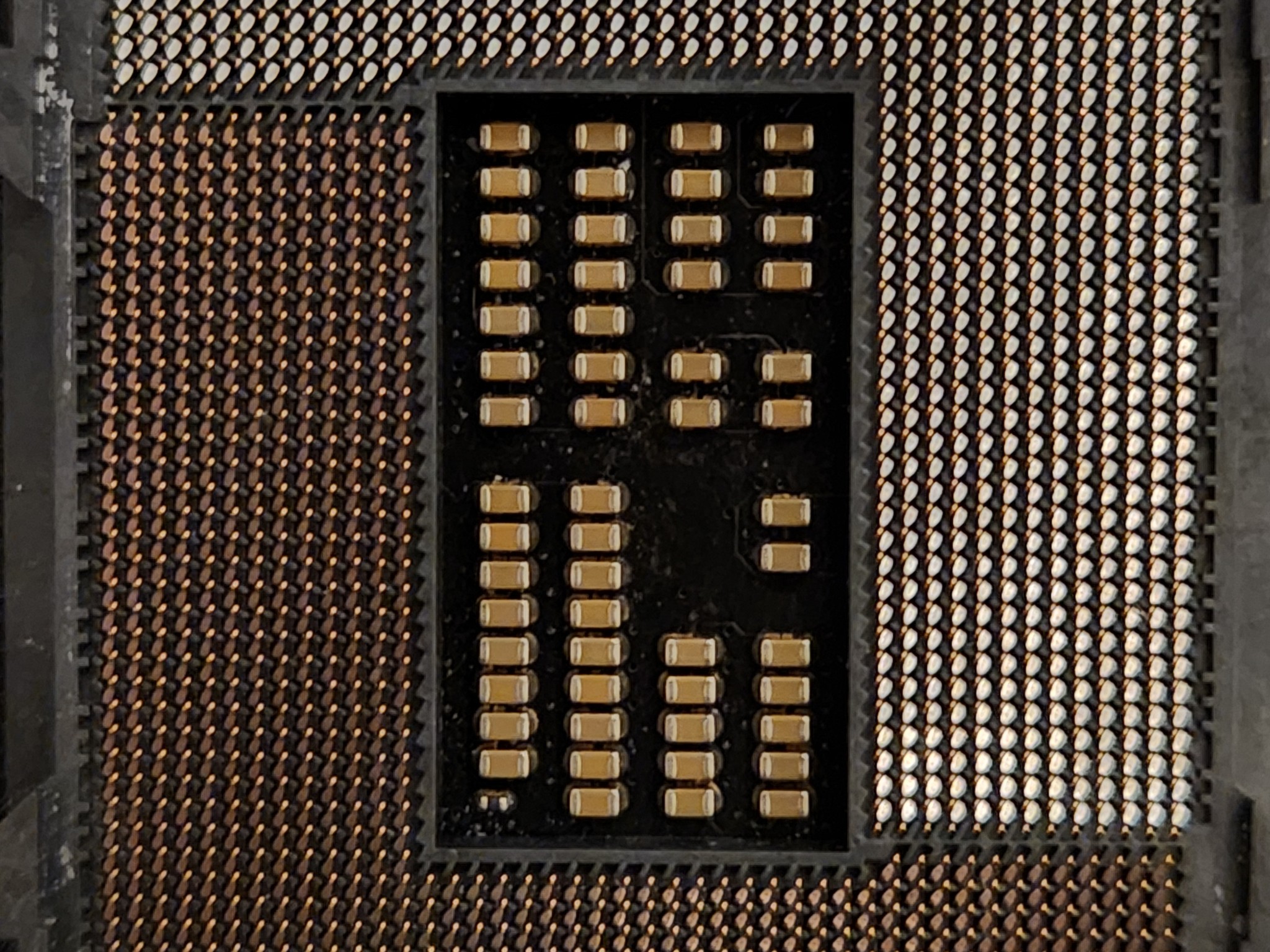
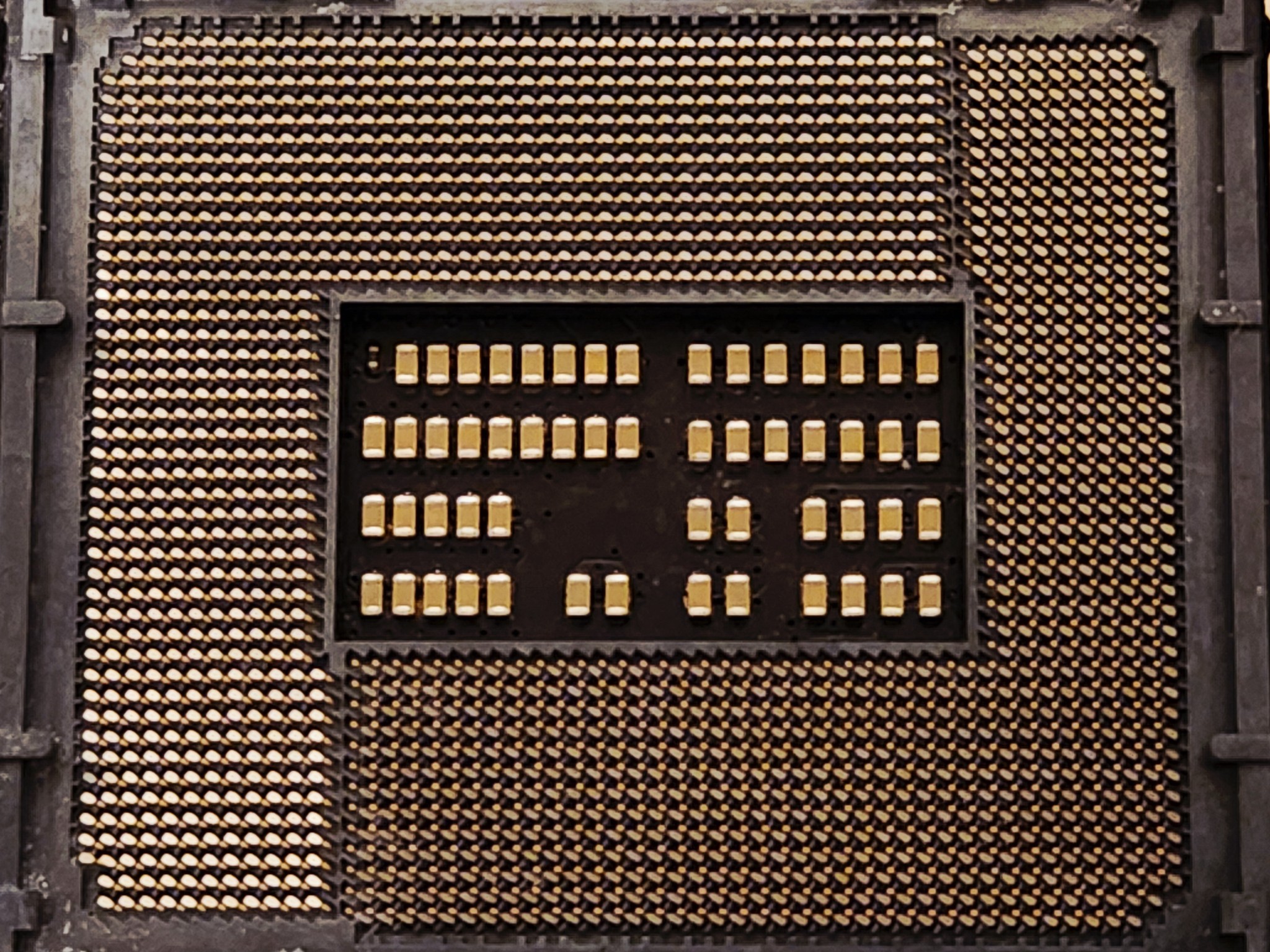
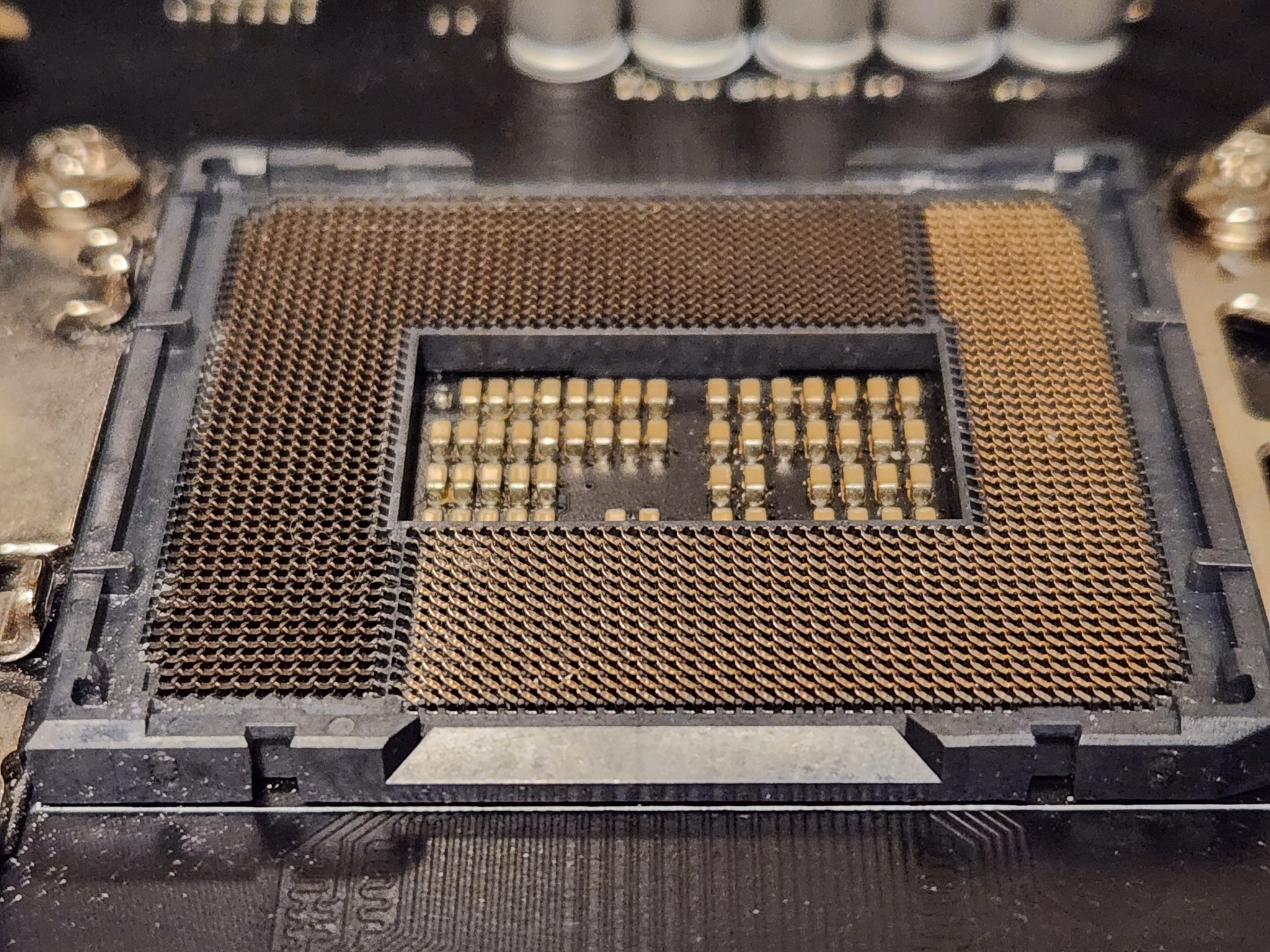
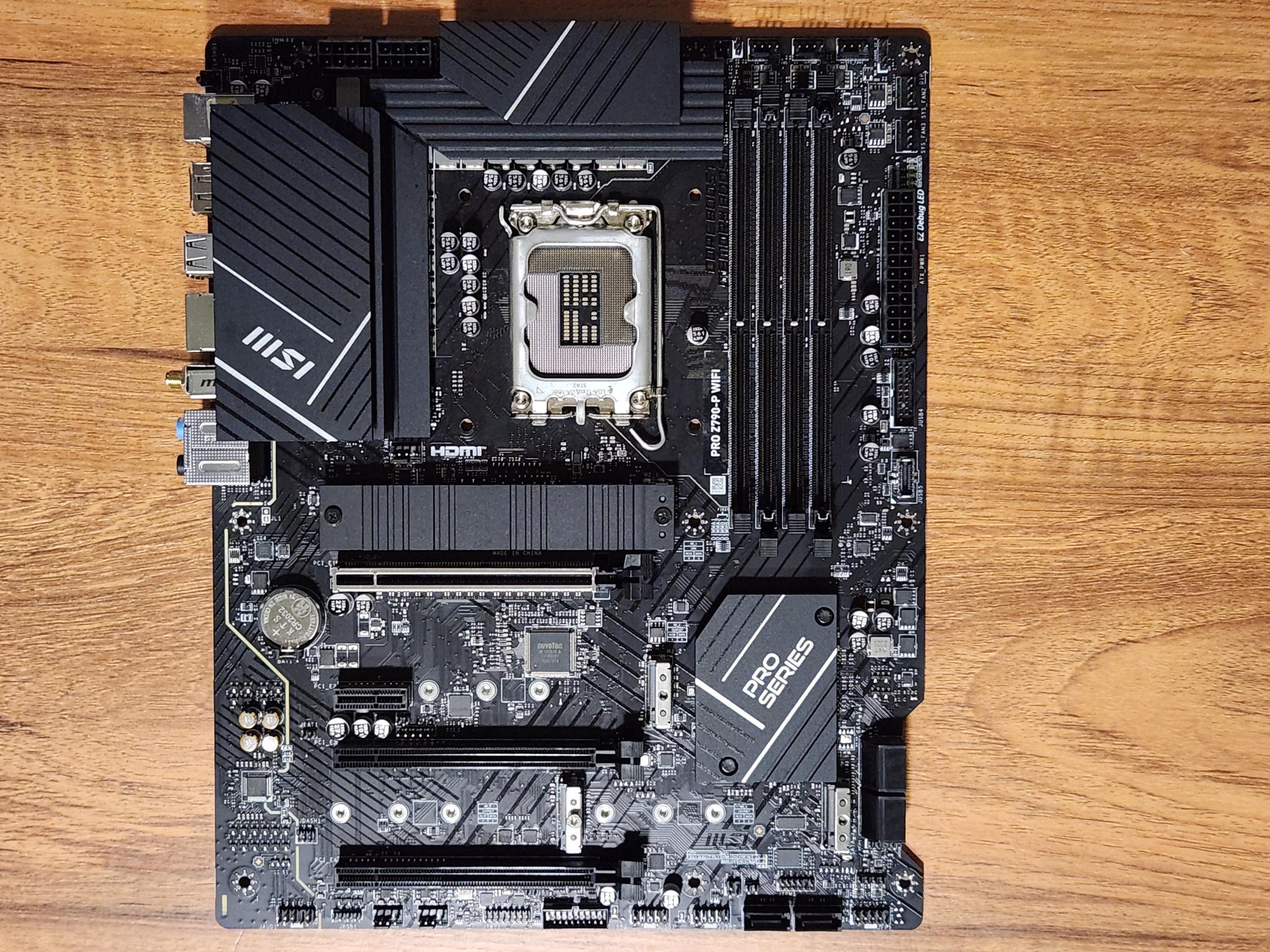
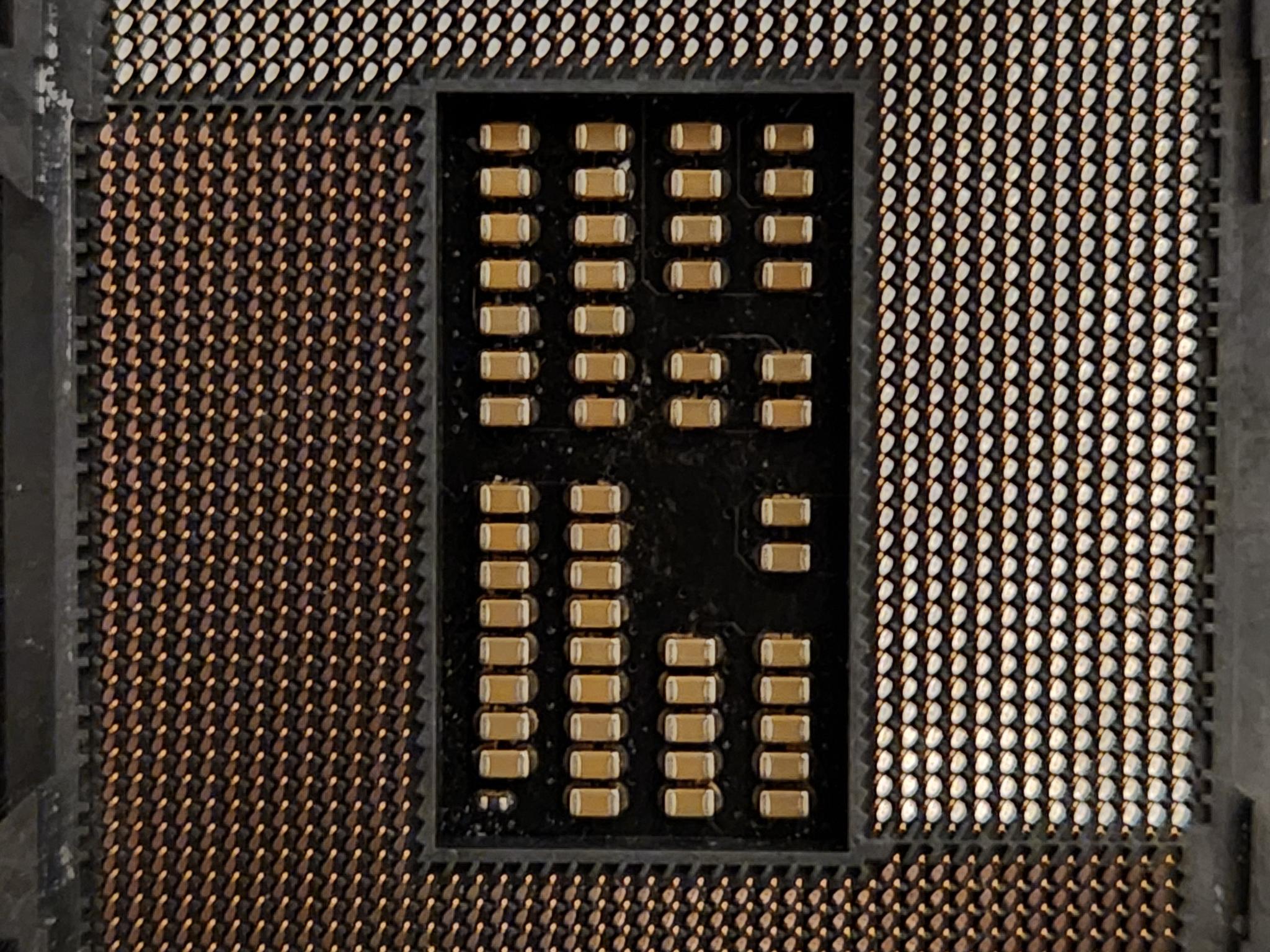
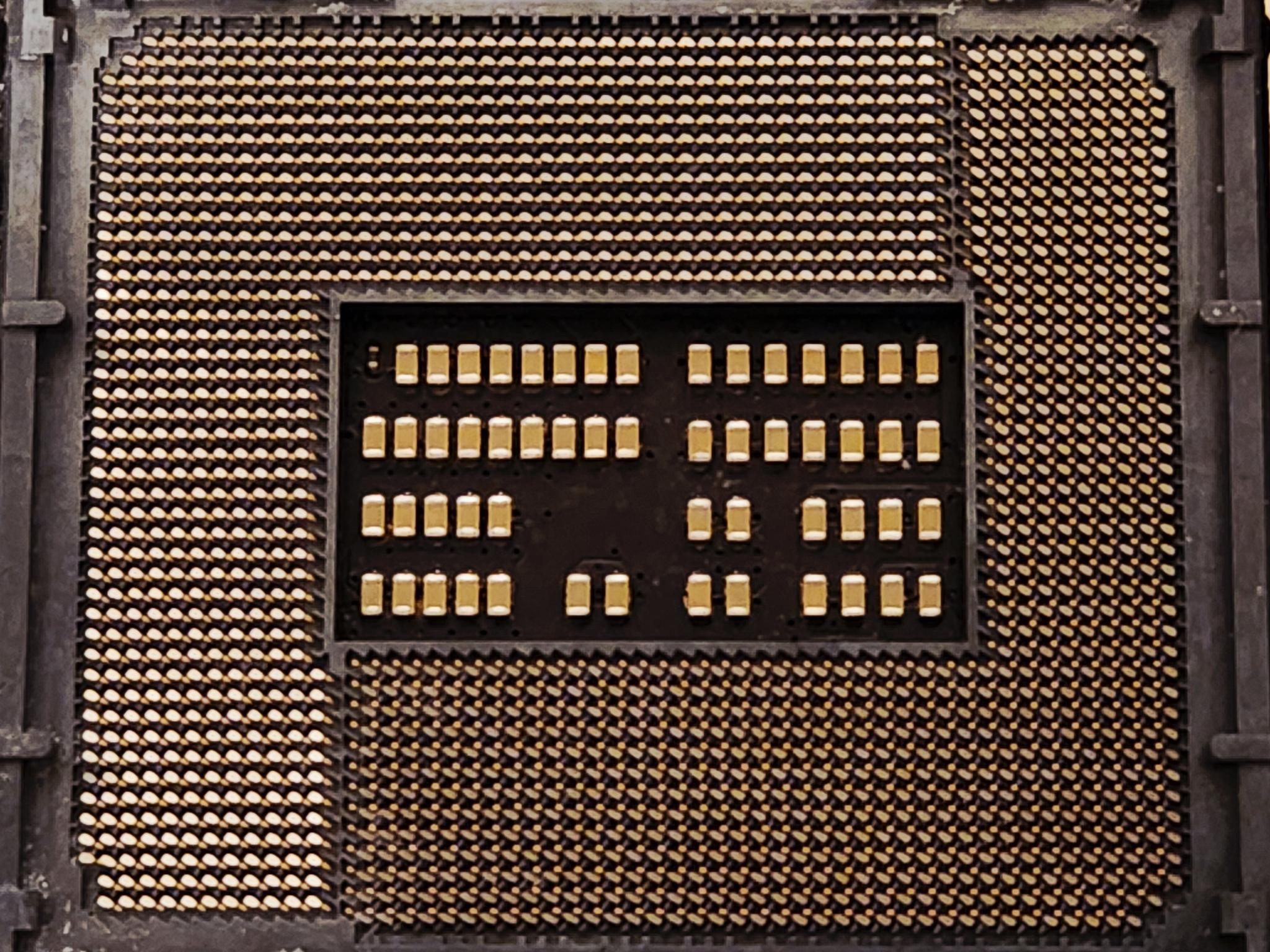
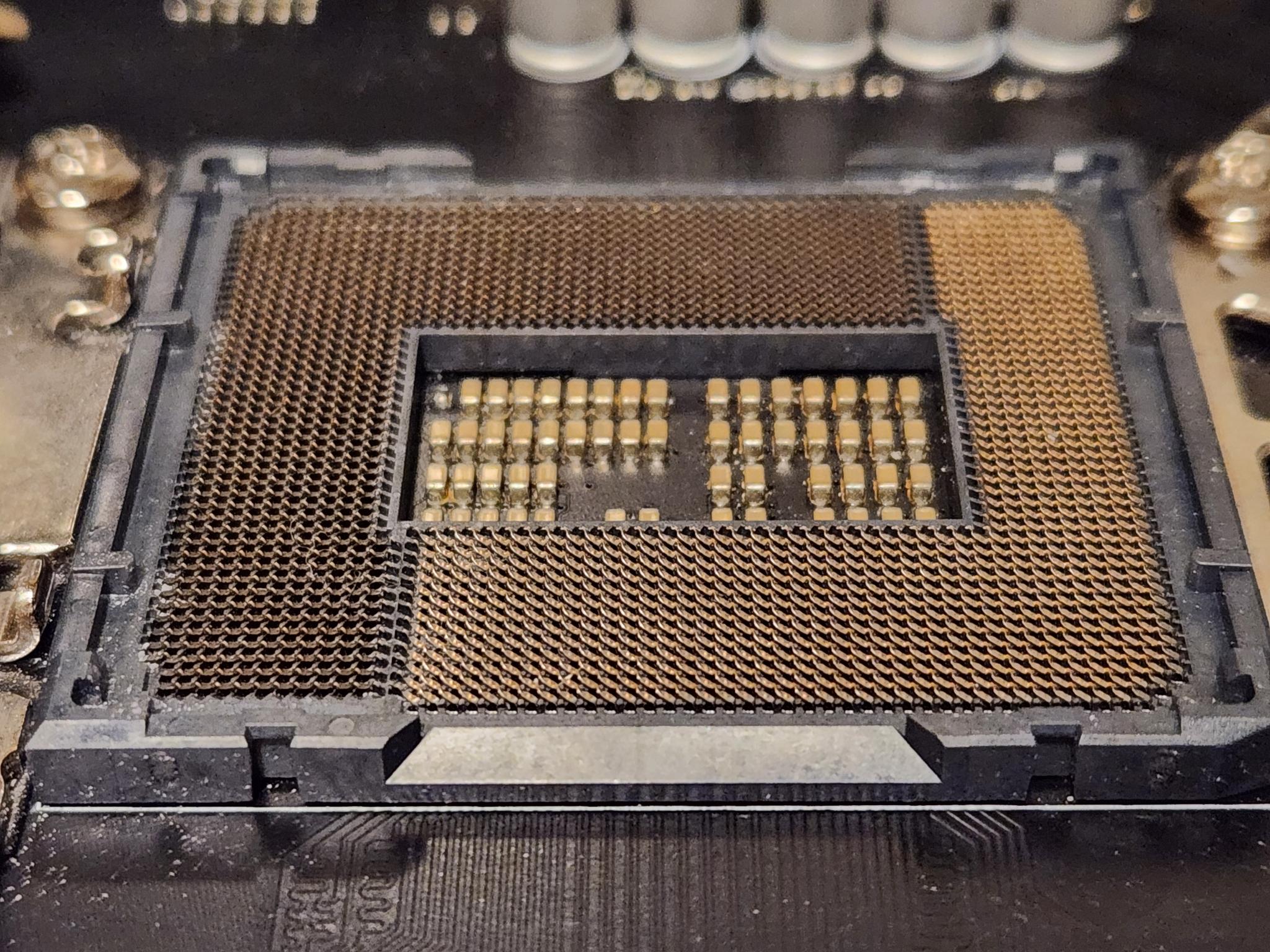
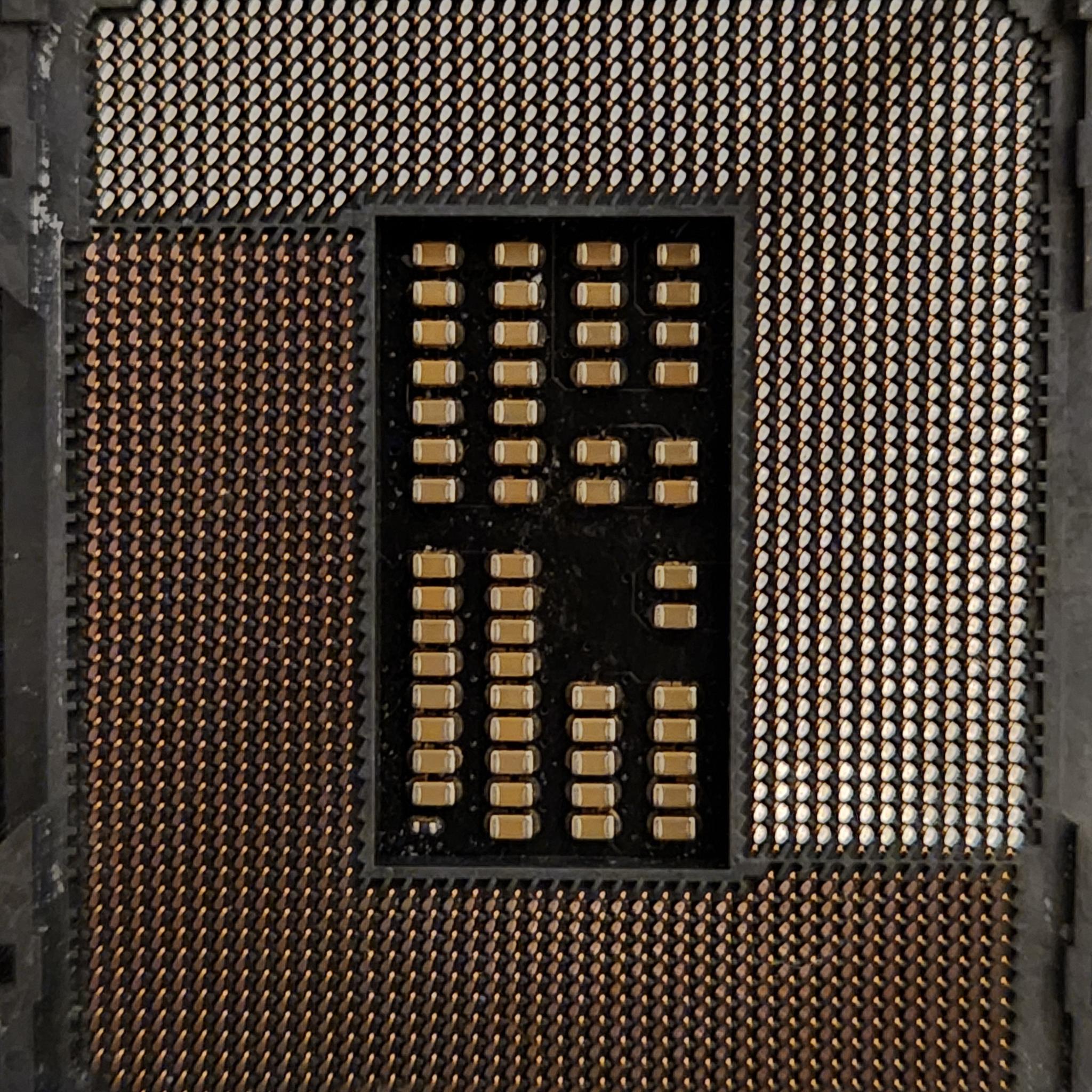
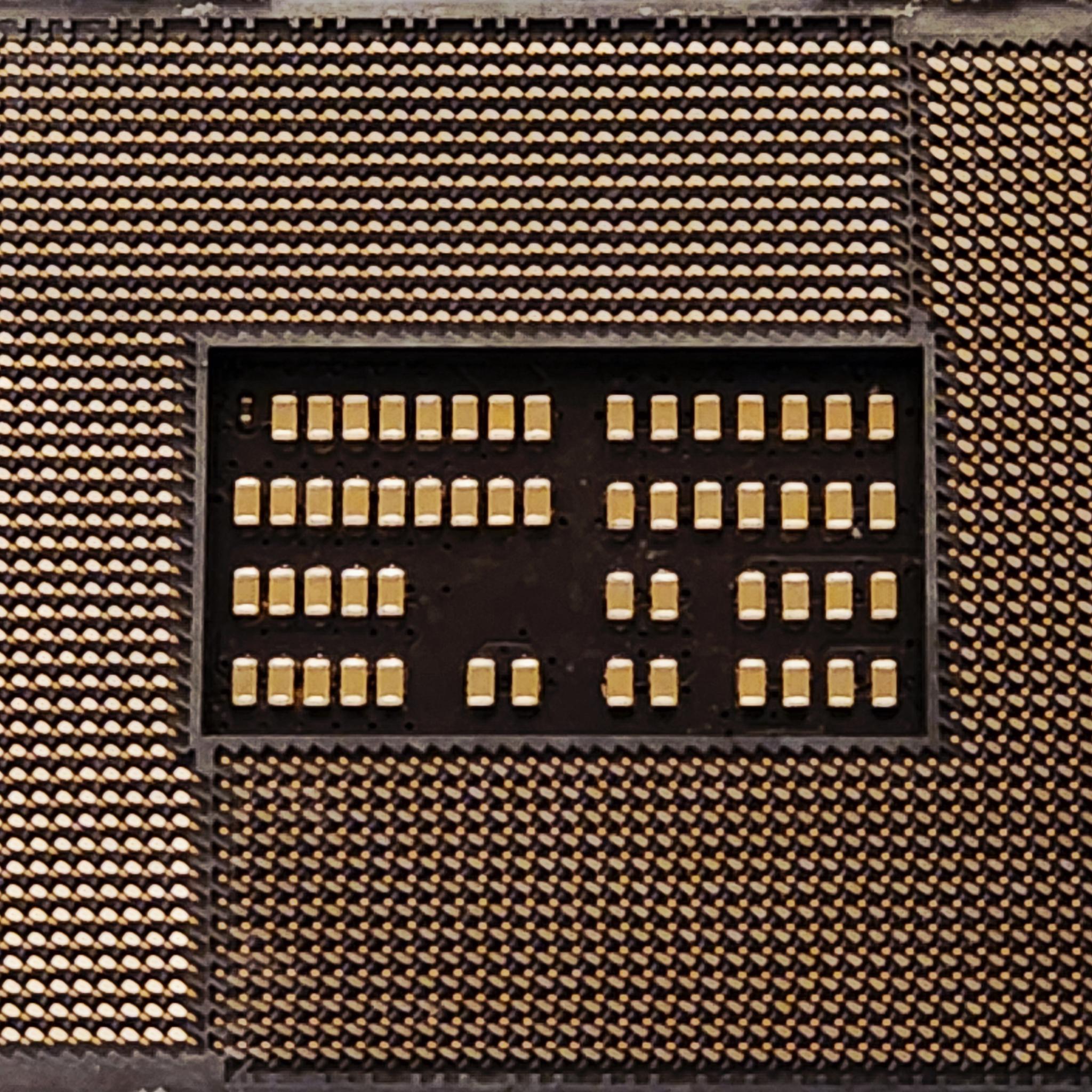
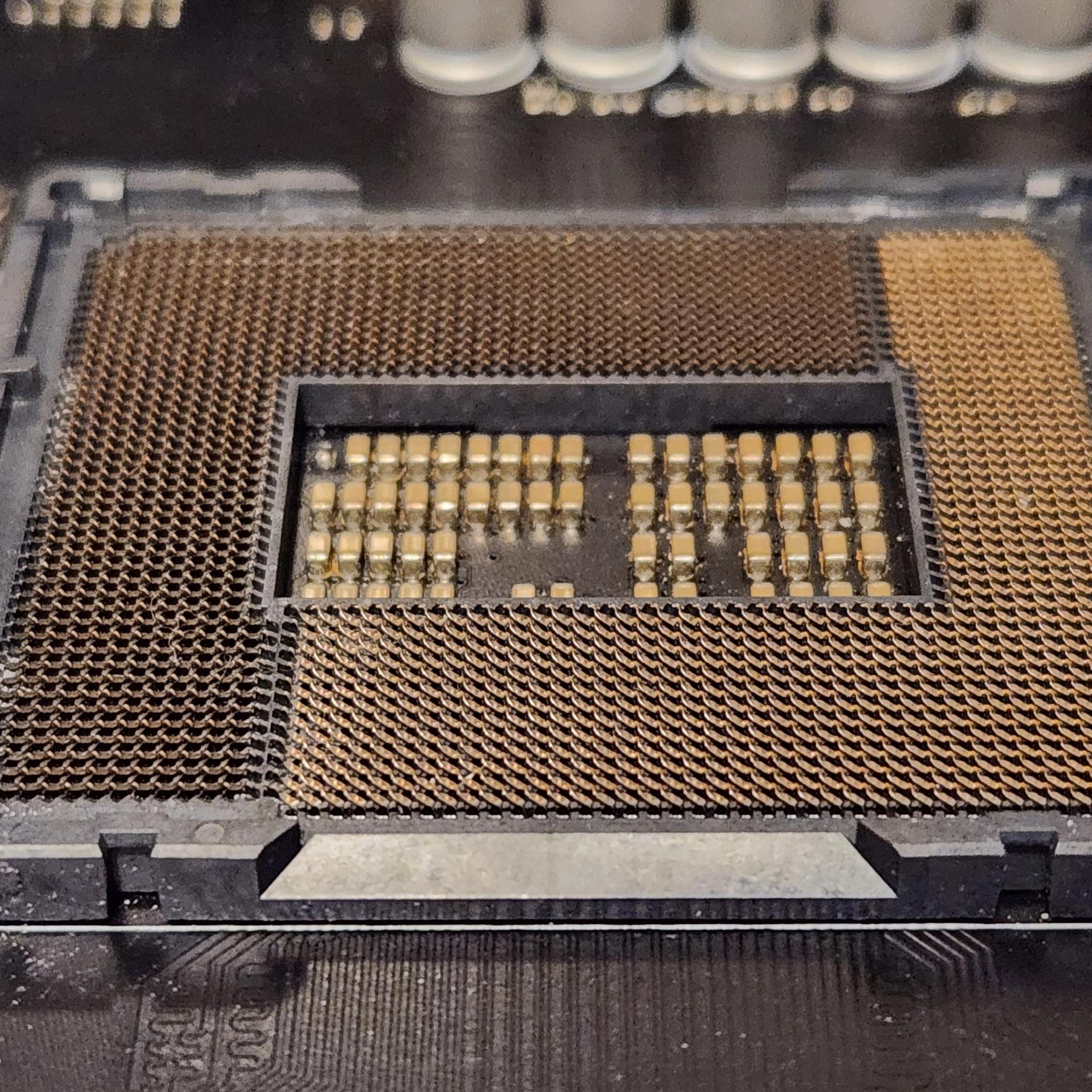
3 images show the CPU socket with some debris in it.
-
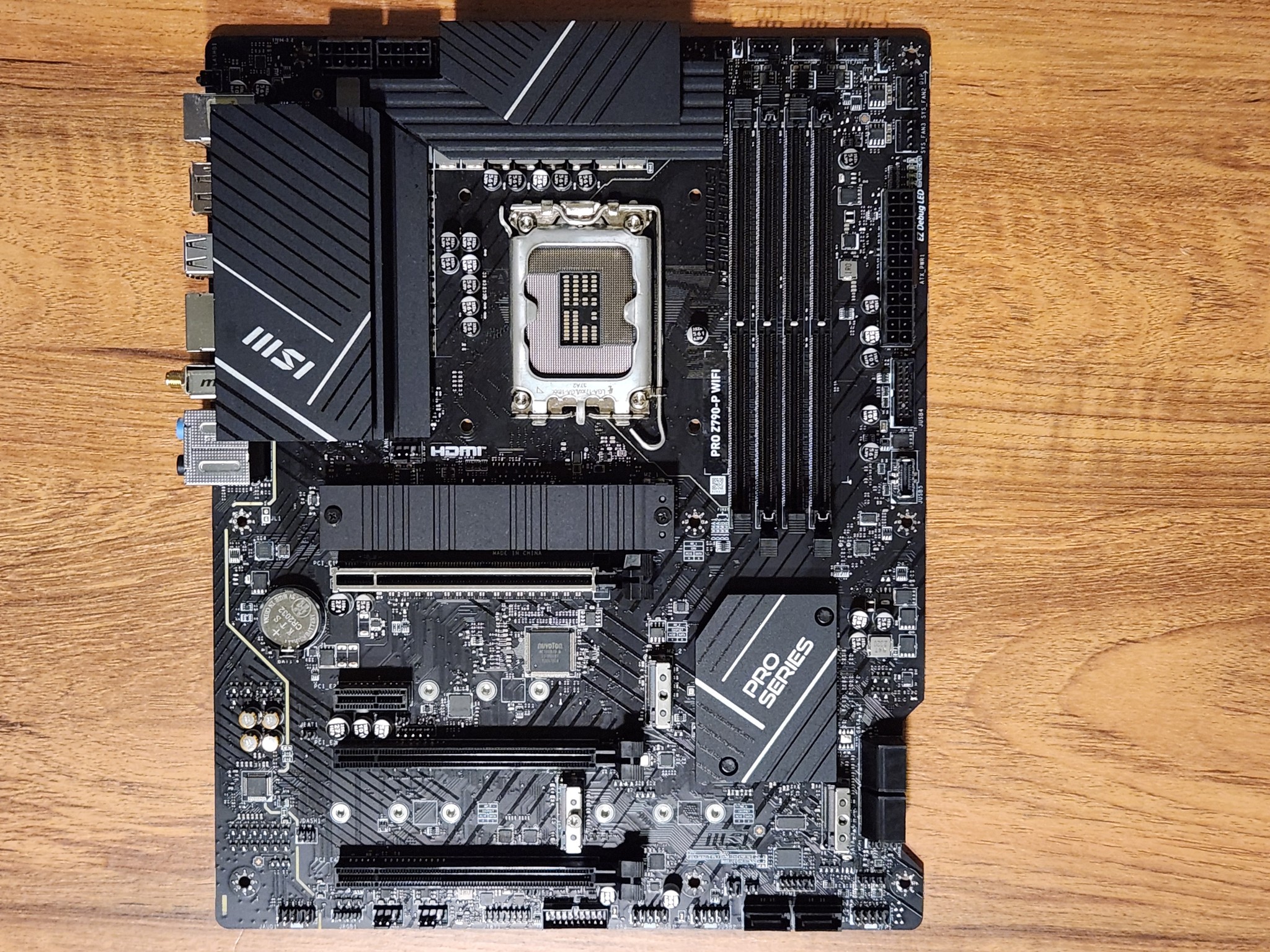
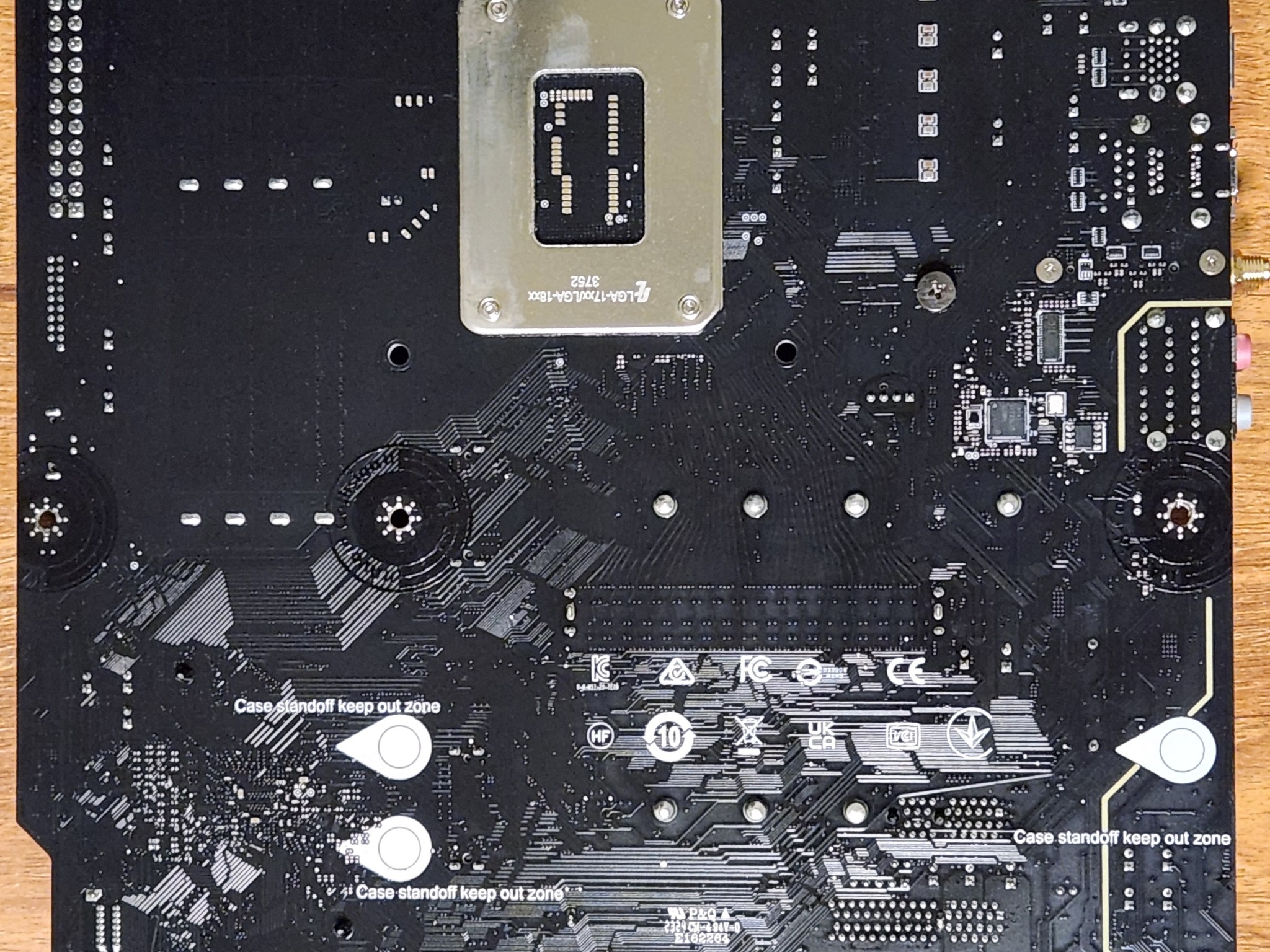
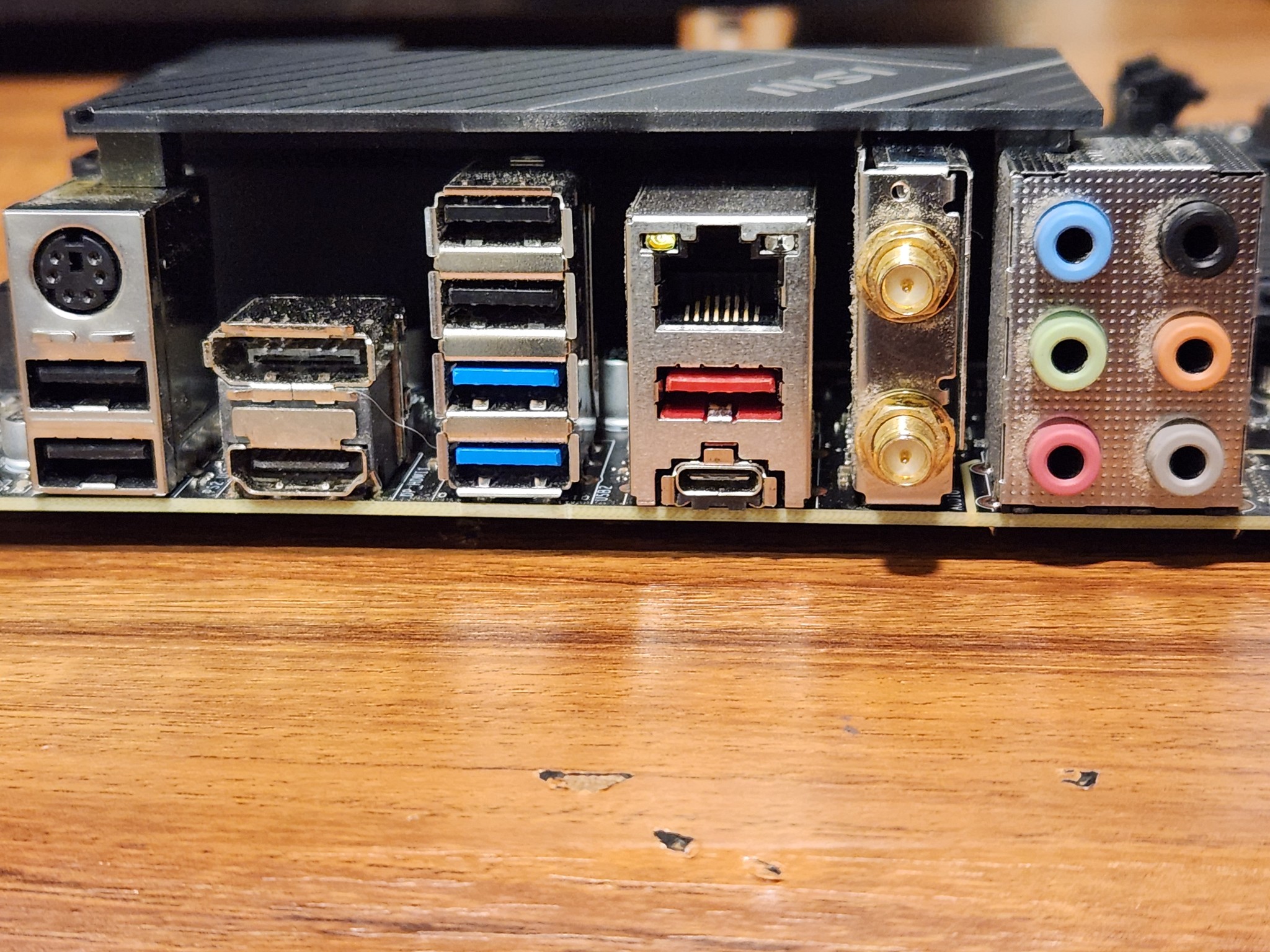
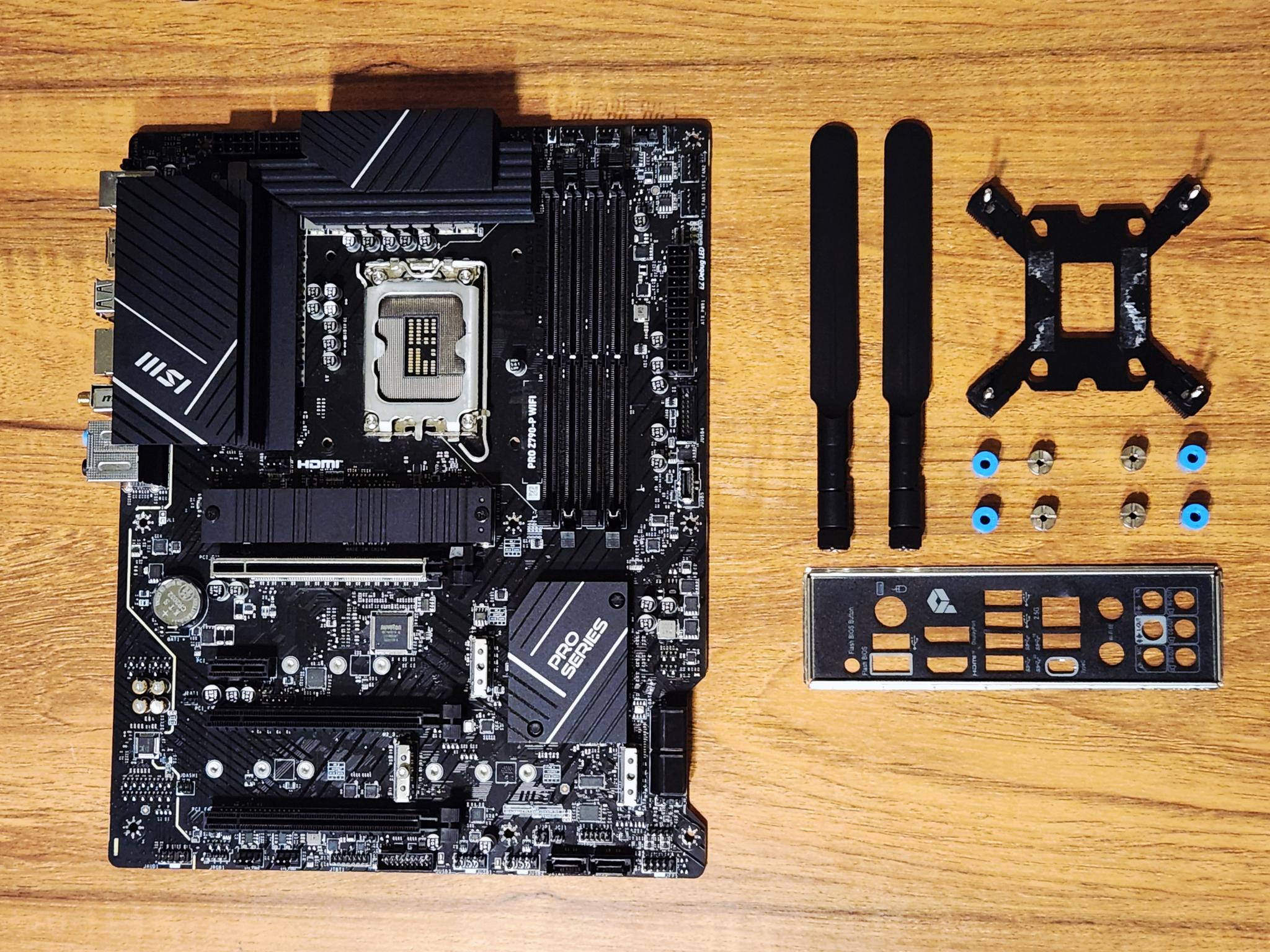
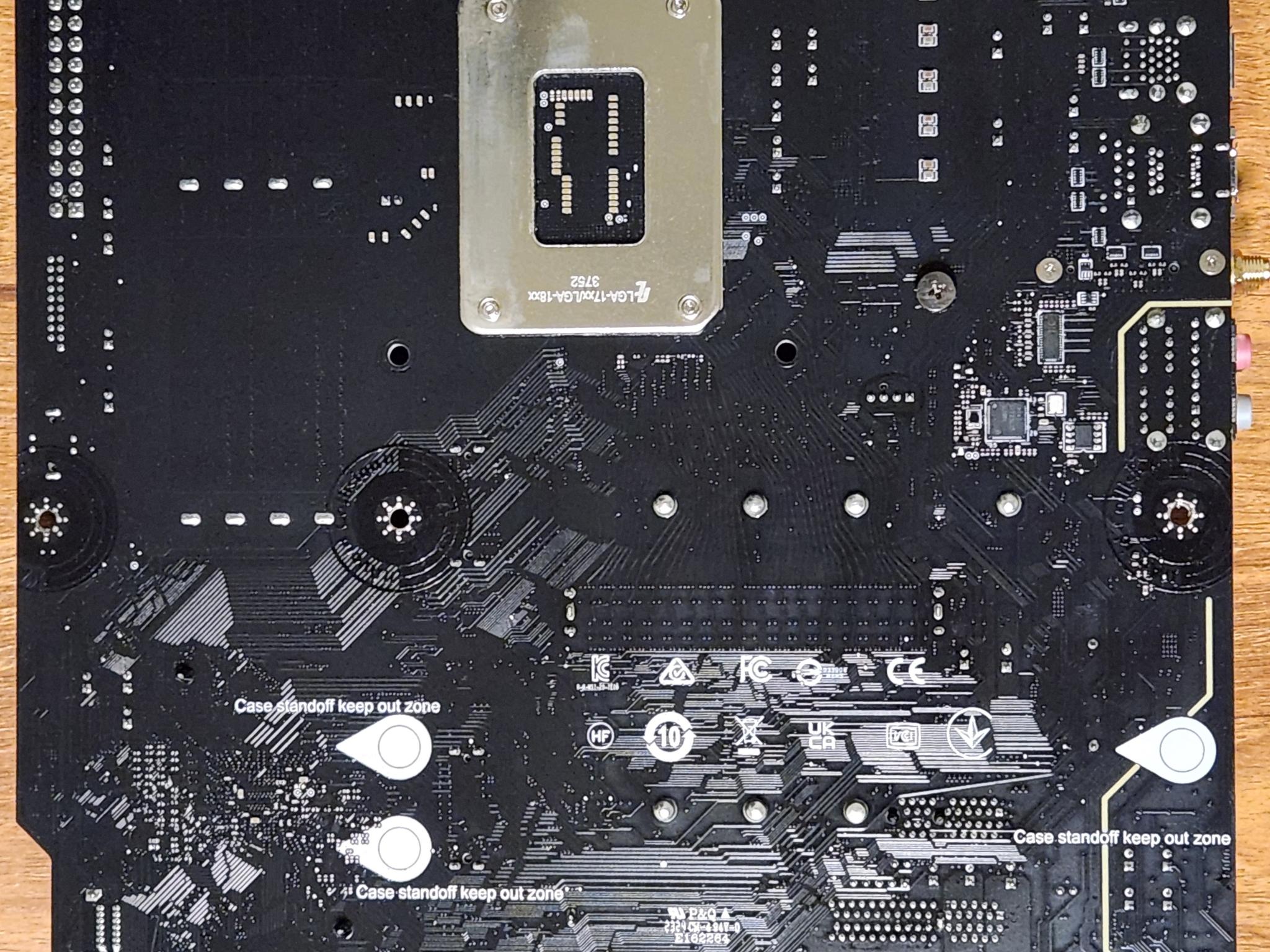
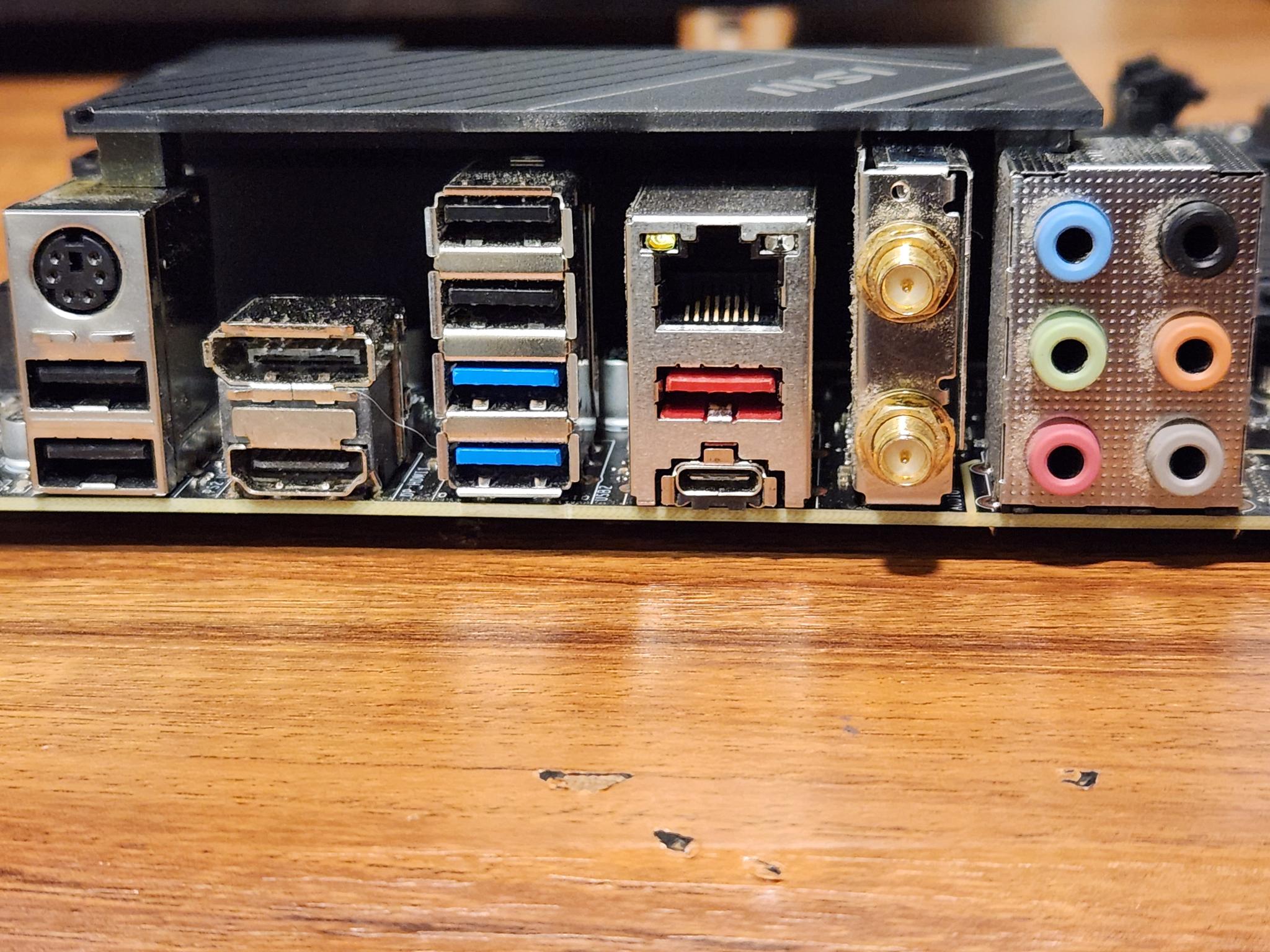
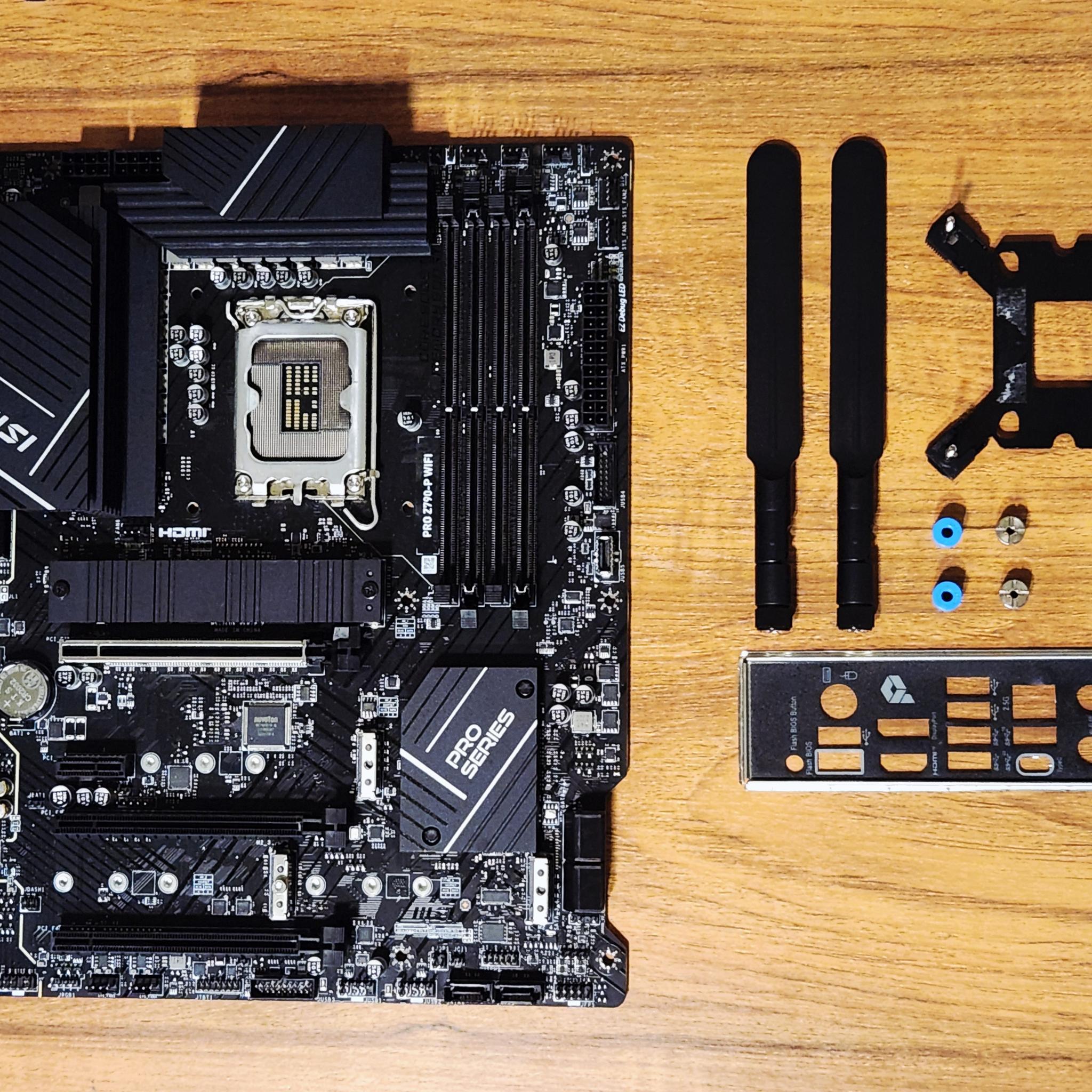
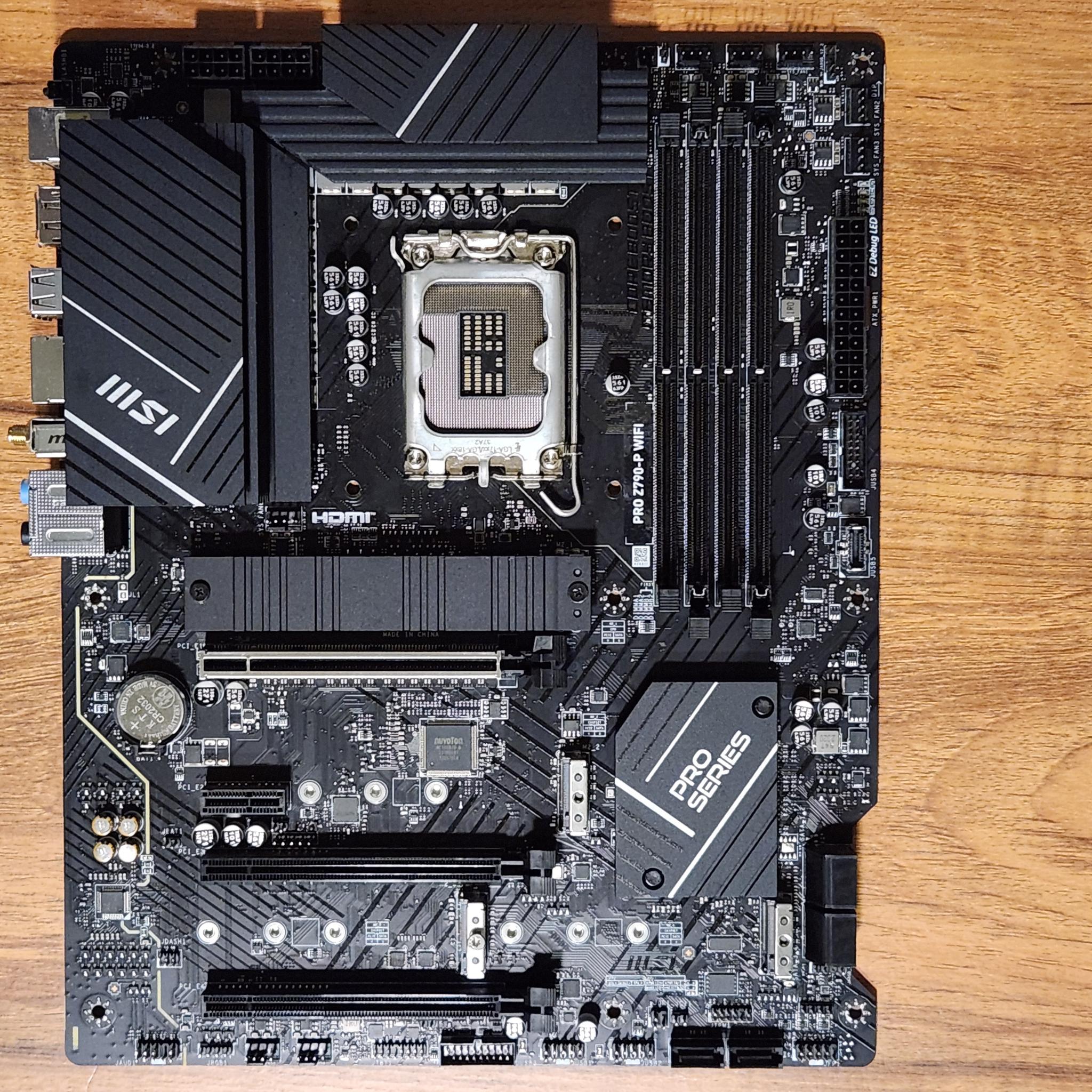
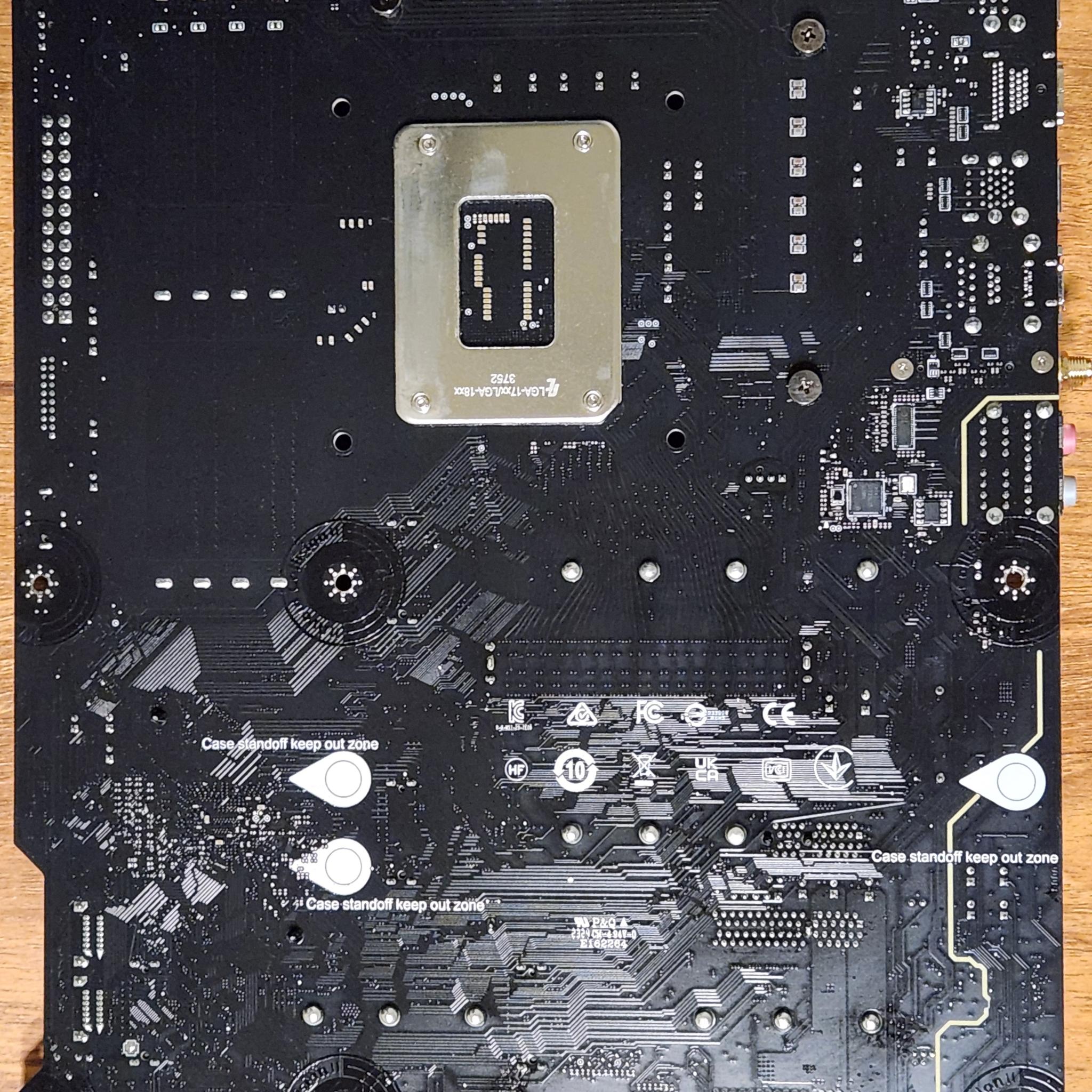
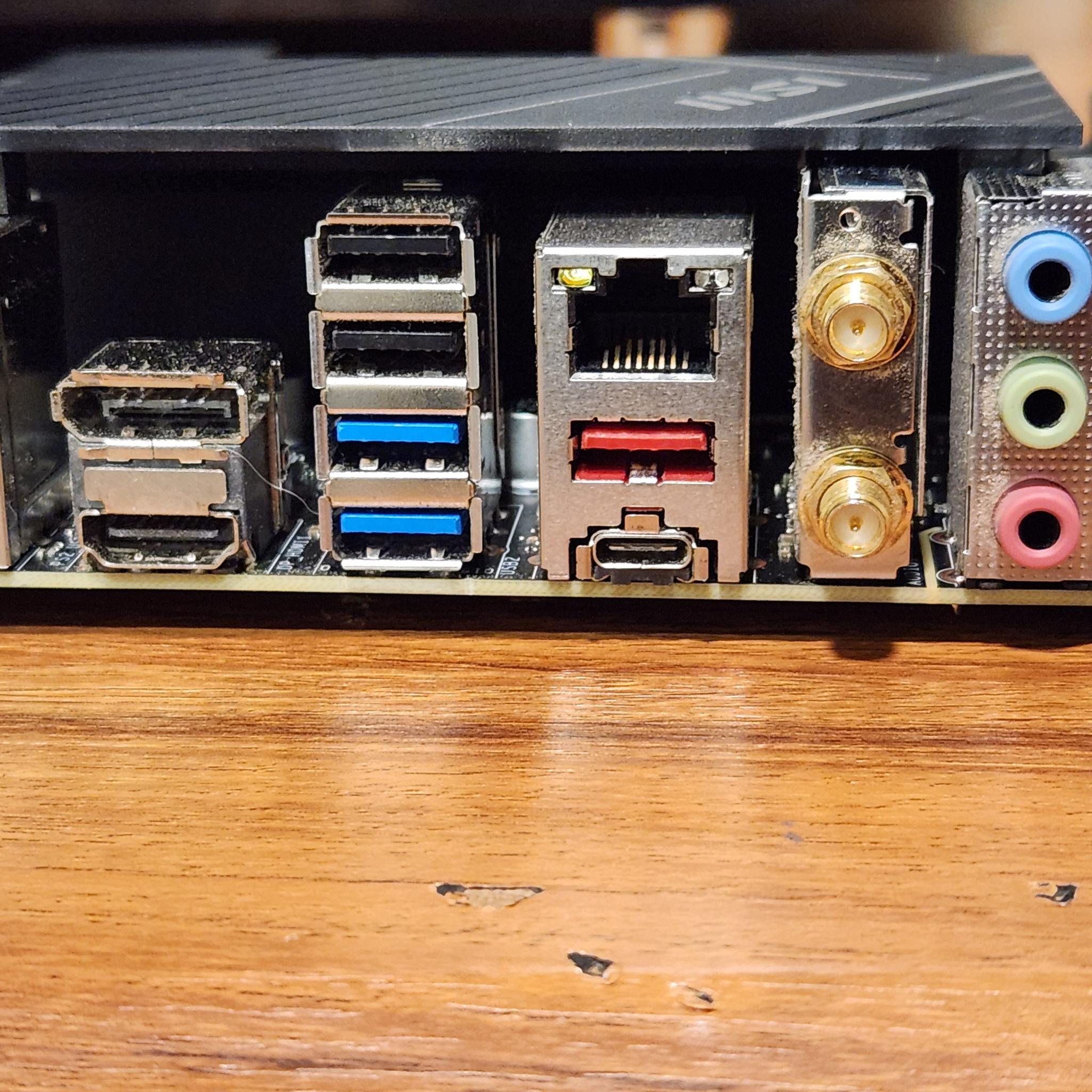
Other photos show the front, back, and I/O Shield of the motherboard.
Final Notes
-
I do not recommend you buy this motherboard without the knowledge or skills needed to repair whatever is, (or could be), wrong with the motherboard.
-
Another part of the PC, like the I7-13700KF, could very well be the issue, but I would not risk saying that the motherboard itself is fine.
-
It is hard to see/tell in the photo, but there is some thermal paste in the socket towards the bottom and some other little debris in the socket. I do not believe that conductive thermal paste was used for the CPU previously, or at all.
System Specs Used
CPU: I7-13700KF
Motherboard: MSI PRO Z790-P
RAM: TEAMGROUP DELTA RGB DDR5 32GB 2x16 Sticks
GPU: MSI VENTUS RTX 4070
PSU: 700W Power Supply
- BrandMSI
- Form FactorATX
- CPU BrandIntel
- CPU SocketLGA 1700
MSI PRO Z790-P WIFI Motherboard


This Z790 motherboard was functional and loaded into Windows just fine when only the B2 slot on the motherboard was used. When using two sticks of RAM in any slot on the motherboard, it does not post at all and gives CPU + DRAM debug LEDs
Troubleshooting We Performed
-
With two sticks of RAM in slots A2 and B2, the PC would not post and gave CPU and DRAM LEDs on the motherboard. The PC would not start and power cycled many times over. Eventually, just the DRAM light would stay on after a few minutes of it cycling.
-
Upon taking out one of the two working sticks of DDR5 RAM and having just one stick placed in the B2 RAM slot, it would quickly load into windows and the CPU was registered in task manager.
-
Only slot B2 worked on the motherboard. No other slots used with one stick of RAM would get past the CPU + DRAM debug lights. Even switching out the RAM sticks between one another did not make a difference.
-
The CPU gets hot with either RAM configuration, so that means that the CPU receives power from the motherboard.
Images Shown
-
2 images show RAM slots A2 and B2 used with a DRAM light shown on the motherboard.
-
3 images show only RAM slot B2 has a RAM stick installed with the computer showing no debug LEDs and how it successfully loads into windows with the CPU being registered in task manager.
-
3 images show the CPU socket with some debris in it.
-
Other photos show the front, back, and I/O Shield of the motherboard.
Final Notes
-
I do not recommend you buy this motherboard without the knowledge or skills needed to repair whatever is, (or could be), wrong with the motherboard.
-
Another part of the PC, like the I7-13700KF, could very well be the issue, but I would not risk saying that the motherboard itself is fine.
-
It is hard to see/tell in the photo, but there is some thermal paste in the socket towards the bottom and some other little debris in the socket. I do not believe that conductive thermal paste was used for the CPU previously, or at all.
System Specs Used
CPU: I7-13700KF
Motherboard: MSI PRO Z790-P
RAM: TEAMGROUP DELTA RGB DDR5 32GB 2x16 Sticks
GPU: MSI VENTUS RTX 4070
PSU: 700W Power Supply
- BrandMSI
- Form FactorATX
- CPU BrandIntel
- CPU SocketLGA 1700
Similar listings