

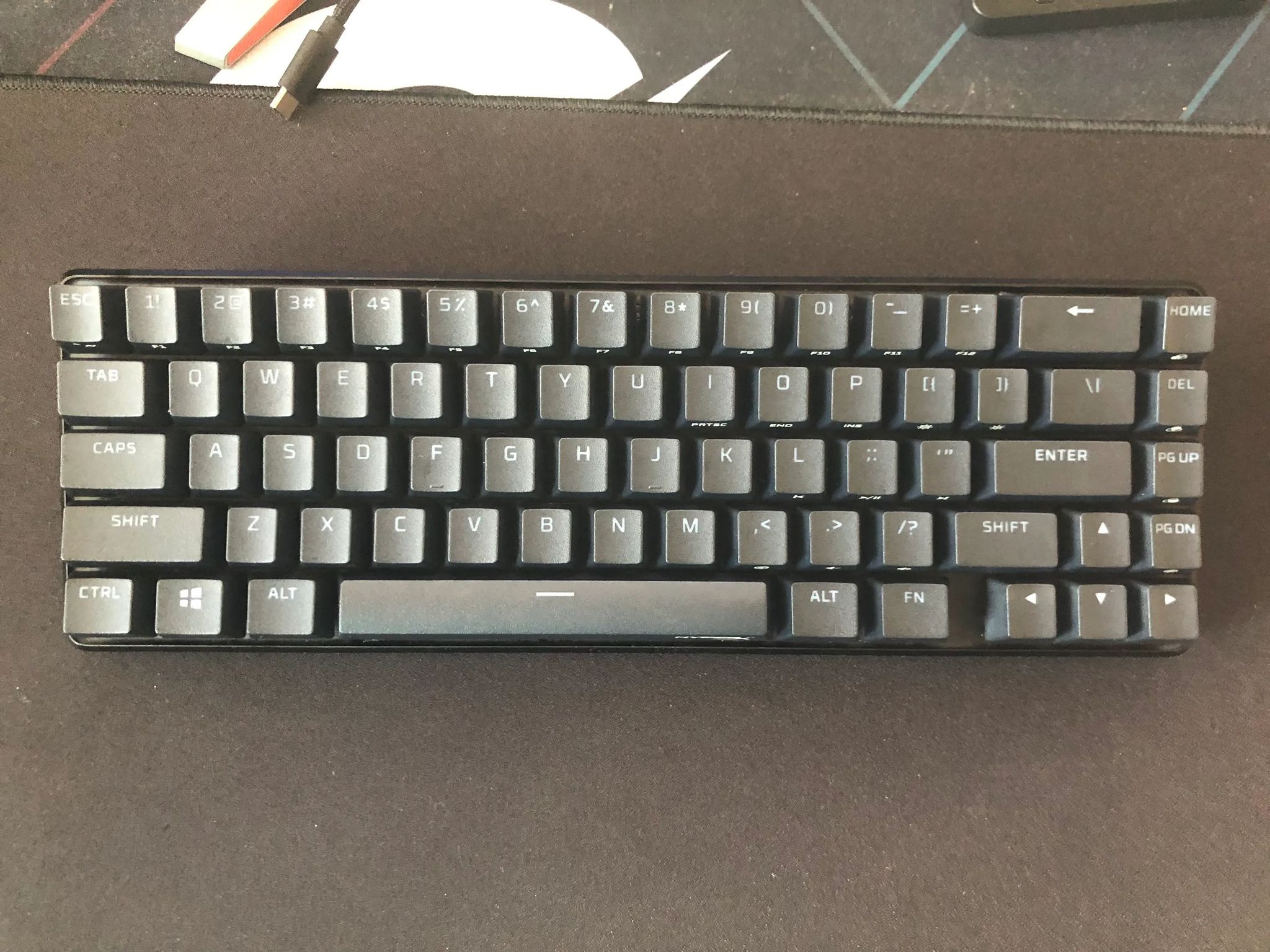
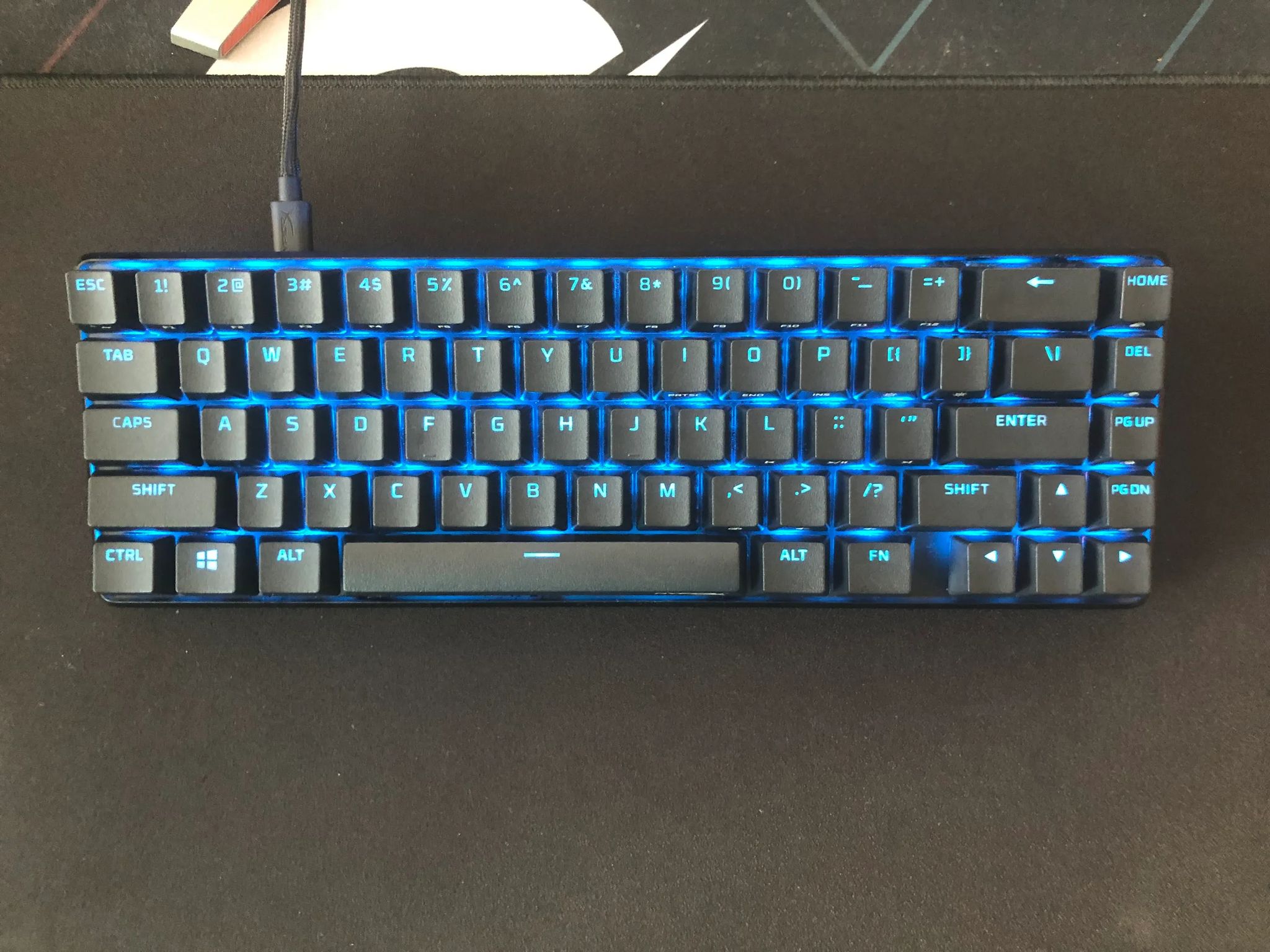
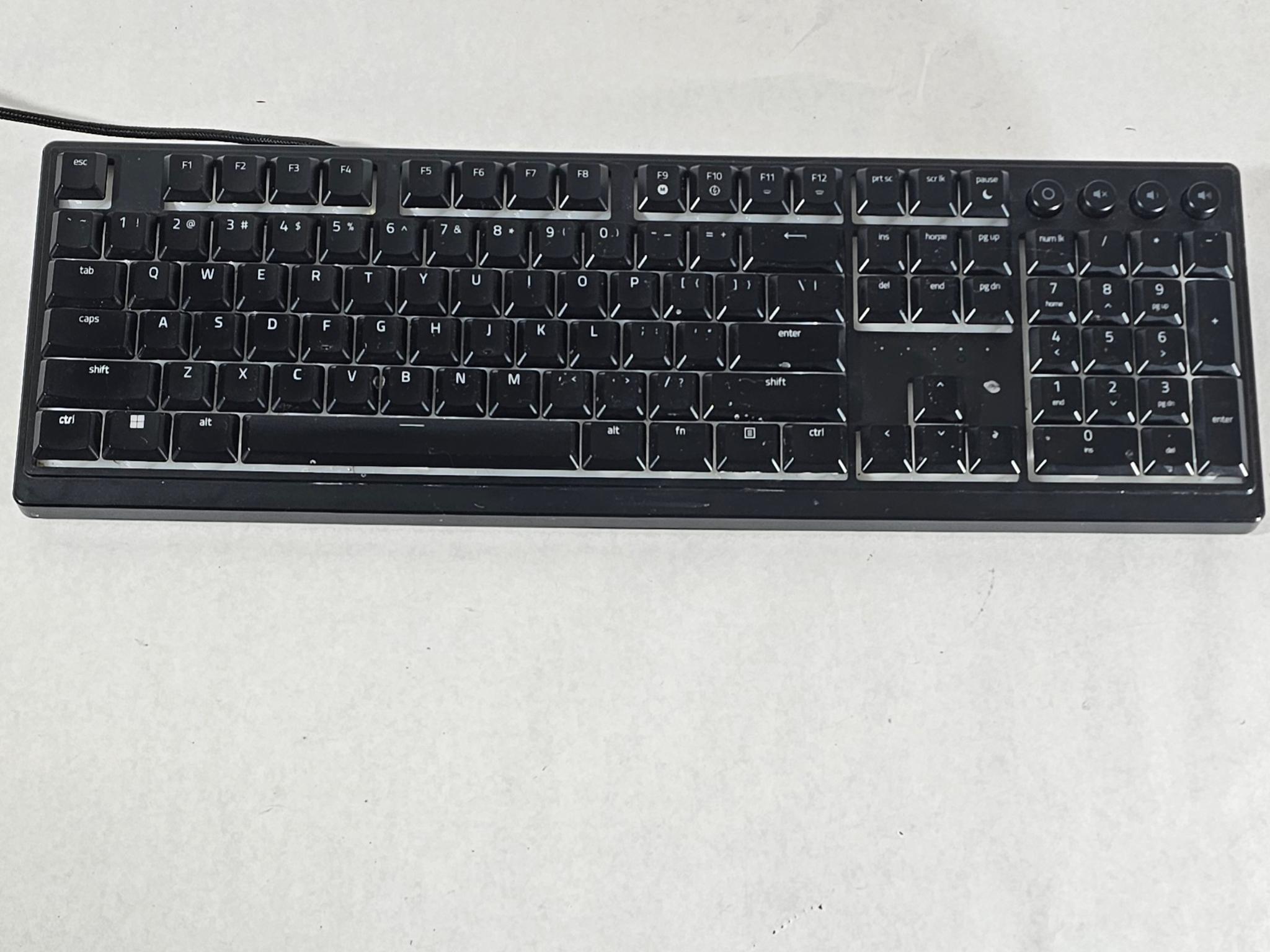
HyperX 65% Mechanical Keyboard W/ Linear Red Switches (Left Shift Stabilizer Popped Off)


Overview & Specs
- Condition
- As-Is / For Parts
- Usage
- < 1 year
Description from Seller
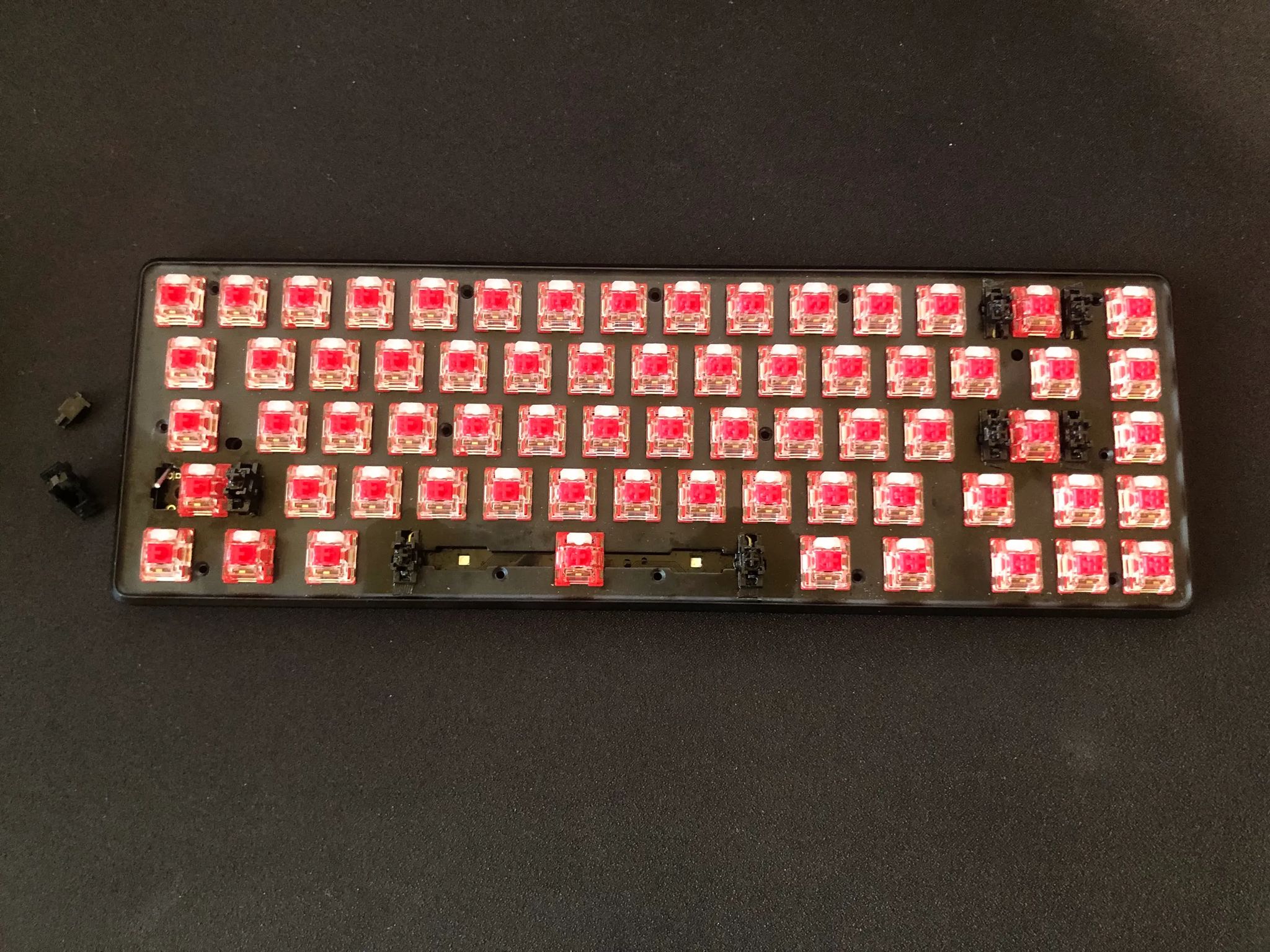
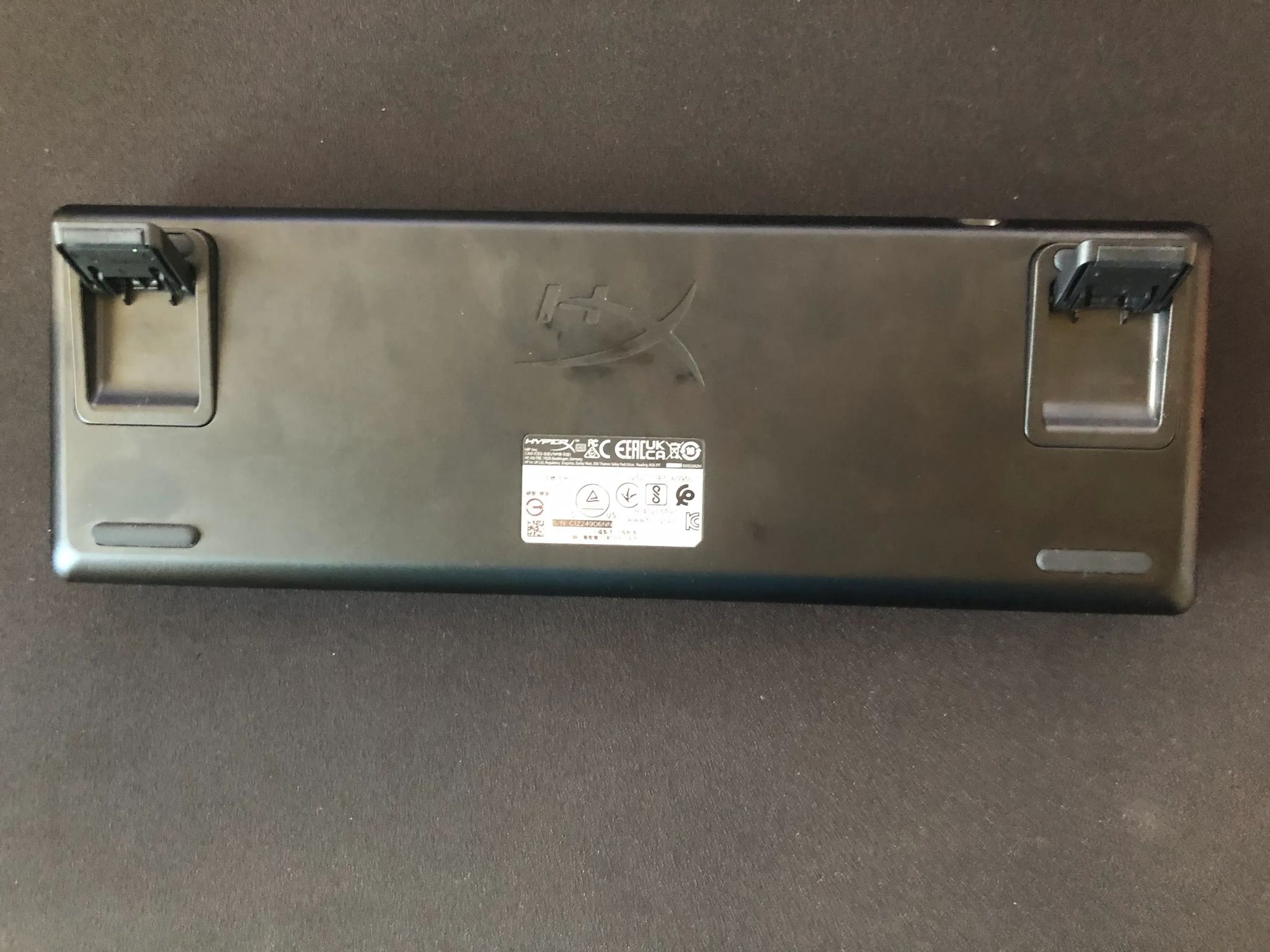
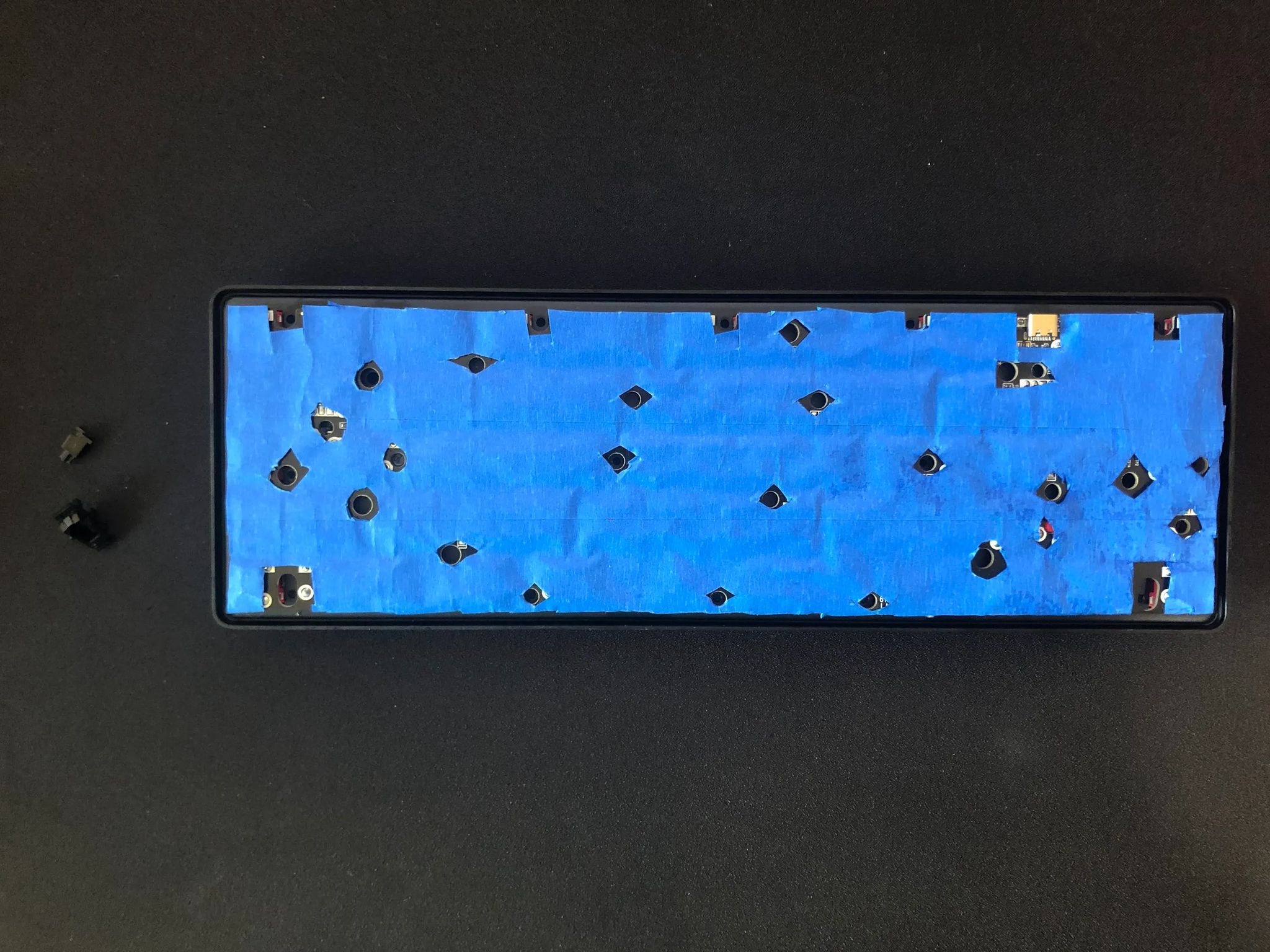
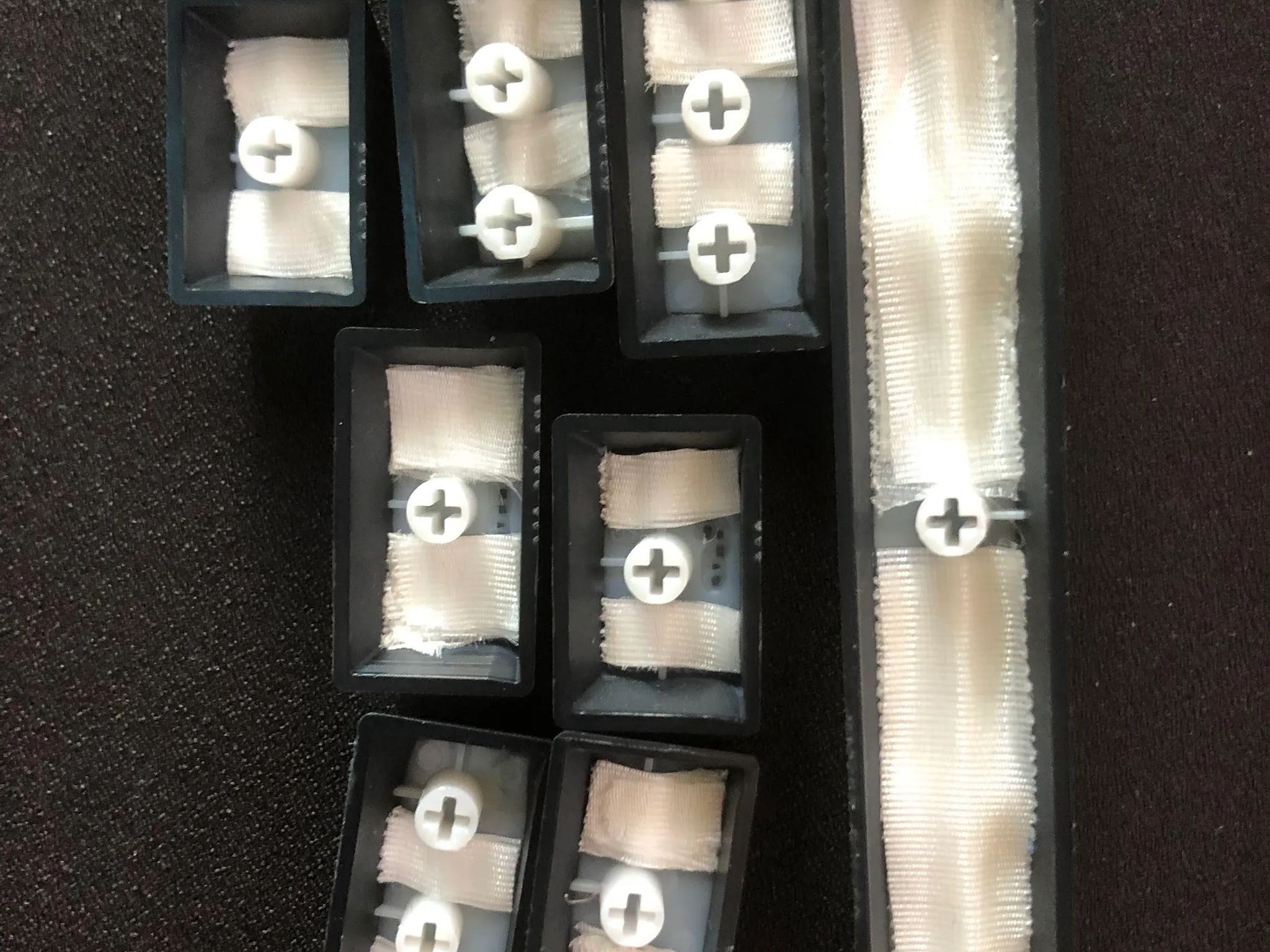
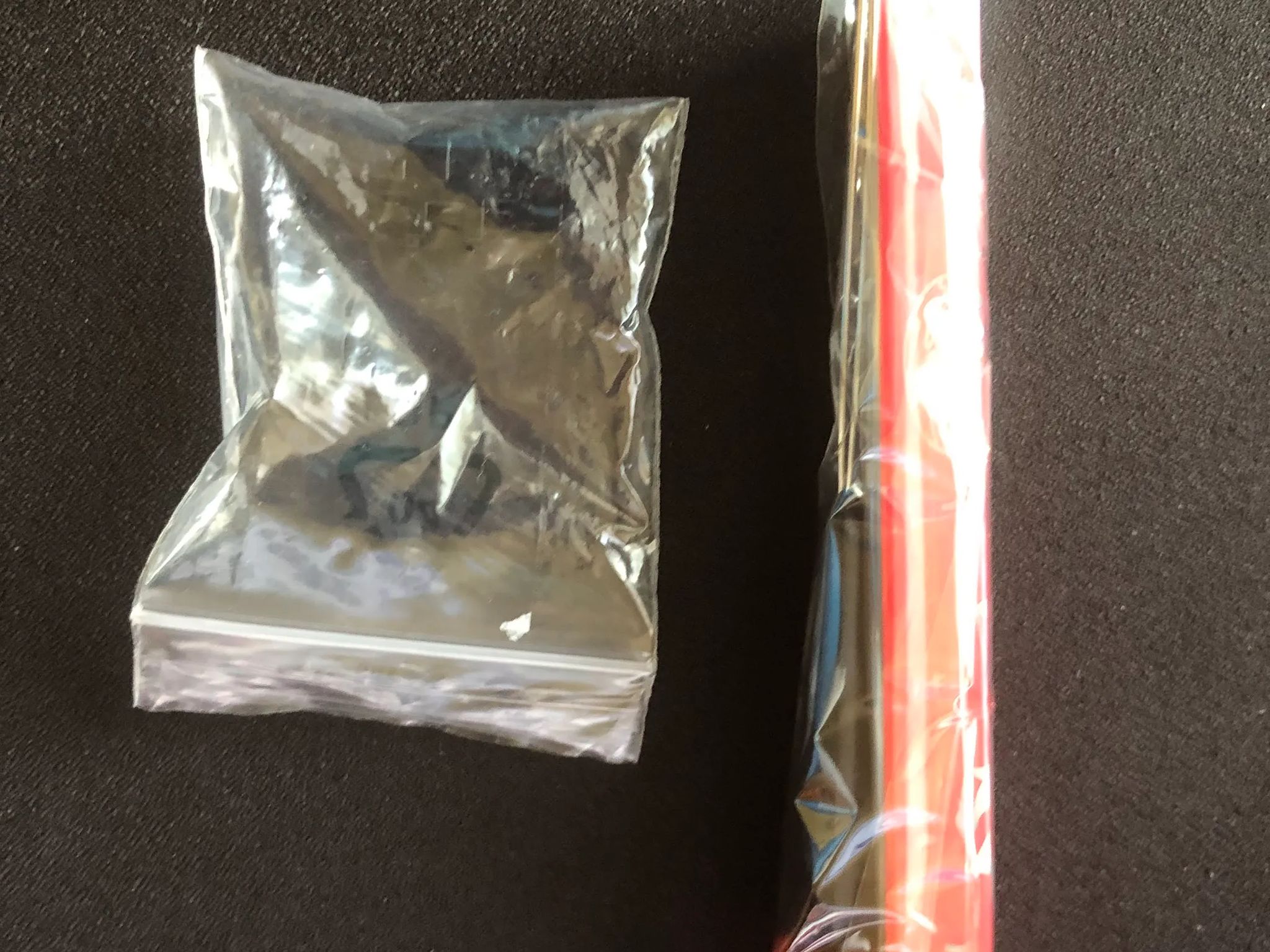
Alright, so I modded this replacement HyperX 65% keyboard I got from customer support. It worked fine out of the box and I decided to do a little fixing to make a better typing experience. I added 3 layers of painter's tape in the back of the PCB with holes cut out to fit in the holes and ports. I also added some medical tape inside several of these keycaps to dampen the sound and some underneath the stabilizers to prevent less rattle. I also lubed both the mechanical switches and stabilizers too for the same effects. These made some improvements to the typing feel and sound everywhere, except for the left shift key. It doesn't feel or sound as good as the other keys, but it's still functional. As I was trying to tune it, I accidentally pop off the left side stabilizer of the shift key. I tried looking up tutorials on how to put it back on a soldered keyboard, but there's no way to fix that mistake at that level. The last picture regardless of the low image quality include the extra red keycaps, a keycap puller, and the left stabilizer parts in that small bag over there. Still the left stabilizer is the only thing broken, everything else still works and I can still type on it pretty well despite the mishap with the left shift key. I already tested it out and ironically it sounds/feels better without that left stabilizer. I'm sending this keyboard out for cheap in a bubble wrap mailer. It doesn't include the original box it came in, but it does still include the USB-C cable, the stabilizer in a bag, the extra keycaps, the keycap puller, and the keyboard itself.
HyperX Website Link: https://hyperx.com/collections/gaming-keyboards/products/hyperx-alloy-origins-65
Specifications
Specifications
- Brand
- Other
Similar listings
Shipping & Returns
Estimated arrival
Overview & Specs
- Condition
- As-Is / For Parts
- Usage
- < 1 year
Description from Seller
Alright, so I modded this replacement HyperX 65% keyboard I got from customer support. It worked fine out of the box and I decided to do a little fixing to make a better typing experience. I added 3 layers of painter's tape in the back of the PCB with holes cut out to fit in the holes and ports. I also added some medical tape inside several of these keycaps to dampen the sound and some underneath the stabilizers to prevent less rattle. I also lubed both the mechanical switches and stabilizers too for the same effects. These made some improvements to the typing feel and sound everywhere, except for the left shift key. It doesn't feel or sound as good as the other keys, but it's still functional. As I was trying to tune it, I accidentally pop off the left side stabilizer of the shift key. I tried looking up tutorials on how to put it back on a soldered keyboard, but there's no way to fix that mistake at that level. The last picture regardless of the low image quality include the extra red keycaps, a keycap puller, and the left stabilizer parts in that small bag over there. Still the left stabilizer is the only thing broken, everything else still works and I can still type on it pretty well despite the mishap with the left shift key. I already tested it out and ironically it sounds/feels better without that left stabilizer. I'm sending this keyboard out for cheap in a bubble wrap mailer. It doesn't include the original box it came in, but it does still include the USB-C cable, the stabilizer in a bag, the extra keycaps, the keycap puller, and the keyboard itself.
HyperX Website Link: https://hyperx.com/collections/gaming-keyboards/products/hyperx-alloy-origins-65
Specifications
Specifications
- Brand
- Other