Overview & Specs
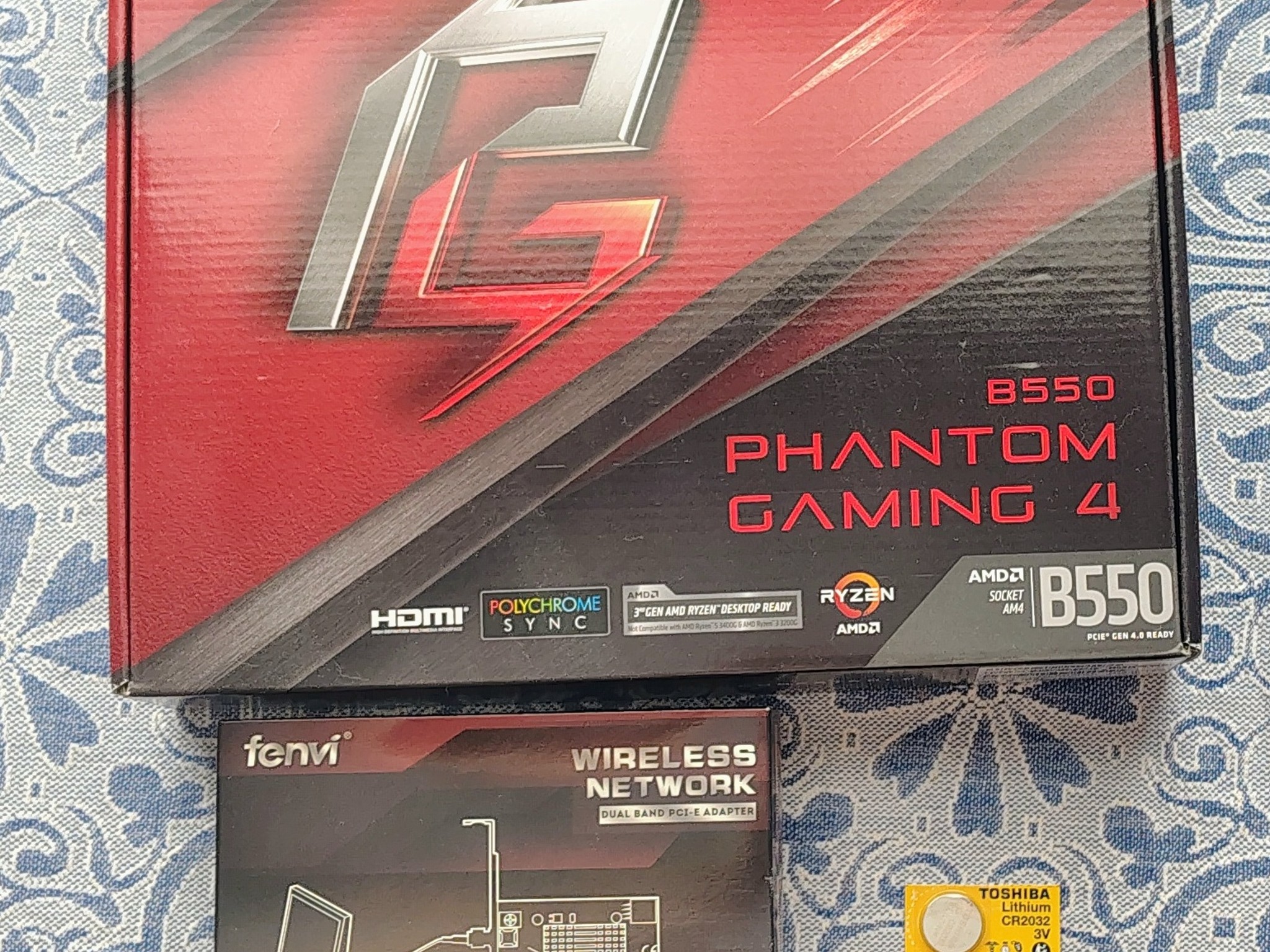
This listing Includes:
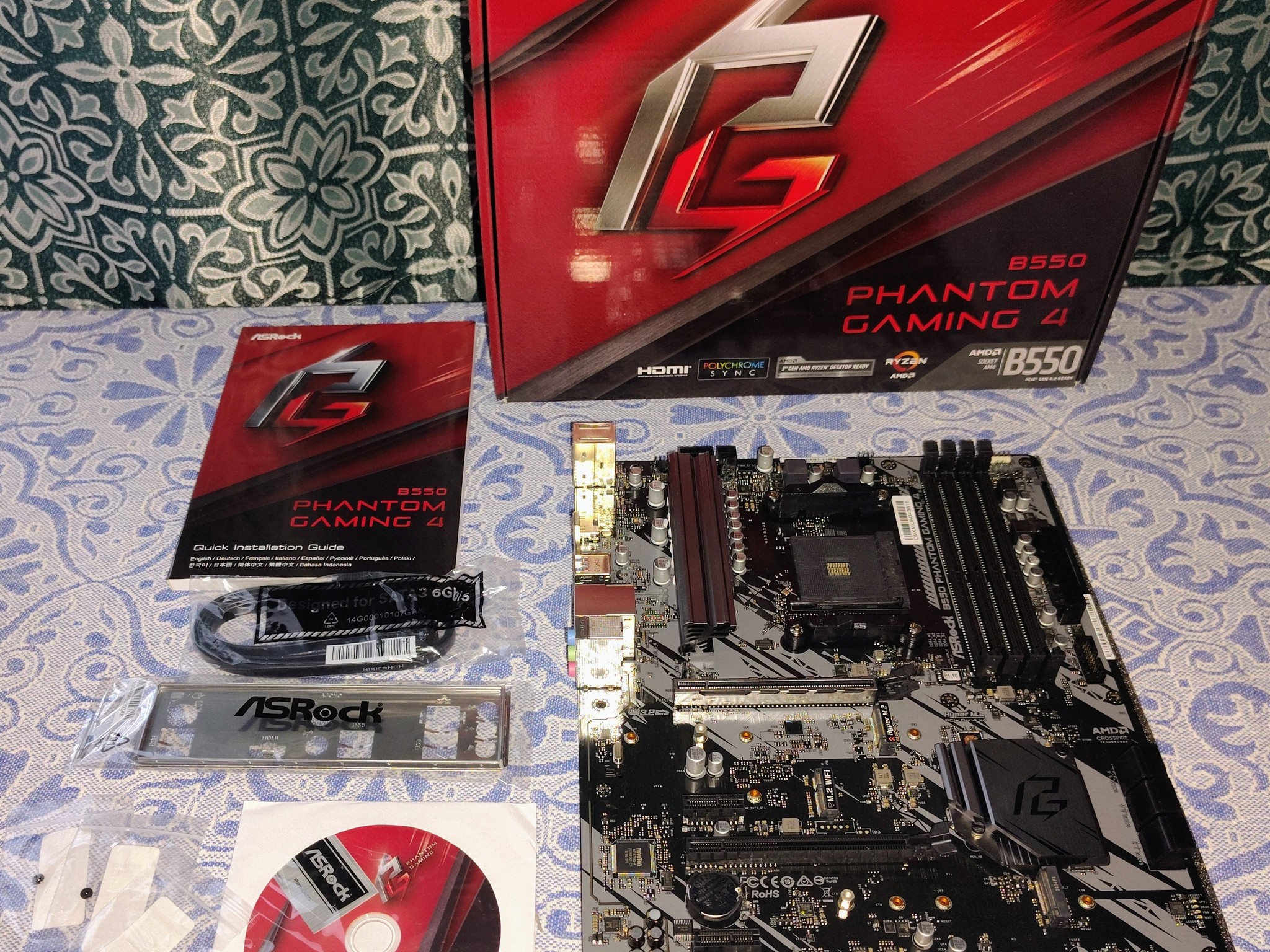
- ASRock B550 Phantom Gaming 4 Motherboard. (NEW)
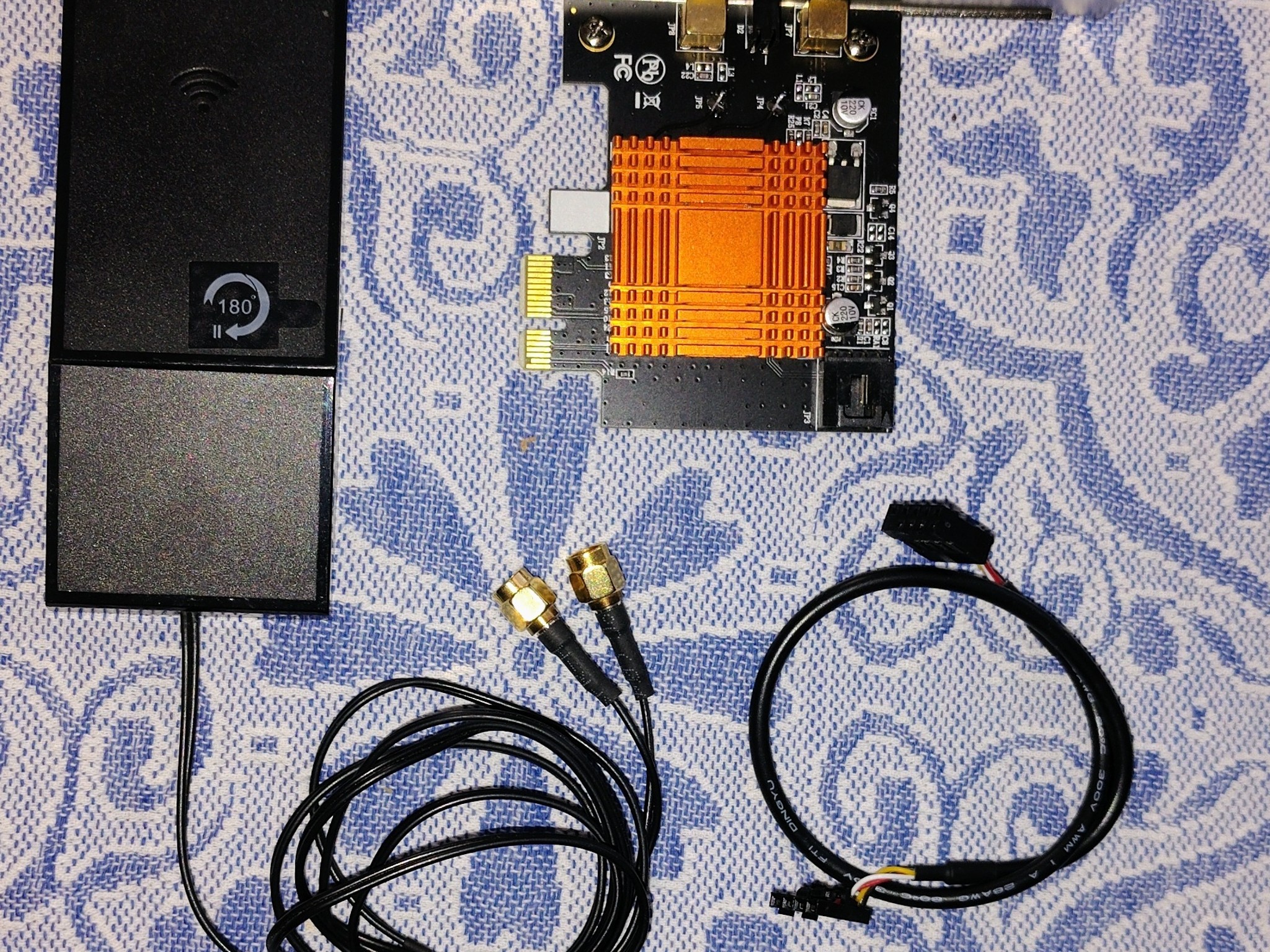
- Fenvi PCIe WiFi Bluetooth Combo Card. (Used)
- a 2032 CMOS battery. (NEW)
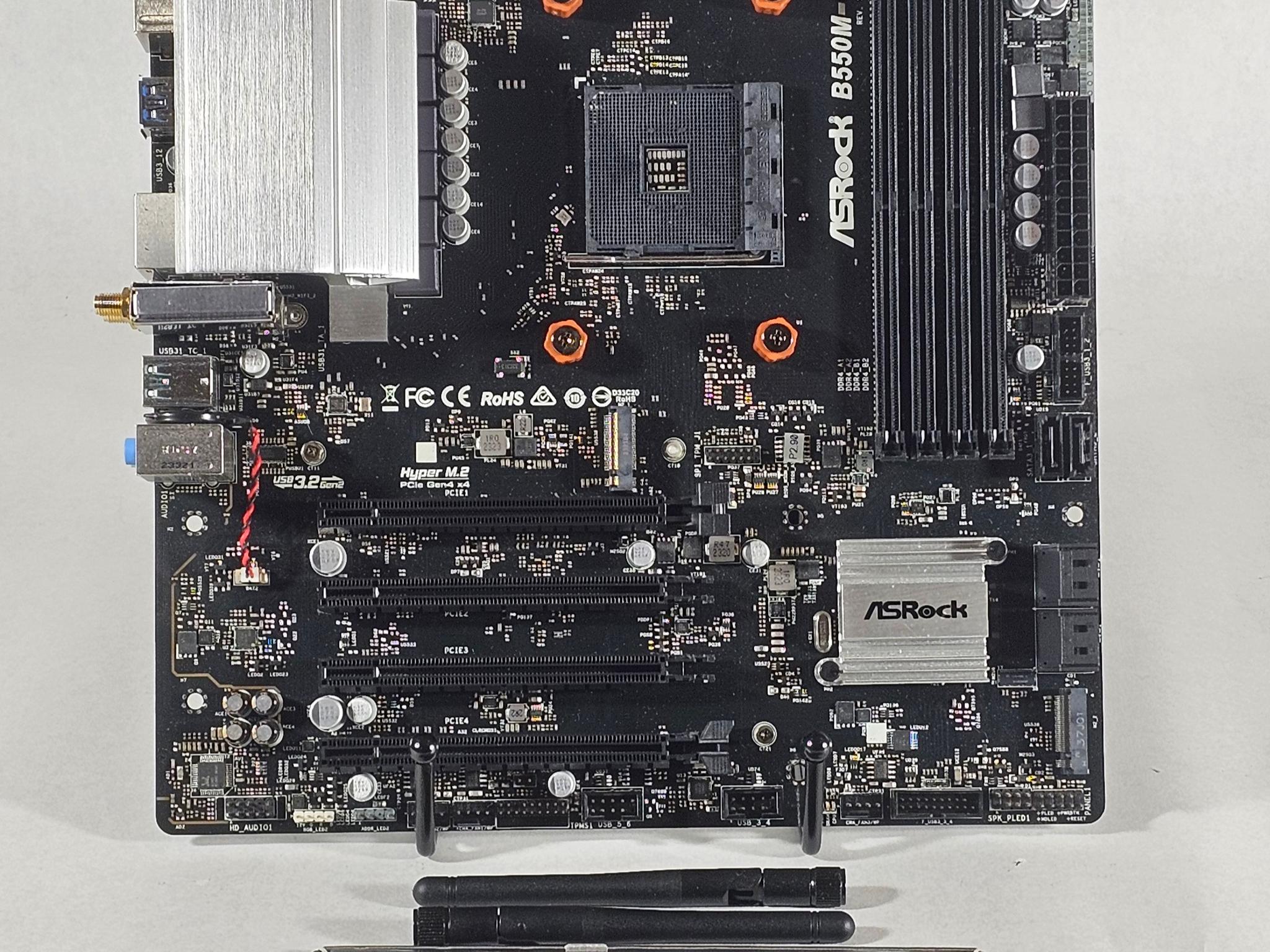
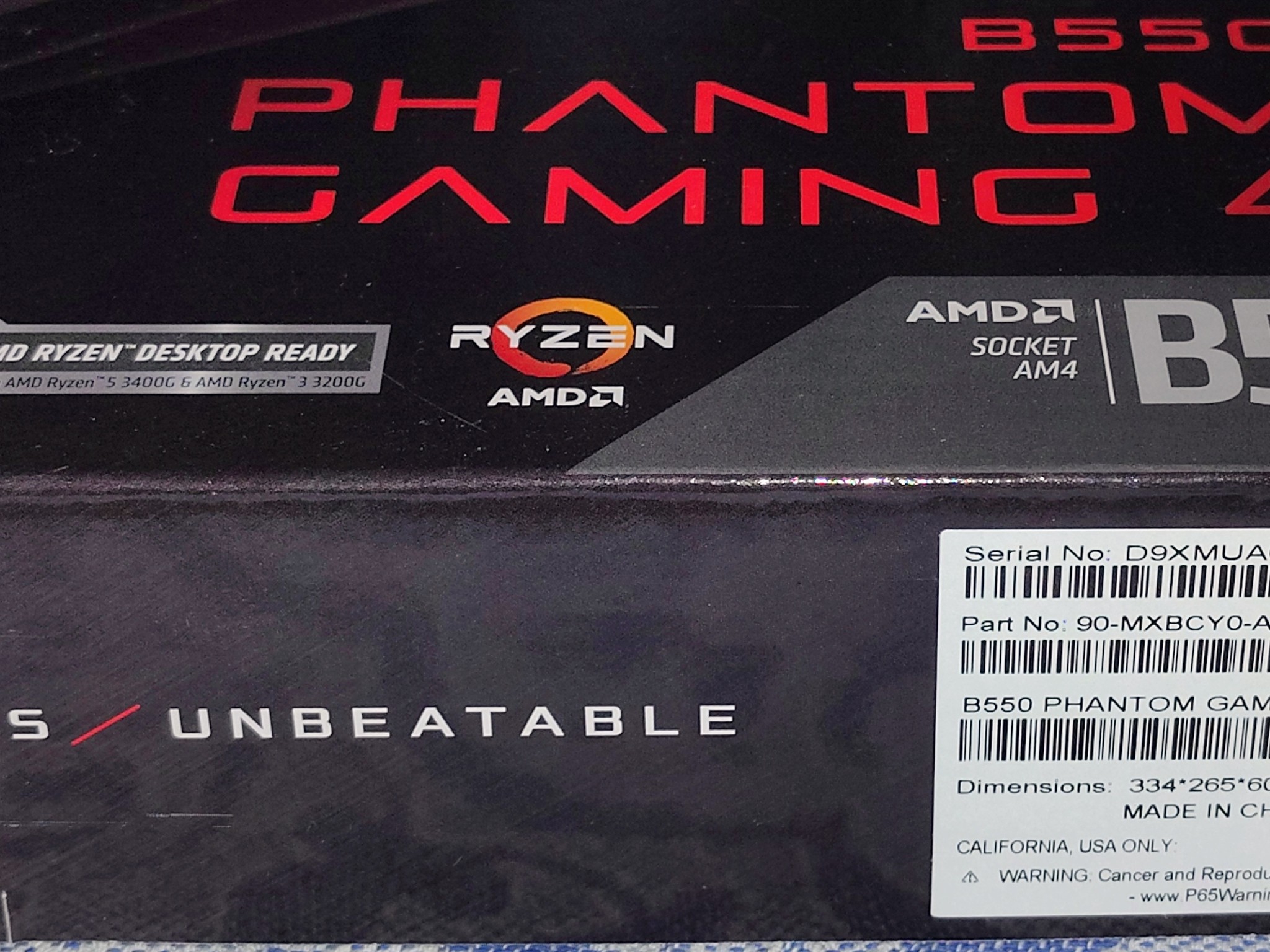
Clearing out some unused tech I bought off NewEgg. This ASRock B550 Phantom Gaming 4 Motherboard is "New Old Stock" for a project that never materialized and therefore never used. This has sat on a shelf since bought in a smoke free home in an air conditioned space.
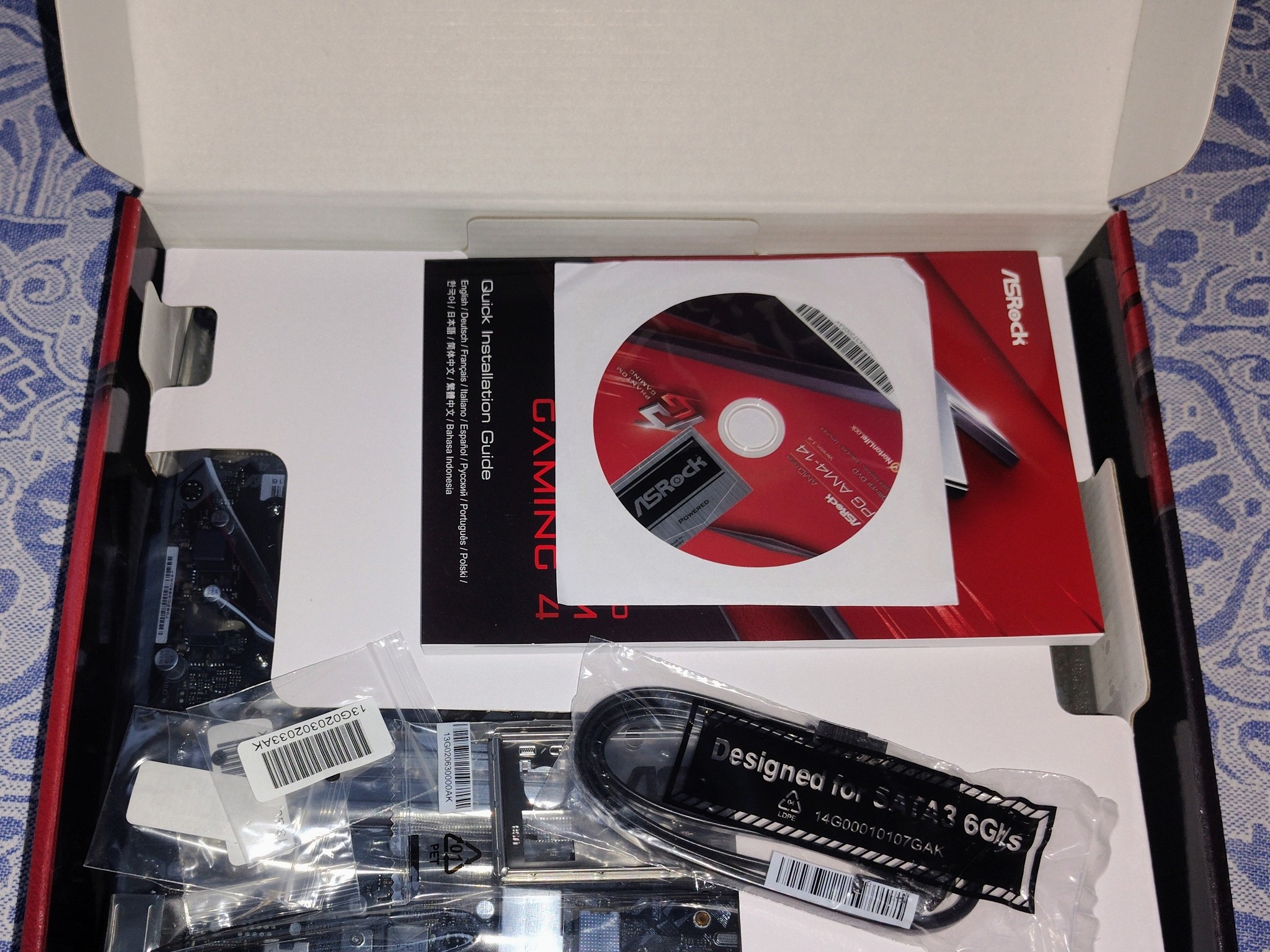
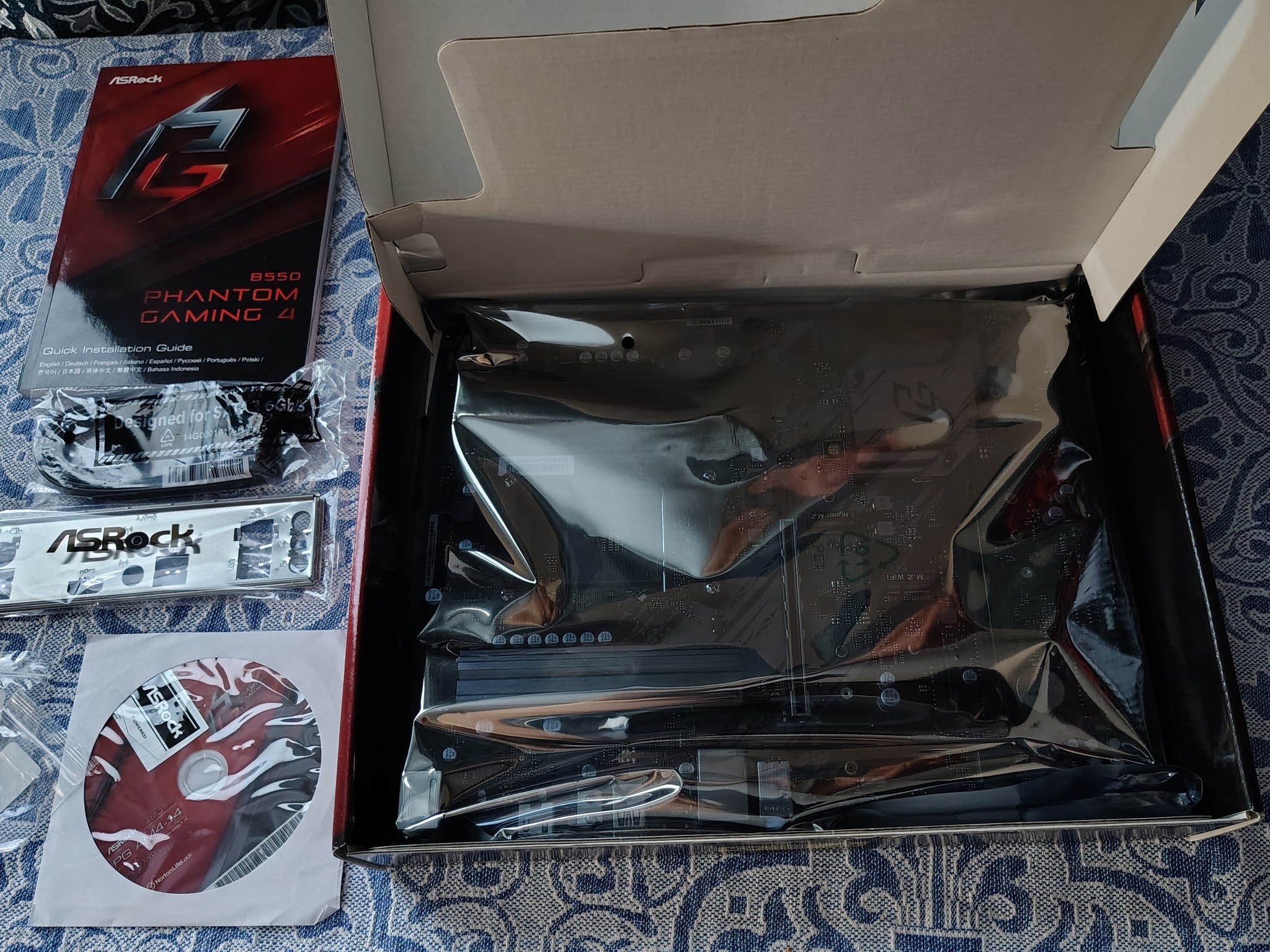
Asrock didnt seal their motherboard boxes back then, so it was opened only to verify contents. Everything is there.
Motherboard Setup Guide Original install CD with Case Badge sticker Bag of SATA Cables NVME screws PC case shield
Things to note:
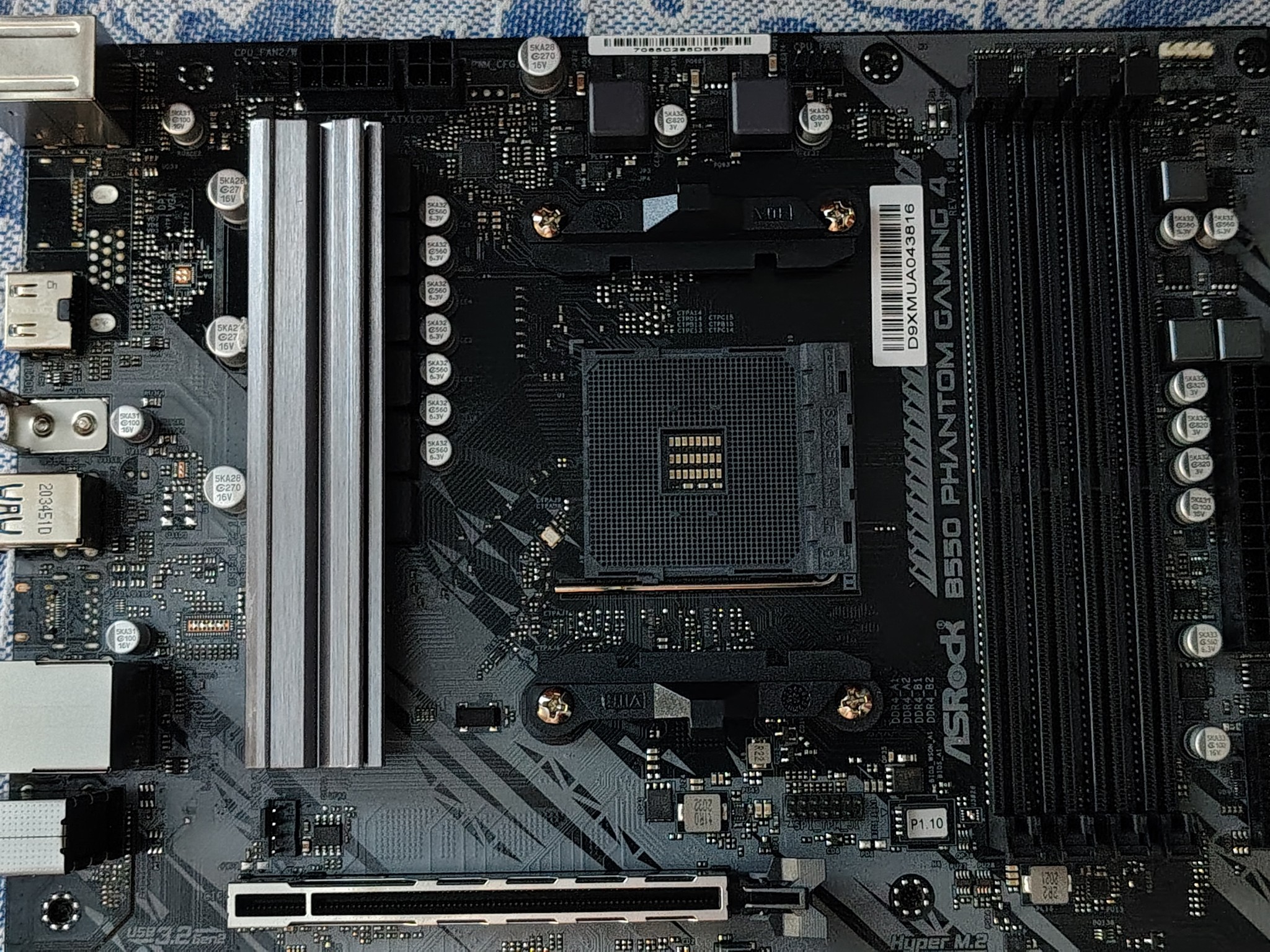
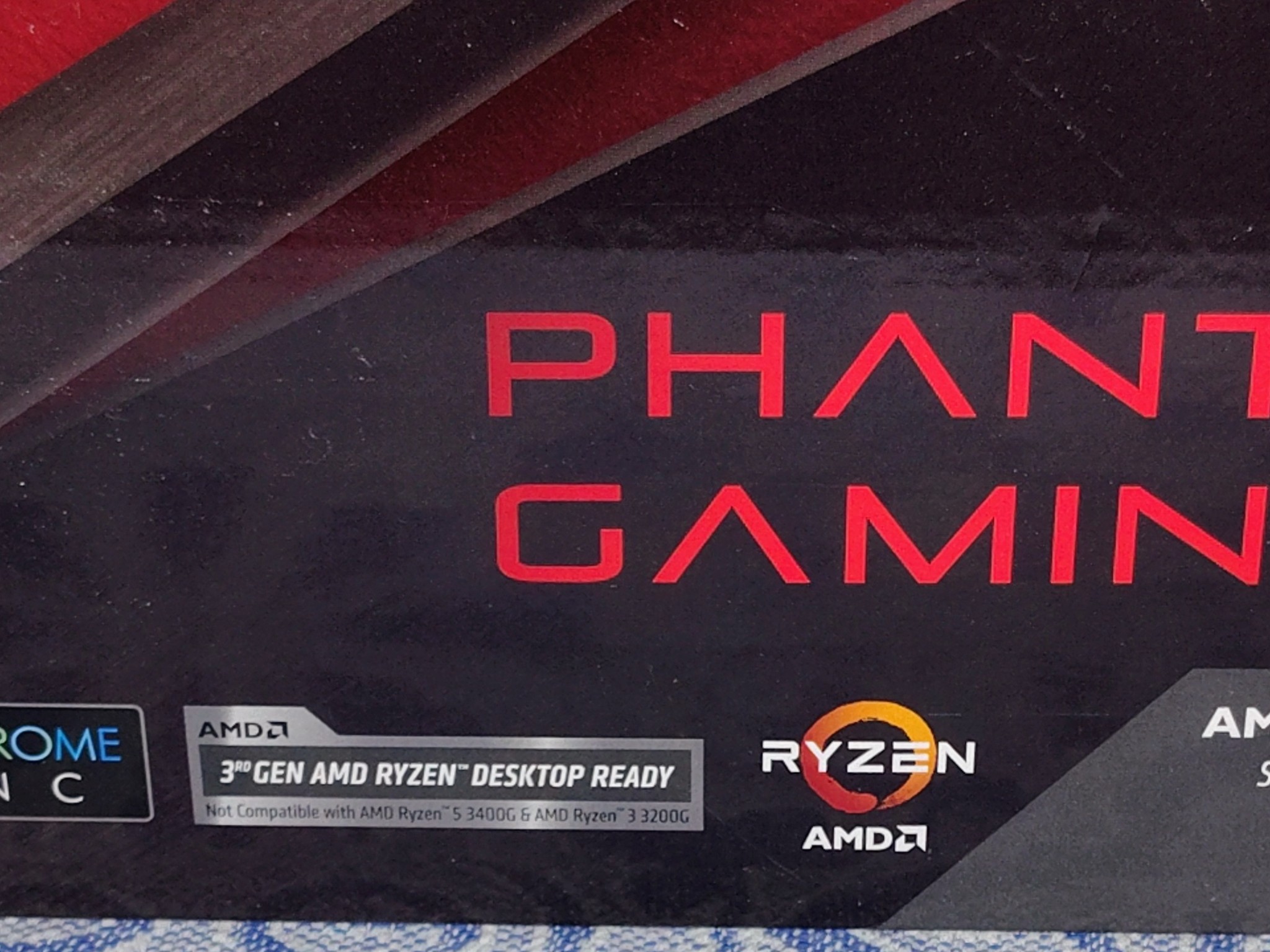
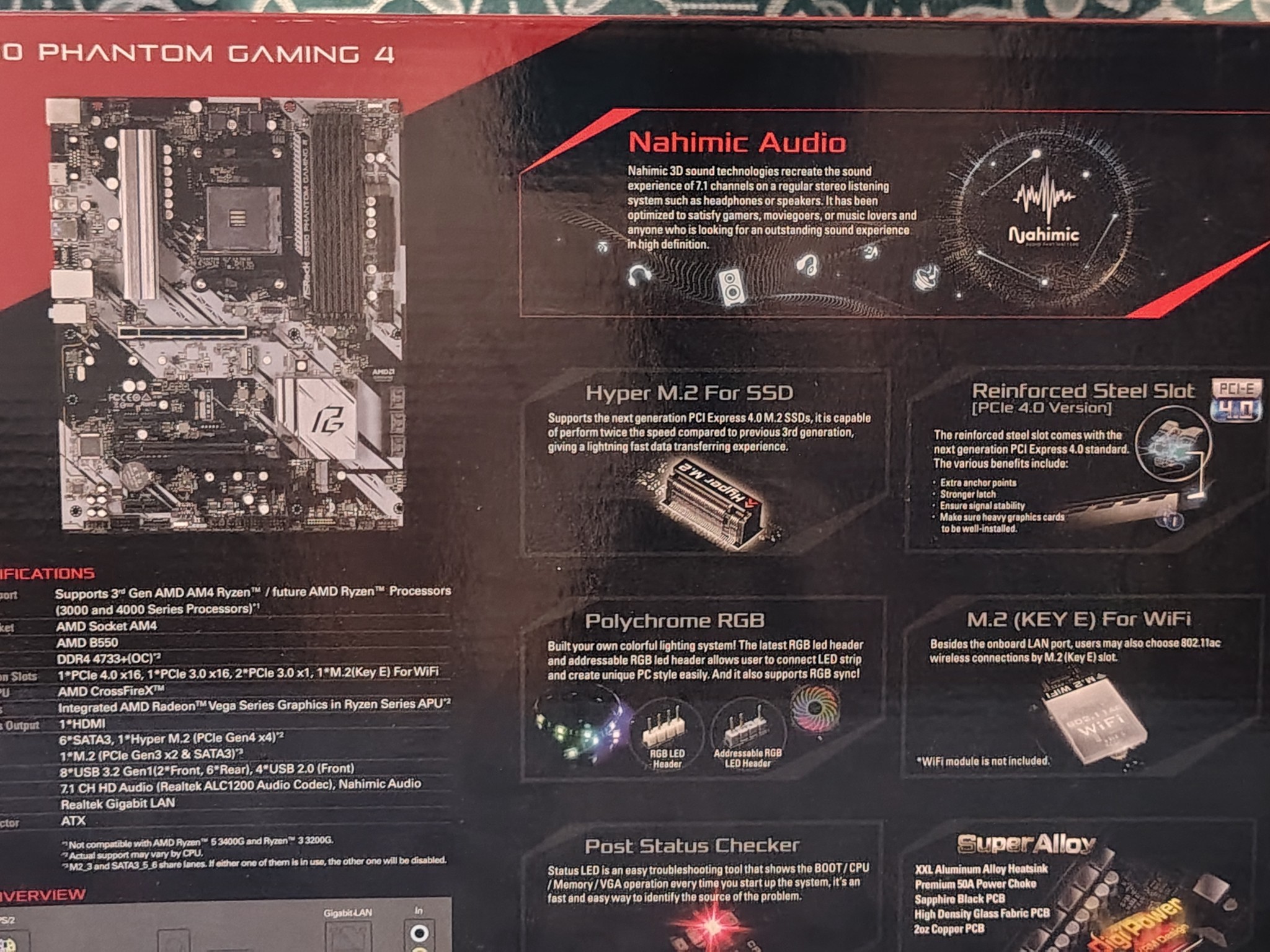
This motherboard has the "Ryzen 3000 series compatible" sticker on it, but also says doesn't support the 3200G or 3400G. The BIOS sticker on the board indicates version 1.10 is whats factory installed. Asrock officially added support for the 3000 "G" series in BIOS version 2.0. Do some research and decide if that's true. Just to be forewarned, newer 5000 series and 3000 "G" series Ryzen may not boot at all until the BIOS is updated using an older Ryzen.
See the full specs as the Asrock/Phantom Gaming website. Just Google "ASRock B550 Phantom Gaming 4 Motherboard".
As a courtesy:
+I'm including a new 2032 CMOS battery "Just in case" the orginal one doesn't have enough power left. From my experience, this often overlooked item solves booting issues.
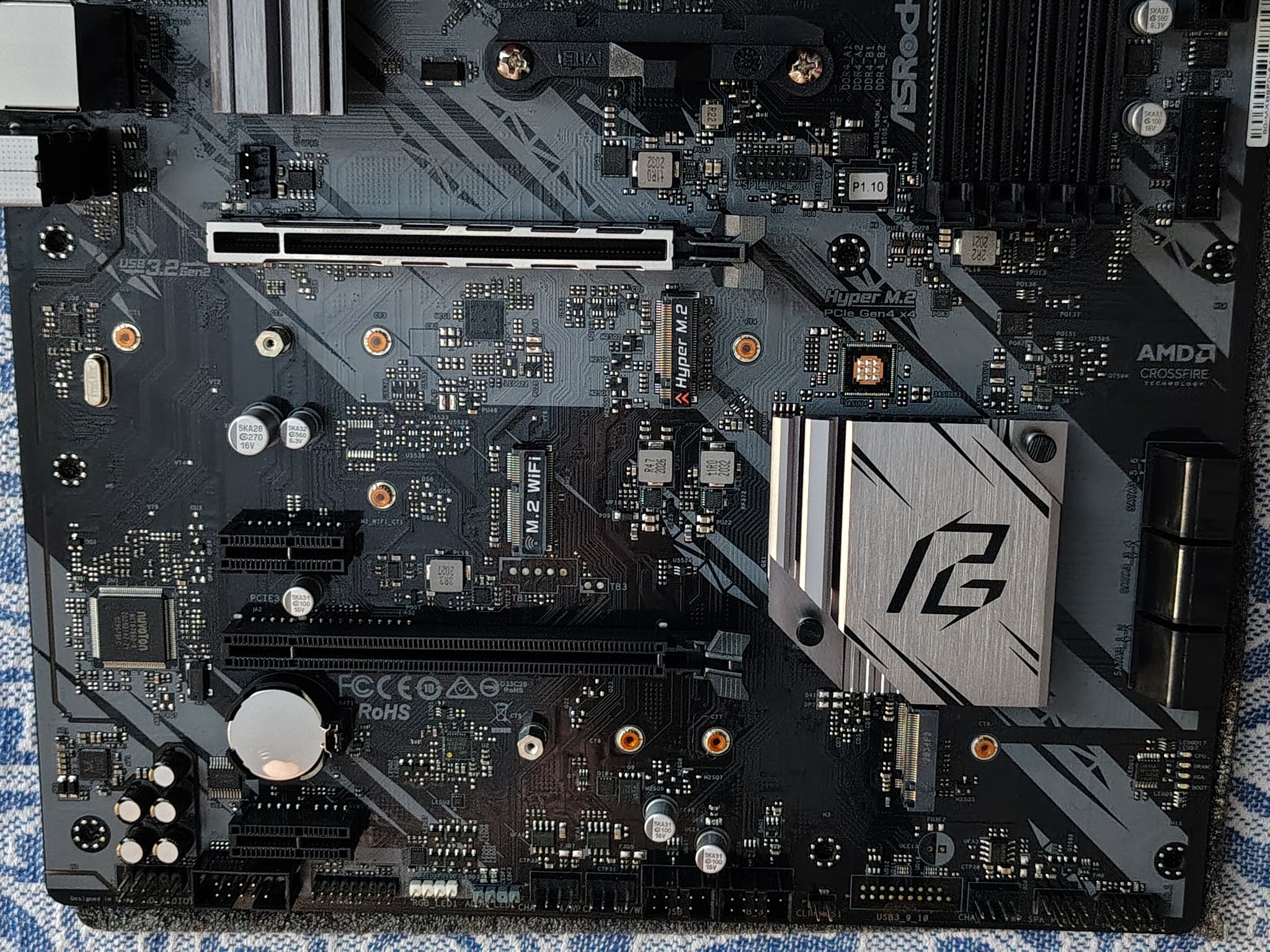
++I'm also including a PCIe WiFi Bluetooth Combo Card as the Asrock Motherboard does not have these on-board (only a vacant expansion slot on PCB). This WiFi/BT unit is used and in working condition with decent transfer speeds. Made by Fenvi, these are Intel based and I have used these with Windows 10 and 11. Bluetooth from the card requires a hardwired connection to a USB2.0 header on the motherboard with provided cable to function properly.
IF you dont have a LAN (wired) connection: I would suggest having the WiFi/BT drivers downloaded on a thumb drive BEFORE you start fresh install of Windows. Sometimes Windows doesn't always correctly identify this card automatically.
-
Fenvi has Win10 drivers on their website under: Support > Drivers > type "8802" in search (its model number).
-
Intel has Win10/Win11 drivers on their website. You can Google "Intel Dual Band Wireless-AC 8260 driver" (or 8265). Bluetooth driver is also listed there.
You may have to uninstall whatever Windows installed by default, then install one of the above mentioned drivers, then reboot.
If you have any questions or problems, please let me know.
- BrandASRock
- Form FactorATX
- CPU BrandAMD
- CPU SocketAM4
Shipping & Returns
ASRock B550 Phantom Gaming 4 Motherboard + WiFi/Bluetooth card AM4 ATX


Overview & Specs
This listing Includes:
- ASRock B550 Phantom Gaming 4 Motherboard. (NEW)
- Fenvi PCIe WiFi Bluetooth Combo Card. (Used)
- a 2032 CMOS battery. (NEW)
Clearing out some unused tech I bought off NewEgg. This ASRock B550 Phantom Gaming 4 Motherboard is "New Old Stock" for a project that never materialized and therefore never used. This has sat on a shelf since bought in a smoke free home in an air conditioned space.
Asrock didnt seal their motherboard boxes back then, so it was opened only to verify contents. Everything is there.
Motherboard Setup Guide Original install CD with Case Badge sticker Bag of SATA Cables NVME screws PC case shield
Things to note:
This motherboard has the "Ryzen 3000 series compatible" sticker on it, but also says doesn't support the 3200G or 3400G. The BIOS sticker on the board indicates version 1.10 is whats factory installed. Asrock officially added support for the 3000 "G" series in BIOS version 2.0. Do some research and decide if that's true. Just to be forewarned, newer 5000 series and 3000 "G" series Ryzen may not boot at all until the BIOS is updated using an older Ryzen.
See the full specs as the Asrock/Phantom Gaming website. Just Google "ASRock B550 Phantom Gaming 4 Motherboard".
As a courtesy:
+I'm including a new 2032 CMOS battery "Just in case" the orginal one doesn't have enough power left. From my experience, this often overlooked item solves booting issues.
++I'm also including a PCIe WiFi Bluetooth Combo Card as the Asrock Motherboard does not have these on-board (only a vacant expansion slot on PCB). This WiFi/BT unit is used and in working condition with decent transfer speeds. Made by Fenvi, these are Intel based and I have used these with Windows 10 and 11. Bluetooth from the card requires a hardwired connection to a USB2.0 header on the motherboard with provided cable to function properly.
IF you dont have a LAN (wired) connection: I would suggest having the WiFi/BT drivers downloaded on a thumb drive BEFORE you start fresh install of Windows. Sometimes Windows doesn't always correctly identify this card automatically.
-
Fenvi has Win10 drivers on their website under: Support > Drivers > type "8802" in search (its model number).
-
Intel has Win10/Win11 drivers on their website. You can Google "Intel Dual Band Wireless-AC 8260 driver" (or 8265). Bluetooth driver is also listed there.
You may have to uninstall whatever Windows installed by default, then install one of the above mentioned drivers, then reboot.
If you have any questions or problems, please let me know.
- BrandASRock
- Form FactorATX
- CPU BrandAMD
- CPU SocketAM4