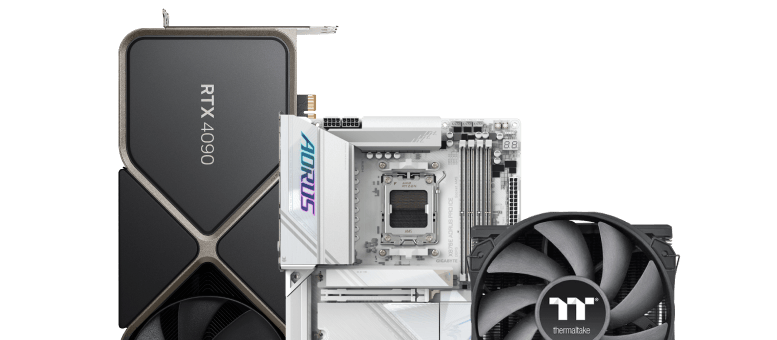
am4 motherboard chipset
Install a CPU by lifting the motherboard socket lever, aligning the golden triangle on the corner of the CPU with the corresponding mark on the socket, and gently lowering it into place without force. Secure it by lowering the retention arm, which may cause the protective plastic cover to pop off automatically. YouTube YouTube +4 Detailed Steps: Preparation: Place the motherboard on a non-conductive surface (like its box) and lift the socket lever. Alignment: Locate the small triangle on the CPU and align it with the matching triangle on the motherboard socket. Placement: Carefully lower the CPU straight down into the socket, ensuring it sits flush. Locking: Lower the metal retention arm/lever and lock it under its hook to secure the CPU. Finalizing: Install your CPU cooler, ensuring thermal paste is applied.
- BrandAMD
- SeriesRyzen 5
- ModelRyzen 5 3500
- SocketAM4
- Core count6 cores
AMD Ryzen 5 3500
am4 motherboard chipset
Install a CPU by lifting the motherboard socket lever, aligning the golden triangle on the corner of the CPU with the corresponding mark on the socket, and gently lowering it into place without force. Secure it by lowering the retention arm, which may cause the protective plastic cover to pop off automatically. YouTube YouTube +4 Detailed Steps: Preparation: Place the motherboard on a non-conductive surface (like its box) and lift the socket lever. Alignment: Locate the small triangle on the CPU and align it with the matching triangle on the motherboard socket. Placement: Carefully lower the CPU straight down into the socket, ensuring it sits flush. Locking: Lower the metal retention arm/lever and lock it under its hook to secure the CPU. Finalizing: Install your CPU cooler, ensuring thermal paste is applied.
- BrandAMD
- SeriesRyzen 5
- ModelRyzen 5 3500
- SocketAM4
- Core count6 cores